We may earn a commission if you buy through links on this page. It never changes a score or a ranking. How we make money
A small team may not need an app builder at all: a shared spreadsheet or form can be enough until you need custom workflows, portals, or a mobile app. If you do need one, start with AppSheet or Baserow for a low-cost way to build around data; consider Kintone for spreadsheet-to-workflow projects. Free plans can help you get started, but they don’t always cover publishing, extra seats, or heavier use. Before choosing, ask what your actual team will pay: several vendors list a starting price without making the cost for a few users clear.
Quick picksThe shortlist
 AppSheetAppSheetBest for spreadsheet workflows · $5/mo
 BaserowBaserowBest free database app · $10/mo
 kintonekintoneBest for five-person teams · $16/mo
 MochaMochaBest prompt-to-app start · $19/mo
 CreateCreateBest for app prototypes · $19/mo
 FlootFlootBest all-in-one prototype · $20.83/mo
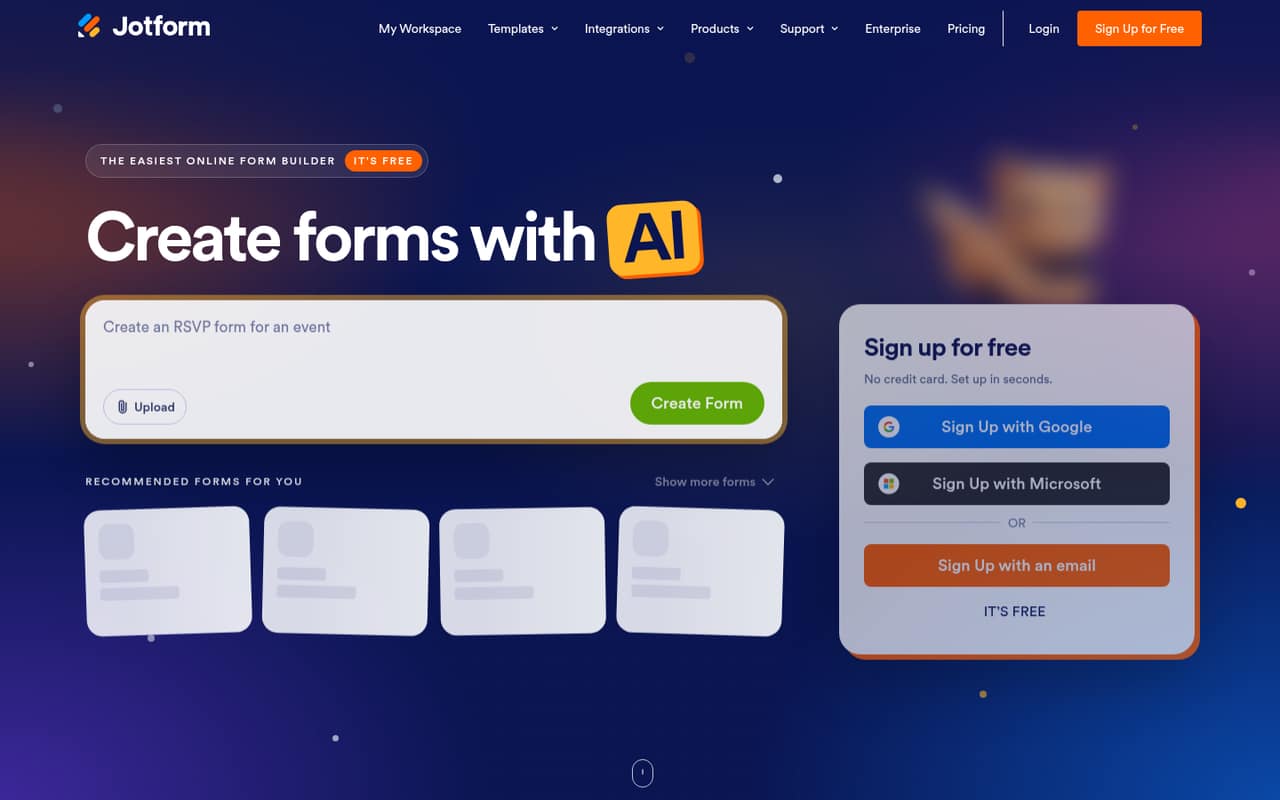
 Jotform AppsJotform AppsBest for submission apps · $34/mo
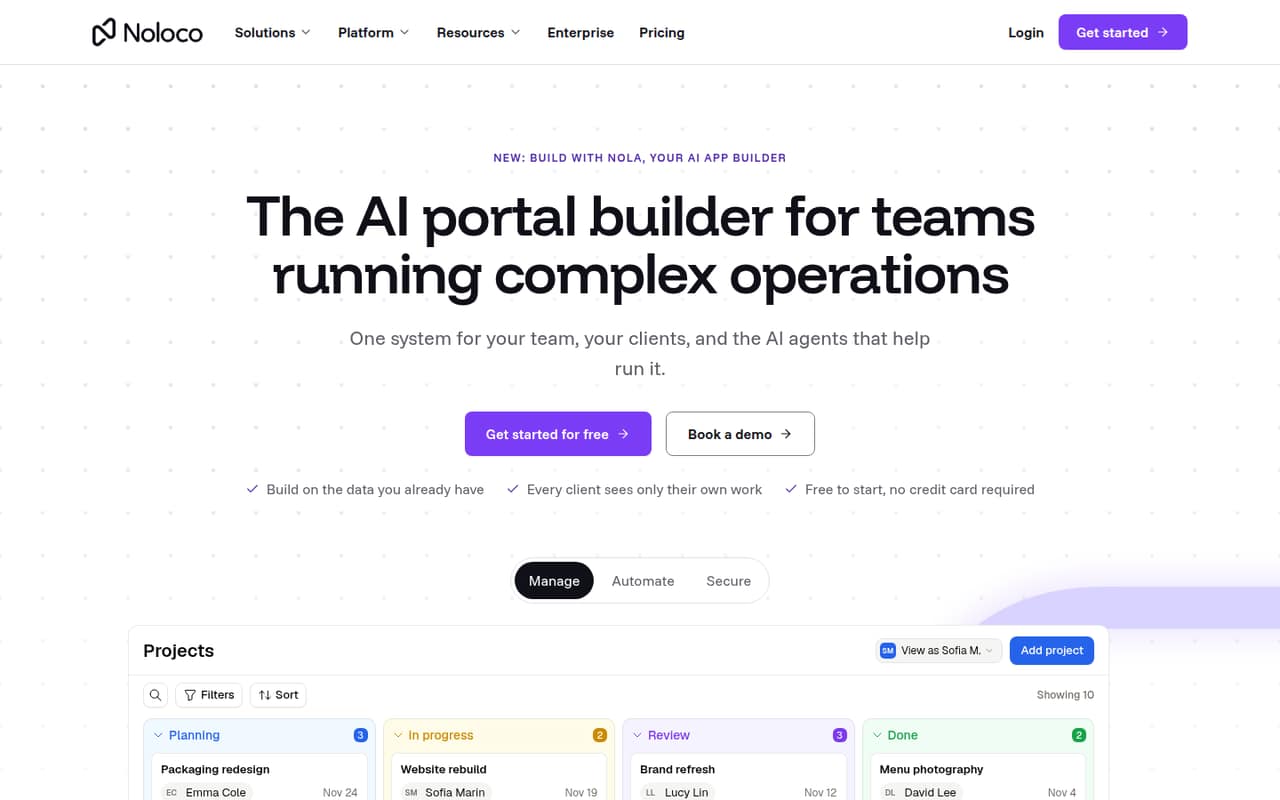
 NolocoNolocoBest for client portals · $65/mo
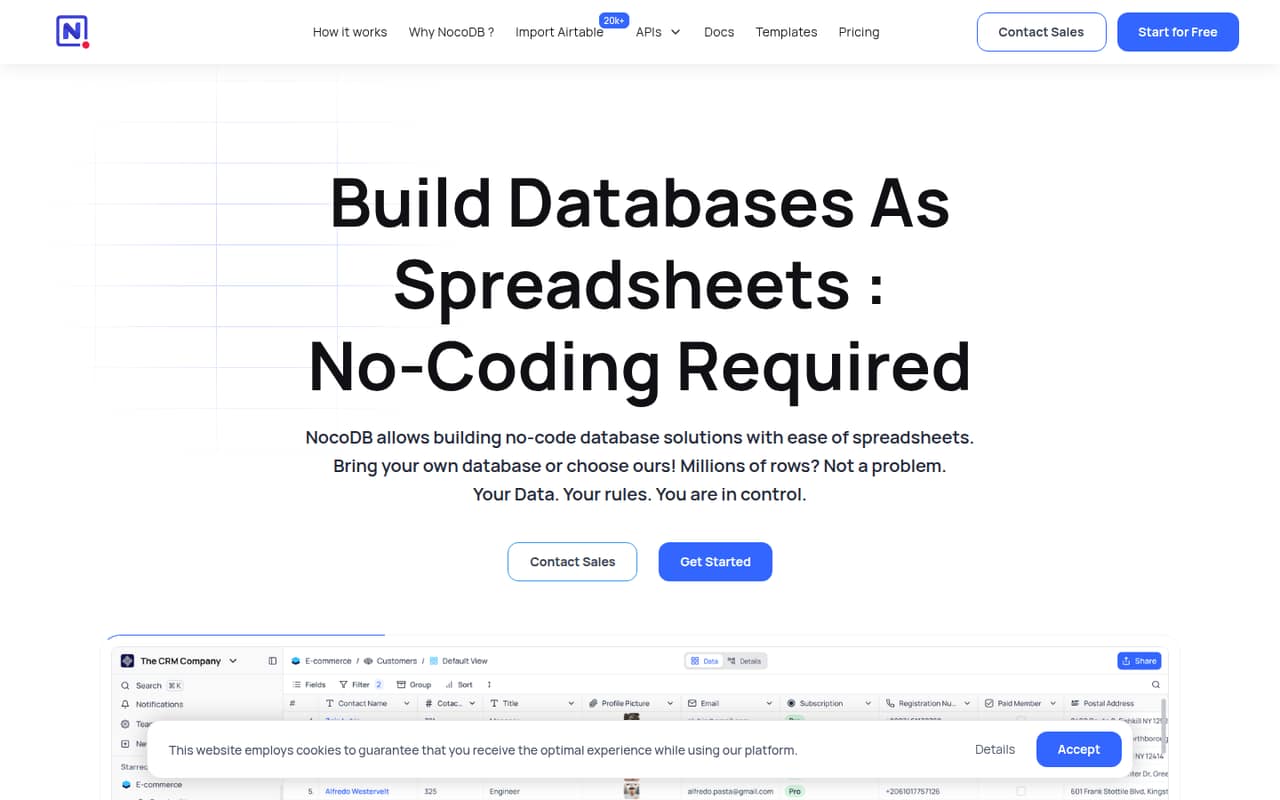
 NocoDBNocoDBBest for shared data views · $12/mo
 StackerStackerBest for customer portals · $29/mo
 GoodBarberGoodBarberBest for native business apps · $30/mo
 MarblismMarblismBest for AI task helpers · $24/mo
 ThunkableThunkableBest for mobile prototypes · $18/mo
 AdaloAdaloBest for simple first apps · $52/mo
 Rocket.newRocket.newBest for MVP exploration · $20/mo
 WeWebWeWebBest for custom web apps · $13/mo
 QuickbaseQuickbaseBest for operations workflows · $35/mo
 KnackKnackBest for connected records · $49/mo
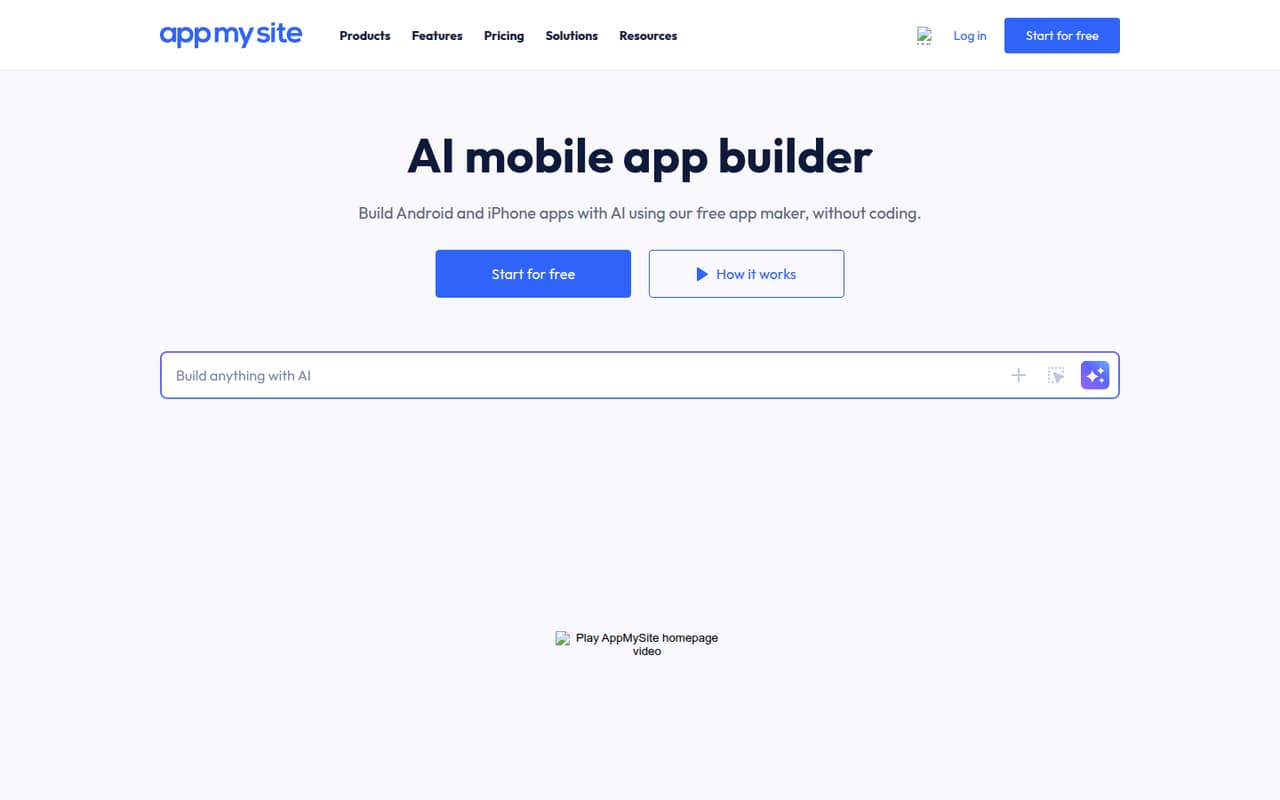
 AppMySiteAppMySiteBest for website extensions · $49/mo
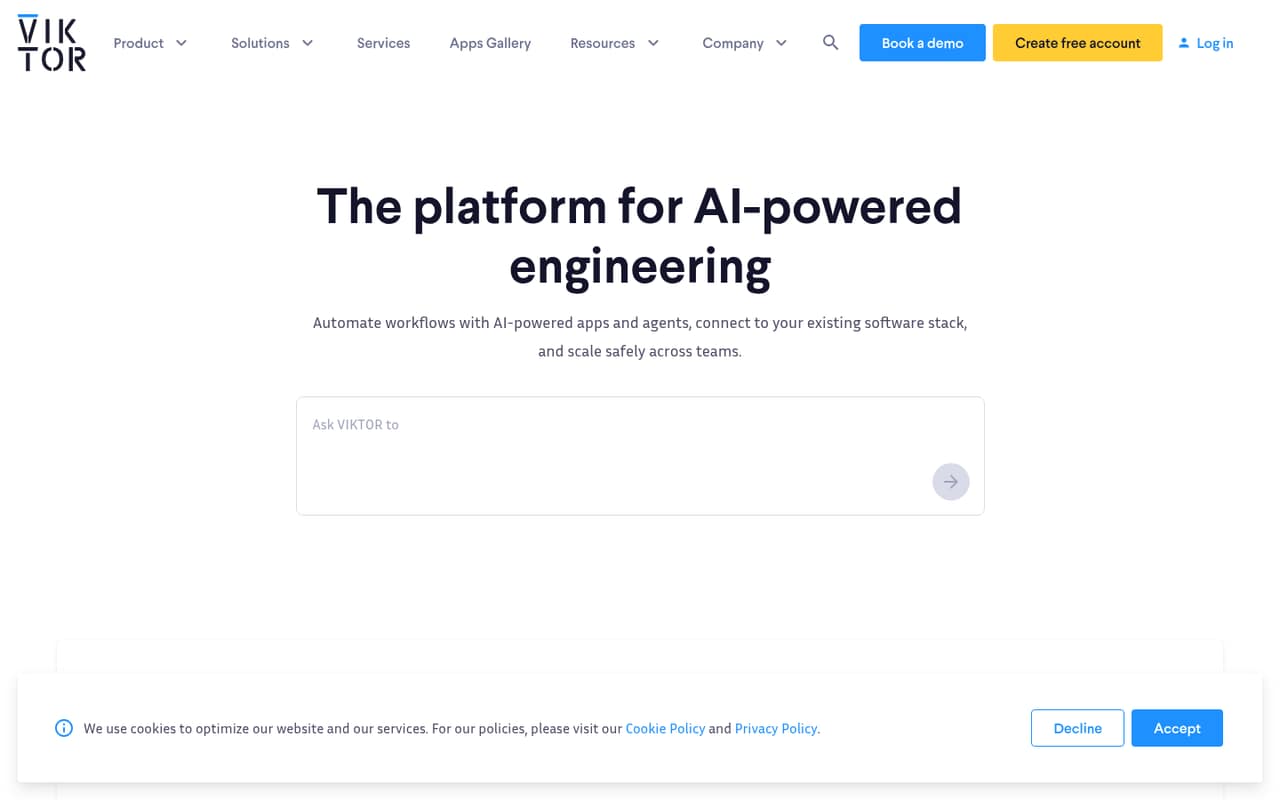
 VIKTORVIKTORBest for engineering workflows · Free
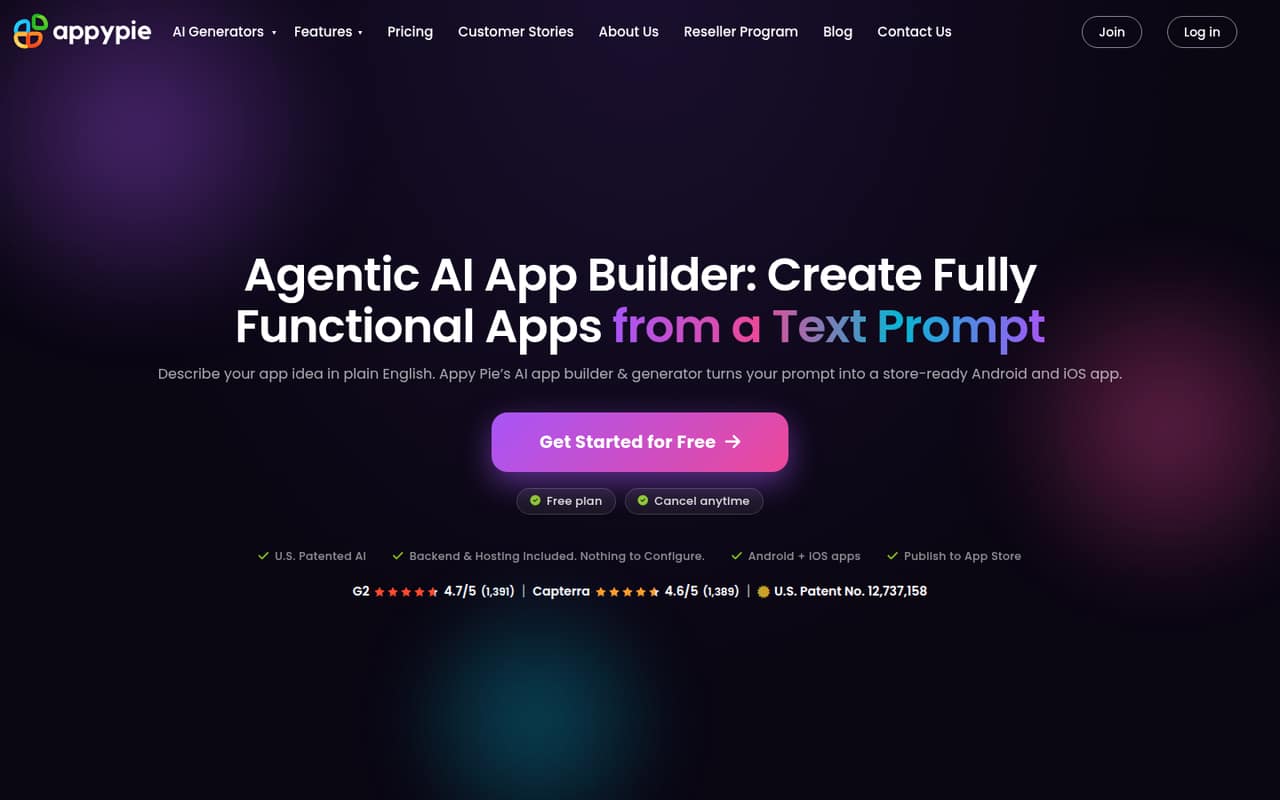
 Appy PieAppy PieBest for budget Android apps · $16/mo
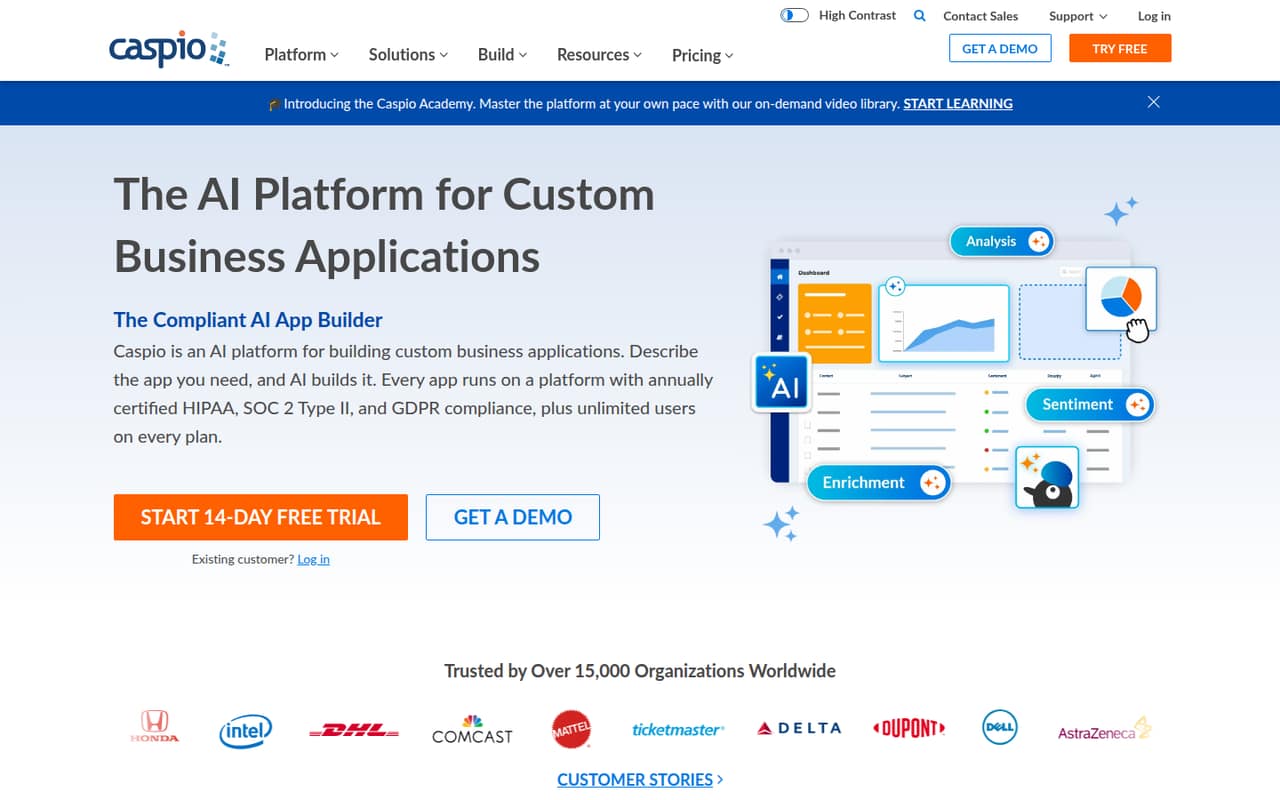
 CaspioCaspioBest for database apps · $270/mo
 BudibaseBudibaseBest for self-hosted apps · $299/mo
 SuperblocksSuperblocksBest for governed internal apps · $100/mo
 KissflowKissflowBest for broad process programs · $2,500/mo
 UnqorkUnqorkBest for enterprise app programs · Custom
01Compared at a glance
| Tool | Score | From | Free plan | Trial |
|---|---|---|---|---|
| AppSheetAppSheet | 7.1 | $5/mo | Yes | — |
| BaserowBaserow | 7.3 | $10/mo | Yes | — |
| kintonekintone | 7.0 | $16/mo | No | 30 days |
| MochaMocha | 7.1 | $19/mo | Yes | — |
| CreateCreate | 7.0 | $19/mo | Yes | — |
| FlootFloot | 6.8 | $20.83/mo | Yes | — |
| Jotform AppsJotform Apps | 6.8 | $34/mo | Yes | — |
| NolocoNoloco | 7.2 | $65/mo | Yes | 14 days |
| NocoDBNocoDB | 6.8 | $12/mo | Yes | — |
| StackerStacker | 6.8 | $29/mo | No | 30 days |
| GoodBarberGoodBarber | 7.0 | $30/mo | No | 30 days |
| MarblismMarblism | 7.0 | $24/mo | No | — |
| ThunkableThunkable | 6.6 | $18/mo | Yes | — |
| AdaloAdalo | 6.8 | $52/mo | Yes | — |
| Rocket.newRocket.new | 6.8 | $20/mo | Yes | — |
| WeWebWeWeb | 6.5 | $13/mo | Yes | — |
| QuickbaseQuickbase | 6.3 | $35/mo | No | 30 days |
| KnackKnack | 6.3 | $49/mo | No | — |
| AppMySiteAppMySite | 6.3 | $49/mo | Yes | — |
| VIKTORVIKTOR | 6.4 | Free | Yes | — |
| Appy PieAppy Pie | 5.2 | $16/mo | No | 7 days |
| CaspioCaspio | 6.8 | $270/mo | No | — |
| BudibaseBudibase | 7.2 | $299/mo | Yes | 14 days |
| SuperblocksSuperblocks | 6.0 | $100/mo | No | 14 days |
| KissflowKissflow | 5.0 | $2,500/mo | No | — |
| UnqorkUnqork | 4.5 | Custom | No | — |
02The picks, in detail
- Best for spreadsheet workflowsAppSheetAppSheet
AppSheet is a sensible first stop for a team that already works in spreadsheets and wants custom data capture or routine workflow automation. The listing shows a free plan and a $5 starting price, but it also warns that you need to budget for every user. Allow time to configure the app around your data; confirm the team total before building a process around it.
What works
- Build apps without writing code
- Supports forms, signatures, photos, and barcodes
- Includes workflow automation tools
What doesn't
- Learning curve can be steep
- Starter and Core cap databases at 2,500 rows each
- Per-user costs rise with team size

- Best free database appBaserowBaserow
Baserow pairs a useful free plan with a $10 starting price, making it appealing for teams replacing scattered spreadsheets or building internal apps. The listing also flags rising per-seat costs, so a low entry price may not stay low as your team grows. It is worth comparing the cost for your actual seats and checking whether self-hosting fits your team’s skills.
What works
- Free plan includes 3,000 rows per workspace
- Grid, form, and gallery views on Free
- Premium adds all views and AI features
What doesn't
- Premium and Advanced charge per user
- Free plan is limited to 3,000 rows per workspace
- Free includes only three listed view types

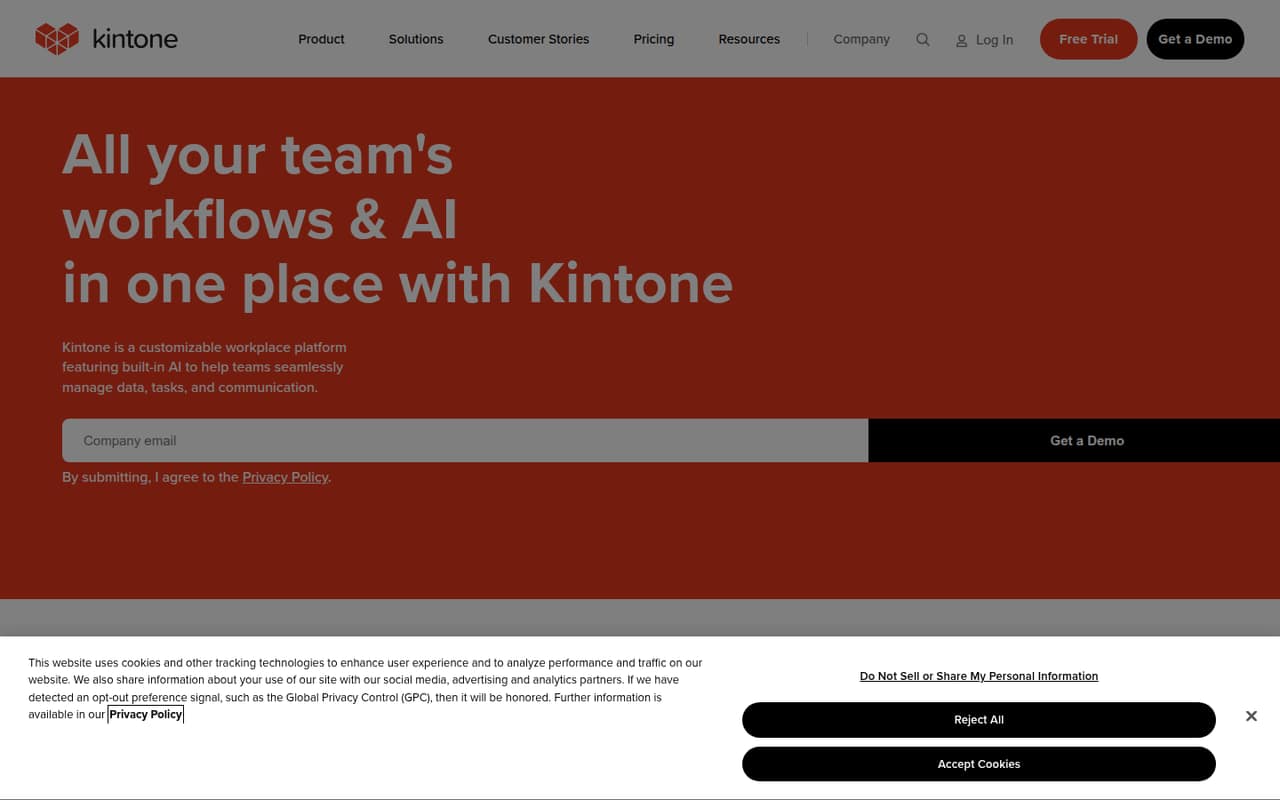
- Best for five-person teamskintonekintone
Kintone suits teams replacing spreadsheets with custom workflows, approval steps, and shared data and discussions. Its listed starting price is $16, but the five-seat minimum matters if your team has fewer than five users or is counting every subscription dollar. It could be a practical fit for a five-person group; ask the vendor to confirm how the minimum affects your bill.
What works
- Drag-and-drop tools for building business apps
- Can convert spreadsheets into collaborative databases
- Approvals, reminders and task handoffs
What doesn't
- No free plan
- Paid plans start at five users
- Professional costs $80 monthly at the minimum
- Best prompt-to-app startMochaMocha
Mocha is a promising starting point for teams prototyping a web app or building a branded app from prompts. The listing shows a free plan and a $19 starting price, but says to confirm seat pricing before budgeting for a team. Expect to spend time refining prompts and checking whether the result fits your needs before you rely on it for business work.
What works
- Generates full-stack app code from prompts
- Includes authentication and user management
- Managed SQLite separates development and production data
What doesn't
- Free plan publishes just one app
- Free apps include watermarks
- Free plan has no custom domains
- Best for app prototypesCreateCreate
Create targets founders and small teams building full-stack apps from prompts, including internal tools. Its listing shows a free plan and a $19 starting price, with annual billing and credit needs worth checking before you commit. For a team of a few people, ask how builder seats are priced and how much credit your expected app-building work requires.
What works
- Builds web and mobile apps from prompts
- Includes databases, serverless functions, and file storage
- Supports authentication and payment integrations
What doesn't
- Free-plan limits and inclusions aren’t stated
- Monthly billing rates aren’t published
- Team pricing is custom

- Best all-in-one prototypeFlootFloot
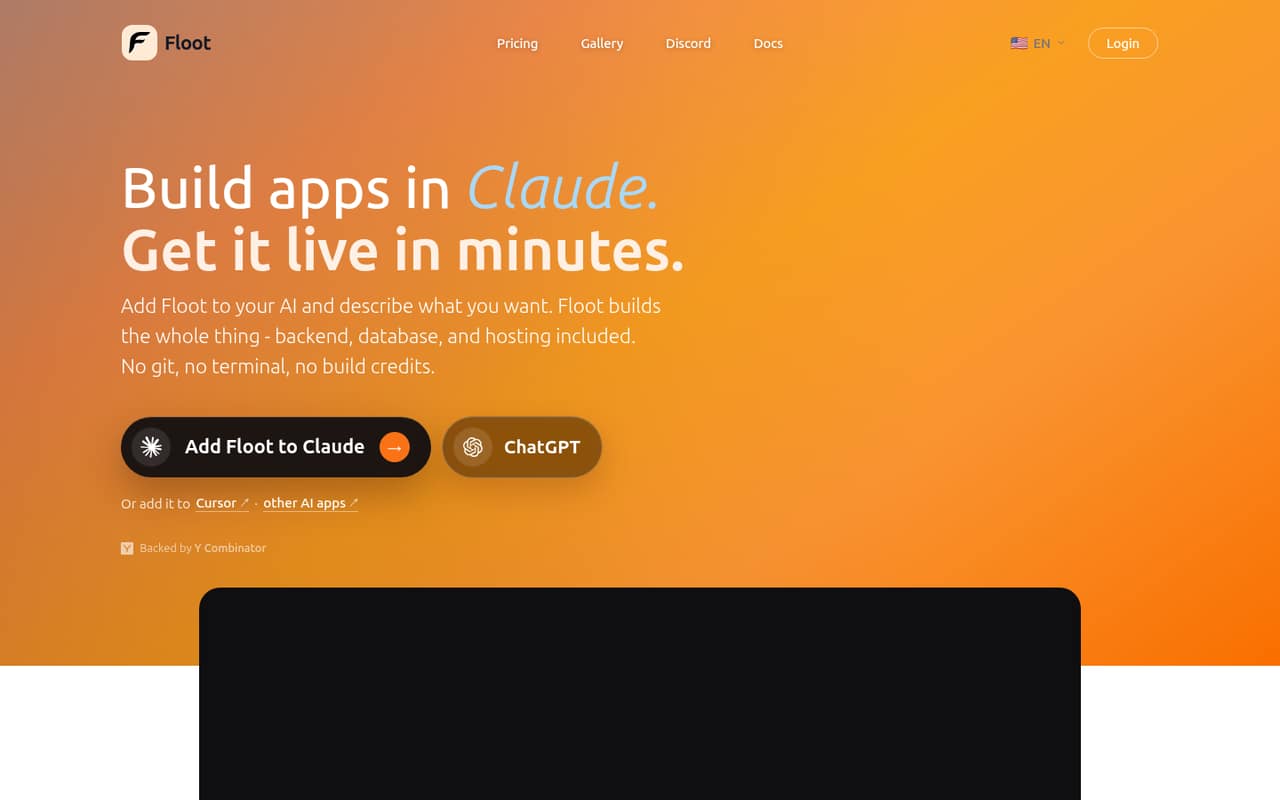
Floot bundles app building, a backend, a database, and hosting, which may suit a nontechnical founder who wants to prototype a web app in one place. The listing shows a free plan and says Pro costs $25 per builder monthly; the displayed starting figure is $20.83. Compare the plan terms and builder-seat total, then check whether the free tier covers your prototype.
What works
- Build apps through supported AI chat tools
- Backend and database are included
- Publish to web and mobile
What doesn't
- Free plan has no hosting or AI credits
- Pro costs $25 monthly per plan
- Team and seat pricing isn't published
- Best for submission appsJotform AppsJotform Apps
Jotform Apps is a good candidate when the app mainly collects customer submissions, payments, or workflow forms. The listing shows a free tier and a $34 starting price, but notes that listed paid plans cover one user each. That can make the team cost higher than the headline price suggests. Check whether the free plan is enough for your use and price every paid seat.
What works
- Free Starter plan includes one user
- Conditional logic supports tailored forms
- Can collect payments through forms
What doesn't
- Starter limits users to five forms
- Free plan allows 100 monthly submissions
- Paid tiers list just one user
- Best for client portalsNolocoNoloco
Noloco is aimed at small teams building client portals or internal apps around existing data, with role-based access among its listed strengths. It offers a free plan and starts at $65, but the listing flags limits to price before committing. Check which limits apply to your users and data, and ask for the price of the roles and seats your portal needs.
What works
- Free plan includes unlimited team seats
- Connects to several existing data sources
- Build includes 10 team seats
What doesn't
- Free plan is limited to 2,000 records
- Build includes 3,000 workflow runs monthly
- Build’s monthly price is $79
- Best for shared data viewsNocoDBNocoDB
NocoDB gives database users a spreadsheet-style interface for creating shared views, with a free tier and a $12 starting price. The listing also points to a notable paid-plan catch, so make sure the feature you need is available on the plan you can afford. It can suit teams starting with hosted data; check the terms before moving a business process into it.
What works
- Free cloud plan covers up to three users
- Grid, Kanban, Gallery, Form, and Calendar views
- Imports from Airtable, CSV, and Excel
What doesn't
- Free cloud plan caps records at 1,000
- Plus does not support external database connections
- Postgres and MySQL connections require Business
- Best for customer portalsStackerStacker
Stacker is worth considering if your team already has tabular data and wants a customer portal with record-level access. Its listed starting price is $29, with no free plan shown. That makes the decision fairly direct: confirm the data and access setup fit your use case, then weigh the monthly cost against the time spent managing the current process.
What works
- Connects apps to existing business data
- Starter includes five internal users
- Supports forms and record edits
What doesn't
- No free plan
- Starter is limited to one app
- Starter has a 50-external-user limit
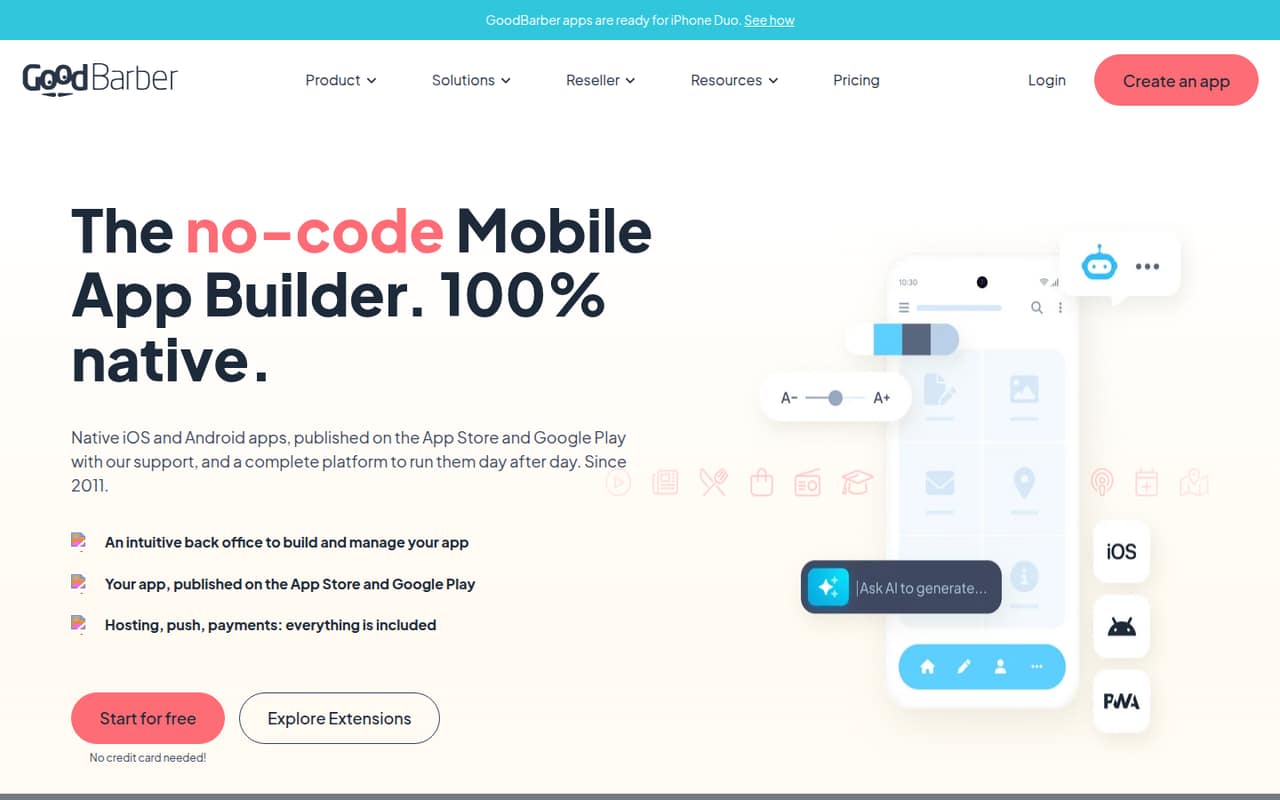
- Best for native business appsGoodBarberGoodBarber
GoodBarber suits small businesses that need a native app, including stores wanting app and web sales or teams building content apps. The listing starts at $30 and does not show a free plan. It also cautions that this can be costly if a progressive web app would do. Decide whether native apps are essential, then check the plan and publishing costs.
What works
- Builds native iOS and Android apps
- Includes a desktop, tablet and mobile web version
- Visual editor offers real-time preview
What doesn't
- No free plan
- Cheapest plans are PWA-only
- Native publishing requires a higher-priced plan
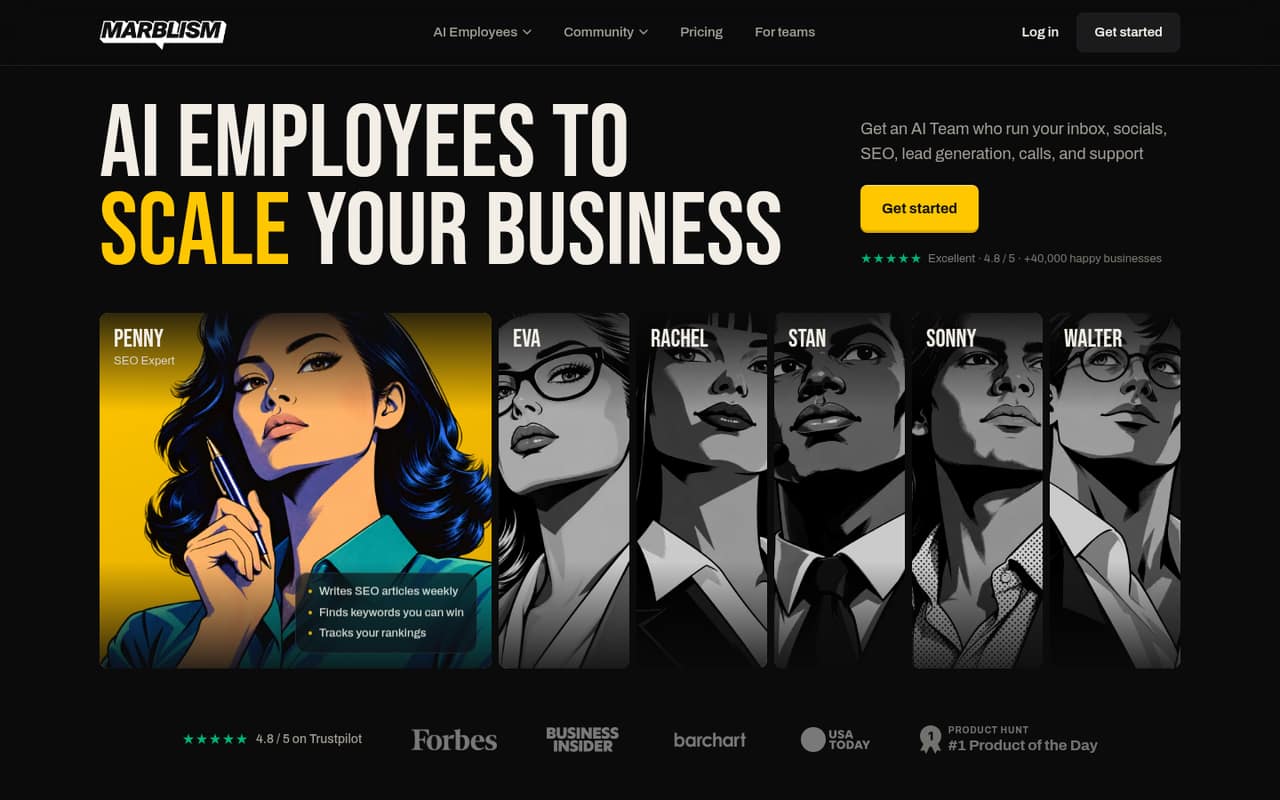
- Best for AI task helpersMarblismMarblism
Marblism is aimed at teams sharing seven AI employees to handle several business tasks, including marketing and admin. The listing gives one flat price starting at $24, but there is no free plan and the allowance is 50 hours monthly. That structure may suit a founder consolidating tasks, but check whether the allowance and plan match the work your team expects to assign.
What works
- Seven AI employees cover several business functions
- Unlimited team members are included
- One plan covers unlimited businesses
What doesn't
- No free plan is listed
- Trial availability is not published
- The plan includes 50 work hours monthly
- Best for mobile prototypesThunkableThunkable
Thunkable is a fit for small teams prototyping mobile apps, especially when native publishing matters. The listing shows a free plan and an $18 starting price, but says publishing starts beyond the free plan. That makes the free tier useful for exploring, not necessarily for shipping. Before you build, confirm the paid plan and publishing requirements for your target app.
What works
- AI generates screens, layouts, and logic
- Visual and code editors for refinement
- Phone testing is supported
What doesn't
- Free plan cannot publish apps
- Free plan limits projects and screens
- One Reddit user found it complicated
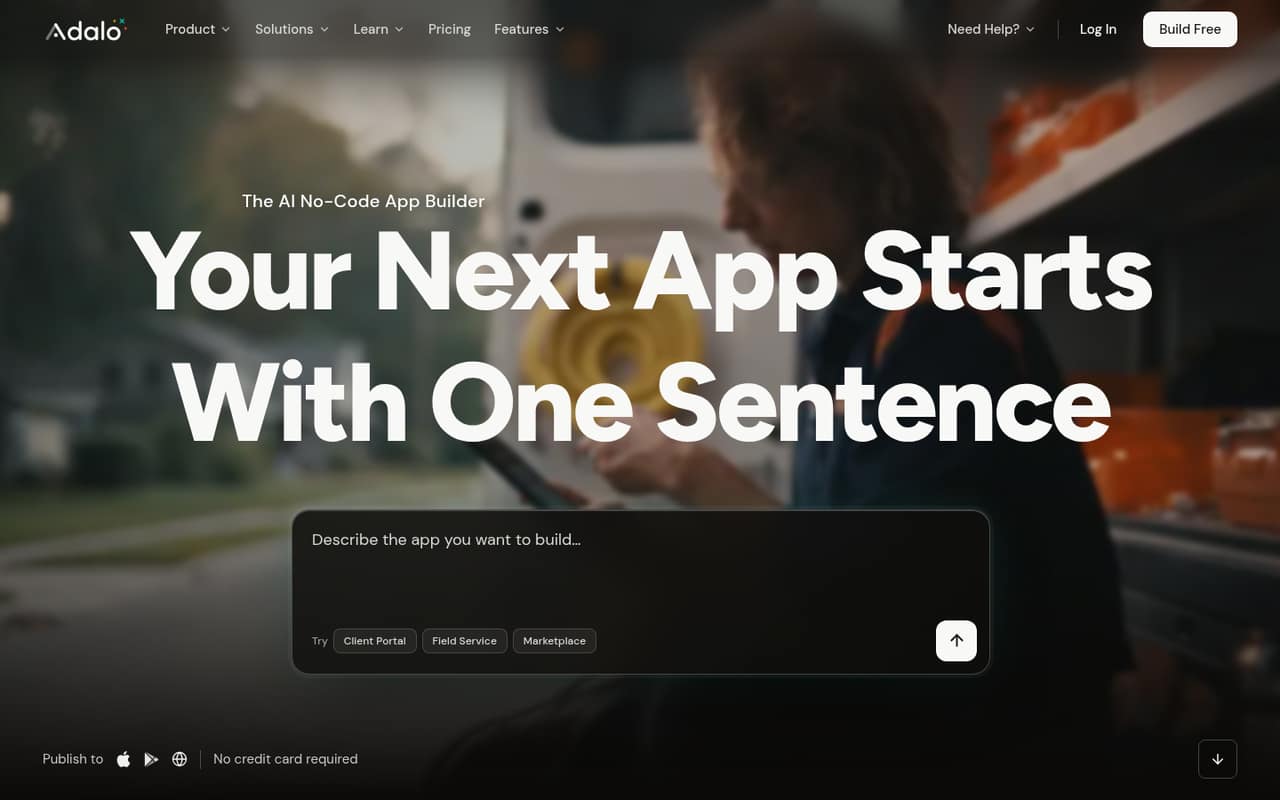
- Best for simple first appsAdaloAdalo
Adalo is aimed at solo makers and small teams prototyping simple products, especially apps built around forms and lists. Its listing includes a free plan and a $52 starting price. That is a sizable jump from free, so use the free tier to check the fit before relying on it at scale. Ask what the paid plan covers for your users and publishing needs.
What works
- Free plan includes one editor and unlimited test apps
- Ada builds screens, database and logic from a description
- Visual editing is available alongside AI prompts
What doesn't
- Free plan allows five Ada prompts monthly
- Builder costs $65 monthly before the annual discount
- Builder limits teams to five app editors
- Best for MVP explorationRocket.newRocket.new
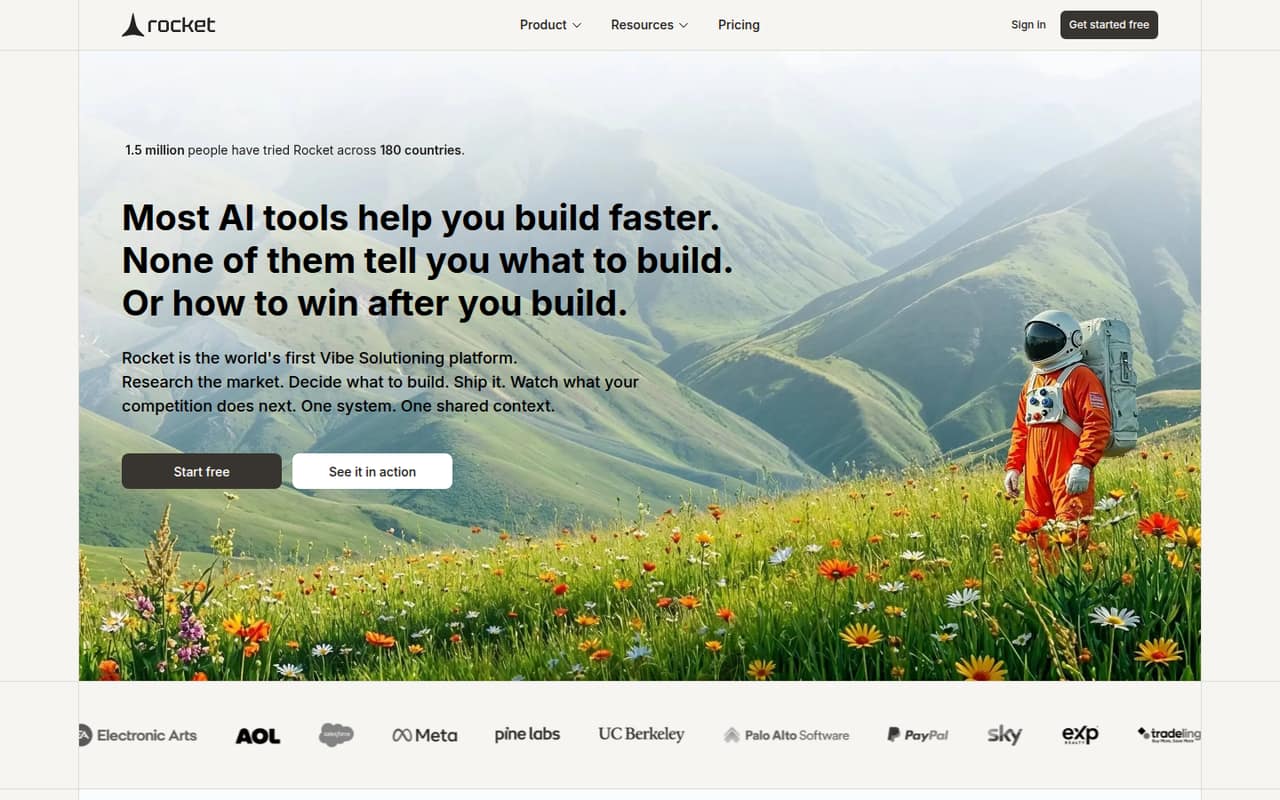
Rocket.new may suit a small team shaping an MVP or exploring app ideas, with competitor tracking also listed among its use cases. It has a free plan and starts at $20. Credit use is the key detail to check: ask how your expected prompts and revisions affect the plan before putting the tool into a shared team budget.
What works
- Free plan includes 20 one-time credits
- Unlimited team members on listed plans
- Research, building and monitoring share context
What doesn't
- Free credits are limited to 20
- Additional credit prices are not published
- Credit needs may vary by project
- Best for custom web appsWeWebWeWeb
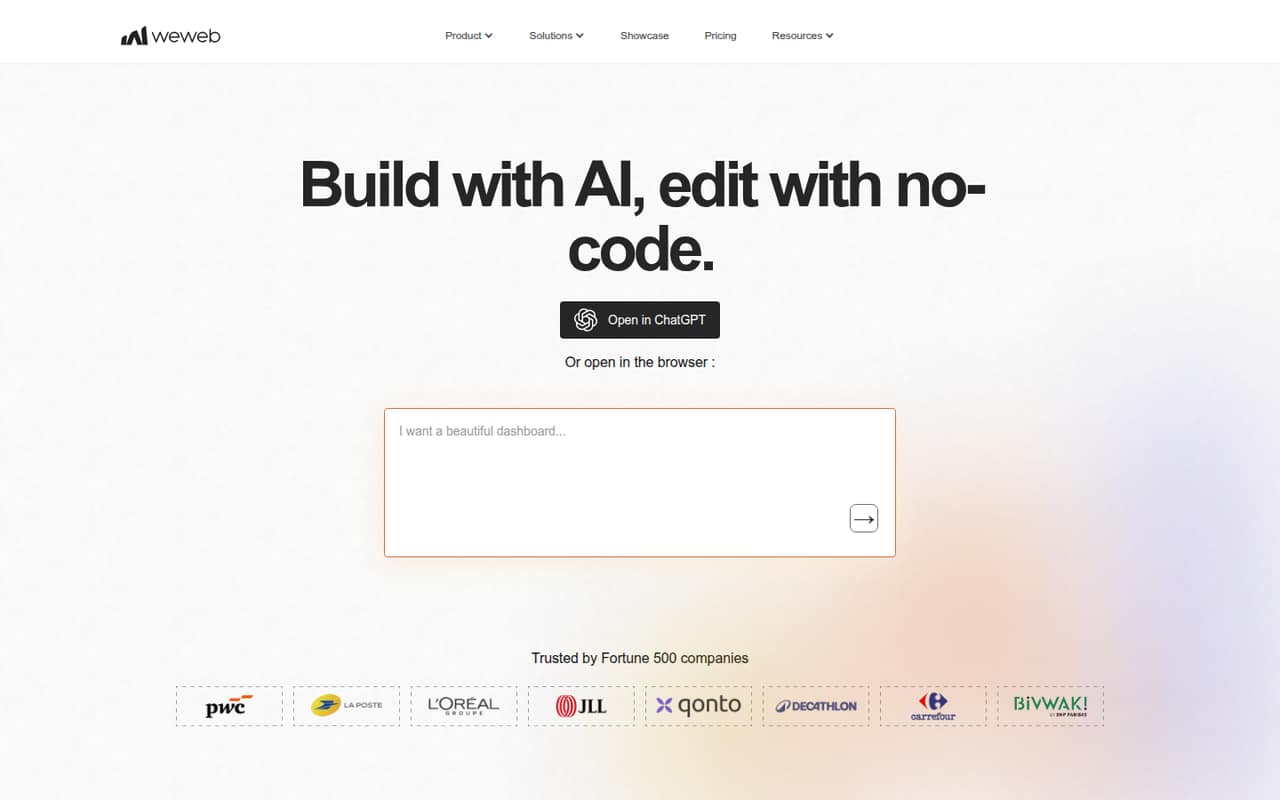
WeWeb gives teams building custom web apps room for design control, and is aimed at people comfortable with technical tools. The listing shows a free plan and a $13 starting price, but warns that learning the tool and pricing each part takes care. For a small team, clarify which components add cost and who will own the setup and ongoing changes.
What works
- AI can generate interfaces, databases, APIs, and frontend logic
- Visual editor covers design details and branching workflows
- Publish on WeWeb CDN or export Vue.js code
What doesn't
- Users report a technical learning curve
- Team workspace pricing scales by developer
- App hosting can add a separate monthly charge
- Best for operations workflowsQuickbaseQuickbase
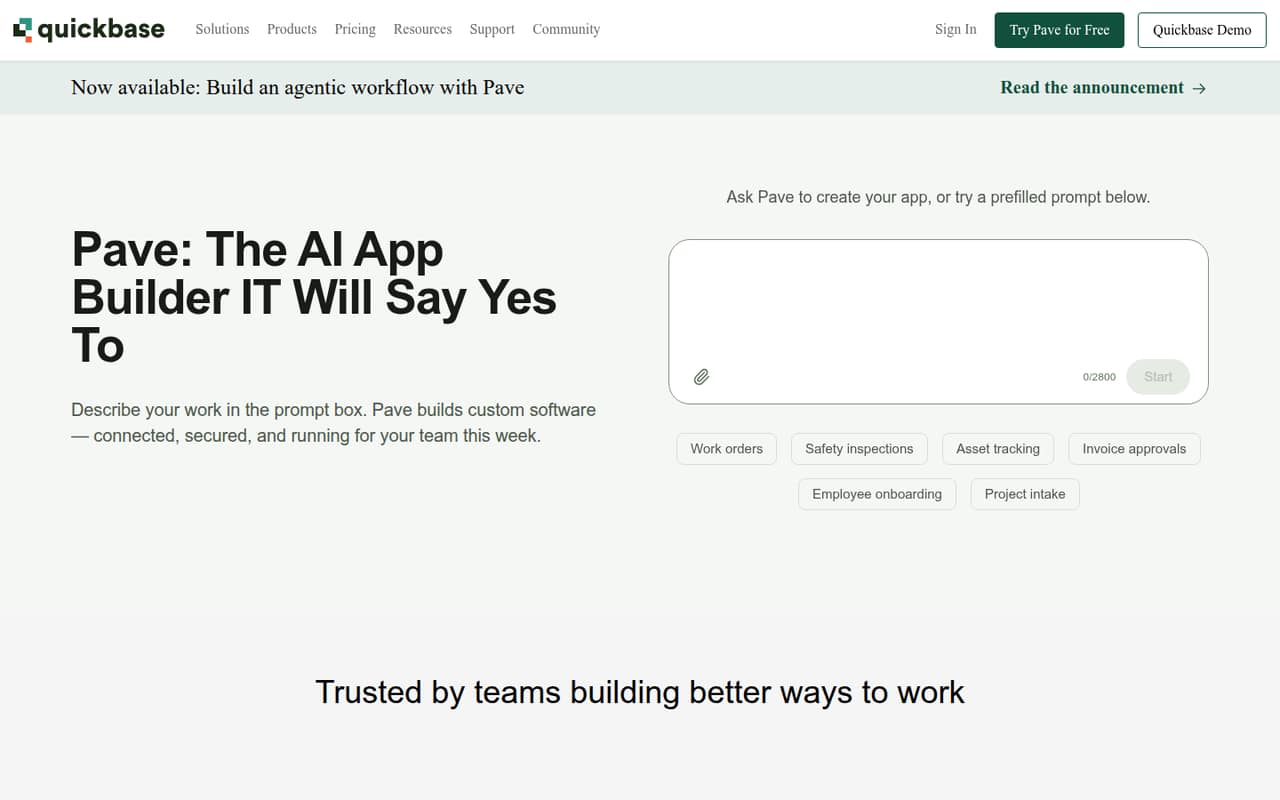
Quickbase targets custom operational workflows and businesses replacing spreadsheets with internal apps. Its listed starting price is $35, but there is no free plan and a platform minimum complicates budgeting. That may be worthwhile for a team with a clear workflow to replace, but ask for the minimum commitment and a quote for your exact number of users before planning a rollout.
What works
- Build custom apps without coding
- Connect workflows across teams and systems
- Covers project, resource, and field management
What doesn't
- No free plan
- Team starts at $35 per user monthly, billed annually
- Platform minimum amount is not published
- Best for connected recordsKnackKnack
Knack is designed for spreadsheet-based processes, customer portals, connected records, and permissions. The listing says Starter costs $49 per month with annual billing and shows no free plan. That is a meaningful commitment for a small team, so check whether the plan covers your needed records and access controls. Ask about the annual commitment and total price for the users who will build and use the app.
What works
- Starter includes 20,000 database records
- Three applications are included on Starter
- Unlimited app users and roles on Starter
What doesn't
- No free plan or free trial is listed
- Starter costs $59 per month when billed monthly
- Starter is limited to three applications
- Best for website extensionsAppMySiteAppMySite
AppMySite is aimed at teams extending an existing website into an app, with visual controls and Android projects among its listed uses. It has a free plan and starts at $49, but publishing needs and total costs deserve a close look. Check what the free plan lets you do, what publishing requires, and whether the paid option fits your team before committing.
What works
- Free plan includes an Android app and a PWA
- Connects with websites, WordPress, Shopify, and WooCommerce
- Visual controls cover layouts, colors, branding, and screens
What doesn't
- Free plan includes zero AI credits
- iPhone apps require Pro or a higher plan
- Add-on, overage, and seat pricing is not published
- Best for engineering workflowsVIKTORVIKTOR
VIKTOR is aimed at engineering teams building internal apps, automating technical workflows, and connecting existing software. A free plan is listed, but there is no published starting price, so a small team cannot estimate the paid budget from the listing alone. Explore whether the app-building approach fits your technical work, then get a quote before choosing it for a team project.
What works
- Free plan includes one user seat
- Free plan lets you build one application
- Examples cover multiple engineering disciplines
What doesn't
- Paid plan prices are not published
- Free apps must be public
- Free usage is limited
- Best for budget Android appsAppy PieAppy Pie
Appy Pie may fit a small team building a mobile app, particularly an Android app with built-in payments. The listing starts at $16, but there is no free plan and costs are per app. If your team expects more than one app, ask for the full cost before treating the starting price as your budget. Confirm which publishing and payment needs the plan covers.
What works
- Builds screens and app logic from a text prompt
- Visual editor for screens, colors, fonts, and content
- Includes accounts, content management, and an admin panel
What doesn't
- No free plan; the trial lasts seven days
- Plans are priced per app, not per seat
- Basic and Gold support Android only
- Best for database appsCaspioCaspio
Caspio is aimed at teams replacing a shared database with custom apps, especially when many people need access or workflows need automation. Its listed starting price is $270, with no free plan shown. That is hard to justify for a low-cost start, so first confirm your user needs and get a clear price for the database app you intend to build.
What works
- Unlimited app users on Team
- AI can create an app from a description
- Database security includes roles and audit trails
What doesn't
- No free plan is listed
- Team starts at $270 monthly with annual billing
- Team limits app authors to five
- Best for self-hosted appsBudibaseBudibase
Budibase fits teams with self-hosting skills that need internal apps, approval workflows, or air-gapped deployment. A free plan is listed, but its Cloud starting price is $299, a big step for a small team. Compare the self-hosting route with the cloud plan, and ask what support and operating work your team would need to handle itself.
What works
- Community lists unlimited users and apps
- Build apps, portals, agents, and automations
- Self-host on private or air-gapped infrastructure
What doesn't
- Cloud starts at $299 per month
- Community requires teams to self-host
- Cloud actions have a hard monthly limit
- Best for governed internal appsSuperblocksSuperblocks
Superblocks is aimed at teams that need governance for AI agents and apps, security controls, or private deployment. It starts at $100, with no free plan listed, making it costly for a small team that only needs a basic builder. If governance is a real requirement, ask which plan covers it and get a team quote; otherwise, compare lower-cost options first.
What works
- Governs MCP, API and database access
- Supports multiple coding agents
- Includes staging and production environments
What doesn't
- No free plan
- Teams costs $125 monthly without annual billing
- Only one hosted app included per Team

- Best for broad process programsKissflowKissflow
Kissflow targets organizations automating important business processes, building several internal apps, or overseeing app governance. Its Basic plan is listed at $2,500 monthly, which is difficult to justify for a few seats. It may make sense for a larger process program, but a small team should get a detailed quote and compare the cost with a narrower tool for its immediate workflow.
What works
- Unlimited workflows on Basic
- Unlimited applications on Basic
- AI can generate apps or building blocks
What doesn't
- No free plan
- $2,500 monthly Basic price is steep for small teams
- Annual pricing is not published
- Best for enterprise app programsUnqorkUnqork
Unqork is aimed at enterprise teams building critical apps, governing AI development, and managing app lifecycles. Its pricing is custom and no starting price is listed, leaving a small team unable to estimate the budget from the published figure. If your project requires enterprise governance, ask for a quote and minimum commitment; otherwise, start with a tool whose price is clearer.
What works
- Built for mission-critical application development
- AI features emphasize governance and security
- Build, deploy, and manage apps in one platform
What doesn't
- Enterprise pricing is custom
- Starting price is not published
- Seat and usage limits are not published
03How we chose
We ranked these builders for teams of 1–10, weighing whether a free plan is listed, the lowest published starting price, and what the available notes say about costs for extra seats or platform minimums. We also considered the work implied by each tool’s stated use case: a spreadsheet app, portal, mobile app, or prompt-built prototype can involve different setup needs. Plan limits, vendor documentation, and Reddit sentiment are useful checks before buying. We did not run trials or hands-on tests; treat listed prices as a starting point and confirm your team’s total with the vendor.
04Start with the job, then price the seats
Write down the job the app must do before comparing builders. A team collecting customer submissions may need a form-based app; a team replacing a spreadsheet may need connected data and workflows; a founder testing an idea may only need a prototype. This keeps you from paying for capabilities your team will not use. Next, look past the starting price. AppSheet’s listing says to budget for every user, Jotform Apps’ paid plans cover one user each, and Kintone has a five-seat minimum. Other listings flag per-seat increases, per-app charges, or a platform minimum. Ask the vendor for the monthly or annual total for your actual builders and users, plus any minimum commitment. If that cost is unclear, don’t treat the headline price as your team’s price.
05Check the free plan and the work after launch
A free plan is useful when it lets you validate the idea with realistic data and users, but check what happens when you need to publish, add seats, or use more of the app. Thunkable’s listing says publishing starts beyond the free plan; other listings flag credit needs, plan limits, and paid-plan catches. Before building, confirm what the free tier includes and what triggers an upgrade. Also decide who will set up the data, workflows, permissions, and ongoing changes. The tool’s use case can hint at the effort: a spreadsheet-based app needs a clear source of data, while a prompt-built prototype needs someone to review and refine the output. Check vendor docs for setup steps, then ask for help or a quote if the process or price is unclear. Revisit the choice when seats or workflow needs grow.
Questions people ask
Which no-code app builder is best for a very small team?
For a spreadsheet-heavy team, start by comparing AppSheet and Baserow: both list free plans and low starting prices. Kintone is another option for spreadsheet workflows, but its five-seat minimum matters. The best fit depends on your data, required features, and total seat cost.
Can a small team build an app for free?
Several tools in this list show a free plan, including AppSheet, Baserow, Mocha, and Create. Free access does not always cover publishing or growing usage, so check the limits and the price of the seats and features you will need after prototyping.
How much should a small team budget for an app builder?
Published starting prices range from low-cost plans to several hundred dollars or more, but a starting price is not necessarily your team total. Seat rules, platform minimums, per-app pricing, and annual billing can change the bill. Ask vendors to quote your exact team size.
When should a team move beyond a free plan?
Consider upgrading when the free plan does not cover a required feature, publishing need, user count, or workflow. Check the paid plan’s limits before building a business process around the free tier, and compare the new total with the cost of your current workaround.