
We may earn a commission if you buy through links on this page. It never changes a score or a ranking. How we make money
The bottom line
Strong enterprise workflow tools, with a $2,500 monthly entry price and no free plan.
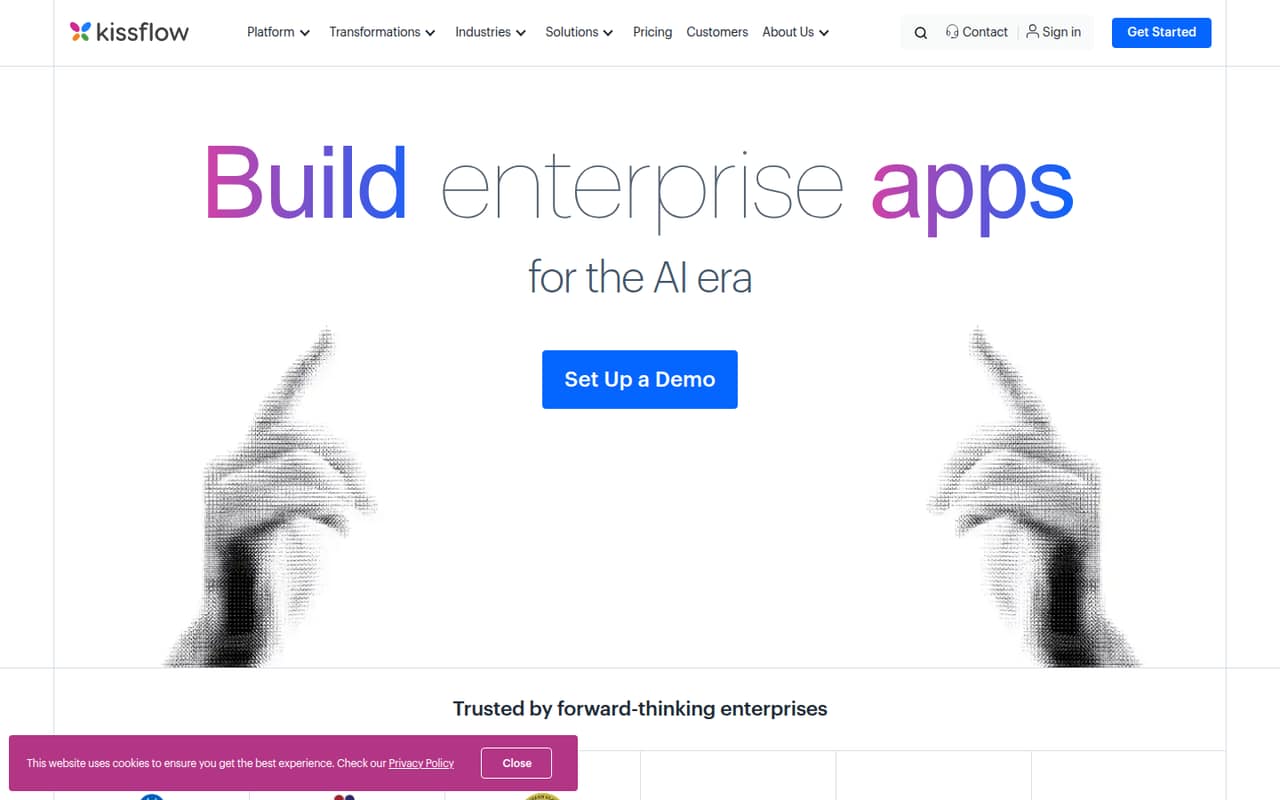
Kissflow lets teams build enterprise apps and approval workflows with AI-generated apps or building blocks, forms, reports, and governance tools. Prebuilt apps cover use cases such as loan origination, fleet management, and claims processing.
The catch for a small team is the entry price: the pricing page lists Basic at $2,500 per month, with no free plan. That flat price does not change with headcount, but it is a big commitment if you only need a few workflows.
Good fit if
- Teams automating approval workflows
- Organizations building governed enterprise apps
- Teams needing prebuilt business applications
Skip it if
- Budget-conscious teams of five
- Teams seeking a free starting tier
- Teams prioritizing a strong mobile app
ScoresHow it rates
What works
- Unlimited workflows on Basic
- Unlimited applications on Basic
- AI can generate apps or building blocks
- Built-in governance tools for scaling
- Prebuilt apps cover several business processes
What doesn't
- No free plan
- $2,500 monthly Basic price is steep for small teams
- Annual pricing is not published
- Enterprise pricing requires a custom quote
- A Reddit user criticized the mobile app
01Who Kissflow is for
Kissflow is for teams that need to build and manage business apps and workflows, rather than just document a process or track a to-do list. It can handle approval flows, forms, reports, and more complex enterprise applications. AI can generate apps or building blocks, and prebuilt applications cover needs such as loan origination, fleet management, and claims processing.
For a 1–10 person team, the fit depends less on headcount than on the importance of the workflows. A small team handling business-critical approvals across departments may value the governance tools and unlimited workflows listed on Basic. A team that only needs a few simple automations may struggle to justify the cost. The pricing page lists Basic at $2,500 per month, so this is a substantial budget line even for a small group. Enterprise is aimed at organizations needing enterprise-scale automation and has custom pricing.
02Kissflow free plan and trial
Kissflow does not list a free plan, and a free trial is not published in the pricing details. That means a small team cannot start with a free tier to build a workflow and see whether the platform fits before committing.
The cheapest listed way in is Basic at $2,500 per month. It includes unlimited workflows, unlimited applications, and Silver-level support, according to the pricing page. Those limits are broad, but they do not make the entry cost easier for a team with only one or two processes to automate. Ask Kissflow whether it offers a trial or a smaller paid package before budgeting; neither is listed in the pricing information.
03What a small team pays for Kissflow
The pricing page lists Basic at $2,500 per month. It is not priced per seat, so one person, a team of three, and a team of five each face the same listed $2,500 monthly charge. That is $30,000 over 12 months at the monthly rate; Kissflow does not publish a separate annual price, so treat that figure as annualized monthly billing, not an annual contract quote.
Basic includes unlimited workflows, unlimited applications, and Silver-level support. The pricing information does not list a seat minimum or say that Basic includes integrations, so confirm both with the vendor before signing. Enterprise uses custom pricing and is described with unlimited applications, unlimited integrations, 25+ AI-powered automation features, and user-based and transaction tiers.
Additional services and private cloud or cluster hosting are available on request. The pricing information says there are no AI or API usage surcharges. Some listings cite Basic at $1,500 monthly instead of $2,500; confirm the current quote with Kissflow before setting a budget.
04Getting started with Kissflow
Kissflow's product description covers AI-generated apps and building blocks, workflow automation, app building, forms, and reports. That breadth gives a team several ways to approach a process, but the vendor's listed pricing details do not specify an implementation timeline or the effort needed to launch a first app. We would ask for a walkthrough using one of your real workflows before committing.
For day one, identify the process owner, the people who approve or act on each step, and the information your forms need to collect. Then ask Kissflow which integrations are included with the plan you are considering; Basic's listed inclusions do not mention integrations, while Enterprise lists unlimited integrations. A Reddit user looking for a BPM-style task process also complained about Kissflow's mobile app. If mobile use matters to your team, check the current app experience with the vendor before rollout.
05When small teams outgrow Kissflow
Kissflow's listed Basic plan already includes unlimited workflows and applications, so a team may not need to upgrade just because it adds another process. The next stated tier is Enterprise, for organizations needing enterprise-scale automation; its custom pricing includes user-based and transaction tiers, unlimited integrations, and 25+ AI-powered automation features. Ask the vendor what those tiers mean for your expected usage and whether Basic meets your governance and integration needs.
For some teams, the bigger question is whether Kissflow is more platform than they need. A Reddit user asking about workflow documentation said LucidChart was a better fit for that need, while another complained that Kissflow's mobile app was poor. A separate Reddit discussion cautioned that the promised efficiency and visibility can vary with business needs and complexity. If your workflows are simple, your team works mainly on mobile, or the $2,500 monthly price no longer makes sense, it may be time to compare a narrower tool.
From the threadsWhat users say
The Reddit discussion is mixed to negative, with concerns about mobile use and whether a broad workflow platform fits simpler needs. One thread also notes that results can vary with business complexity.
I think LucidChart is what we're looking for
KissFlow and Canny both have terrible mobile apps
its ability to consistently deliver the promised efficiency and visibility can vary depending on business needs and complexities
Kissflow and Pipefy also have their own AI and document-processing capabilities
Questions people ask
What is Kissflow used for?
Kissflow is a platform for building enterprise apps and workflows. Teams can create approval flows, forms, and reports, use AI to generate apps or building blocks, and manage solutions with governance tools. Its prebuilt applications include options for loan origination, fleet management, and claims processing.
Is Kissflow free?
Kissflow does not list a free plan, and a free trial is not published in the pricing details. The cheapest listed plan is Basic at $2,500 per month. Ask the vendor whether it can offer a trial or another way to evaluate the product before you commit.
How much does Kissflow cost?
The pricing page lists Basic at $2,500 per month, with unlimited workflows, unlimited applications, and Silver-level support. Enterprise uses custom pricing. Some listings cite Basic at $1,500 monthly, so confirm the current price directly with Kissflow. Annual pricing is not published.
Does Kissflow Basic include integrations?
The listed Basic plan inclusions do not mention integrations. Enterprise lists unlimited integrations. Before choosing Basic, ask Kissflow which integrations are available on that plan and whether any additional services are needed for your setup.
Can Kissflow run in a private cloud?
Private cloud or cluster hosting is available on request, according to the pricing information. The listed details do not give a price for that option. Ask Kissflow for the hosting requirements, any related service costs, and whether it suits your organization's governance needs.
Sources
- Kissflow homepage
- Kissflow pricing, compiled via web search from zenphi.com, saaspricehub.io, rework.com, kissflow.com, thedigitalprojectmanager.com, softwareadvice.co.uk, procurer.io, capterra.com
- Reddit: Kissflow vs LucidChart?
- Reddit: Is there a way to manage tasks in a BPM manner like in KissFlow or Canny?
- Reddit: Top 7 Kissflow alternatives: Features and prices compared in 2026
- Reddit: Cflow vs Kissflow vs Pipefy: Which one do you guys think offers the best balance of automation, AI, and document processing?