
We may earn a commission if you buy through links on this page. It never changes a score or a ranking. How we make money
The bottom line
Worth a free try for product visuals; budget for Pro once your team needs three or more seats.
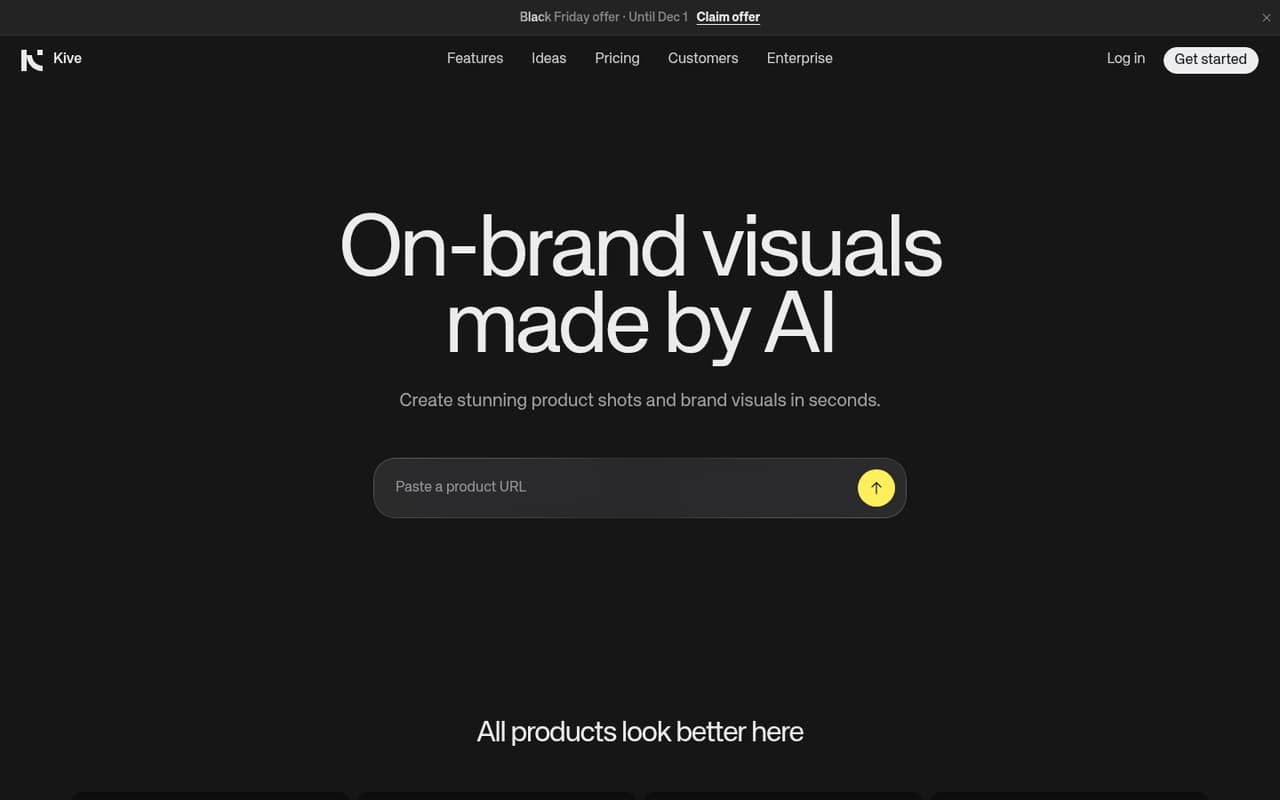
Kive combines AI product photography, editing, guided creation, and team asset management. Its Free plan lets you explore the workflow, while Basic suits up to two users and Pro covers teams of up to 10.
The catch is that credits shape how much you can create, and Kive doesn’t publish how many typical images use. Reddit reactions include criticism of image realism and one report of no success with Kive for AI UGC video, so review outputs carefully before making it part of a production pipeline.
Good fit if
- Solo sellers making product visuals
- Small brands needing shared asset boards
- Teams experimenting with AI product shots
Skip it if
- Teams needing guaranteed photorealism
- UGC video-first marketing teams
- Teams needing more than 10 users
ScoresHow it rates
What works
- Free plan includes 40 credits after email verification
- Basic supports up to two users
- Pro supports teams of up to 10
- Guided creation and industry presets
- Product assets, editing, and collaboration share one workspace
What doesn't
- Free plan is limited to five boards
- Basic’s two-user cap pushes larger teams to Pro
- Credit use per image isn’t published
- Setup time and integrations aren’t published
- Reddit users criticize image realism and UGC video results
01Who Kive is for
Kive is for ecommerce sellers and brand teams that need product photos and other marketing visuals without handing every asset to a separate creative workflow. It brings AI image creation, editing, guided prompts, presets, and asset collaboration into one workspace.
For a one-person shop, Basic is the first paid plan to consider if the free credits aren’t enough. It allows up to two users. A team of three to 10 needs Pro, which includes up to 10 users. That makes the seat jump important: the Pro plan is a bigger monthly commitment even if you only need a third seat.
Kive may suit a small team building a steady library of product imagery, especially if presets and guided creation fit its process. It’s less clear a fit for teams whose main need is realistic UGC video or who need a published estimate of how many images their credits will cover.
02Kive free plan and trial
Kive’s Free plan includes 40 credits after email verification and up to five boards. Once those credits run out, the plan includes one free image every 30 minutes. That gives a small team a way to explore the product, but it’s a limited allowance for regular production.
Kive lists no separate free trial. The cheapest paid plan is Basic at $40 per month, or $30 per month equivalent with annual billing. Basic includes 2,000 credits per month, up to two users, 10,000 uploaded library items, and 200 premium images.
The credit allowance doesn’t tell you how many finished images you’ll get: Kive doesn’t publish a typical credit cost per image in the plan details. Try the free tier with your own products and ask Kive about expected credit use before budgeting for regular output.
03What a small team pays for Kive
For one person, Basic costs $40 monthly or $30 per month equivalent with annual billing. If you use both Basic seats, that works out to $20 per seat monthly or $15 per seat on the annual equivalent. Basic is capped at two users, so a team of three needs Pro.
Pro costs $100 monthly or $67 per month equivalent with annual billing. That’s about $33.33 per seat for three people, or $20 per seat for five. On annual billing, those equivalents are about $22.33 and $13.40 per seat. Kive lists Pro’s first year at $800, then renewal at a $75 monthly equivalent.
Basic credit top-ups cost $0.015 per credit, one time. Pro includes unlimited credit top-ups at $0.0133 per credit in year one and $0.015 at renewal. Since Kive doesn’t publish typical credit use per image, estimate your actual spend from a trial run and confirm credit needs before choosing a plan.
04Getting started with Kive
Kive describes a guided creation process through its AI agent, plus one-click industry presets ranging from studio-clean to editorial. Those tools give a new user a starting point for visual styles, but the vendor doesn’t publish a setup-time estimate or a detailed learning curve.
Before inviting the team, decide who will supply product inputs, set the visual direction, and review generated assets. Kive is designed to keep creation, editing, management, and collaboration in one workspace, so agree on how your team will organize and approve those assets.
Integration details aren’t published in the plan information. Ask Kive whether it connects to your store, existing asset library, and design tools, and how product inputs are brought in. For a small team, those answers matter as much as the generation workflow: manual transfers can add work even if the AI creation steps are guided.
05When small teams outgrow Kive
The clearest upgrade point is headcount: Basic stops at two users, while Pro supports up to 10. Teams beyond that need Enterprise, whose price is custom. Usage can also drive an upgrade or extra spend: Basic has 2,000 credits a month and Pro has 5,000, with credit top-ups available on both plans. Kive doesn’t publish a typical credit cost per image, so a team can’t translate those allowances into a reliable image count from the plan details alone.
There are also reasons to test image quality against your own products before relying on Kive. One Reddit poster said they had tried Kive for AI UGC video without success. In a separate thread, commenters criticized images Kive used to market its generator. Those discussions don’t establish how every output will look, but they’re a reason to check accuracy and realism on real product inputs before expanding usage.
From the threadsWhat users say
Reddit reactions lean negative, with criticism focused on image realism and difficulty getting useful AI UGC video. Treat those comments as cautions to test your own products, not a guarantee of the results you’ll get.
I’ve tried invideo, zeely and kive with no success
AI's love to slop 😛
Generative video doesn't work well for beauty. Products are micro-specific; AI doesn't get it. better for more generic products or services
yet they market images that contain absolute monstrosities
Questions people ask
How much does Kive cost per month?
Kive lists Basic at $40 per month, or $30 per month equivalent with annual billing. Pro is $100 monthly or $67 per month equivalent annually, with a listed $800 first year and renewal at a $75 monthly equivalent. Enterprise pricing is custom.
Can I try Kive for free?
Yes. The Free plan gives you 40 credits after email verification and up to five boards. When you’re out of credits, it includes one free image every 30 minutes. Kive doesn’t list a separate free trial for paid plans.
How many users can use Kive Basic?
Basic includes up to two users. If your team needs three seats, Pro is the next listed plan; it supports up to 10 users. Enterprise offers a custom team size, with custom pricing and limits.
How many images do Kive credits cover?
Kive lists monthly credit allowances—2,000 on Basic and 5,000 on Pro—but doesn’t publish a typical credit cost per image in the plan details. Ask Kive how your intended image types and editing workflow affect credit use.
Can Kive create AI UGC videos?
Kive’s plan details list 33 Max-quality five-second videos on Pro, but they don’t specify UGC video capabilities. One Reddit poster said they had no success with Kive for AI UGC video. Test your own products and requirements before relying on it for that format.