
We may earn a commission if you buy through links on this page. It never changes a score or a ranking. How we make money
The bottom line
Useful for Gmail and Workspace in one desktop app; less compelling if a browser already does the job.
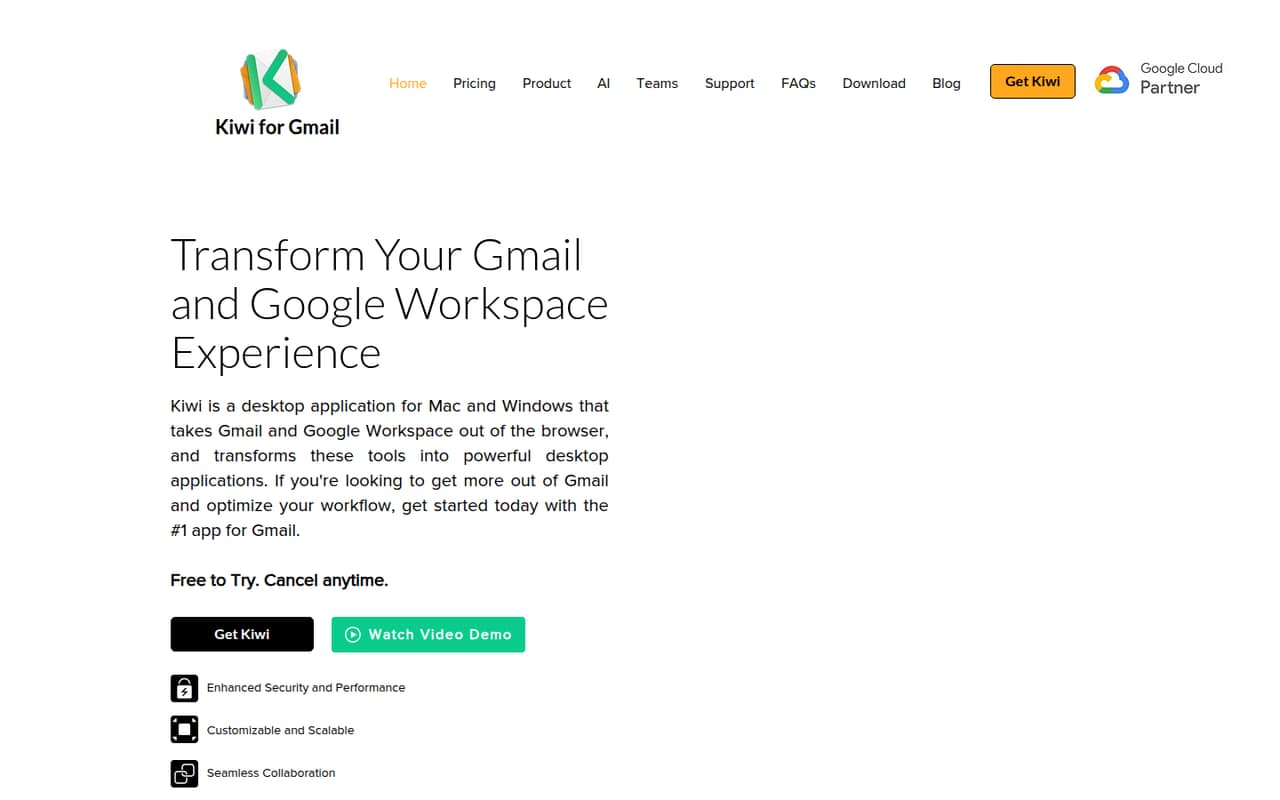
Kiwi for Gmail is a Mac and Windows desktop app for Gmail and Google Workspace. It brings multiple accounts, filtered inboxes, recent documents, and desktop Docs, Sheets, and Slides into one app.
There’s no free plan: the pricing page lists a 7-day trial on yearly plans and paid plans starting at $4 per month, billed yearly. Reddit feedback is mixed: one user praised the features, while another reported getting no response from support.
Good fit if
- People managing several Gmail accounts
- Small teams using Google Workspace
- Desktop access to Docs and Sheets
Skip it if
- Teams that need a free plan
- People happy with Gmail in a browser
- Buyers needing published team pricing
ScoresHow it rates
What works
- Works on Mac and Windows
- Handles multiple Gmail accounts together
- Filters email by several criteria
- Finds recent documents across accounts
- Opens Docs, Sheets, and Slides as desktop windows
What doesn't
- No free plan
- Trial is listed only for yearly plans
- Teams pricing is available on request
- Account limits differ by paid plan
- A Reddit user reports unanswered support
01Who Kiwi for Gmail is for
Kiwi for Gmail is for people who spend much of their workday in Gmail and Google Workspace and want those tools outside a browser. The desktop app runs on Mac and Windows, brings multiple Gmail accounts together, and can open Docs, Sheets, and Slides as desktop windows. Its filters cover date, importance, unread status, attachments, and stars.
For a small team, it makes the most sense when several people each manage multiple accounts or regularly switch between email and Workspace documents. A one-person business with one Gmail account may find the Starter plan enough, but should compare it with using Gmail in a browser before adding another subscription. Teams that want shared Workspace tools can ask about the Teams plan, though its price and account limit aren’t published. This is a focused desktop workspace, not a replacement for Gmail or Google Workspace.
02Kiwi for Gmail free plan and trial
Kiwi for Gmail has no free plan, according to the pricing information. The listed trial lasts 7 days, but it’s offered on yearly plans; the pricing information doesn’t list a trial for monthly billing. After the trial, the cheapest listed option is Starter at $4 per month when billed yearly, or $4.99 with monthly billing.
Starter includes one Gmail account. If you need to manage more accounts, Pro includes up to three and Power Pro up to nine. The Teams plan is priced on request. Before signing up, check whether the trial applies to the exact plan and billing schedule you want. If you only need one Gmail inbox and don’t need the desktop app, the lack of a free tier makes it worth weighing the subscription against Gmail in a browser.
03What a small team pays for Kiwi for Gmail
The pricing page lists Starter at $4.99 monthly or $4 per month billed yearly, Pro at $8.99 monthly or $6 per month billed yearly, and Power Pro at $12.99 monthly or $8 per month billed yearly. The annual rates are monthly equivalents billed yearly. Starter covers one Gmail account, Pro up to three, and Power Pro up to nine.
Those are account limits, not published seat limits. If each person in a three-person team bought a separate Starter subscription, the arithmetic would be $14.97 per month, or $12 per month equivalent billed yearly ($144 upfront for the year). For five people, it would be $24.95 monthly or $20 per month equivalent billed yearly ($240 upfront). That assumes each person pays the listed Starter rate; the vendor doesn’t publish a per-seat billing policy. For a team seeking shared Workspace tools, Teams pricing is available on request, with its account limit also unpublished. Add-on and overage costs aren’t published.
04Getting started with Kiwi for Gmail
Kiwi is a desktop application for Mac and Windows. The main setup task is organizing the Gmail and Workspace accounts you want to use in the app. It supports multiple accounts, filtered inboxes, recent-document discovery, and desktop windows for Docs, Sheets, and Slides. Tabbed workspaces are also available.
The vendor doesn’t publish a setup-time estimate or detailed setup steps in the information available, so we can’t promise a particular learning curve. For day one, decide which accounts belong in Kiwi and whether your team needs separate subscriptions or the Teams plan; the vendor doesn’t publish the Teams account limit or billing details. Kiwi’s homepage announces an AI companion but doesn’t explain what it can do, so don’t count on a specific AI workflow without asking the vendor. One Reddit user reports a problem with Grammarly working in Kiwi, which may matter if that tool is part of your team’s routine.
05When small teams outgrow Kiwi for Gmail
Kiwi’s account caps make the upgrade path clear for people managing more inboxes: Starter allows one Gmail account, Pro up to three, and Power Pro up to nine. If you need more than nine, or want to know how many staff seats Teams covers, ask the vendor; its account limit and price are available on request. Add-on and overage costs aren’t published, either.
A growing team may also outgrow Kiwi if it needs a published per-seat price, documented shared-workspace limits, or a specific AI workflow. One Reddit user said a recent bug went unanswered by support. Other commenters described choosing a browser-based setup instead, including one who preferred a free browser option. Those reports are individual experiences, not a guarantee of what your team will encounter. If browser tabs or profiles already keep your accounts organized, Kiwi’s subscription may be hard to justify.
From the threadsWhat users say
Reddit sentiment is mixed. One buyer said the features seemed worth the subscription, while another reported receiving no response after contacting support about a bug.
it seems worth it to me for the features and benefits Kiwi provides
I reached out to their support team and got no response
Sadly, for multiple accounts, there just isn't a good Gmail solution
I forgot about Kiwi requiring paid subscriptions today. I bought it years ago and have really liked it, but don't care to subscribe
Questions people ask
Does Kiwi for Gmail have a free plan?
No free plan is listed. The pricing information lists a 7-day trial on yearly plans. After that, Starter costs $4 per month billed yearly or $4.99 with monthly billing. Check the trial terms for the plan you choose before signing up.
How many Gmail accounts can I use?
Starter includes one Gmail account, Pro includes up to three, and Power Pro includes up to nine. The Teams plan’s account limit isn’t published. Those numbers describe Gmail accounts; the vendor doesn’t publish how its plans map to staff seats.
Does Kiwi for Gmail work on Windows?
Yes. Kiwi for Gmail is a desktop application for both Mac and Windows. The vendor's site doesn’t specify operating-system version requirements, so check with the vendor if you need compatibility details for a particular computer.
What does Kiwi’s AI companion do?
Kiwi’s homepage announces an AI companion, but doesn’t detail its capabilities. We wouldn’t choose the app based on a particular AI feature until the vendor publishes what it does. Ask the vendor for current functionality and plan availability.
Can I use Docs, Sheets, and Slides in Kiwi?
Yes. Kiwi offers Google Docs, Sheets, and Slides as desktop windows. It also brings recent documents across accounts into view. The available feature information doesn’t spell out additional collaboration or offline capabilities, so confirm those needs with the vendor.