
We may earn a commission if you buy through links on this page. It never changes a score or a ranking. How we make money
The bottom line
Klap can speed up short-form editing, but confirm free limits and seat costs before committing.
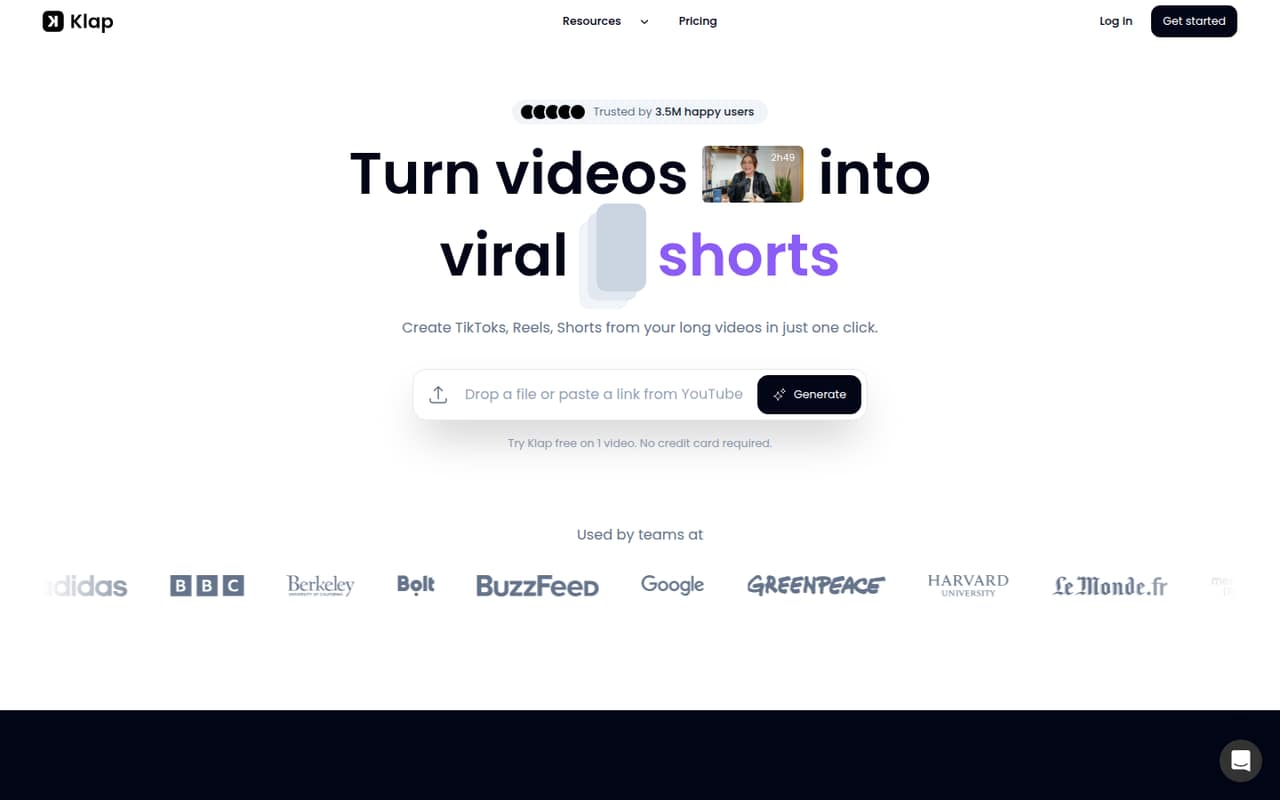
Klap uses AI to find moments in long videos, reframe them, and add captions. You can customize clips and publish or schedule them to social platforms. That can help a small team repurpose video without building every clip from scratch.
The pricing page lists a free plan, but doesn’t specify its limits. Paid plans start at $29 monthly or $14.50 per month when billed yearly. One Reddit discussion warns that automated clips can miss the hook, so plan on reviewing and editing the results.
Good fit if
- Small teams repurposing long videos
- Creators needing frequent social clips
- Teams comfortable editing AI selections
Skip it if
- Teams needing clear free-plan limits
- Buyers requiring published seat pricing
- Teams expecting finished editorial hooks
ScoresHow it rates
What works
- Finds topics in long videos
- Reframes clips and generates captions
- Clip customization includes fonts and logos
- Publishing and scheduling are included features
- Paid plans include no-watermark exports
What doesn't
- Free-plan limits aren't listed
- Seat pricing isn't specified
- Monthly plans cost more than annual equivalents
- Clip quality may need human editing
- Supported social platforms aren't named in pricing
01Who Klap is for
Klap is for people who already make long videos and want more short-form posts from them. A small team of one to ten people could use it to turn a podcast, interview, or other long video into clips for TikTok, Reels, and Shorts. The product description says its AI finds topics, reframes the video, and generates captions; the team can then edit and customize clips before publishing or scheduling them.
It is most relevant when making clips by hand takes time and the team is willing to check the AI’s choices. The pricing page lists 100 clips a month on Basic, 300 on Pro, and 1,000 on Pro+. It doesn’t specify how many people can use each plan, so a ten-person team should ask Klap about seats before budgeting. For one person, Basic is the cheapest listed paid plan: $29 monthly or $14.50 per month with annual billing.
02Klap free plan and trial
The pricing information identifies a free plan, but doesn’t list its clip allowance, export limits, watermark rules, or feature access. That makes it hard to judge whether the free option can support regular posting. Klap also lists a one-video free trial; the trial’s duration and any limits on the resulting clips aren’t specified.
You can try the one-video option before paying, but don’t assume it includes the paid plans’ 100, 300, or 1,000 monthly clips. The pricing page lists no-watermark exports on Basic, Pro, and Pro+, without confirming whether that applies to free use. If your team needs predictable output, ask Klap what the free plan includes and whether the trial video can be exported without a watermark. The cheapest listed paid entry is Basic at $29 month to month or $14.50 per month billed yearly.
03What a small team pays for Klap
The pricing page lists Basic at $29 per month, or $14.50 per month equivalent with annual billing paid yearly. It includes 100 clips per month. Pro is $79 monthly or $39.50 per month equivalent annually for 300 clips; Pro+ is $189 monthly or $94.50 per month equivalent annually for 1,000 clips. All three list AI clipping, unlimited social accounts, analytics, and no-watermark exports.
Klap doesn’t publish per-seat pricing or say how many people each plan covers. As a budgeting example only, if every person needs a separate Basic subscription, three people would cost $87 monthly or $43.50 per month equivalent annually. Five would cost $145 monthly or $72.50 per month equivalent annually. Those annual equivalents are paid yearly, not month to month. Ask Klap whether one subscription covers multiple teammates before using this estimate. The listed API add-ons cost $0.44 per input video, $0.32 per short, and $0.48 per export; these are separate from the plans.
04Getting started with Klap
The product description lays out a straightforward workflow: use a long video as published material, let Klap find topics and create reframed clips with captions, then edit, customize, and publish or schedule the results. Customization includes fonts, colors, logos, and framing. That gives a small team a clear idea of the work involved, but Klap doesn’t publish a setup-time estimate in the pricing information.
The pricing page lists unlimited social accounts on each paid plan, but doesn’t name the supported platforms or explain the connection steps. Before signing up, check that your team’s accounts and preferred publishing destinations are supported. You’ll also want to decide who reviews clips before they go out: one Reddit thread says automated clips can lack a strong hook. The product description includes editing tools, but doesn’t specify how much manual editing a typical clip needs.
05When small teams outgrow Klap
The first pressure point is clip volume. Basic includes 100 clips per month, Pro includes 300, and Pro+ includes 1,000. A team that regularly hits its allowance may need to move up from $29 monthly Basic to $79 Pro or $189 Pro+, or ask Klap what happens when it exceeds a plan’s limit. The pricing information doesn’t state overage rules.
Seat needs can also complicate growth: Klap doesn’t publish how many teammates each plan covers or a per-seat rate. Confirm that before adding people, rather than assuming the listed plan price covers your whole team. Editorial expectations are another consideration. In one Reddit thread, a user describes AI clip quality as hit or miss and says the clips may not be assembled to hook viewers. If your team needs more deliberate storytelling than automated selection provides, you may still need hands-on editing—or a different workflow. The thread is one user discussion, not a broad measure of customer sentiment.
From the threadsWhat users say
The available Reddit discussion is cautious: one poster says automated clip quality is inconsistent and questions whether clips hold attention. That’s a useful reminder to review the output, but it’s only one thread and not a broad measure of Klap users.
The quality is always hit or miss
they’re not really put together in a way that “hooks” the audience
They’re just clips with no clever editing
Have these types of automated clip apps actually worked for anyone?
Questions people ask
Does Klap cost money?
Klap lists a free plan and a one-video free trial, but doesn’t publish the free plan’s limits in the pricing information. The cheapest listed paid plan is Basic at $29 per month, or $14.50 per month equivalent when billed yearly. Basic includes 100 clips per month, AI clipping, analytics, unlimited social accounts, and no-watermark exports.
How does Klap work?
Klap uses AI to identify topics in a long video and turn them into shorter clips. The product description says it reframes video around the important subject and generates captions. You can then edit and customize clips, including fonts, colors, logos, and framing, before publishing or scheduling them to social platforms.
What does Klap's free plan include?
Klap identifies a free plan, but the pricing information doesn’t list its clip allowance, export rules, watermark status, or included features. The vendor also lists a one-video free trial without specifying its duration or what you can export. Ask Klap to confirm those limits before relying on the free option for regular publishing.
Can Klap publish and schedule clips?
Yes. Klap’s feature description includes publishing and scheduling clips to supported social platforms. The pricing page lists unlimited social accounts on its paid plans, but doesn’t name the supported platforms. Check that your channels are supported and ask whether publishing access differs between the free plan and paid plans.
How many teammates can use one Klap plan?
Klap doesn’t publish how many teammates are included in each plan or a per-seat price. The plans are labeled Basic for Individuals, Pro for Professionals, and Pro+ for Teams, but those labels don’t establish a seat allowance. Ask Klap whether one subscription covers your team before calculating your total cost.