
We may earn a commission if you buy through links on this page. It never changes a score or a ranking. How we make money
The bottom line
Good for quick character-led videos; check credit needs before putting it in your team budget.
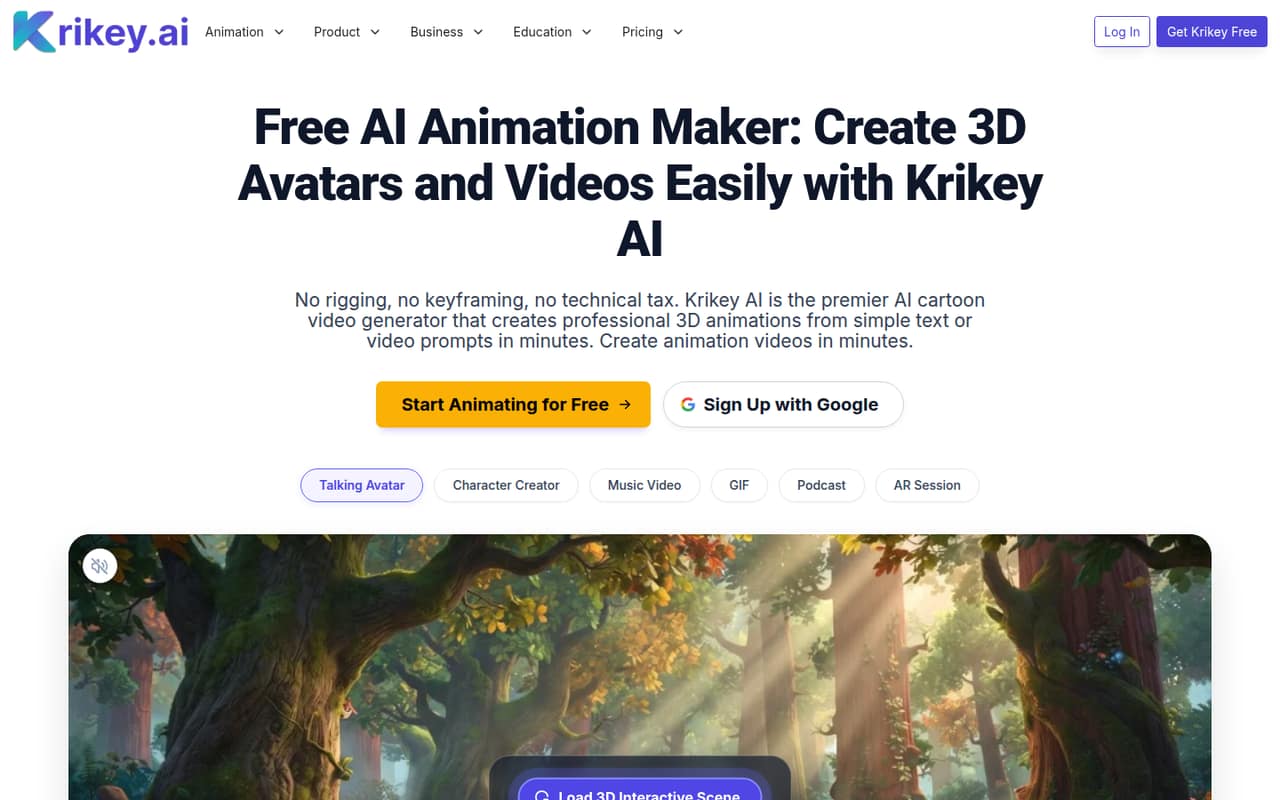
Krikey AI is a browser-based tool for making 3D animated videos from text, images, or video prompts. Its features include talking avatars, character creation, motion capture, and animated podcast or music videos, without rigging or keyframing.
The free plan costs nothing but includes just 20 one-time credits. Pro is $15 per person monthly; Teams lists $10 per person monthly, or $30 for three people. We’d start free to see whether the workflow fits, then check how quickly your team uses credits.
Good fit if
- Small teams making social clips
- Teachers creating animated lessons
- Creators testing 3D video workflows
Skip it if
- Teams needing unlimited generation
- Buyers requiring published annual pricing
- Workflows dependent on unlisted integrations
ScoresHow it rates
What works
- Free plan includes 20 one-time credits
- Browser-based 3D video creation
- No rigging or keyframing required
- Teams plan lists $10 per person monthly
- Exports include MP4, GIF, PNG, and FBX
What doesn't
- Free credits are one-time, not monthly
- Annual-equivalent prices are not published
- Credit use per generation is not published
- Teams plan has a 200-credit monthly allowance per person
- Reddit feedback includes a request for side-by-side examples
01Who Krikey AI is for
Krikey AI is aimed at small teams that need character-led video but don’t want to build 3D animation skills first. A founder, marketer, teacher, or creator can use text, images, or video prompts to make animated clips, talking-avatar explainers, podcast videos, or music videos. The product is browser-based, and its description says users can create without rigging or keyframing.
For a one-person team on a tight budget, the free plan is a sensible place to explore the workflow. A few people producing content regularly may find Teams more affordable than Pro: it lists $10 per person monthly, with 200 monthly credits per person. That price could work for a small creative or marketing crew, but the credit allowance matters as much as the seat cost. We’d treat Krikey AI as a focused video-making tool, not assume it replaces every part of a team’s editing or publishing workflow.
02Krikey AI free plan and trial
Krikey AI Free costs $0 and includes 20 one-time credits, standard export formats, a 3D video editor, AI scripts, and voice AI. That gives a small team a way to try the editor and explore a few workflows without paying for seats. The vendor doesn’t publish how many credits a particular generation or edit uses, so we can’t translate 20 credits into a specific number of finished clips.
The free plan’s credits are one-time, rather than a monthly refill. The listed features also don’t include the paid plans’ explicit MP4, GIF, PNG, and FBX export list or watermark removal. There’s no free-trial term listed; the free plan is the entry point. If your team needs more credits, one-time passes start at $1.50 for 10 credits.
03What a small team pays for Krikey AI
The pricing page lists Pro at $15 per person monthly and Teams at $10 per person monthly. That makes Pro $15 for one person, or $75 for five. Teams works out to $30 for three people and $50 for five; the page also lists $30 for three people elsewhere. The Teams plan includes 200 monthly credits per person, while Pro includes 165.
The page offers yearly billing and says it saves from 16%, but doesn’t publish annual-equivalent prices. Ask for the exact annual total before budgeting. Teams’ listed $10 rate is the lowest paid seat price, but the price page doesn’t make clear whether there’s a minimum seat count, so confirm that for a one-person buyer.
Small teams may also need credit passes: 10 for $1.50, 50 for $6, 150 for $18, or 1,800 for $165, each a one-time purchase. The vendor doesn’t publish the credits needed per video, so track usage before relying on add-ons.
04Getting started with Krikey AI
Krikey AI runs in a browser, and its listed workflows start with prompts, images, scripts, or video. The product description says it can create animated characters and clips without rigging or keyframing, so teams don’t need to begin by learning those 3D animation tasks. A practical first step is to try one specific job—such as a talking-avatar explainer—on the free plan, then check the output and credit use before inviting more people.
Setup effort beyond that is hard to pin down: the vendor’s listed pricing and feature details don’t publish onboarding steps, setup time, or a list of integrations. Reddit discussion includes one commenter saying the idea appeals to people with no time to learn Blender, while asking for side-by-side prompt-to-animation examples. We’d check whether your preferred export and handoff process works before making it a team workflow. If you depend on an integration, ask Krikey whether it supports it.
05When small teams outgrow Krikey AI
The first likely pressure point is credits. Free gives 20 one-time credits; Pro gives 165 monthly, and Teams gives 200 per person monthly. The vendor doesn’t publish how many credits different generations consume, so teams making videos regularly should monitor actual usage and price the one-time passes before committing to a recurring workflow.
Seat needs can also change the math. Teams lists $10 per person monthly, while Pro is $15; annual billing is offered, but the annual-equivalent prices aren’t published. Larger organizations can ask about Enterprise, which lists longer video uploads, multiple license management, automated provisioning, and SOC 2 Type 2 certification at custom pricing.
Reddit discussion offers a useful caution: one commenter asked for side-by-side examples showing what prompts produce, rather than relying on marketing copy. If your team needs predictable output before scaling production, review examples and ask about credit use, seat minimums, and any required integrations. Those details can determine whether you stay on a small plan or move on.
From the threadsWhat users say
Reddit discussion is mostly enthusiastic product promotion, with one commenter expressing interest but asking for clearer examples. That makes sentiment promising but too limited to treat as strong independent validation.
This actually sounds perfect for people who have ideas but zero time to learn Blender or whatever
Got any side by side examples of “prompt → final animation” so we can see what the templates really do versus marketing copy?
EVERYONE Can Animate: Unleash Your Vision with Krikey AI’s Animation Templates
Turn Text into a Full Visual Podcast with Krikey’s AI Podcast Generator
Krikey AI in the news
Questions people ask
Is Krikey AI completely free?
Krikey AI has a $0 Free plan with 20 one-time credits, standard export formats, a 3D video editor, AI scripts, and voice AI. It isn’t an unlimited free plan: the credits don’t renew monthly. The vendor doesn’t publish how many credits each generation uses, so try your intended workflow before estimating how long the free allowance will last.
How much does Krikey AI cost for a small team?
The pricing page lists Pro at $15 per person monthly and Teams at $10 per person monthly. That makes Teams $30 monthly for three people or $50 for five. The page offers yearly billing and says it saves from 16%, but doesn’t publish annual-equivalent prices. Confirm the annual total and any seat minimum with the vendor.
What does Krikey AI’s free plan include?
The Free plan includes 20 one-time credits, standard export formats, a 3D video editor, AI scripts, and voice AI. The paid plans list specific MP4, GIF, PNG, and FBX exports and watermark removal; those aren’t included in the free-plan feature list. The vendor doesn’t publish how many credits a particular video generation uses.
Can Krikey AI turn text into animated videos?
Yes. Krikey AI lists text-to-animation and talking-avatar tools, along with podcast videos generated from text or a blog post link. It also lists character creation from an uploaded image, music videos with a singing 3D character, and motion capture using a webcam or uploaded video.
Does Krikey AI require animation skills?
Krikey AI is browser-based, and its product description says users can create animated characters and clips without rigging or keyframing. That lowers the technical barrier, but the vendor doesn’t publish setup time or a detailed learning path. Try one of your team’s real video tasks on the free plan before budgeting for paid seats.