
We may earn a commission if you buy through links on this page. It never changes a score or a ranking. How we make money
The bottom line
Good breadth and useful free tools, but check device limits, annual terms and team-seat pricing first.
A small team may need LambdaTest if it regularly checks web and mobile apps across browsers or devices. Test Manager Free covers basic test case management, while Live Testing Free offers a small allowance for browser and real-device checks.
Paid plans are listed as monthly equivalents billed annually, and the vendor does not publish monthly-billing prices. Reddit feedback is sharply divided: one user praises the learning curve and licensing, while several commenters raise concerns about trust, sales and device consistency.
Good fit if
- Teams checking many browsers
- QA teams needing test management
- Mobile teams without enough devices
Skip it if
- Teams needing generous free device sessions
- Buyers avoiding annual commitments
- Teams prioritizing consistently positive user feedback
ScoresHow it rates
What works
- Test Manager Free includes unlimited projects
- Live Testing Free includes 200+ desktop browsers
- Real-device testing is available
- KaneAI offers prompt-based test authoring
- Test cases can sync with Jira and Azure DevOps
What doesn't
- Free real-device sessions last only two minutes
- Paid prices are annual-billing equivalents
- Monthly-billing prices are not listed
- Additional Test Manager seat prices are not listed
- Reddit users report trust and device-consistency concerns
01Who LambdaTest is for
LambdaTest is for teams that need to check web or mobile software across browsers, operating systems and devices without buying a large device shelf. A one-to-five-person QA group can use it for test case management, manual browser checks and real-device sessions, then add automation and AI authoring as needs grow.
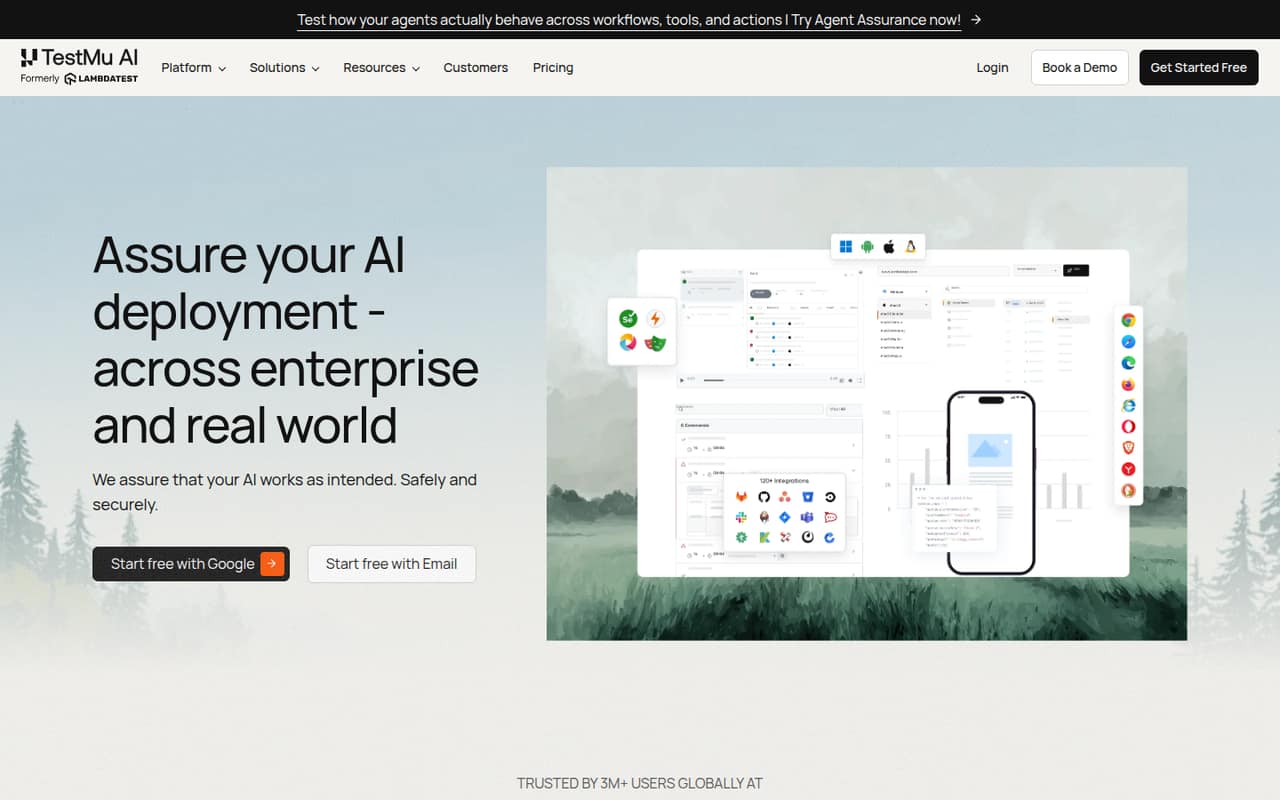
The platform combines Test Manager, KaneAI test authoring, real-device testing and HyperExecute test orchestration. It can also evaluate AI agents, including chat, voice, phone and video agents. That breadth may suit a small product team with several testing jobs, but it can be more than a team needs if it only wants a basic bug tracker or occasional browser check.
Start with the free plans if the short session limits fit your work. For paid use, identify whether you need authoring, test management or live testing first; the plans are separate, and the cheapest option depends on that job.
02LambdaTest free plan and trial
LambdaTest lists two free plans, each aimed at a different job. Test Manager Free includes unlimited projects and folders, centralized test case management and 24×7 support. Live Testing Free includes 200+ desktop browsers, two native app emulator or simulator sessions, and five real-device sessions per month, each capped at two minutes. It also has limited live sessions of two minutes each per month.
Those allowances are useful for a first look or occasional checks, not sustained device testing. The free plans do not list KaneAI authoring credits or paid-plan execution minutes. The pricing page lists no free trial. If you need more live testing, Virtual Live starts at a listed $15 per month equivalent billed annually; for AI authoring, KaneAI Starter is listed at $17 per agent per month equivalent billed annually.
03What a small team pays for LambdaTest
The lowest listed paid price is Virtual Live at $15 per month equivalent, billed annually; the vendor does not show a monthly-billing price or specify a per-seat unit for this plan. For AI authoring, KaneAI Starter is $17 per agent per month equivalent, billed annually. That works out to $204 per agent per year: three agents cost $51 monthly equivalent ($612 annually), and five cost $85 monthly equivalent ($1,020 annually). Each agent includes one Test Manager seat.
For managed test cases, Test Manager Premium lists one seat at $49 per month equivalent billed annually, or $588 per year. The vendor does not list the price for additional seats, so we can’t give a supported total for a three- or five-person Test Manager team. KaneAI Pro is $89 per agent monthly equivalent and Max is $179; both are also annual-billing prices. Ask sales for additional Test Manager seats, more KaneAI agents, or more than 10 parallel tests. Monthly-billing prices are not listed.
04Getting started with LambdaTest
The first setup decision is which part of LambdaTest you need: Test Manager for test cases, Live Testing for manual checks, or KaneAI and HyperExecute for AI-assisted authoring and cloud execution. Keeping that choice narrow should make a first rollout easier than turning on every tool at once.
For teams already tracking work in Jira or Azure DevOps, Test Manager can sync test cases with either service. KaneAI Starter includes local authoring through Kane CLI and end-to-end flows on a local browser; cloud authoring sessions appear in Pro and Max. Those differences matter when deciding whether the starter plan matches your workflow.
One Reddit user described a low learning curve, but that is an individual report, not a guarantee for every team. Before committing, have the people who write and run tests check the workflows they need, and confirm device availability and support expectations with the vendor.
05When small teams outgrow LambdaTest
A team can outgrow the free plans as soon as two-minute live sessions stop being enough for a useful test run. More sustained browser checks start at Virtual Live, while real-device testing has a separate Real Device Plus Live plan listed at $39 per month equivalent billed annually. If test authoring grows beyond Starter, KaneAI Pro and Max raise the per-agent cost to $89 and $179 per month equivalent, respectively.
Seat costs can also become hard to plan: Test Manager Premium lists one seat, but the price for additional seats is not published. Larger teams may need Enterprise plans for controls such as single sign-on, custom seats or dedicated customer success; those prices are not listed.
Reddit feedback includes complaints about sales tactics and device consistency, alongside one user who says the tool is okay and another who praises pricing and support. Treat those as individual reports, and verify the devices and plan terms your team needs before expanding.
From the threadsWhat users say
Reddit feedback is mostly critical, with allegations about review practices and complaints about sales and device consistency. A smaller number of comments describe reasonable licensing, a low learning curve or good pricing and support, so sentiment is mixed but leans negative.
Low learning curve, reasonable licensing
I can’t count how many times their ‘physical device’ in the cloud and our physical device in our hand haven’t matched
Posts and comments regarding Lambdatest will now be banned from this sub due to their fake reviews all over the web
In comparison with browserstack it's much better in terms of pricing and support
Questions people ask
Does LambdaTest use real devices?
Yes. LambdaTest lists real-device testing for native, hybrid and web apps on its Real Device Plus Live plan, which includes access to 50,000+ real Android and iOS devices. Live Testing Free also includes five real-device sessions per month, capped at two minutes each. A Reddit user reports device-consistency concerns, so confirm the devices you need before buying.
Is TestMu AI free?
TestMu AI, formerly LambdaTest, has free plans for Test Manager and Live Testing. Those plans do not list KaneAI authoring credits. The lowest listed KaneAI option is Starter at $17 per agent per month equivalent, billed annually; monthly-billing prices are not listed.
How much does software testing cost with LambdaTest?
The lowest listed paid plan is Virtual Live at $15 per month equivalent, billed annually. KaneAI Starter is $17 per agent per month equivalent, while Test Manager Premium is $49 per month equivalent for one seat. The vendor does not publish monthly-billing prices or the price for extra Test Manager seats.
What is the LambdaTest tool used for?
LambdaTest is a testing platform for web, mobile and AI applications. Teams can manage test cases, author tests with AI assistance, run browser and real-device checks, orchestrate test execution and evaluate AI agents. The plans are split across those jobs, so a small team should choose based on the tests it actually needs to run.
Can LambdaTest sync test cases with Jira?
Yes. Test Manager can create, manage, execute and sync test cases with Jira and Azure DevOps. If either integration is essential to your workflow, confirm the plan and setup details with LambdaTest before purchase; the listed pricing does not specify whether every integration is included in every plan.