
We may earn a commission if you buy through links on this page. It never changes a score or a ranking. How we make money
The bottom line
Good for multi-audience training; hard to justify for a few seats when pricing starts at 100 users.
LearnUpon brings employee, customer, and association training into one platform, with separate learning portals and AI features for administration and course creation. It may suit a team managing several audiences, but it is not an obvious fit for a small team buying just a handful of seats.
The pricing page lists audience-specific plans starting at 100 users for employee training, 300 for customer education, and 150 for associations. Prices aren't published, and a free plan or trial isn't listed, so get a quote before deciding whether the platform fits your budget.
Good fit if
- Teams training several distinct audiences
- Employee programs starting at 100 users
- Organizations wanting centralized course management
Skip it if
- Teams needing only a few seats
- Buyers who require published pricing
- Teams looking for a free LMS
ScoresHow it rates
What works
- Separate portals for employees, customers, and associations.
- AI agents target routine administration and learning workflows.
- Create+ is designed for interactive learning modules.
- Learner insights can surface capability gaps and recommendations.
- Central library supports content creation, updates, and management.
What doesn't
- Employee training starts at 100 users.
- Customer education starts at 300 users.
- Association training starts at 150 users.
- Monthly and annual prices aren't published.
- A Reddit user reported functionality gaps.
01Who LearnUpon is for
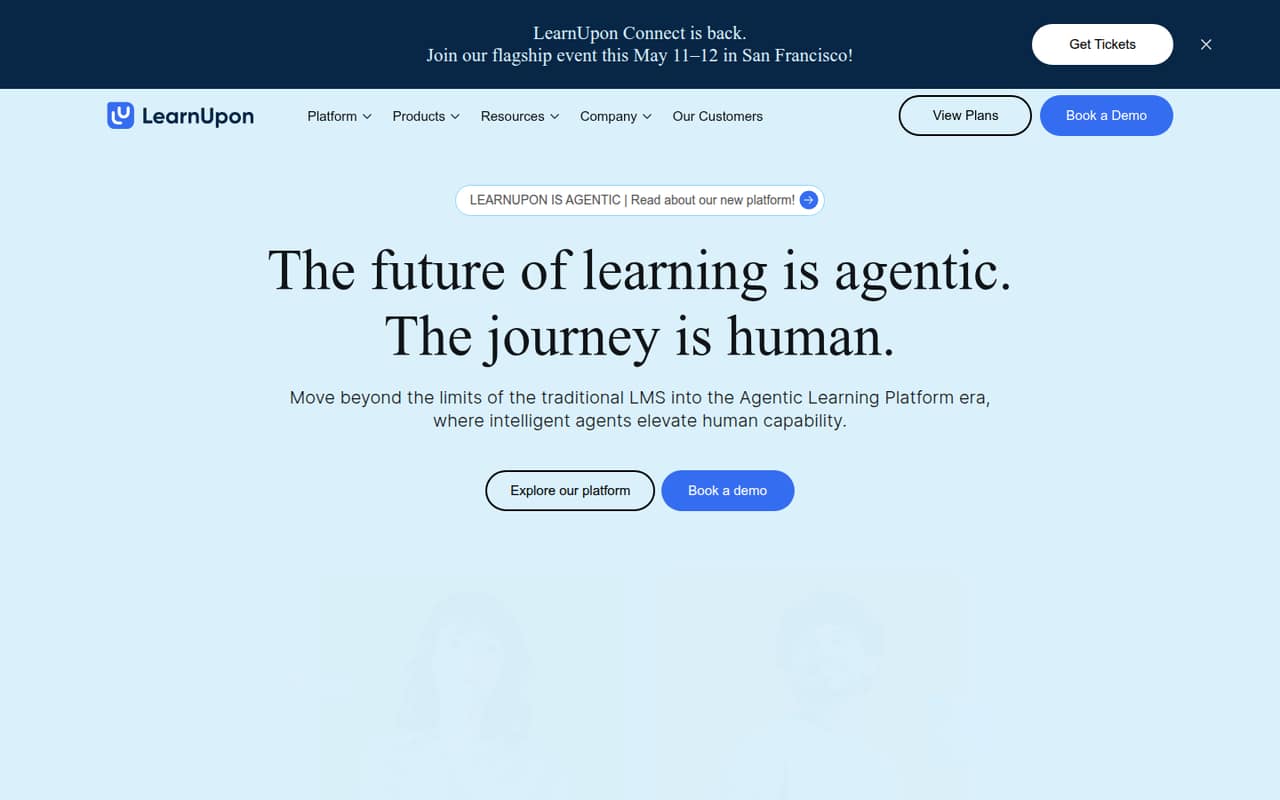
LearnUpon is an LMS for organizations training employees, customers, or association members. It brings course content and training delivery into one platform, with separate portals, permissions, catalogs, and reporting for different audiences. Its AI features are meant to help with administrative tasks, course creation, and personalized learning.
For a small team, the audience and seat thresholds matter more than the feature list. The pricing page lists employee training starting from 100 users, customer education from 300, and association training from 150. A 1–10-person company buying an LMS just for its staff may be paying for far more capacity than it needs, though the vendor doesn't publish prices to show the actual cost. LearnUpon is a better candidate if your small L&D team must also serve customers or members, and can confirm the audience minimums and quote work for your use case.
02LearnUpon free plan and trial
LearnUpon doesn't list a free plan or free trial in the available pricing information. That means there isn't a listed no-cost way for a small team to run ongoing training or try the platform before paying. Ask the vendor whether it offers a guided demo, trial access, or a pilot; those options and their terms aren't published here.
The listed starting point is an audience-specific paid plan: employee training starts from 100 users, customer education from 300, and association training from 150. Prices are not published, so the cheapest way in is to request a quote for the audience you need to train. Ask whether the minimum is a required purchase or simply the plan's starting capacity, and what the quote includes.
03What a small team pays for LearnUpon
LearnUpon's pricing page lists no dollar amount for monthly or annual billing. It also doesn't publish a per-seat rate, so we can't calculate a grounded cost for one person, three people, or five people—or compare monthly and annual totals. Ask the vendor for both billing options and a quote that spells out the number of billable users.
The listed starting audiences are 100 users for LearnUpon for Employees, 300 for LearnUpon for Customer Education, and 150 for LearnUpon for Associations. Those are minimum starting sizes, not published prices. A team of three or five should ask whether it must pay for the full starting audience even if it has fewer learners. The pricing information lists no add-ons, but that doesn't confirm what is included in a quote. Ask about implementation, support, AI features, and any optional costs before comparing the total with a smaller LMS.
04Getting started with LearnUpon
Setup effort will depend on how many audiences, portals, and workflows you need. A Reddit user who completed an implementation said it was super easy, while another described the LMS as mostly easy to use and noted that complexity depends on the use case. Those are individual reports, not a promise of a particular setup time.
A developer in another Reddit discussion said LearnUpon's API documentation was enough to get their team up and running. The available product details don't specify which integrations are included, so ask about your must-haves—such as identity management, HR systems, or content tools—before signing. For a lean team, also request a walkthrough of portal setup, content migration, reporting, and ongoing administration. Confirm who handles implementation and what support is included in the quote.
05When small teams outgrow LearnUpon
For a team of 1–10, the first question may be whether LearnUpon is too large for the job: the employee plan starts at 100 users, and customer and association plans start higher. Since LearnUpon doesn't publish prices, you can't see whether a small audience can get a lower-cost arrangement without asking for a quote. Revisit the fit as your learner count and training needs change.
Feature gaps may also prompt a move. In one Reddit thread, a user who had used LearnUpon for almost two years said their organization was looking for a new LMS because of missing functionality. Another commenter described future-dated enrollment as an issue that required manual work at the time. These are individual, older reports; ask LearnUpon whether the specific capabilities you need are available now. Check scheduled enrollments, automated reporting, and any must-have workflows in a demo before committing.
From the threadsWhat users say
Reddit sentiment is mixed: users describe LearnUpon as easy to use, but one long-term user reported functionality gaps. Comments also suggest that implementation effort depends on the use case.
I did a full implementation with them about 5 years ago and it was super easy
Learnupon’s best point I think is it’s ease of use for learners
we're currently in the process of finding a new LMS due to some lack of functionality with LU
it's a pretty standard and mostly easy to use LMS, but it really depends on the complexity of your implementation and use cases
Questions people ask
Does LearnUpon have a free plan?
LearnUpon doesn't list a free plan in the available pricing information. It also doesn't list a free trial or its terms. Ask the vendor whether it offers trial access or a pilot, and what the requirements are. The listed paid options start from 100 users for employee training, 300 for customer education, and 150 for associations.
How much does LearnUpon cost?
LearnUpon doesn't publish monthly or annual prices in the pricing information available here, so the cost per seat and total bill aren't known. The listed audience starting sizes are 100 users for employee training, 300 for customer education, and 150 for associations. Request a quote and ask how many users it bills.
Can a team of five use LearnUpon?
A five-person team can ask LearnUpon for a quote, but the pricing page lists employee training starting from 100 users. Customer education and association plans start at 300 and 150 users. The vendor doesn't publish whether smaller teams can buy a lower minimum, so confirm the required billable audience before evaluating the cost.
What types of training does LearnUpon support?
LearnUpon is described as supporting employee, customer, compliance, and association learning. Its learning portals are designed to separate audiences with distinct permissions, catalogs, and reporting. Ask the vendor to show how your specific training setup would work, including any audience-specific workflows and reporting you need.
Can LearnUpon create training courses?
LearnUpon's Create+ feature is described as a tool for building interactive learning modules. The platform also includes content management for creating, updating, and managing a learning library. The available details don't specify authoring limits or which content formats are supported, so confirm those requirements with LearnUpon before choosing a plan.
Sources
- LearnUpon homepage
- LearnUpon pricing, compiled via web search from outdoo.ai, getcor.ai, learnupon.com, toollers.com, elearningindustry.com
- Reddit: Docebo versus LearnUpon
- Reddit: LearnUpon LMS - Who uses it or has?
- Reddit: Comparing Docebo and LearnUpon – currently making the switch from a different LMS
- Reddit: LearnUpon LMS for Association - Looking for Real-world Feedback