
We may earn a commission if you buy through links on this page. It never changes a score or a ranking. How we make money
The bottom line
Ledge prepares close work for review, but unpublished prices make its small-team value difficult to judge.
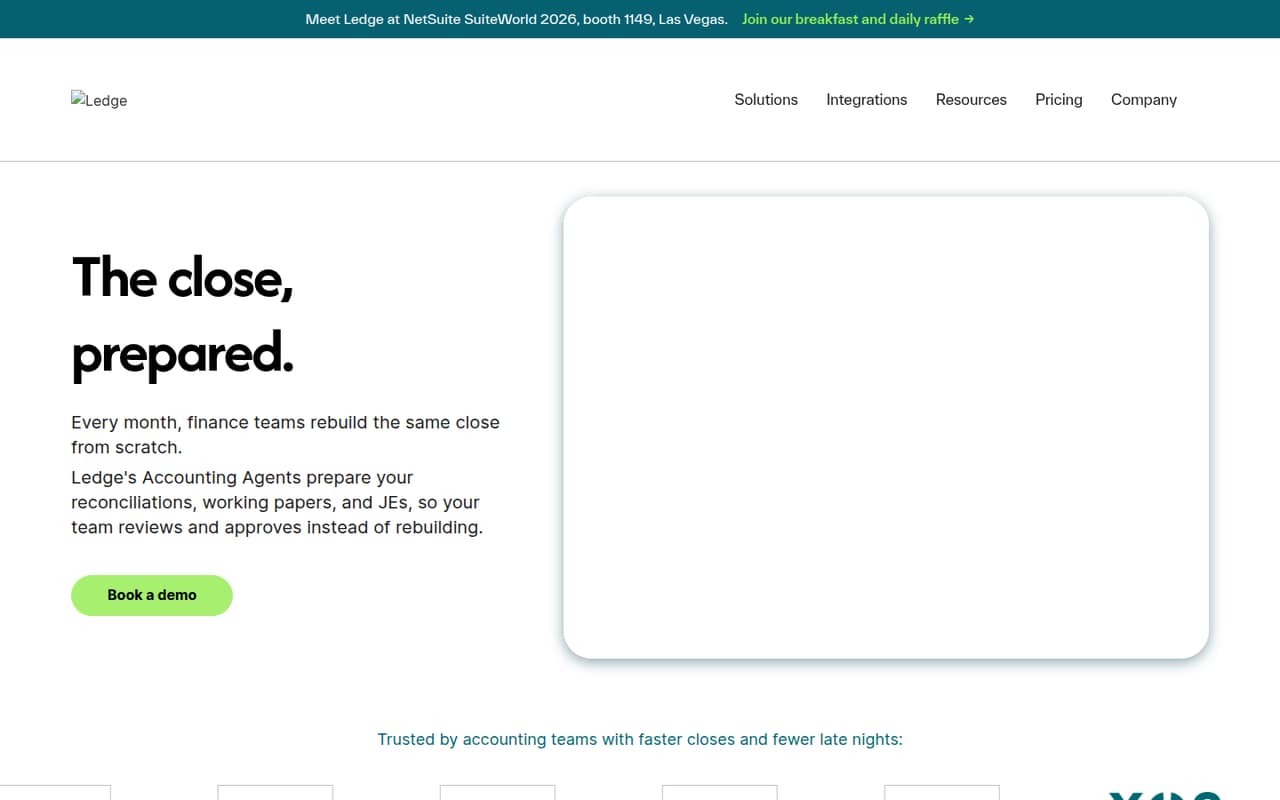
Ledge is a finance operations platform that prepares reconciliations, working papers, and journal entries for a finance team to review and approve. It also tracks close tasks and records how figures tie back to sources.
The pricing page lists Track, Execute, and Enterprise, but the vendor doesn't publish prices or billing terms. Track includes unlimited seats, one ERP integration, one bank integration, and unlimited CSV uploads. There is no listed free plan or trial, so ask Ledge for a quote before deciding whether it fits your budget.
Good fit if
- Finance teams managing a recurring close
- Teams needing review before entries post
- Organizations working across entities
Skip it if
- Teams that need a free accounting tool
- Buyers requiring clear public pricing
- Businesses seeking a basic bookkeeping app
ScoresHow it rates
What works
- Prepares reconciliations, working papers, and journal entries
- Tracks close tasks, dependencies, and handoffs
- Draft journal entries wait for approval
- Track includes unlimited seats
- Track lists ERP, bank, and CSV connections
What doesn't
- The vendor doesn't publish plan prices
- No free plan or trial is listed
- Billing terms aren't published
- Only one ERP and bank integration on Track
- Setup time and learning curve aren't published
01Who Ledge is for
Ledge is aimed at finance teams that need to coordinate a recurring close, especially when work spans multiple entities or people. Rather than replacing accounting software, it prepares close materials around the existing general ledger: reconciliations, schedules, working papers, and draft journal entries. People review and approve that work before entries post.
That makes it a better fit for a small finance department than for a solo business owner looking for basic bookkeeping. A team of three to ten could benefit if close coordination and review are taking substantial effort. But the vendor doesn't publish a price, so a lean team can't tell from the pricing page whether the cost fits its budget. Ask for a quote and confirm which accounting system integrations are available before planning a rollout. If your main need is simply recording transactions, Ledge's close-focused workflow may be more than you need.
02Ledge free plan and trial
Ledge doesn't list a free plan or free trial. The pricing page lists three paid plan names: Track, Execute, and Enterprise. Track is described for close-tracking teams and includes unlimited seats, one ERP integration, one bank integration, and unlimited CSV uploads. Its price isn't published, so it is the cheapest listed way to start, but we can't confirm what it costs.
The vendor also doesn't publish trial terms, a free tier's limits, or a self-serve signup price. That makes it hard for a small team to assess the workflow before committing. Ask Ledge whether it offers a trial or a guided evaluation, what the Track quote includes, and whether any implementation fees apply. Don't assume that unlimited seats means the plan is inexpensive; the total price is not public.
03What a small team pays for Ledge
The pricing page lists Track, Execute, and Enterprise, each billed per month, but neither monthly nor annual prices are published. It also doesn't publish billing terms. As a result, we can't calculate the cost for one person or a team of three or five, or compare monthly billing with an annual commitment.
Track is the entry option listed for close-tracking teams. It includes unlimited seats, one ERP integration, one bank integration, and unlimited CSV uploads. Execute is for close-automation teams, and Enterprise is for enterprise finance teams; both list unlimited seats. The page doesn't state further plan differences or list add-ons.
For a small team, ask for a written quote for your intended number of users and confirm whether pricing changes by entity, close volume, or integration. Those details aren't published. Also confirm whether setup or support carries a separate fee before comparing the quote with your current finance software budget.
04Getting started with Ledge
Ledge's workflow depends on connecting close work to your accounting records: its prepared workpapers tie balances to the general ledger, and it prepares bank, cash, and balance-sheet reconciliations. Track lists one ERP integration and one bank integration, plus unlimited CSV uploads. The vendor doesn't name the supported systems in the pricing details, so confirm that your ERP and bank are supported before signing up.
The product's basic sequence is clear from its description: agents prepare work, then your team reviews and approves it. But the vendor doesn't publish setup time, onboarding steps, training requirements, or a public learning-curve estimate. We wouldn't budget for a quick setup without asking about data mapping, close checklist configuration, and who handles integration work. A small team should request a walkthrough using its own close process and ask what staff time is needed to launch.
05When small teams outgrow Ledge
Ledge's listed plans have unlimited seats, so the published pricing doesn't show a seat cap that would force a team of three or five to upgrade. But unlimited seats don't reveal the total cost: prices and billing terms aren't published, and the plan details beyond Track's listed integrations are limited. A growing team should ask whether fees change with entities, transaction volume, or automation needs.
Track lists one ERP integration and one bank integration. A company that needs more connections may need to discuss a higher plan or another arrangement with Ledge; the pricing page doesn't spell out those limits for Execute or Enterprise. Teams may also outgrow the fit if they need public prices for budget approval, or if they want general-purpose bookkeeping instead of close preparation and review. Get the plan differences and total quote in writing before expanding usage.
Questions people ask
Does Ledge have a free plan?
Ledge doesn't list a free plan. Its pricing page names Track, Execute, and Enterprise, but doesn't publish their prices. Track is the entry plan shown for close-tracking teams. Ask the vendor for a quote and whether it offers a trial or evaluation before committing.
How much does Ledge cost for a small team?
The vendor doesn't publish monthly or annual prices, so we can't give a reliable total for one, three, or five people. Track lists unlimited seats, but that doesn't establish the plan's price. Request a quote for your team size and confirm any implementation or integration fees.
What does Ledge Track include?
The pricing page lists unlimited seats, one ERP integration, one bank integration, and unlimited CSV uploads for Track. It describes the plan as being for close-tracking teams. The vendor doesn't publish the supported ERP and bank names in the plan details, so confirm compatibility before buying.
Does Ledge post journal entries automatically?
Ledge drafts journal entries with evidence, but posting waits for approval. Its stated workflow is to prepare close work for finance teams to review and approve. Ask the vendor how approvals are configured and which accounting systems can receive approved entries.
How long does Ledge take to set up?
The vendor doesn't publish a setup timeline or a standard onboarding estimate. Track lists one ERP and one bank integration, and unlimited CSV uploads, but setup will depend on the systems and close process you need to connect. Ask Ledge what implementation work and staff time to plan for.