
We may earn a commission if you buy through links on this page. It never changes a score or a ranking. How we make money
The bottom line
Strong for finding image ideas; check the seat terms before budgeting for a team.
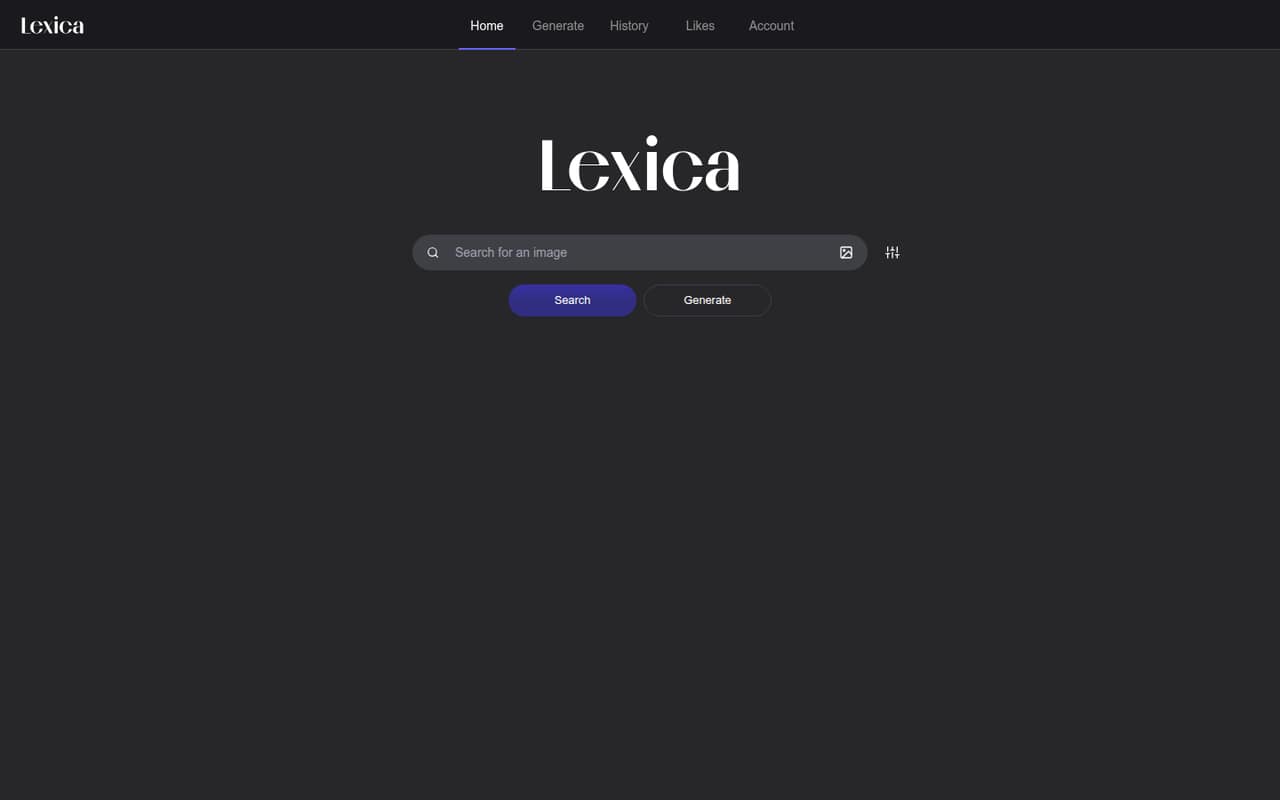
Lexica combines an AI-image search gallery with text-to-image generation. It can help a small team find references, inspect prompts and settings, and make new artwork in a browser.
The pricing page lists plans from $10 monthly, or $8 per month with annual billing, and no free plan. Pro is labeled for teams of 2–5, but the listed pricing doesn’t clarify whether the fee covers the team or each person—so confirm that before signing up.
Good fit if
- Teams sourcing AI image references
- Solo creators testing image prompts
- Teams remixing visual concepts
Skip it if
- Teams that need a free generator
- Buyers needing clear seat pricing
- Teams wanting documented integrations
ScoresHow it rates
What works
- Search AI images with text queries or an image URL
- View prompts and generation settings on images
- Remix prompts and settings in an editor
- Explore visually similar artwork
- Public search API returns up to 50 image records
What doesn't
- Pricing page lists no free plan or trial
- Seat billing is not specified
- Starter has no slow generations
- Fast generations are capped by plan
- One Reddit commenter says remixes can be worse
01Who Lexica is for
Lexica suits a solo creator or a small team that needs visual references and occasional AI artwork, rather than a full design-production system. Its browser-based gallery lets you search AI images by text or image URL, inspect details such as prompts and seeds, and use images as starting points for new work.
For a team of 2–5, the pricing page labels Pro as the relevant plan; Starter is labeled for solo creators. That makes the product worth considering when your main job is finding a visual direction, remixing prompts, or generating blog and social artwork. One Reddit poster praised the search catalog but warned that heavier generation can use credits quickly. If your team needs reliable generation volume, clear seat billing, or integrations with other work tools, check those terms before committing. Lexica’s published feature list includes a search API, but does not describe a wider set of integrations.
02Lexica free plan and trial
The pricing page lists no free plan and no free trial. Its cheapest listed option is Starter: $10 per month with monthly billing, or $8 per month when billed annually. Starter includes 1,000 fast generations per month, no slow generations, two concurrent fast jobs, and four image-generation credits per prompt.
One Reddit poster describes a free search catalog, but that doesn’t establish a free generation plan or current access terms. Treat image search availability separately from a plan that includes generation, and check Lexica’s current terms if free browsing is essential to your budget. For paid generation, Starter is the lowest listed way in; it is intended for solo creators, not a multi-person team.
03What a small team pays for Lexica
The pricing page lists Starter at $10 monthly or $8 per month with annual billing ($96 billed annually). Pro is $30 monthly or $24 per month with annual billing ($360 or $288 billed annually), and is labeled for companies with 2–5 people. Max is $60 monthly or $48 per month with annual billing ($720 or $576 billed annually), for companies with 5+ employees.
For three people on Pro, the listed plan fee is $30 monthly or $24 per month annually. If that fee covers the whole team, that works out to $10 or $8 per person monthly. For five people, Pro is labeled for up to five: at the same whole-team assumption, the effective cost is $6 or $4.80 per person monthly. Max is also labeled for 5+ people. Lexica doesn’t specify whether listed prices are per seat or team-wide; if Pro is charged per seat, three seats would total $90 monthly or $72 per month on annual billing. Confirm the billing basis and the right tier for five before budgeting. Extra fast generations cost $0.05 each and require an active plan.
04Getting started with Lexica
Lexica is browser-based, so its core search and generation features are accessed online. A small team can begin by searching images, opening their prompt and generation details, then trying a prompt remix or a new generation. The feature set describes adjustable generation settings, including positive and negative prompts, and an Explore this style tool for finding similar artwork.
That sounds like a light start for a team that wants image ideas without wiring up a larger workflow. Lexica lists a public HTTP search API for teams that want to retrieve image records programmatically; it returns up to 50 records per search. The published feature information does not describe other integrations, so ask Lexica about any specific design, storage, or collaboration tools you need. A Reddit poster says the search experience was more useful to them than generation, while another says some remixes came out worse than the originals. Allow time to review generated results rather than assuming every prompt will be ready to use.
05When small teams outgrow Lexica
The first pressure point is generation volume. Starter includes 1,000 fast generations per month and no slow generations; Pro and Max include 3,000 and 7,000 fast generations, respectively, plus unlimited slow generations subject to a daily cap. All three list two or three concurrent fast jobs and four image-generation credits per prompt. Additional fast generations cost $0.05 each, and they require an active plan.
A team may need to move up when it regularly hits its fast-generation allowance, wants slow-queue access, or needs more concurrent fast jobs. Pro is labeled for 2–5 people and Max for 5+, but the pricing page doesn’t say whether the fee is per seat or shared, which makes growth costs hard to predict. Reddit feedback also points to a quality trade-off: one commenter said some remixes were worse than the originals, while another preferred search to generation. If your team needs dependable finished artwork or clear collaboration and seat controls, compare alternatives before expanding usage.
From the threadsWhat users say
The Reddit feedback is mixed: one poster praises the search catalog, while commenters raise concerns about generation quality and usefulness. That’s a reminder to treat image discovery and image production as different strengths.
The free search catalog is gold
half the images I tried to remix came out worse than the originals
heavy generation will chew through credits faster than you think
They sure have some crazy images
Questions people ask
Does Lexica have a free plan?
The pricing page lists no free plan or trial. A Reddit poster describes a free search catalog, but that does not confirm free access to image generation or the current terms. If you only need search, check Lexica’s current access rules; for paid generation, Starter is the cheapest listed plan.
How much does Lexica cost?
Starter is listed at $10 per month, or $8 per month with annual billing. Pro is $30 monthly or $24 per month annually, and Max is $60 monthly or $48 per month annually. Annual prices are billed annually. Lexica doesn’t specify whether these fees are per seat or shared across a team.
What does Lexica Starter include?
Starter includes 1,000 fast generations per month, no slow generations, two concurrent fast jobs, and four image-generation credits per prompt. The pricing page labels it for solo creators. Extra fast generations cost $0.05 each and require an active plan.
Can I see the prompt and settings behind an image?
Lexica’s image details can include prompts, negative prompts, seeds, dimensions, model type, and guidance scale. You can use those details to understand how an image was made or as a starting point for remixing its prompt and generation settings.
Does Lexica offer an API?
Lexica lists a public HTTP search API. It returns up to 50 image records per search. The published feature details don’t establish whether the API is included with a particular plan or what its usage terms are, so ask Lexica about access and limits before building a workflow around it.