
We may earn a commission if you buy through links on this page. It never changes a score or a ranking. How we make money
The bottom line
Good individual pricing and PDF basics; team billing and setup details need a closer look.
LightPDF covers common PDF jobs: editing, conversion, annotations, signatures, organization and AI document chat. Its free plan is tightly limited, but paid individual plans start at $1.33 per month when billed yearly.
For a team, the catch is that business pricing is custom, and the individual plans don't establish team controls.
Good fit if
- Individuals handling routine PDF tasks
- Small teams comparing low-cost PDF tools
- People who want AI document chat
Skip it if
- Teams needing published per-seat pricing
- Users with large free-plan files
- Teams needing confirmed integrations
ScoresHow it rates
What works
- Edits, converts, annotates, signs and organizes PDFs
- AI document chat and summaries
- Free plan available
- Yearly plan costs $15.99 per year
- Paid plans cover web, mobile and desktop
What doesn't
- Free plan caps files at 10MB
- Free cloud storage holds five files for one year
- Free AI Agent allows three questions daily
- Team and enterprise pricing is custom
- Additional AI credit pricing is not published
01Who LightPDF is for
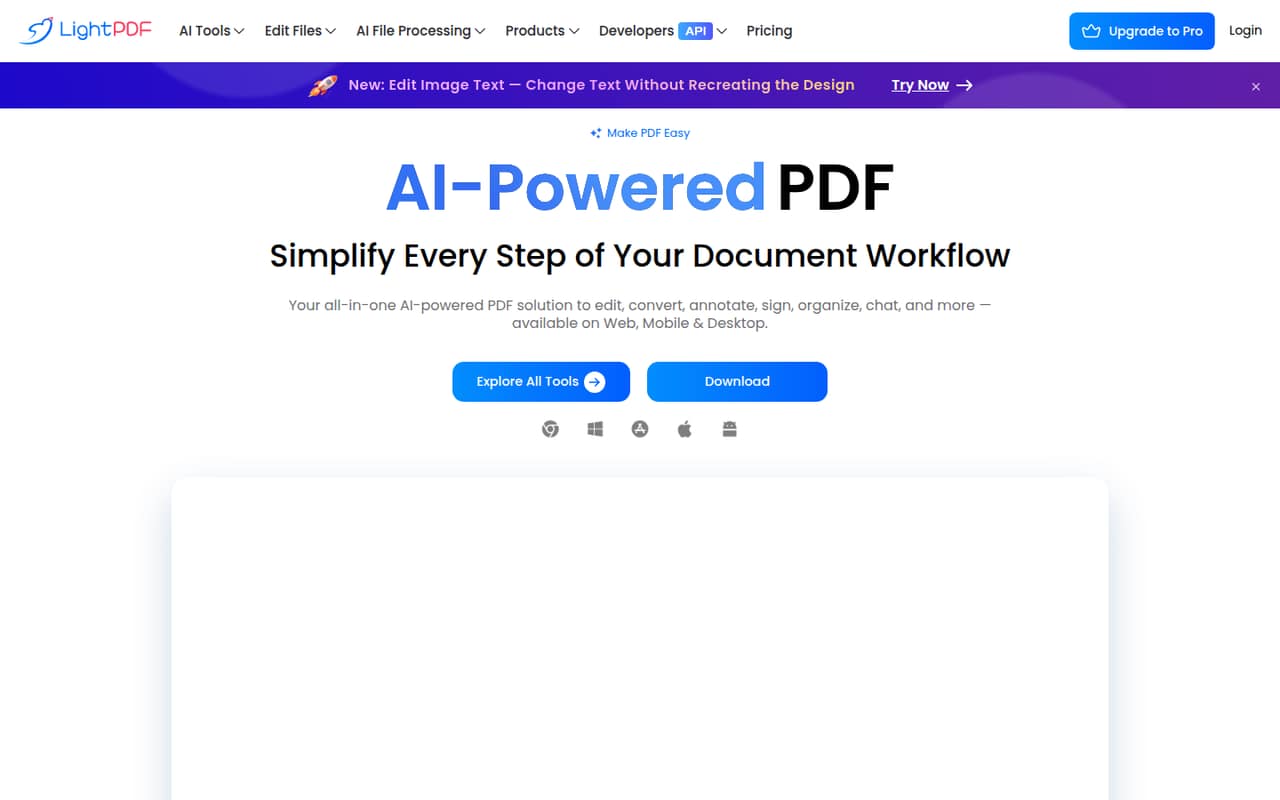
LightPDF is worth considering if your small team regularly needs to edit, convert, annotate, sign or organize PDFs. It also offers AI document chat and summaries, so it may suit people who want to ask questions about documents without switching tools. The homepage lists web, Windows, Mac, iPhone/iPad and Android availability.
For a one-person operation or a few people who mainly need PDF utilities, the individual plans are easy to compare: $5.99 monthly or $15.99 per year. A team of 3–10 should treat those as individual-plan prices, not confirmed team-seat rates. LightPDF lists team and enterprise plans with centralized billing, user management and volume discounts, but the price is custom. Ask for a quote before budgeting around individual pricing. If your team mainly needs shared office documents rather than PDF work, LightPDF's listed features may be narrower than you need.
02LightPDF free plan and trial
The free plan is web-only, with a 10MB maximum file size, cloud storage for five files for one year and three LightPDF AI Agent questions per day. That makes it a way to try selected features, not a generous shared workspace for a team. The listed free-plan details don't include mobile or desktop access.
LightPDF also lists a three-day trial for the yearly plan. The free plan's file-size, storage and daily AI limits are the main things to check against your actual workload. If those limits get in the way, the cheapest paid option is the yearly plan at $15.99 per year, or $1.33 per month equivalent. The monthly plan is $5.99 per month.
03What a small team pays for LightPDF
The pricing page lists the Monthly Plan at $5.99 per month and the Yearly Plan at $15.99 per year, equivalent to $1.33 per month. For a simple budget comparison, buying individual plans for three people would cost $17.97 monthly or $47.97 yearly. For five, it would be $29.95 monthly or $79.95 yearly. Those totals are arithmetic based on individual plan prices; LightPDF doesn't publish them as team-seat rates.
The Lifetime Plan is a $39.99 one-time payment, with 40,000 lifetime AI credits. Paid plans list web, mobile and desktop access, unlimited file size and unlimited cloud storage. AI credits are capped at 1,000 per month on the monthly and yearly plans; additional credits are available to buy, but their price isn't published. For 3–10 people, ask LightPDF for a Team & Business or Enterprise quote. Those plans list centralized billing, user management and volume discounts, but no public price. Education pricing is also not published.
04Getting started with LightPDF
LightPDF is available on the web, Windows, Mac, iPhone/iPad and Android, according to its homepage. For a single person trying a PDF task, the web option avoids needing a desktop installation. The free plan is web-only; paid plans list access across web, mobile and desktop.
The published feature list describes the main jobs—editing, converting, annotating, signing, organizing and chatting with documents—but doesn't spell out a setup checklist or learning curve. LightPDF also doesn't publish required integrations in the plan details. A small team should confirm whether it can connect to its existing document storage and how team members access shared files before rollout. For a team account, ask the vendor about onboarding and user management before choosing a plan.
05When small teams outgrow LightPDF
The free plan is an obvious stopping point if your files exceed 10MB, you need more than five stored files, or three daily AI questions aren't enough. Paid individual plans remove the listed file-size and cloud-storage limits, but they don't answer the team questions a growing business may have: what each seat costs, how access is managed, and whether shared workflows fit your process.
LightPDF's Team & Business or Enterprise option lists centralized billing, user management and volume discounts, but pricing is custom. Ask for a quote and confirm what's included before assuming the individual plan scales cleanly. Teams may also need to budget for extra AI credits; LightPDF doesn't publish their price. The sole Reddit thread has a positive title about editing and conversion but zero comments, so it offers little evidence about how teams fare as they grow. Consider another tool if you need confirmed integrations or public per-seat pricing.
From the threadsWhat users say
The limited Reddit signal is positive in its wording: one thread calls LightPDF simple and powerful.
A Simple
Powerful Tool
Edit
Convert PDF Files
Questions people ask
Is LightPDF safe to use?
LightPDF's listed plan details don't establish its security protections, file-retention rules or handling of sensitive documents. Ask the vendor for current security and privacy documentation before uploading confidential work. For sensitive files, don't assume that cloud storage limits describe how long documents are retained or who can access them.
How do I download an edited PDF from LightPDF?
LightPDF lists PDF editing as a feature, but its public feature details don't give step-by-step download instructions. Check the editor for its export or download controls before relying on it for a repeatable team workflow. If you need a particular file format, confirm that conversion option is supported.
Does LightPDF offer a free trial?
LightPDF lists a three-day trial for the yearly plan. It also has a free plan, which is web-only and includes a 10MB maximum file size, five cloud-stored files for one year and three AI Agent questions per day. Check the trial terms before starting if you don't want a paid plan.
What are the LightPDF free-plan limits?
The free plan is web-only, allows files up to 10MB, includes cloud storage for five files for one year and gives you three LightPDF AI Agent questions per day. If you need unlimited file size and cloud storage, those are listed on the paid individual plans.
How much does LightPDF cost for a team?
LightPDF lists team and enterprise pricing as custom, with centralized billing, user management and volume discounts. The individual plans cost $5.99 monthly or $15.99 yearly per plan, but LightPDF doesn't publish those as team-seat rates. Request a quote for your team size and confirm included features.