
We may earn a commission if you buy through links on this page. It never changes a score or a ranking. How we make money
The bottom line
Useful school controls, but no free entry point or published rates for a small team to compare.
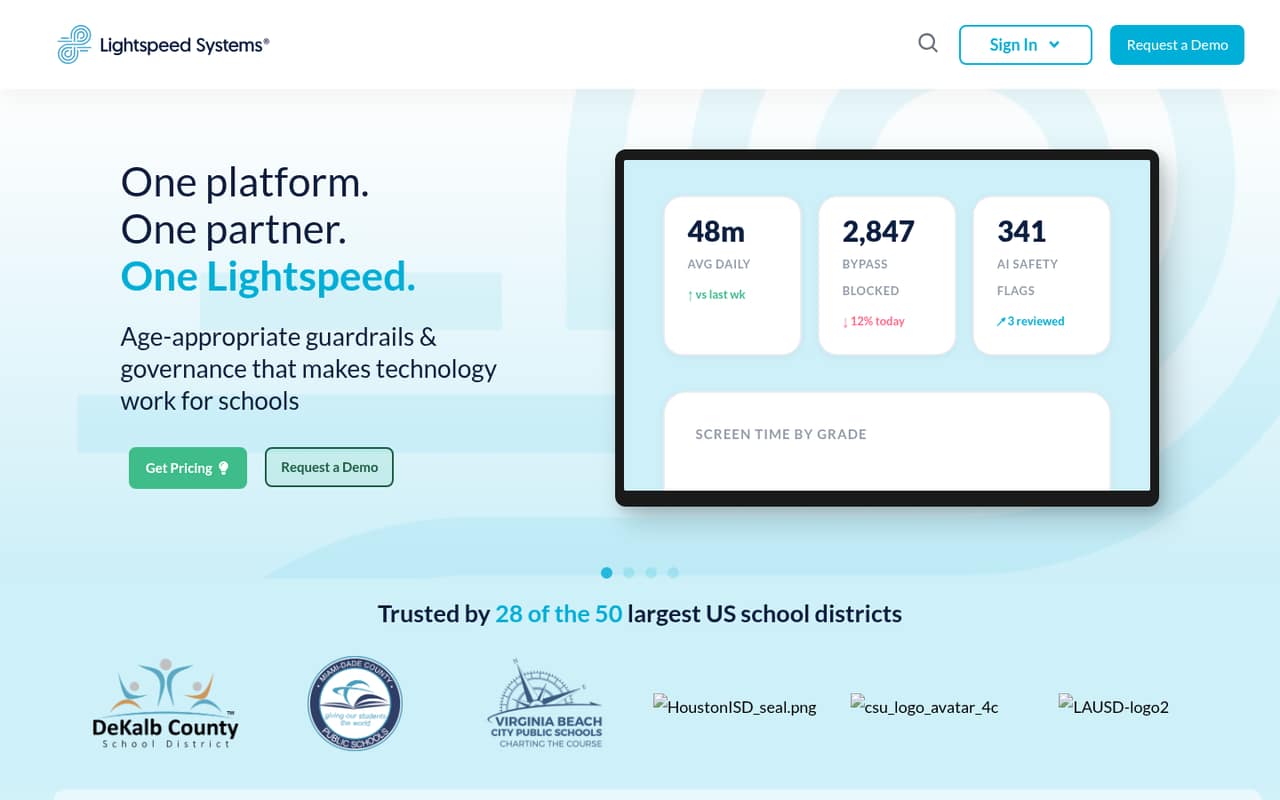
Lightspeed Filter is built for K–12 districts that need web filtering, student safety tools, device management, and reporting. It also offers YouTube controls and visibility into AI tool use. That breadth may suit a district team, but it is more than many small organizations need.
The pricing page lists custom quotes based on device count and selected solutions. There’s no published standard rate, free plan, or free trial, so a small team can’t work out its cost for a few people before contacting sales. Reddit users describe blocked content and work-profile controls as frustrating, though those reports reflect individual school setups.
Good fit if
- K–12 district technology teams
- Schools needing filtering and safety tools
- Districts managing many devices
Skip it if
- Small businesses seeking a free filter
- Teams needing transparent per-seat pricing
- People wanting unrestricted school devices
ScoresHow it rates
What works
- Web filtering covers district policies and YouTube controls
- Shows filter-bypass attempts and security activity
- Includes remote mobile device management
- Offers on-demand compliance reporting
- Helps districts monitor AI tool use
What doesn't
- No free plan or trial is listed
- Standard monthly and annual rates aren't published
- Quotes depend on device count and selected solutions
- Seat and usage limits aren't published
- Reddit users report blocked content and privacy concerns
01Who Lightspeed Filter is for
Lightspeed Filter is for K–12 school districts, rather than the usual small business team. A 1–10-person district IT or technology governance team could use it to manage filtering, student safety, and device oversight in one platform. In plain terms, it helps set rules for what students can access, review security activity, manage mobile devices remotely, and report on compliance.
The feature set is broad: it includes YouTube controls, alerts for potential signs of crisis, 24/7 activity review, and tools to see AI services in use. That can make sense when a district needs several kinds of oversight. But a small team with a narrow need—such as basic web blocking—may be paying for more scope than it needs. The vendor prices by device and selected solutions, so the deciding question is less about headcount and more about the district’s device fleet and required controls.
02Lightspeed Filter free plan and trial
There’s no free plan or free trial listed. That means a small team can’t start with a no-cost tier to check whether the filtering, reporting, or device controls fit its needs. The cheapest way in is a custom quote for K–12 districts, based on device count and selected solutions; the vendor doesn’t publish a starting rate.
Before asking for a quote, decide which capabilities are essential. The platform’s listed features span filtering, student safety, mobile device management, compliance reporting, and AI governance. Ask whether you can buy only the solutions you need, whether a pilot is available, and what the quote includes. Also confirm any device, seat, or usage limits in writing, since those limits aren’t published.
03What a small team pays for Lightspeed Filter
The pricing page lists a custom quote per device for K–12 districts. The quote depends on device count and selected solutions; standard monthly and annual rates aren’t published. So we can’t calculate a reliable cost for one person, three people, or five people—or compare monthly billing with an annual commitment. This is device-based pricing, not a published per-seat plan.
For a small team, get a quote using the actual number of covered devices, not just the number of staff. Ask whether student and staff devices are priced differently, whether the quote changes with usage, and what happens as the fleet grows. The vendor doesn’t publish seat or usage limits.
Alert, Insight, Classroom, MDM, Signal, Hall Monitor, and StopIt may be bundled. Add-on prices aren’t published. Ask which of these are included in the proposed package and what each costs separately. With no free plan or public starting price, budget fit depends on the vendor’s quote.
04Getting started with Lightspeed Filter
Treat this as a district IT rollout, not a quick self-serve app signup. The work may involve deciding which devices and policies to cover, choosing the solutions in the quote, and setting rules for sites and YouTube. The vendor’s listed features also include reporting, mobile device management, and student safety review, so agree on who will manage each area before rollout.
A setup timeline, learning curve, and day-one integration requirements aren’t published in the details we can confirm. We wouldn’t budget a specific number of hours without a vendor walkthrough. Ask what devices and operating systems are supported, how policies are assigned, what training is included, and whether the district needs to install an agent or extension.
One Reddit thread describes a Lightspeed extension appearing in a managed Chrome work profile and being difficult to remove. That’s a reminder to explain deployment and device boundaries to staff before connecting work accounts to personal equipment.
05When small teams outgrow Lightspeed Filter
Lightspeed Filter may be too much tool, or too much cost, for a small organization that only needs basic web controls. There’s no free tier to bridge the gap, and the vendor doesn’t publish per-device rates, seat limits, or usage limits. As a district adds devices or selected solutions, ask for the revised price before expanding the rollout.
A different kind of limit shows up in user comments: school filtering can block material students or teachers expect to use. In one Reddit thread, a teacher said blocked sites disrupted lesson plans and meant contacting tech staff to request access. Other commenters describe blocked images and tightly restricted YouTube access. Those reports are not proof every district will configure the product the same way, but they show why policy exceptions and a clear unblock process matter.
A growing team should reassess the tool if staff spend too much time handling access requests, if users need less restrictive controls, or if the quote no longer fits the budget. Ask about policy flexibility and the cost of adding devices before renewing.
From the threadsWhat users say
Reddit sentiment in the Reddit threads we read is mostly negative, centered on blocked content, restrictive controls, and privacy worries. The comments reflect particular school configurations, so they don’t establish how every district deploys Lightspeed Filter.
It’s a monitored, “enterprise” profile. It forces the enterprise’s chosen extensions to be installed, and prevents removal
It isn't blocking posts, it's blocking images. If you go to Google images, some of them will be blocked like that too
Still, i would like privacy at least. You should be allowed some bit of privacy
Questions people ask
Does Lightspeed Filter have a free plan or trial?
No free plan or trial is listed. The listed buying option for K–12 districts is a custom quote based on device count and selected solutions. Ask the vendor whether it can offer a pilot or evaluation period, and confirm what is included before agreeing to a purchase.
How much does Lightspeed Filter cost for a small team?
The vendor doesn’t publish a standard monthly or annual rate. Pricing is quoted per device and depends on device count and selected solutions, so a per-person price for one, three, or five staff members can’t be calculated from published rates. Request a quote using the devices you plan to cover.
What does Lightspeed Filter include?
Listed capabilities include web filtering with YouTube controls, visibility into filter-bypass attempts and security activity, remote mobile device management, on-demand compliance reporting, student safety features, and AI tool visibility. Which solutions are included in a district’s package depends on its quote, so confirm the package details with the vendor.
Can Lightspeed Filter manage mobile devices?
The listed features include remote mobile device management. The vendor’s device compatibility details and any operating-system requirements aren’t specified in the information we can confirm. Ask which devices are supported, whether management is included in your quote, and whether it has a separate cost.
Can a district control which YouTube content students see?
Lightspeed Filter lists YouTube controls as part of its web filtering features. Reddit users describe different school restrictions, including restricted access, but those comments don’t establish the controls available to every district. Ask the vendor to demonstrate the policy options and explain how staff can request access to blocked material.
Sources
- Lightspeed Filter homepage
- Lightspeed Filter pricing, compiled via web search from lightspeedsystems.com
- Reddit: My school decided to install lightspeed filter agent on the Mac Desktops recently and now they’ve blocked YouTube posts!!!
- Reddit: Lightspeedfilteragent
- Reddit: Lightspeed Filter Agent Chrome Extension Installed - How to Remove???
- Reddit: I hate goguardian and lightspeed filter so much.