
We may earn a commission if you buy through links on this page. It never changes a score or a ranking. How we make money
The bottom line
Useful for recurring business work, but budget for per-user fees and variable credit needs.
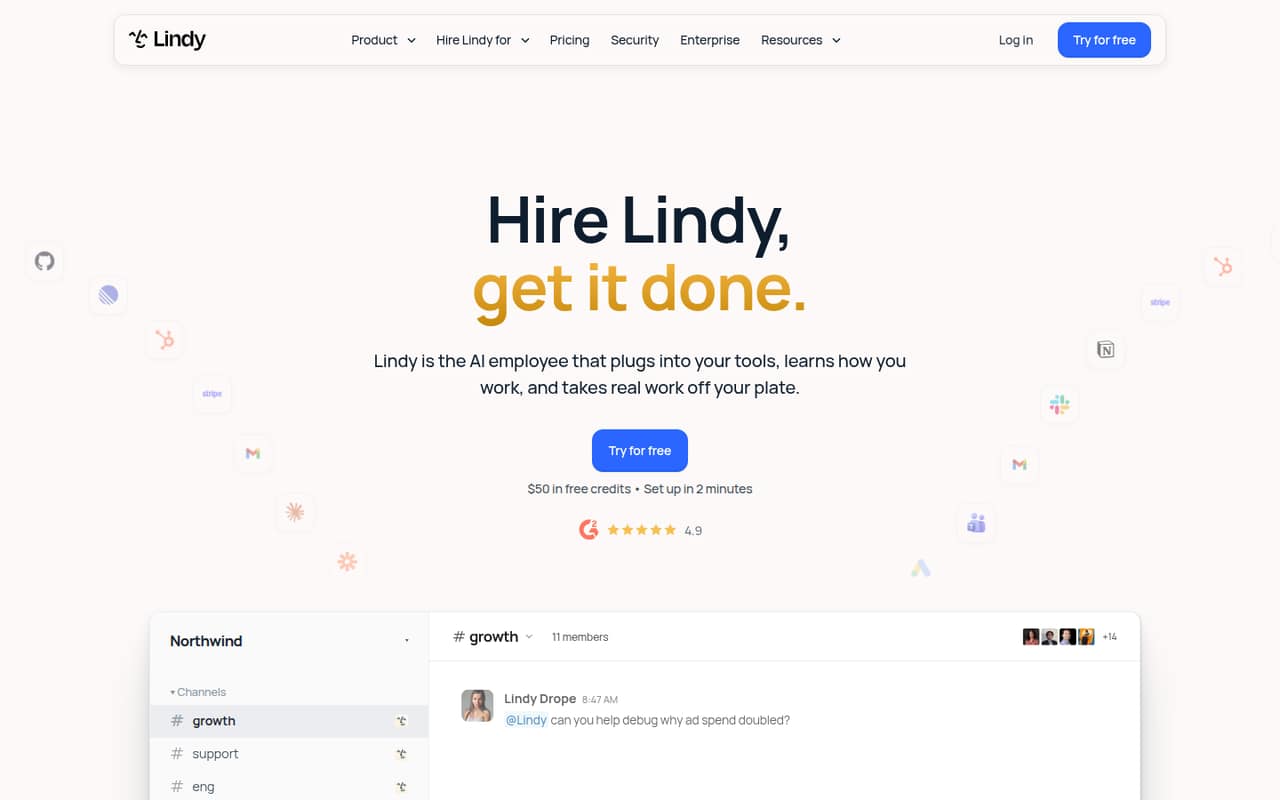
Lindy is aimed at small teams that want help with lead research, client reports, invoice follow-ups, and after-hours lead replies. It works through Slack, email, text, and calendar, with approval controls for actions that affect other people.
The free plan gives you $50 in credits, but they last just seven days. Team starts at $29.99 per active user per month, and credit use may add to the bill. Reddit users report both quick wins and a frustrating learning curve.
Good fit if
- Small teams with repeatable admin work
- Founders handling leads after hours
- Teams willing to tune AI workflows
Skip it if
- Teams needing predictable usage costs
- People who want zero setup
- Businesses avoiding AI-written customer replies
ScoresHow it rates
What works
- Handles lead finding, reporting, invoice follow-ups, and lead replies.
- Outside-impact actions wait for approval.
- Works through Slack, email, text, and calendar.
- Free plan includes $50 in credits.
- Team credits are pooled across users.
What doesn't
- Free credits last only seven days.
- Team billing applies to each active user.
- Credit use can raise the monthly bill.
- One Reddit user reported a frustrating learning curve.
- The pricing page lists no annual price.
01Who Lindy is for
We see Lindy as a fit for a small team that repeats the same business tasks and has room in its budget for an AI workflow tool. Think a founder and a few colleagues who need help finding leads, preparing client reports, chasing invoices, or replying to inquiries outside business hours.
Lindy is described as an AI employee that works through Slack, email, text, and calendar. It can prepare personalized lead notes, build reports from client data, follow up on overdue invoices, and book discovery calls. Actions that affect other people wait for approval; read-only lookups do not.
That makes it more than a simple drafting tool, but it also means someone needs to decide what the AI should do and review important actions. For a one-to-five-person team with repetitive work and a clear use case, the monthly cost may make sense. If tasks are occasional or hard to standardize, start with the free plan before adding seats.
02Lindy free plan and trial
The Free plan includes $50 in credits, requires no credit card, and is described as having everything needed to get started. Those credits last seven days, so treat the plan as a short, limited way to explore Lindy rather than a lasting monthly allowance. The pricing page also lists a seven-day free trial, but does not explain how that trial differs from the Free plan.
Credits are the key constraint: the Free listing does not promise a recurring credit balance, and the included $50 expires after a week. If you want to use Lindy beyond that, Team starts at $29.99 per user per month. We’d use the free access to check whether one specific workflow—such as lead follow-up or invoice chasing—works for your team before paying for ongoing usage.
03What a small team pays for Lindy
The Team plan starts at $29.99 per active user per month, with a 3,000-credit option at that listed price. At the starting rate, one person costs $29.99 monthly, three people cost $89.97, and five cost $149.95. The pricing page lists monthly billing and no annual price, so we would budget from the monthly figures.
The listed Team credit choices range from 3,000 credits for $29.99 to larger bundles, including 8,000 for $79.99 and 15,000 for $99.99. Credits are pooled across the team, but each active user is billed. That gives a small team a shared pool, not a single team-wide seat price.
If the included allowance is not enough, Lindy lists credit top-ups at $10 per 1,000 credits. One Reddit user expected their own usage to reach $300–$500 a month, though that is one person’s estimate, not a typical bill. Check your workflow’s credit use before adding users or buying top-ups.
04Getting started with Lindy
Plan time to connect the tools your workflow needs and spell out what Lindy should do, when it should act, and which actions need approval. Lindy is described as working through Slack, email, text, and calendar; one Reddit user also described using Gmail and a web-search flow. The exact connections your workflow needs will depend on the task.
The user reports suggest setup can be the hard part. One person said they set up an email follow-up that drafts a response for review, while another said the learning curve was frustrating and used GPT for help. Those are individual experiences, not a promise of how easy every setup will be.
For day one, we’d start with one bounded workflow and keep approval on for messages or other actions that affect customers. Lindy says those outside-impact actions wait for approval, while read-only lookups do not. Add more tasks only after the first one behaves as expected.
05When small teams outgrow Lindy
The first pressure point is usage. Team charges for each active user, and a team that needs more credits can select a larger listed bundle or buy top-ups at $10 per 1,000 credits. If you cannot predict how often a workflow runs, the cost may be harder to manage than a flat per-seat tool. The pricing page lists Enterprise for custom credits and billing, plus controls such as SSO, SCIM, and audit logs.
The second pressure point is setup and fit. A Reddit user said they expected to spend $300–$500 monthly on credits, then later reported using Lindy far less than they had planned. Another commenter described a frustrating learning curve. That is a reminder to test one recurring task before building a larger system around it.
Growing teams that need custom billing, compliance features, or dedicated support may need Enterprise. Teams that mostly want occasional meeting notes or email drafts may be better off keeping their workflow simpler rather than paying for more seats and credits.
From the threadsWhat users say
Reddit sentiment is mixed: some users describe useful automations, while others find setup frustrating or end up using Lindy less than expected. One user also raised concerns about the quality of conversational results.
I just started using it yesterday, so far so good
Essentially, only using it to automate meetings notes from zoom meetings in my google calendar
it’s actually way more information that I have to sift through to find what I’m looking for
Questions people ask
What can Lindy do for a small business?
Lindy can find potential clients and prepare notes, build client dashboards and weekly reports, follow up on overdue invoices, and reply to new leads after hours. It works through Slack, email, text, and calendar. Actions that affect other people wait for approval, while read-only lookups do not.
Does Lindy have a free plan?
Yes. The Free plan includes $50 in credits, does not require a credit card, and is described as including what you need to get started. Those credits last seven days. The pricing page also lists a seven-day free trial but does not explain how it differs from the Free plan.
How much does Lindy cost for a small team?
Team starts at $29.99 per active user per month. At that starting rate, three users cost $89.97 monthly and five cost $149.95. The page lists larger credit bundles and $10 top-ups per 1,000 credits. It lists monthly billing, with no annual price.
Does Lindy send messages without approval?
Lindy’s stated approval controls hold actions that affect other people until they are approved. Read-only lookups do not need approval. For tasks such as lead replies or invoice follow-ups, set up the workflow with the review step your team wants before letting it act.
Is Lindy worth it for a small team?
It may be worthwhile if you have a clear, recurring workflow for lead follow-up, reporting, or invoice chasing and can monitor credit use. The free credits are short-lived, and Team bills each active user. Reddit users report both useful automations and setup friction, so start with one task before expanding.