We may earn a commission if you buy through links on this page. It never changes a score or a ranking. How we make money
A small team may not need a dedicated agent builder yet: if one-off prompts do the job, start there. If you have repeatable tasks to automate, Coze is our best budget pick, with a free plan and a listed $9 starting price. Langflow is appealing if your team can self-host; Anakin AI and MindStudio offer other low-cost starting points. Before committing, check whether the price covers your whole team, how usage is charged, and how much technical setup the tool requires. Many vendors do not publish a few-seat total.
Quick picksThe shortlist
 CozeCozeBest budget pick · $9/mo
 LangflowLangflowBest free · Free
 Anakin AIAnakin AIBest low-cost no-code · $9.90/mo
 MindStudioMindStudioBest for prototyping · $16/mo
 Dedalus LabsDedalus LabsBest for developers · $20/mo
 Relevance AIRelevance AIBest for repeatable work · $19/mo
 ComposioComposioBest for app connections · $29/mo
 VapiVapiBest for voice agents · $29/mo
 LindyLindyBest for admin tasks · $29.99/mo
 CrewAICrewAIBest for experiments · Free
 DifyDifyBest visual builder · $49.17/mo
 FlowiseFlowiseBest for workflow tests · $35/mo
 AnythingLLMAnythingLLMBest for local privacy · $50/mo
 AiriaAiriaBest for governance · $25/mo
 InterplayInterplayBest for enterprise teams · Custom
 ServiceNow AI PlatformServiceNow AI PlatformBest for complex workflows · Custom
 SuperagentSuperagentBest for repository security · $499/mo
01Compared at a glance
| Tool | Score | From | Free plan | Trial |
|---|---|---|---|---|
| CozeCoze | 7.2 | $9/mo | Yes | 3 days |
| LangflowLangflow | 7.0 | Free | Yes | — |
| Anakin AIAnakin AI | 7.2 | $9.90/mo | Yes | — |
| MindStudioMindStudio | 6.8 | $16/mo | Yes | — |
| Dedalus LabsDedalus Labs | 7.1 | $20/mo | Yes | — |
| Relevance AIRelevance AI | 7.0 | $19/mo | No | — |
| ComposioComposio | 7.0 | $29/mo | Yes | — |
| VapiVapi | 7.0 | $29/mo | Yes | — |
| LindyLindy | 6.7 | $29.99/mo | Yes | 7 days |
| CrewAICrewAI | 6.5 | Free | Yes | — |
| DifyDify | 7.5 | $49.17/mo | Yes | — |
| FlowiseFlowise | 6.2 | $35/mo | Yes | 1 month |
| AnythingLLMAnythingLLM | 7.2 | $50/mo | Yes | — |
| AiriaAiria | 5.8 | $25/mo | Yes | 14 days |
| InterplayInterplay | 4.8 | Custom | No | — |
| ServiceNow AI PlatformServiceNow AI Platform | 5.3 | Custom | No | — |
| SuperagentSuperagent | 6.8 | $499/mo | Yes | — |
02The picks, in detail
- Best budget pickCozeCoze
Coze leads for teams that want to prototype visual agent workflows without starting with a paid plan: it has a free plan and a listed $9 entry price. The published product description also points to retrieval and automation projects. Check the vendor’s plan details for usage and seat limits before building a workflow your whole team depends on.
What works
- Free plan includes five collaborators
- Visual canvas connects prompts, APIs, code, and branching
- Knowledge sources include files, tables, and web links
What doesn't
- Free plan is limited to 10 credits per day
- Free plan allows three collaborative bots or workflows
- Annual billing prices are not published

- Best freeLangflowLangflow
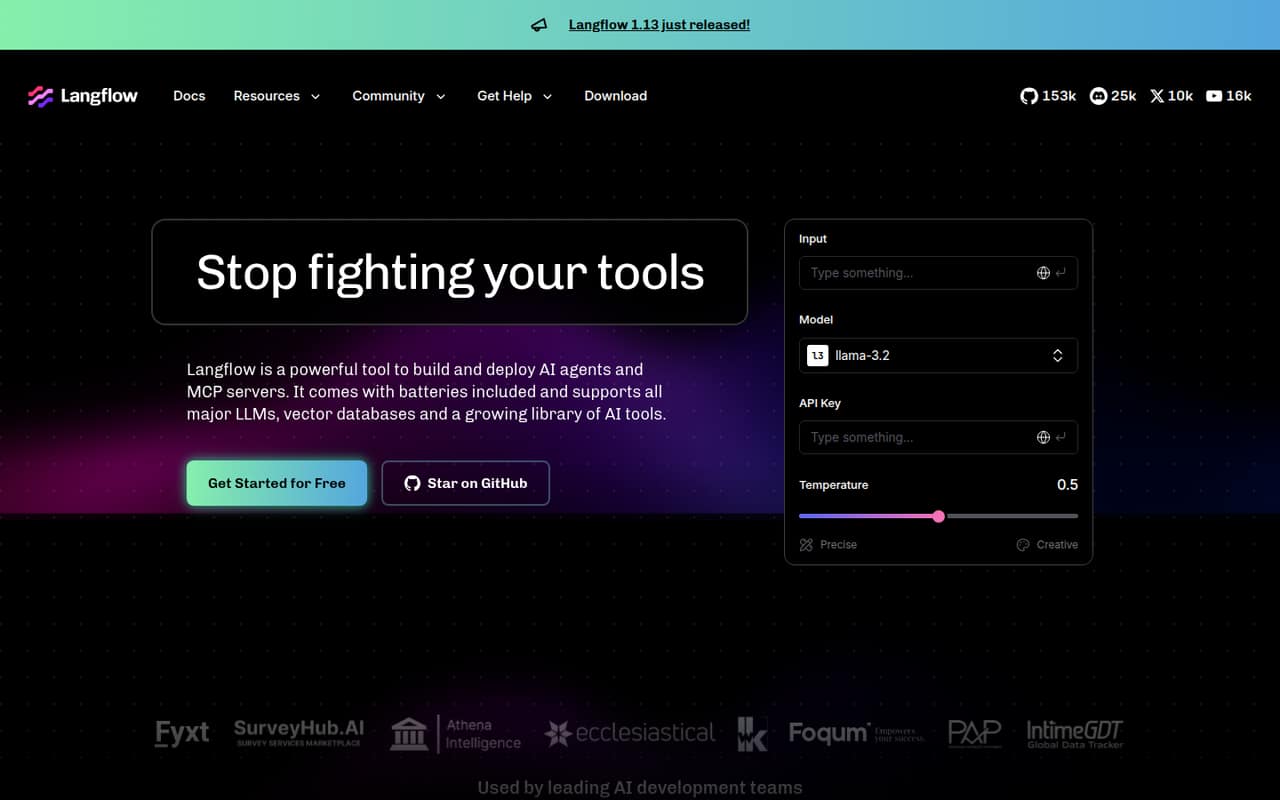
Langflow is a strong starting point if your team is comfortable with Python and can handle self-hosting. It has a free plan, and the published description highlights prototyping AI workflows on a tight budget. The trade-off is setup responsibility: this is a better fit for a technically confident team than for one seeking a managed, ready-to-run service.
What works
- Open Source (Self-Hosted) is listed at $0
- Visual flow building lowers the barrier to prototyping
- Python customization supports reusable components
What doesn't
- Cloud pricing and billing terms aren’t published
- Seat and usage limits aren’t published
- Self-hosting puts deployment work on your team
- Best low-cost no-codeAnakin AIAnakin AI
Anakin AI has a free plan and a listed $9.90 starting price, making it an inexpensive option for exploring AI workflows. Its described uses include no-code chatbot and app building, bulk processing, and document chat. The published guidance flags team pricing and the interface as points to examine before rolling it out beyond a small experiment.
What works
- Free plan includes 30 credits per day
- Visual builder needs no code
- More than 1,000 prebuilt apps
What doesn't
- Free plan is limited to Gemini
- Free plan limits batch runs and image generation
- Pricing page does not publish seat counts
- Best for prototypingMindStudioMindStudio
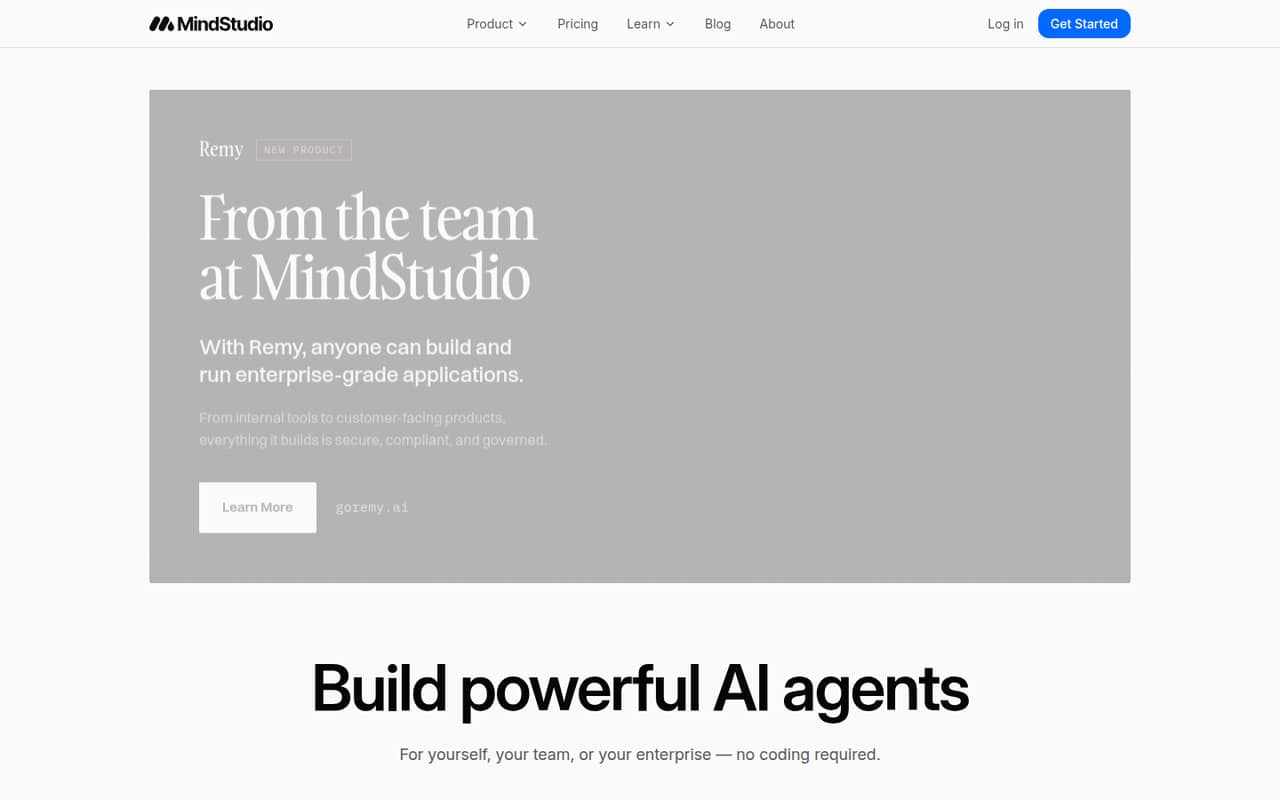
MindStudio offers a free plan and a listed $16 entry price, with code-optional building for solo users and small teams prototyping workflows. That is a relatively accessible way to explore agents before budgeting for a wider rollout. Usage costs still deserve a check: the published description specifically warns that they can affect whether it works as a team tool.
What works
- Free plan includes one agent and 1,000 monthly runs
- Visual builder does not require coding
- Individual includes unlimited agents and runs
What doesn't
- Usage charges apply to Free and Individual
- Usage rates are not published
- Individual pricing does not describe team seats
- Best for developersDedalus LabsDedalus Labs
Dedalus Labs has a free entry point for persistent agent virtual machines, and Pro is listed at $20 per month plus usage-based compute. That can suit a small developer team with API and SSH skills that wants persistent agents. The extra compute charge means the starting price is not necessarily the full operating cost; estimate usage before choosing a plan.
What works
- Free Hobby plan with a $20 one-time sign-up credit
- Persistent files survive machine sleep and wake cycles
- No CPU or RAM charges while machines sleep
What doesn't
- Active compute charges are separate from plan pricing
- Hobby is limited to five machines
- Hobby storage is capped at 10 GiB per machine

- Best for repeatable workRelevance AIRelevance AI
Relevance AI is aimed at teams automating repeatable work and building or governing agents. Its listed starting price is $19, but the published description says its paid plans leave little room for a budget-conscious trial. That makes it more compelling when you already have a defined workflow to automate than when your team is still exploring what it needs.
What works
- Build customized agents for organizational tasks
- Includes evaluation, monitoring, and governance
- Supports event- and signal-driven workflows
What doesn't
- No free plan is listed
- Pro includes only two Build Users
- Team costs $234 monthly with annual billing
- Best for app connectionsComposioComposio
Composio suits small teams building agents connected to apps, especially when action permissions and records matter. It has a free plan and a listed $29 starting price. The published description warns that schema and usage costs need attention, so check what your integrations and expected activity will cost. It is an integration layer, rather than the whole agent project.
What works
- Connects agents to more than 1,500 apps
- Free Hobby plan supports three members
- Action permissions help control agent access
What doesn't
- Reddit users report tool reliability problems
- Action parameters can be hard to understand
- Pro overage rates vary or are unpublished
- Best for voice agentsVapiVapi
Vapi is for technical teams building voice agents, testing call workflows, or needing custom integrations. It has a free plan and a listed $29 starting price. The published description cautions that a low-cost start does not mean a no-setup, fixed-price service. Ask how usage and integrations affect the bill before using it for regular call volume.
What works
- $5 in free credits to start
- Managed infrastructure for voice-agent deployment
- Call monitoring and agent-improvement features
What doesn't
- Hosting costs $0.05 per minute
- Transport fees may add to call costs
- Free package allows four concurrent calls
- Best for admin tasksLindyLindy
Lindy is designed for recurring business work, including repeatable admin tasks and following up on leads after hours. It has a free plan and a listed $29.99 starting price. The published description flags per-user fees and variable credit needs, both important for a team of 1–10. Check the cost for your actual seat count and expected usage before rollout.
What works
- Handles lead finding, reporting, invoice follow-ups, and lead replies.
- Outside-impact actions wait for approval.
- Works through Slack, email, text, and calendar.
What doesn't
- Free credits last only seven days.
- Team billing applies to each active user.
- Credit use can raise the monthly bill.
- Best for experimentsCrewAICrewAI
CrewAI is worth considering for small experiments with agent workflows, particularly if your organization wants governance controls. It has a free plan, but its free limits and custom Enterprise pricing need close review. The published description does not give a paid entry price, so ask the vendor what a small team would pay before treating it as a production-ready budget option.
What works
- Basic is free each month
- Visual builder can export to Python
- API supports code-first workflow control
What doesn't
- Basic stops at 50 monthly executions
- Basic includes only two automations
- Enterprise pricing is custom
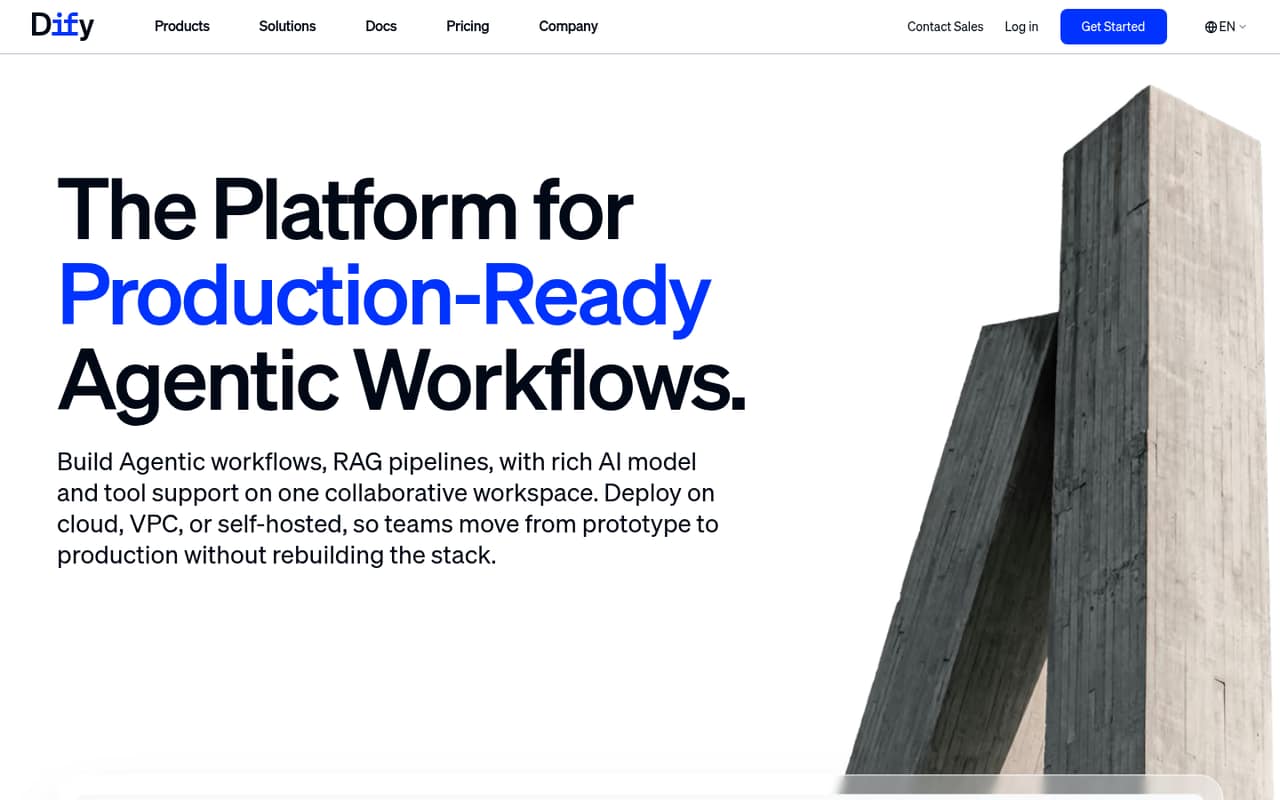
- Best visual builderDifyDify
Dify offers a free plan and visual configuration for teams building AI apps and workflows, including small RAG experiments. Its listed starting price is $49.17. The published description warns of a workspace-level price jump, so the entry figure may not tell you what a team workspace costs. Confirm the relevant plan and total before inviting colleagues.
What works
- Visual workflows support building, testing, debugging, and deployment
- Build agents by chatting or configuring them manually
- Knowledge pipelines handle files, websites, documents, and drives
What doesn't
- Sandbox allows just one member and 200 message credits
- Paid workspace prices are listed with annual billing
- Professional includes only three team members
- Best for workflow testsFlowiseFlowise
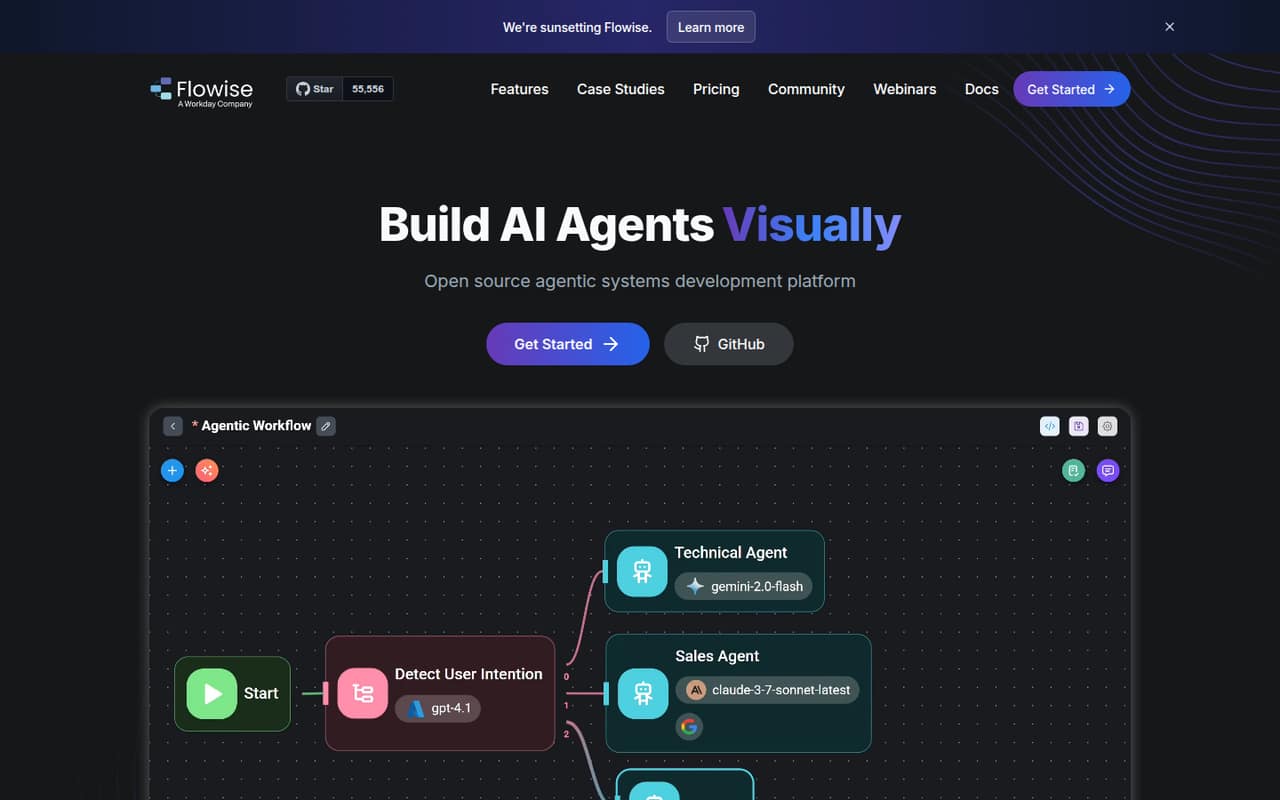
Flowise has a free plan and a listed $35 entry price for teams testing AI workflow ideas, with self-hosting an option for developers. That can work for small, low-usage projects. The published description also flags a sunset notice, making long-term reliance a risk to investigate. Check the vendor’s current roadmap before building a business-critical workflow around it.
What works
- Free hosted tier for basic experimentation
- Visual tools for agents and chat assistants
- Self-hosted option under Apache 2.0
What doesn't
- Homepage says Flowise is being sunset
- Free hosted plan allows just 100 predictions monthly
- Starter seat allowance is not listed
- Best for local privacyAnythingLLMAnythingLLM
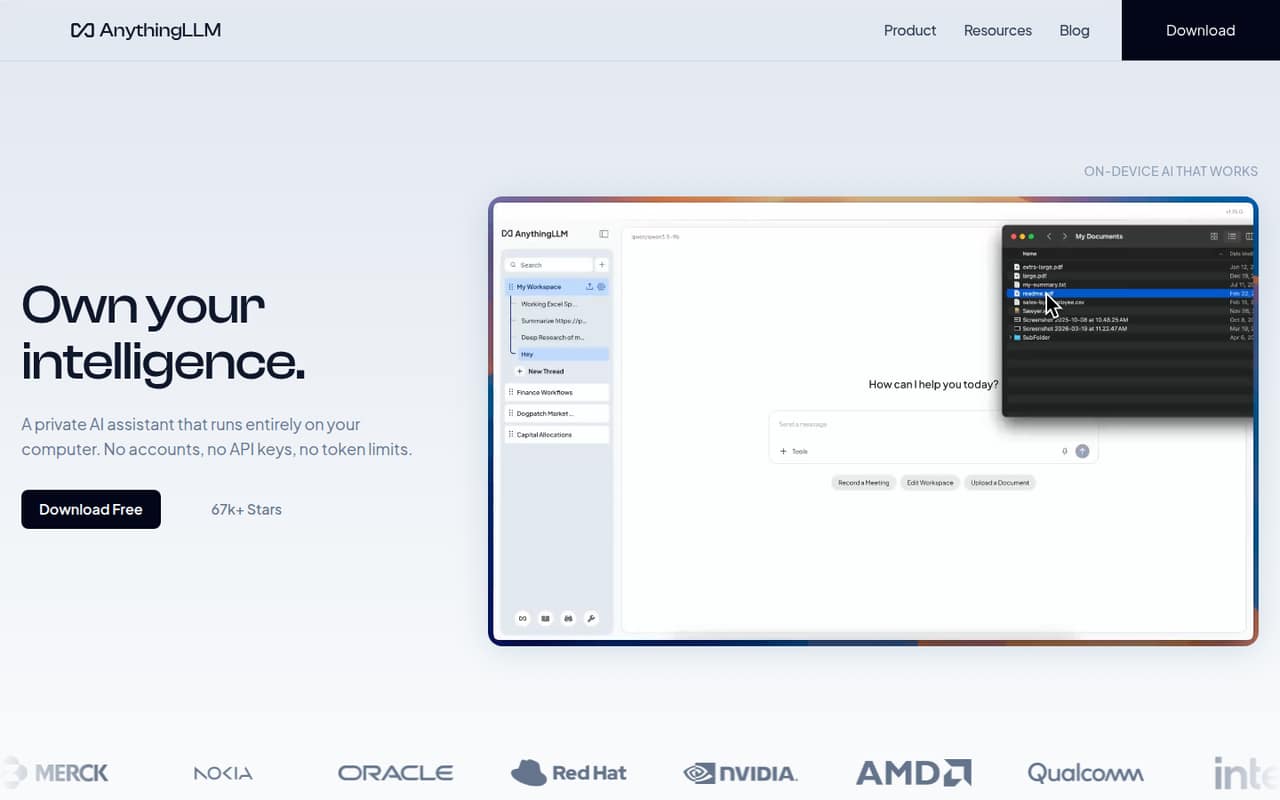
AnythingLLM is worth a look for teams prioritizing local document privacy and comfortable choosing models. It has a free plan and a listed $50 starting price. The published description says to check the paid plan’s seat allowance before budgeting, which matters if several people need access. Confirm both the seat count and the setup work needed for your chosen models.
What works
- Free, open-source local assistant
- Processes document knowledge on-device
- Recommends a model for your hardware
What doesn't
- Hosted Basic starts at $50 monthly
- Paid plan seat allowances aren't published
- Annual billing isn't listed
- Best for governanceAiriaAiria
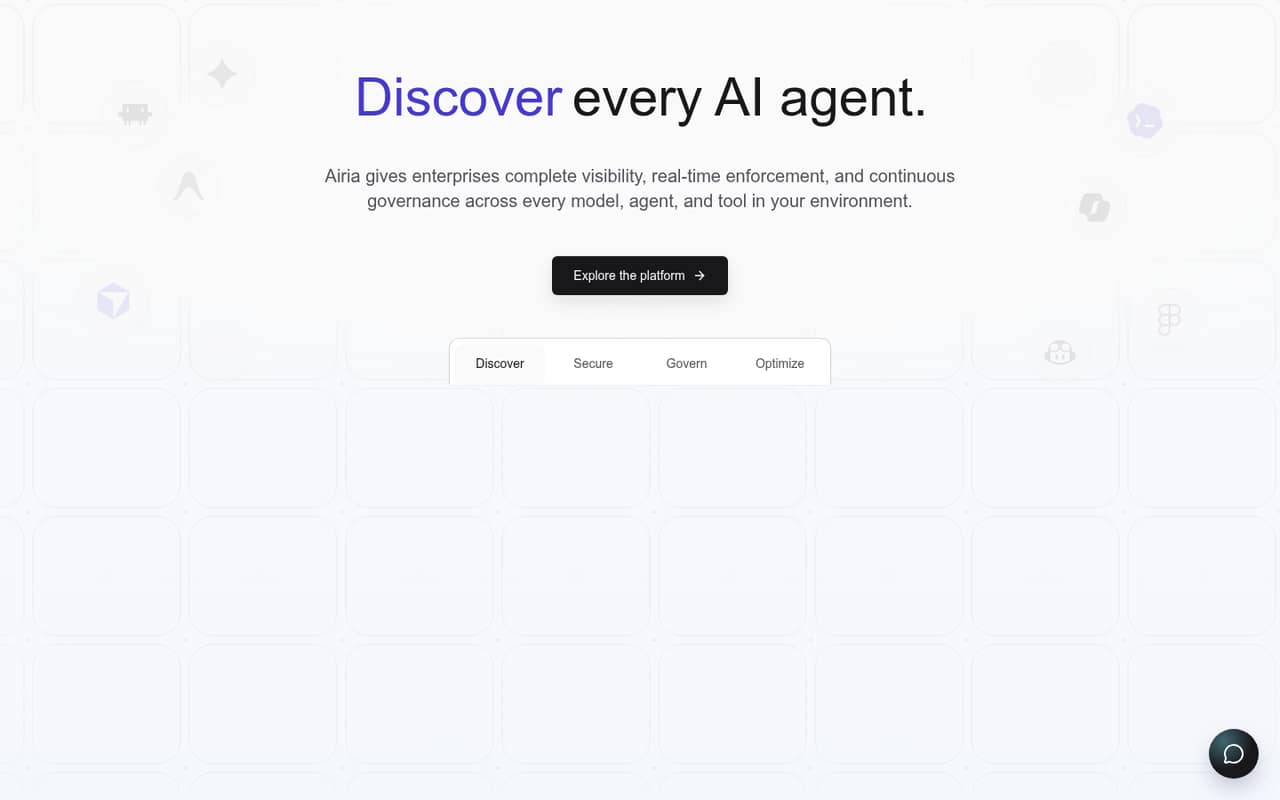
Airia is aimed at governing AI across systems, with agent runtime controls and AI risk and compliance documentation among its described uses. It has a free plan and a listed $25 entry price, but the published description says its useful team tier costs $250 monthly. For a small team, confirm which tier includes the controls you actually need.
What works
- Discovers approved and unapproved AI tools
- Can block, allow, or require approval
- Applies controls before agent actions execute
What doesn't
- The Team plan costs $250 monthly
- Free plan is limited to one user
- Professional covers only two team members
- Best for enterprise teamsInterplayInterplay
Interplay offers flexible AI workflows and deployment options, but it is described as a better fit for enterprise teams or small teams inside larger organizations. The vendor’s pricing is custom, so a small team cannot compare a published starting price with alternatives. Ask for a written quote and clarify what deployment and team access are included.
What works
- Build applications visually or in code
- Supports agentic workflows across enterprise systems
- Offers custom AI application design
What doesn't
- No free plan is listed
- No free trial is listed
- Pricing requires a custom quote
- Best for complex workflowsServiceNow AI PlatformServiceNow AI Platform
ServiceNow AI Platform is positioned for complex workflows and organizations adopting agents across a business. That breadth may be more than a 1–10-person team needs unless it has enterprise-wide responsibilities. The vendor does not publish a price in the published details, making small-team value hard to judge. Ask for a quote and the minimum commitment before evaluating it.
What works
- AI agents can handle workflows end to end
- Connects AI, data, and workflows
- Includes app development and analytics
What doesn't
- No published plan prices or billing units
- No free plan is listed
- Free trial availability is not published

- Best for repository securitySuperagentSuperagent
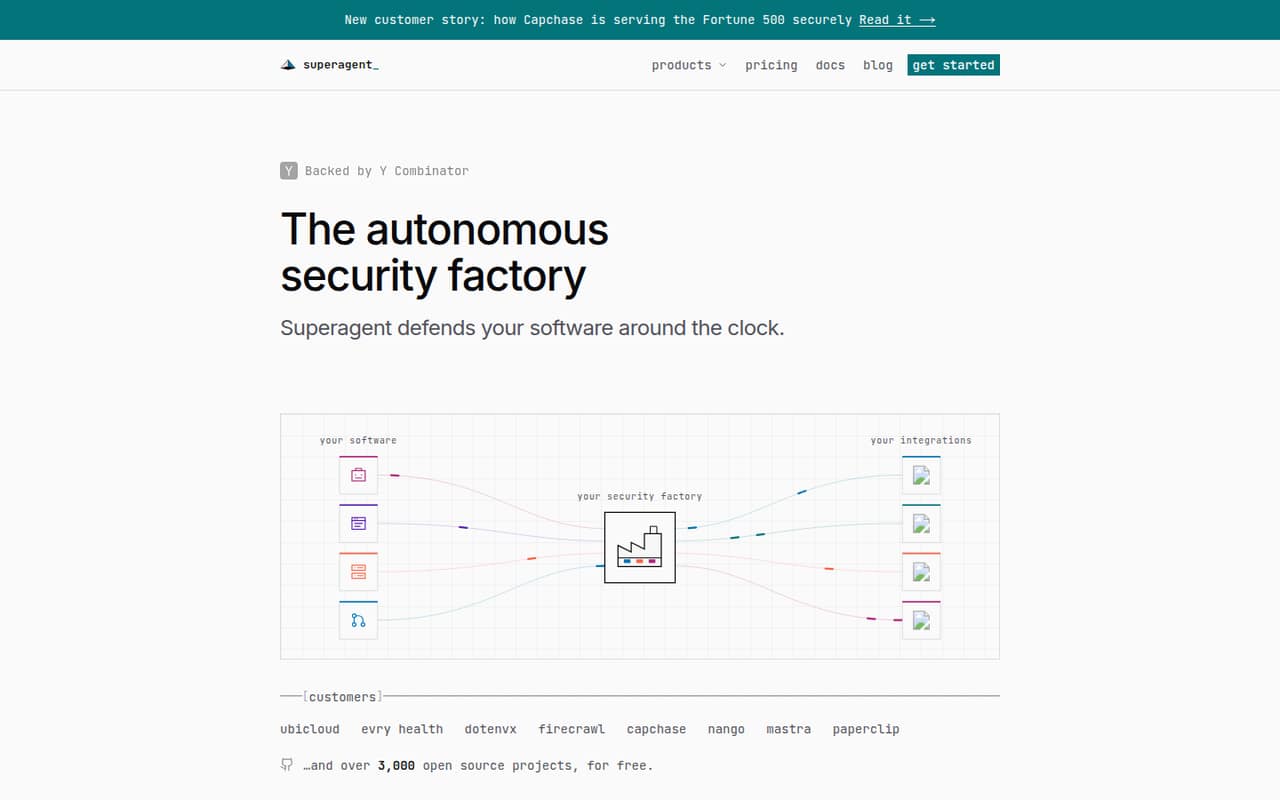
Superagent is a specialized pick for teams securing public repositories or assessing agent security, rather than a general-purpose workflow builder. It has a free plan, but the first paid private-repository plan is listed at $499 per month. That is a steep step for most small teams. Check whether the free tier covers your use case before considering a paid plan.
What works
- Unlimited public-repository usage on the Open source plan
- Free plan includes 100 private credits monthly
- All listed plans include every Superagent product
What doesn't
- Starter costs $499/month for 500 credits
- Red teaming uses 500 credits per report
- Annual plan prices are not published
03How we chose
We ranked these tools for teams of 1–10, weighing free-plan availability, listed entry prices, likely setup effort, plan limits, documentation, and user sentiment where available. We favored low-cost ways to try a real workflow, while accounting for self-hosting, technical skills, usage charges, per-user fees, and custom pricing. A starting price is not the same as a few-seat total: when seat or usage costs are unclear, we recommend confirming them with the vendor. These rankings are based on the published product and pricing details, not hands-on testing.
04Check the real cost for your team
A listed starting price rarely answers what three or eight people will pay. Some tools flag per-user fees, workspace-level pricing, usage-based compute, or variable credits; those can change the total quickly. Before choosing, ask the vendor for the price at your actual seat count and expected usage. Confirm whether the free plan has limits that affect your planned workflow, and whether a paid tier is needed for team access or governance. For custom-priced products, request a quote and ask about any minimum commitment. If the cost of a normal month is hard to predict, start with a small experiment rather than making the tool part of a critical process.
05Match setup to your team's skills
A visual or code-optional builder may suit a small team without a dedicated developer, while self-hosting and API or SSH requirements call for technical ownership. Be honest about who will configure the workflow, connect the relevant apps, and maintain it when something changes. For a first project, pick one repeatable task and decide what a useful result looks like before you build. Check the docs for deployment options, usage limits, and what the free plan includes. Also consider the vendor’s fit for your needs: a tool built around enterprise governance or repository security may be capable, but still be a poor match for a small team seeking simple business automation.
Questions people ask
What is the cheapest AI agent builder for a small team?
Coze has a free plan and a listed $9 entry price; Anakin AI lists $9.90 and also has a free plan. Langflow is free to start but expects a team able to self-host. Check each vendor’s seat and usage terms: an entry price does not establish the total for several people.
Can a small team use an AI agent builder for free?
Several picks have free plans, including Coze, Langflow, Anakin AI, MindStudio, and Composio. Free access can be useful for a prototype, but limits may matter when a workflow needs more usage or team access. Review the vendor’s current plan details before relying on a free tier.
How much should we budget for a few seats?
The listed starting prices do not establish a few-seat total. Lindy flags per-user fees, Dify a workspace-level price jump, and Dedalus Labs usage-based compute. Ask vendors for a quote at your intended seat count and expected activity, including any charges beyond the base plan.
Which builder is easiest to set up?
Setup depends on your team’s skills and the tool’s requirements. MindStudio is described as code-optional, while Langflow is aimed at Python-comfortable teams handling self-hosting, and Dedalus Labs expects API and SSH skills. Check the docs and deployment requirements against who will maintain the workflow.