
We may earn a commission if you buy through links on this page. It never changes a score or a ranking. How we make money
The bottom line
Useful AI-assisted campaign design, but confirm team pricing and export access before you commit.
Linearity Curve turns prompts and brand assets into editable campaign designs, with tools to resize, localize, and export them. Its free plan is worth exploring, but a seven-day credit window and usage limits make it hard to judge as a lasting team plan.
The pricing page lists Pro from $8 per month with annual billing and Studio from $25. It does not publish whether those prices are per person, so teams should get a quote before comparing seat costs. Reddit users also report frustration with subscription changes and access to older files.
Good fit if
- Small teams making campaign assets
- Teams already using brand kits
- Designers who need editable vectors
Skip it if
- Teams needing clear seat pricing
- Users who require local-only files
- Teams wary of subscription changes
ScoresHow it rates
What works
- Generates campaign designs from plain-language prompts
- Keeps vector shapes and text editable
- Brand kits include logos, colors, fonts, and templates
- Resize and localization tools support multiple channels
- Exports include PNG, JPEG, SVG, and PDF
What doesn't
- Free credits expire after seven days
- Free plan limits AI and Curve use
- Seat pricing is not published
- No add-ons are listed
- Reddit users report export and file-access frustrations
01Who Linearity Curve is for
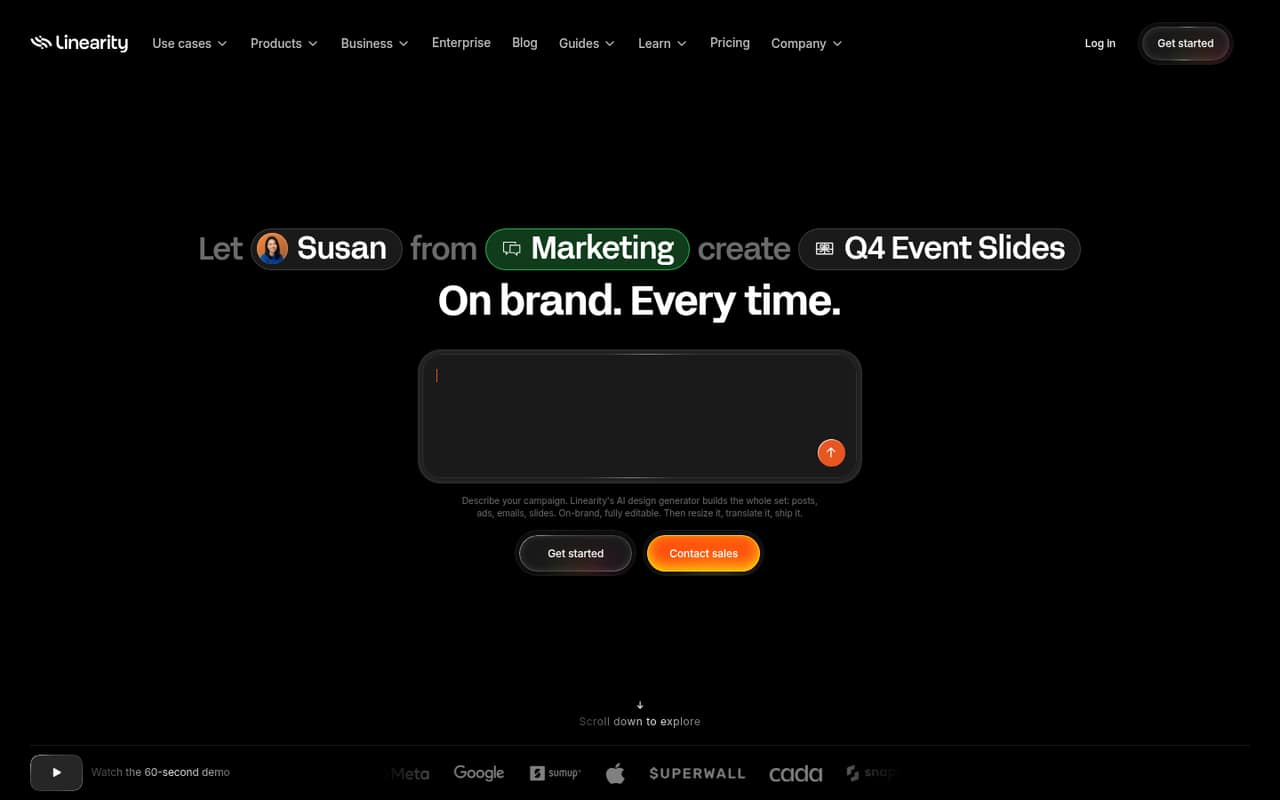
Linearity Curve is aimed at people and small teams that need campaign assets without building every design from scratch. It turns plain-language prompts and brand assets into designs for social posts, ads, emails, and slides. Teams can edit the generated vectors, text, and paths, then resize or localize designs for other channels and markets.
For a team of one to ten, the fit depends on how much design work you repeat. Brand kits, locked templates, roles, and approval workflows can help keep campaign work consistent as more people contribute. The pricing page lists a Free plan, Pro for individuals focused on vector design, and Studio for individuals and small teams using AI. But it does not state how seats are priced, so a small team should confirm the total before setting a budget. If your needs are occasional, start with Free; if your work depends on AI-assisted campaigns, compare Studio with your expected usage.
02Linearity Curve free plan and trial
The pricing page lists a Free plan with 2,000 welcome credits valid for seven days, one brand, 5 GB of cloud storage, and one AI-powered brand setup. It also includes Curve and Move with usage limits. That gives a small team a way to explore the tools, but the short credit window and usage limits may not suit an ongoing campaign workflow.
The pricing page does not list a separate free trial. Pro starts at $10 per month with monthly billing, or $8 per month billed annually. It includes 600 credits per month, unlimited use of Curve and Move, advanced export options, and priority support. Confirm what the usage limits allow before relying on the free plan for regular production.
03What a small team pays for Linearity Curve
The pricing page lists Pro at $10 per month or $8 per month billed annually, with annual billing advertised as two months free. That is $10 or $8 per month for one plan, respectively; at the annual rate, the bill is $96 for the year. Studio starts at $30 monthly or $25 per month billed annually, equivalent to $360 or $300 per year at those listed rates.
Those are plan prices, not confirmed per-seat prices: the vendor does not publish the billing basis. If Pro were priced per seat, three people would total $30 monthly or $24 per month on annual billing; five would total $50 or $40 per month. Treat that arithmetic as conditional, not a quote. Studio's team total is also not calculable without seat details. Business starts at $80 monthly or $67 per month annually. No add-ons are listed. Ask the vendor for a written total for your headcount and credit needs.
04Getting started with Linearity Curve
A basic start should involve setting up a brand and using a prompt to create a design, then editing the generated elements in the Linearity editor. The pricing page lists one AI-powered brand setup on Free; Studio includes unlimited brands, and Business includes unlimited AI-powered brand setups and updates. The exact time needed to prepare brand assets or learn the editor is not published, so budget time for both before a deadline.
For a team, the published feature list includes roles, locked templates, and approval workflows. The vendor does not list integrations in the available plan details, so ask whether your existing asset library, review process, or publishing tools connect before you buy. Exports listed include PNG, JPEG, SVG, PDF, and Linearity document formats. Reddit users have reported concerns about cloud storage and file access, so clarify where working files are stored and how your team can retrieve them.
05When small teams outgrow Linearity Curve
The first pressure point is likely usage: Free has limited use of Curve and Move, while its 2,000 welcome credits expire after seven days. Pro offers 600 monthly credits and unlimited Curve and Move use; Studio starts at 4,875 credits per month and adds unlimited brands and 100 GB of storage. Business starts at 9,750 credits and 500 GB. The pricing page does not explain how credits map to specific work, so ask for an estimate based on your typical output.
A growing team may also need clear seat costs, storage requirements, or more control. The vendor does not publish seat billing, while Enterprise lists custom pricing, single sign-on, and organization permissions. Reddit users have complained about subscription changes, local storage, and SVG export access. Those reports may reflect earlier experiences; Linearity's feature list currently includes SVG export. Check export rights and access to existing work with the vendor before moving important projects.
From the threadsWhat users say
Reddit sentiment is largely negative among users discussing the move from Vectornator and changes to subscriptions, exports, and file storage. One commenter says paying is reasonable, but several others describe lost trust or difficulty accessing work.
The UI has also gotten worse and just harder to work with
I don't actually mind paying for the software if it's worth it though
removed the option to save locally
Questions people ask
Does Linearity Curve have a free plan?
Yes. The pricing page lists 2,000 welcome credits valid for seven days, one brand, 5 GB of cloud storage, one AI-powered brand setup, and usage-limited access to Curve and Move. The vendor does not list a separate free trial. Check whether the credit window and tool limits fit your work before depending on Free for ongoing campaigns.
How much does Linearity Curve cost?
The pricing page lists Pro at $10 per month, or $8 per month billed annually. Studio starts at $30 monthly or $25 per month billed annually, and Business starts at $80 monthly or $67 per month billed annually. The vendor does not publish whether those prices are per seat, so confirm the total for your team before budgeting.
Can I export SVG files from Linearity Curve?
SVG is included in Linearity Curve's listed export options, alongside PNG, JPEG, PDF, and Linearity document formats. Some Reddit users have reported trouble exporting SVG, including accounts of changes to export access. Because those reports may relate to earlier experiences or plan limits, confirm current SVG access for your account and plan before moving projects.
Are Linearity Curve designs editable?
Yes. The product description says generated vectors, text layers, and paths remain editable in the Linearity editor. That gives a team room to refine a generated design instead of treating it as a finished flat image. Export formats listed include SVG, PDF, PNG, JPEG, and Linearity document formats.
Does Linearity Curve support team approvals and brand controls?
The listed team controls include roles, locked templates, and approval workflows. Brand kits can use logos, colors, fonts, and templates to guide generated assets. The pricing details do not specify which plans include each control, so ask the vendor to confirm plan access and seat requirements for your team.