
We may earn a commission if you buy through links on this page. It never changes a score or a ranking. How we make money
The bottom line
Worth considering for secure client transfers; too much infrastructure for everyday file sharing.
Small teams that need to control where sensitive files go may find LiquidFiles a good fit. It handles sending, receiving, sharing, and requesting files, with access controls and audit logging, and can run on your infrastructure or private cloud.
There’s no free plan, and the cheapest tier covers five local users. The pricing page lists $10.42 per month on annual billing or $319 for three years, before any AWS or Azure infrastructure costs. It’s less compelling if you only need basic file sharing.
Good fit if
- Teams handling sensitive client files
- Small IT teams running their own infrastructure
- Businesses collecting external uploads
Skip it if
- Teams that need a free plan
- Solo users wanting simple file sharing
- Teams avoiding infrastructure work
ScoresHow it rates
What works
- All listed plans include every feature
- External senders and recipients are free
- Supports secure uploads without sender accounts
- Access controls and download tracking
- LDAP, Active Directory, and SAML2 support
What doesn't
- No free plan
- No monthly billing option listed
- AWS and Azure costs are separate
- Requires your infrastructure or private cloud
- Support terms are not published
01Who LiquidFiles is for
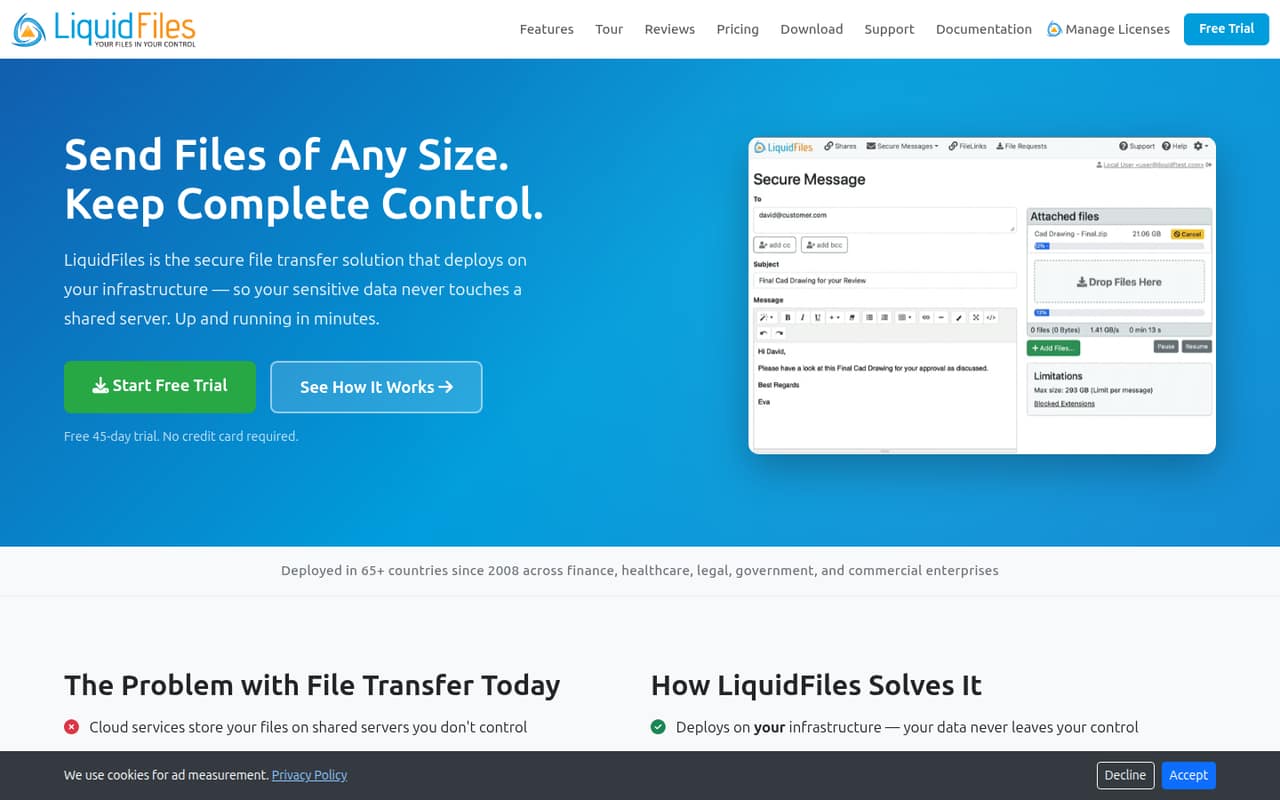
LiquidFiles suits small teams that regularly exchange sensitive or oversized files with clients, partners, or colleagues. It’s server software for sending, receiving, sharing, and requesting files. Recipients can download through a secure link without creating an account, and external users can upload through Filedrop pages.
The pricing starts with a five-user plan, so it can fit a team of one to five, but there’s no free tier for a solo user to try indefinitely. Its main appeal is control: LiquidFiles runs on your infrastructure or private cloud, with access controls and audit logging. A small team that just needs ordinary shared folders may find that setup excessive. A team that wants to keep file transfers under its own infrastructure, or needs a controlled way for clients to send files, has a clearer reason to pay.
02LiquidFiles free plan and trial
LiquidFiles has no free plan. The pricing page lists a 45-day free trial, but it doesn’t specify trial seat limits or whether all deployment options are available during the trial; ask the vendor before planning a rollout.
The cheapest paid option is the five-user plan. It includes all features and unlimited external senders and recipients, so clients and partners don’t need paid seats. The listed price is $10.42 per month with annual billing, or $319 for a three-year license. There’s no monthly billing option listed. AWS and Azure infrastructure costs are separate and paid to the provider, so include those in your budget if you plan to host there. For a small team, the trial is the only listed way to evaluate the product before committing to a paid plan.
03What a small team pays for LiquidFiles
The five-user plan is the cheapest tier: the pricing page lists $10.42 per month on annual billing, or $319 for three years. That works out to about $125.04 for a year, or about $8.86 per month averaged across three years. The prices appear to cover the whole user tier, not each user: at the annual rate, one person costs about $10.42 per month, a three-person team about $3.47 per person, and five people about $2.08 per person.
There’s no smaller paid tier for one person or three people, and the page lists no monthly billing option. A 10-user plan is listed at $15.75 per month annually or $479 for three years. That’s the next step when five local accounts aren’t enough. All plans include all features and unlimited external senders and recipients. AWS and Azure infrastructure costs are extra and paid to the provider; other infrastructure costs are not published, so ask the vendor what your deployment will require.
04Getting started with LiquidFiles
LiquidFiles is server software, not just an account you open in a browser: you’ll need to deploy it on your infrastructure or private cloud. The vendor doesn’t publish a setup-time estimate in the pricing details, so a small team without someone to handle server setup should ask about deployment requirements before buying. AWS and Azure can be used, but their infrastructure charges are separate.
For day-one access, LiquidFiles supports LDAP and Active Directory, SAML2 single sign-on, and built-in two-factor authentication. You can also set up external file requests and Filedrop upload pages, which don’t require senders to have accounts. A sysadmin on Reddit described a small VM footprint and said non-technical users found it easy to figure out. That’s one user’s report, not a guarantee about your own setup. The vendor doesn’t publish a learning-curve estimate, so allow time to configure access and user workflows.
05When small teams outgrow LiquidFiles
The first clear upgrade point is more than five local users: the listed next tier covers up to 10 users at $15.75 per month on annual billing, then up to 20 at $20.75. External senders and recipients remain unlimited and free, so a larger client list alone doesn’t require more seats. The plans list no file-size limit, but confirm any operational limits with the vendor before choosing a deployment.
A team may outgrow LiquidFiles for reasons beyond seat count. If nobody wants to maintain the required infrastructure, or the team only needs basic sharing, a hosted file-sharing service may be a better fit. On Reddit, a bookkeeping user wondered whether LiquidFiles was overkill for a sole practitioner. A sysadmin and commenter praised its client upload flow and control over file custody, but those are individual opinions. The vendor doesn’t publish support terms here, so ask about support and deployment help as your needs grow.
From the threadsWhat users say
The Reddit comments we found are mostly positive about LiquidFiles for controlled transfers and client uploads. One bookkeeping user questioned whether it was overkill for a solo practitioner, which matches the product’s infrastructure and paid-seat tradeoffs.
But also half of what we use it for is for customers to send files to us
We use maybe 20% of the features, but the frickin thing just works and is easy for non-technical users to figure out
And you also own the chain of possession with files, so the files go directly from customer to you, or you to customer, and not a 3rd party in between
My old firm used to use LiquidFiles but it may be overkill for a sole practitioner
Questions people ask
Is LiquidFiles secure?
LiquidFiles is designed for secure file transfer, with access controls, audit logging, download confirmations, and geolocation data. It supports LDAP and Active Directory, SAML2 single sign-on, and built-in two-factor authentication. Security also depends on how you configure and operate your deployment, so ask the vendor about requirements for your industry and infrastructure.
Does LiquidFiles limit file size?
LiquidFiles describes sending files of any size, and its homepage lists no file size limits. The vendor doesn’t publish a specific maximum in the details available here. Check with the vendor about practical limits for your deployment, storage, network, and any relevant compliance requirements before moving large or sensitive files.
Do recipients need a LiquidFiles account?
No account is required for recipients to download files through a secure link. External users can also upload files through Filedrop pages without sender accounts. The plans include unlimited external senders and recipients free, so those people don’t use up the listed allowance of local users.
Can LiquidFiles run on our own servers?
Yes. LiquidFiles is server software that runs on your infrastructure or private cloud. AWS and Azure are options, but the infrastructure costs are separate and paid to the provider. Ask the vendor about deployment requirements and support for your preferred environment before choosing a plan.
How much does LiquidFiles cost for a small team?
The cheapest listed plan covers up to five local users and costs $10.42 per month on annual billing or $319 for three years. There’s no free plan, and no monthly billing option is listed. External senders and recipients are free; AWS and Azure infrastructure costs are extra.