
We may earn a commission if you buy through links on this page. It never changes a score or a ranking. How we make money
The bottom line
A capable job-site video toolkit with a $398 monthly minimum for two users.
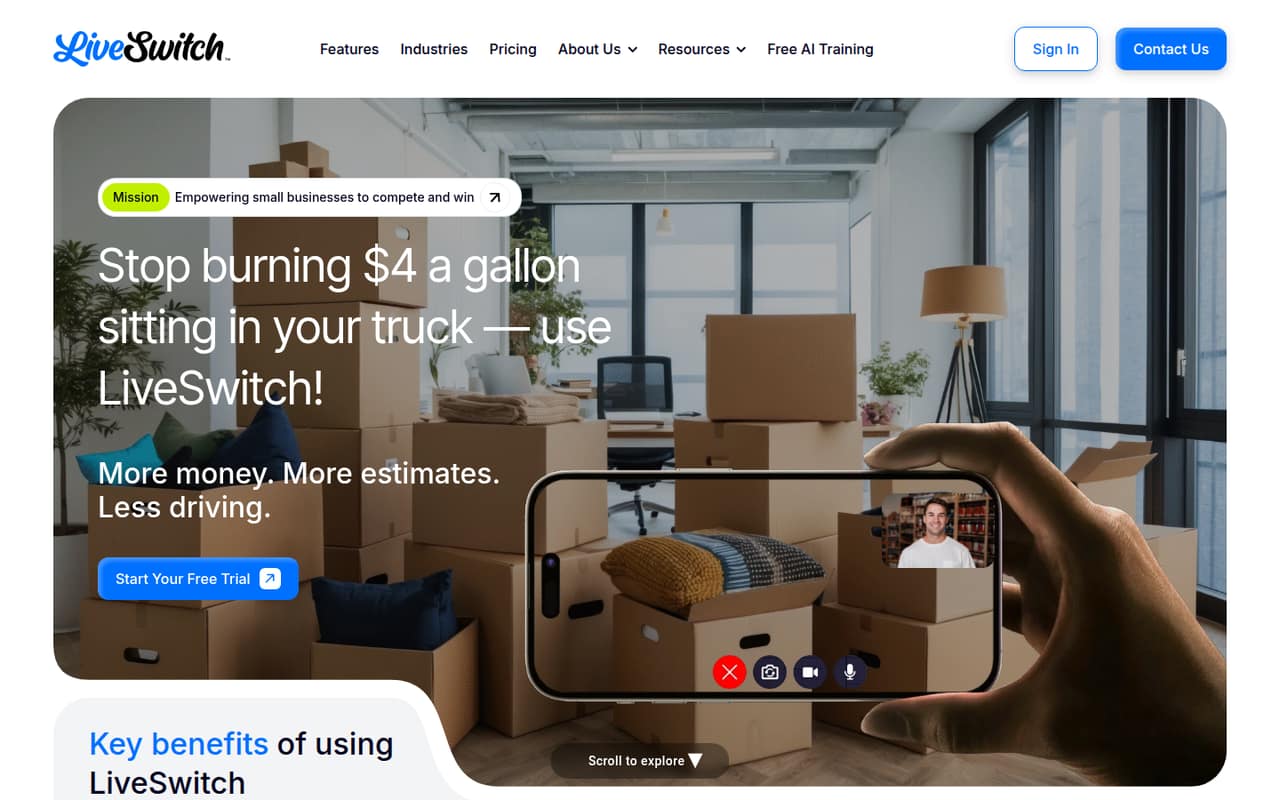
LiveSwitch combines browser-based video calls, customer recording links, and project media tools. Teams can capture and organize photos and videos, annotate images, and collaborate with comments and permissions.
The trade-off is cost: there’s no free plan, and paid service starts at two users for $398 per month. A seven-day trial is available, but the vendor doesn’t publish its trial limits.
Good fit if
- Small contractors documenting projects
- Teams replacing some site visits
- Businesses sharing customer video links
Skip it if
- Solo operators on tight budgets
- Teams needing a free tool
- Businesses requiring known integrations
ScoresHow it rates
What works
- Browser-based video calls with custom branding
- Customer recording links for collecting media
- Unlimited usage and cloud storage on paid plans
- Project tags, search, comments, and permissions
- 24/7 support listed on both plans
What doesn't
- No free plan
- Two-user minimum, even for solo buyers
- $398 monthly starting price
- Annual plan requires $3,100 upfront
- Unlimited AI Reports add-on price isn’t published
01Who LiveSwitch is for
LiveSwitch is aimed at small businesses that need to show customers work remotely, collect job-site media, and keep project records in one place. A contractor or service company with a few staff members could use browser-based calls for customer conversations, recording links to gather photos or videos, and shared projects to keep those files organized.
The fit is strongest when avoiding a trip or documenting a job is worth more than the subscription. The lowest paid plan starts at two users and $398 per month, so it’s a substantial commitment for a one-person business or a team that only needs occasional video calls. LiveSwitch includes features beyond calls, such as photo annotation, project comments, mentions, notifications, and permissions. If your team mainly needs ordinary video meetings or file storage, check whether you’ll use those job-site media workflows before paying for the bundle.
02LiveSwitch free plan and trial
LiveSwitch does not offer a free plan. The pricing page lists a seven-day free trial, but the vendor doesn’t publish what features, storage, or usage limits the trial includes. It also doesn’t publish whether a payment method is required, so ask before signing up if you want to avoid an unexpected charge.
The cheapest listed paid option is LiveSwitch Monthly, starting at two users for $398 per month. That makes the trial the only listed way to try LiveSwitch without committing to a paid plan, but confirm what you can use during those seven days. The plans list unlimited usage and storage, along with 24/7 support; the vendor doesn’t say whether trial users receive the same allowances or support.
03What a small team pays for LiveSwitch
LiveSwitch Monthly starts at two users for $398 per month, with each additional user costing $40 per month. A solo buyer still pays the two-user minimum: $398 monthly. Three users cost $398 plus $40, or $438 per month; five cost $398 plus three $40 additions, or $518 per month.
LiveSwitch Annual starts at $3,100 due annually for two users, with additional users at $312 per user per year. That makes three users $3,412 per year and five users $4,036 per year. Those totals average about $284.33 and $336.33 per month, respectively, but the full annual amount is due upfront. The annual plan lists unlimited usage and storage, 24/7 support, and a 30-day money-back guarantee. “Unlimited AI Reports” is an add-on, but its price isn’t published. Compare the upfront cost against monthly billing before choosing.
04Getting started with LiveSwitch
LiveSwitch describes its calls as browser-based, and the product centers on calls, recording links, and shared project files. That gives a small team a clear place to start: decide who will handle customer calls, where job media should live, and who needs access to each project.
The vendor doesn’t publish a setup checklist, onboarding time, learning curve, or list of integrations. We wouldn’t assume your existing calendar, customer management, or file tools connect automatically. Before buying, ask LiveSwitch how users join calls, how recording links are shared, what browsers or devices are supported, and whether the tools your team already uses integrate. Also ask what’s included in the seven-day trial. The published feature list covers calls, media capture, project organization, and collaboration, but doesn’t explain the steps for configuring them.
05When small teams outgrow LiveSwitch
LiveSwitch’s listed plans include unlimited usage and storage, so the pricing information doesn’t identify a usage or storage cap that forces an upgrade. The more immediate pressure is the seat model: a two-user minimum costs $398 per month, and each additional monthly user adds $40. Annual billing lowers the listed base price but requires $3,100 upfront, with each extra user adding $312 per year.
A growing team should compare those seat additions with the value of keeping customer video and job records in LiveSwitch. Ask the vendor whether the plans differ in features or administrative controls; the published plan details don’t list differences beyond billing, support, and the annual guarantee. Another reason to move on may be a need for integrations or a priced AI Reports add-on: LiveSwitch doesn’t publish the AI Reports price. If the team mainly needs calls and can’t justify the job-media tools, the minimum spend may be the limit.
Questions people ask
How does LiveSwitch work?
LiveSwitch offers browser-based video calls and links customers can use to send recordings. Teams can capture photos and videos, store project files in cloud storage, tag and search assets, and collaborate with comments, mentions, notifications, and permissions. The vendor doesn’t publish a detailed setup workflow, so ask for a walkthrough of your intended process.
Does LiveSwitch have a free plan?
No free plan is listed. LiveSwitch offers a seven-day trial, but the vendor doesn’t publish its feature, usage, or storage limits, or whether you need a payment method. The cheapest listed paid plan starts at two users for $398 per month.
How much does LiveSwitch cost for one person?
The listed plans start at two users, so a solo buyer would pay the two-user minimum: $398 per month on LiveSwitch Monthly or $3,100 due annually on LiveSwitch Annual. Each additional user costs $40 per month or $312 per year, depending on billing.
Can customers record and send videos with LiveSwitch?
Yes. LiveSwitch lists customer recording links as a feature, alongside tools for capturing photos and videos. The vendor doesn’t publish details such as recording limits, supported formats, or link expiration rules, so confirm those points if they matter to your workflow.
Does LiveSwitch include unlimited storage?
Both listed plans include unlimited usage and storage. LiveSwitch also describes project tools for tagging and searching assets, plus comments and permissions. Ask the vendor whether any fair-use terms or file-specific restrictions apply, since those details aren’t listed in the plan information.