
We may earn a commission if you buy through links on this page. It never changes a score or a ranking. How we make money
The bottom line
Loman covers restaurant calls around the clock, but you’ll need a quote to know whether it fits your budget.
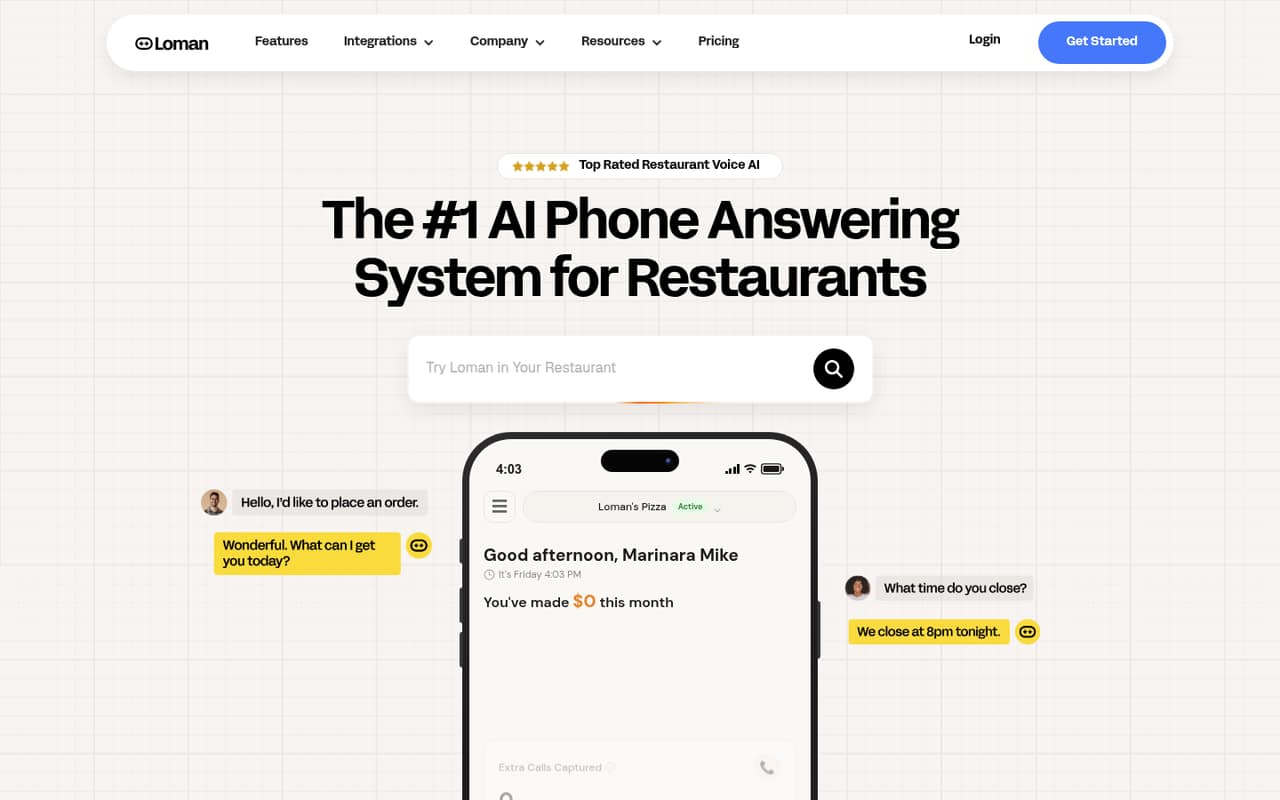
Loman answers restaurant calls, takes pickup and delivery orders, handles reservations and phone payments, and can send orders to a POS. It also supports 55 languages and offers call routing and a dashboard for calls, transcripts, orders, and outcomes.
For a small team, the main drawback is price uncertainty: the pricing page lists Contact Us for every plan and publishes no rates. There’s no free plan, and the vendor doesn’t list a free trial. Starter is the lower-capacity option, with up to 50 simultaneous calls per location.
Good fit if
- Restaurants with frequent incoming calls
- Teams taking orders by phone
- Multi-location restaurant operators
Skip it if
- Restaurants needing a published price
- Teams looking for a free plan
- Businesses outside the restaurant industry
ScoresHow it rates
What works
- Takes pickup and delivery orders by phone
- Supports phone reservations around the clock
- Handles credit card payments over the phone
- Supports 55 languages with automatic detection
- Routes edge cases with caller context
What doesn't
- Monthly and annual prices are not published
- No free plan is listed
- The vendor does not list a free trial
- Starter is capped at 50 simultaneous calls
- POS and reservation system compatibility needs confirmation
01Who Loman is for
Loman is for restaurants that receive enough calls to need help answering them, whether they run one location or a multi-unit brand. It’s a phone-answering platform, not a general-purpose assistant: it can take pickup and delivery orders, book reservations, answer questions, and handle payments by phone.
For a small restaurant team of one to 10 people, the appeal is coverage beyond staff availability. Loman says it answers calls around the clock and can send orders to a POS, while its dashboard shows calls, transcripts, orders, and outcomes. That may help a team keep phone work from competing with service, though the vendor doesn’t publish a price to compare with staffing costs.
It’s a less clear fit for a very low-call-volume restaurant or a tight-budget team that needs a firm monthly cost before contacting sales. The plans are priced per location, not per seat, and the rates aren’t public.
02Loman free plan and trial
Loman does not list a free plan, and the vendor doesn’t publish a free trial. That means there’s no stated free tier for a small team to use to check call handling, integrations, or fit before paying.
The lowest listed option is Starter, priced per location and aimed at restaurants with lower call volume. It includes up to 50 simultaneous calls and no per-minute fees. The pricing page lists Contact Us rather than a monthly or annual rate, so the cheapest way in is to request a quote for one location. Ask whether the quote includes setup, which POS and reservation systems are supported, and what happens if your call needs exceed Starter’s limit. The vendor does not publish those details alongside the plan listing.
03What a small team pays for Loman
Loman’s listed plans are priced per location, not per person. The pricing page lists Contact Us for Starter, Premium, and Enterprise; it does not publish monthly or annual rates. So we can’t give a reliable price for one person or calculate costs for a three- or five-person team. If those people work at one location, ask for that location’s quote; if they cover multiple locations, ask how each site is billed.
Starter is for lower call volume and includes up to 50 simultaneous calls with no per-minute fees. Premium includes unlimited simultaneous calls, also with no per-minute fees. Enterprise is for restaurant brands, but its seat and usage limits are not published. The listed plans don’t specify add-ons, so ask whether any features, integrations, onboarding, or usage incur extra charges before committing. With no public rate card, Loman’s value for a small team depends on the quote and how much phone work it takes off staff.
04Getting started with Loman
Loman’s feature description covers the main day-one needs: phone orders, reservations, payments, call routing, and a dashboard. It says orders can be sent to a POS and that the platform syncs with POS and reservation systems, but it doesn’t name compatible systems or publish setup steps. A restaurant should confirm its specific POS and reservation tools with the vendor before signing.
The learning curve for staff may be modest if they mainly review call outcomes and take over routed edge cases, but that is an expectation, not a published setup guarantee. Loman doesn’t publish setup time or onboarding requirements. Before buying, ask who configures the menu and call flows, how payment handling is enabled, what caller context staff receive, and whether the vendor provides staff training. Those answers will determine the real setup effort for a small team.
05When small teams outgrow Loman
A restaurant may need to move beyond Starter when its call demand regularly exceeds 50 simultaneous calls. Loman lists Premium with unlimited simultaneous calls and no per-minute fees, so that is the stated step up for more call capacity. But the vendor doesn’t publish either plan’s price, so teams can’t tell from the pricing page how large the upgrade cost might be.
Growth across locations also deserves a fresh quote: plans are listed per location, while Enterprise is aimed at restaurant brands and its seat and usage limits aren’t published. Ask how costs change as locations or call volumes rise, and whether Enterprise has limits that matter to your operation.
Loman’s published feature list focuses on answering and routing calls, orders, reservations, and payments. If your team needs capabilities beyond those, confirm them with the vendor rather than assuming they’re included. The right time to reconsider is when the quote, capacity, or confirmed feature set no longer matches your needs.
Questions people ask
Does Loman have a free plan or trial?
Loman does not list a free plan or a free trial. Its lowest listed plan is Starter, priced per location, but the vendor doesn’t publish a rate. Contact the vendor for a quote and ask whether it offers a trial or demonstration for your restaurant.
How much does Loman cost for one location?
The pricing page lists Contact Us for every plan and does not publish monthly or annual rates. Starter is the lower-call-volume option, but its price is not listed. Ask for a quote for your location and confirm whether setup or any other charges apply.
Can Loman take restaurant orders and reservations?
Yes. Loman says it takes pickup and delivery orders by phone and sends tickets to the POS. It also lets customers book reservations by phone around the clock. Confirm that your specific POS and reservation systems are supported before you sign up.
Which languages does Loman support?
Loman says it supports 55 languages and detects a caller’s language automatically. If your restaurant depends on a particular language or needs calls handed off to staff in that language, ask the vendor how that works in practice.
What is the difference between Starter and Premium?
Starter is for restaurants with lower call volume and includes up to 50 simultaneous calls. Premium includes unlimited simultaneous calls. Both list no per-minute fees, but neither plan’s monthly or annual price is published, so request a quote to compare costs.