
We may earn a commission if you buy through links on this page. It never changes a score or a ranking. How we make money
The bottom line
Good breadth for mobile protection; custom pricing leaves small-team costs uncertain.
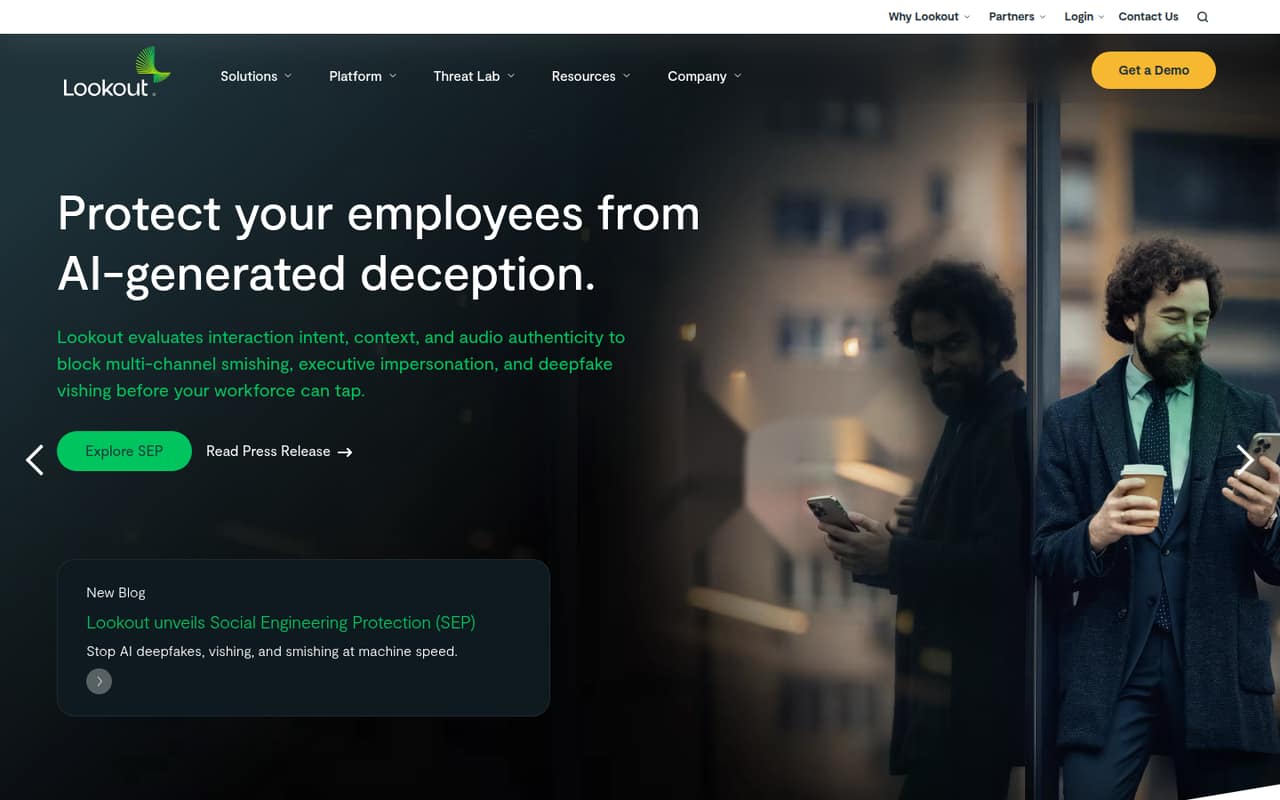
Lookout Mobile Endpoint Security is aimed at businesses protecting employee iOS and Android devices, identities, and corporate data. Its feature set includes mobile threat defense, message and voice scam analysis, caller controls, AI app visibility, and mobile app exposure intelligence.
The catch for a small team is the price: the listed Enterprise plan is quote-based, with no published monthly or annual rate. There is no free plan, and trial availability is not published, so ask for a quote before budgeting.
Good fit if
- Teams protecting company mobile devices
- Businesses concerned about phishing and voice scams
- Organizations tracking AI app use
Skip it if
- Teams needing a free security plan
- Buyers requiring public seat-based pricing
- Teams securing only desktop endpoints
ScoresHow it rates
What works
- Protects mobile endpoints, identities, and corporate data
- Analyzes SMS, MMS, and RCS messages
- Includes voice and voicemail scam analysis
- Offers centralized caller blocking controls
- Tracks AI app use and mobile app exposure
What doesn't
- Enterprise pricing requires a custom quote
- No free plan is listed
- Trial availability is not published
- Per-seat costs cannot be compared publicly
- Setup requirements and integrations are not published
01Who Lookout Mobile Endpoint Security is for
Lookout is for organizations that need to protect work on employee mobile devices. For a 1-10 person team, it makes most sense when staff use iOS or Android devices for business and the company wants mobile threat detection alongside protection for identities and corporate data.
In plain terms, it watches for mobile threats and risky activity. The feature set also covers suspicious links in SMS, MMS, and RCS messages; scam patterns in calls and voicemail; caller assessment and blocking; AI application use; and exposure in mobile apps. That is broader than a tool focused only on malware alerts.
The budget fit is harder to judge. Lookout lists an Enterprise plan with custom pricing, not a small-team price tier. A founder watching subscription costs should request a quote and confirm which capabilities are included before deciding whether the breadth is worth the spend.
02Lookout Mobile Endpoint Security free plan and trial
Lookout does not list a free plan for Mobile Endpoint Security. The pricing information identifies Enterprise as the plan for businesses needing mobile endpoint security, and marks free-plan availability as no. A free version is therefore not a way to evaluate the business product based on the listed plans.
Trial availability is not published. Ask Lookout whether it offers a trial or evaluation, what devices and features that covers, and whether the evaluation converts automatically to a paid contract. The cheapest listed route is Enterprise, but its price is custom, so there is no published entry price for one person or a small team. Get the quote and any minimum purchase requirements in writing before committing.
03What a small team pays for Lookout Mobile Endpoint Security
The pricing page lists one plan for businesses: Enterprise, with custom pricing. It does not publish monthly or annual rates, a per-seat price, or a starting price. That means we cannot calculate what one person, three people, or five people would pay, or compare monthly billing with an annual commitment. Ask Lookout for quotes at each team size and whether the quote changes with device count or contract term.
The listed currency is USD, but that does not make the price predictable: the amount remains quote-based. The pricing information does not list separately priced add-ons. Since that does not confirm whether every feature is included in every quote, ask specifically about mobile threat defense, smishing and vishing protection, call controls, AI visibility, and app exposure intelligence. For a small team, the key budget question is the minimum contract and what happens when you add seats.
04Getting started with Lookout Mobile Endpoint Security
Lookout does not publish a setup time, a step-by-step deployment path, or a learning-curve estimate in the available product and pricing information. We would not assume this is a quick self-serve install: the listed route is an Enterprise plan with custom pricing, so ask the vendor what onboarding and administrator work it requires.
The product is focused on mobile endpoints, including iOS and Android. The vendor does not publish the integrations a small team needs on day one in the information available here. Before signing, ask which device enrollment or management tools it supports, whether users need to install an app or change device settings, and how alerts and call controls are administered. Also confirm whether the features you want are included in your quote.
05When small teams outgrow Lookout Mobile Endpoint Security
Lookout’s public plan information does not show seat limits, device limits, or feature thresholds, so there is no published point at which a team must upgrade. Enterprise is the listed business plan, and its custom pricing means growth may change the quote, but the pricing page does not explain how.
The more practical reason to reconsider it is budget or scope. If you need a free option, a published per-seat price, or a clear monthly-versus-annual comparison, Lookout’s listed pricing will not answer those questions. If your security needs expand beyond mobile endpoints, confirm with Lookout whether the product covers those devices and workloads; its described focus is mobile. Before your headcount grows, ask for prices at several seat counts, any minimum contract, and the cost of adding capabilities or devices.
Questions people ask
Is Lookout Mobile Endpoint Security free?
No free plan is listed for Lookout Mobile Endpoint Security. The business plan shown is Enterprise, with custom pricing. Trial availability is not published, so ask Lookout whether it offers an evaluation and what features, devices, and time period it includes.
How much does Lookout Mobile Endpoint Security cost?
The Enterprise plan has custom pricing. Lookout does not publish monthly or annual rates, a starting price, or a per-seat price. Ask for a quote based on your number of users and devices, and confirm any minimum contract or billing term.
What does Lookout Mobile Endpoint Security protect?
Lookout describes protection for mobile threats, employee identities, and corporate data on mobile endpoints. Its listed features include analysis of messages and calls for scams, caller controls, visibility into AI application use, and intelligence about exposure in mobile apps.
Does Lookout Mobile Endpoint Security support iPhone and Android?
Lookout describes its platform as focused on mobile endpoints, including iOS and Android devices. Before buying, confirm the exact device and operating-system requirements with Lookout, along with any enrollment steps and whether your preferred features work on each platform.
Does Lookout offer a trial of Mobile Endpoint Security?
Trial availability is not published. Ask Lookout whether it offers a trial or proof of concept, how long it lasts, which protections are included, and whether the evaluation has any device or user limits. Also ask what happens when the evaluation ends.