
We may earn a commission if you buy through links on this page. It never changes a score or a ranking. How we make money
The bottom line
Loom makes quick video explanations simple; its free limits and per-seat upgrades are the catch.
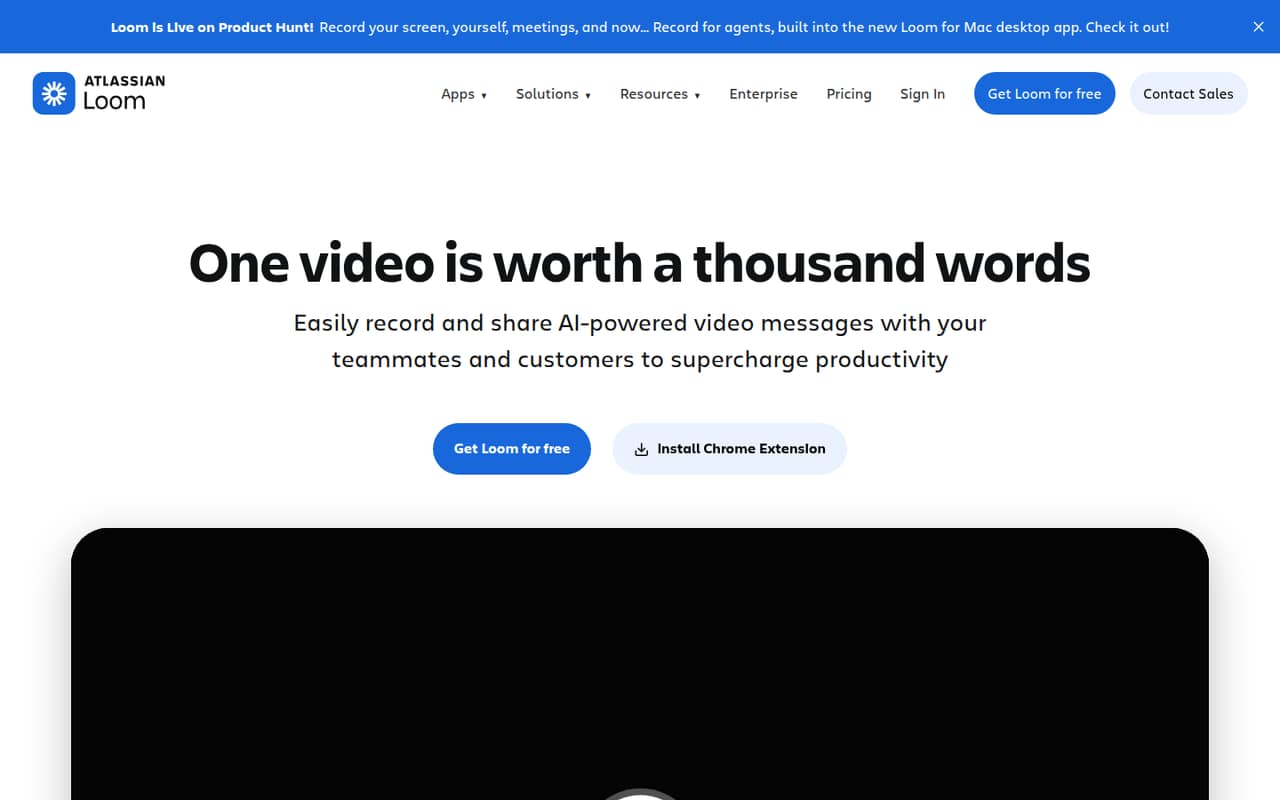
Loom records your screen and camera, then lets you share or embed the video. Editing, transcripts, captions, privacy controls, and viewer insights make it useful for walkthroughs and team updates.
The free Starter plan is a sensible place to begin, but it caps recordings at five minutes and 25 videos per person. Business lists at $18 per user per month, so a few seats can cost more than a small team expects.
Good fit if
- Teams sharing quick walkthroughs
- Small teams starting on free
- Async product and process explanations
Skip it if
- Teams recording long videos for free
- Budget-conscious teams needing many seats
- Teams needing published setup support details
ScoresHow it rates
What works
- Starter is free for up to 50 members
- Records screen and camera together
- Videos can be shared or embedded
- Includes editing, transcripts, and captions
- Viewer insights help track video engagement
What doesn't
- Starter recordings stop at five minutes
- Starter limits each person to 25 videos
- Business is $18 per user monthly
- Displayed paid rates lack billing-selection clarity
- Reddit users report crashes and recording issues
01Who Loom is for
Loom is for small teams that would rather explain a task once on video than repeat it in meetings or write a long walkthrough. A founder can record a product demo, a teammate can show a process, and the link can be shared or embedded for others to watch.
The free Starter plan is a practical starting point for a solo user or a team testing the habit: it includes up to 50 members, with 25 videos per person and five minutes per recording. That is enough for short updates, but not much room for a long tutorial library. Business is the cheapest paid option listed for unlimited videos and recording length, at $18 per user per month. For a three-person team, that is $54 monthly at the listed rate. Teams on a strict budget should try Starter first and upgrade only when the caps get in the way.
02Loom free plan and trial
Starter costs $0 per month and includes up to 50 members. Each person can make up to 25 videos, with a maximum recording length of five minutes and video quality up to 720p. Those limits suit short answers and quick status updates, but a single longer tutorial or a busy team’s growing video collection can run into them.
The pricing information also lists a 14-day free trial, but does not specify which paid plan it applies to or the trial terms. Check those details before relying on it. When Starter’s limits become a problem, Business is the cheapest listed plan with unlimited videos per person and unlimited recording length, at $18 per user per month. The pricing page lists monthly and annual billing, but does not tie that rate to a billing selection.
03What a small team pays for Loom
Starter is free, so one person, three people, or five people pay $0 while each person stays within the plan’s limits. Business is priced per user: at the listed $18 monthly rate, one person costs $18 per month, three cost $54, and five cost $90. Those totals are the listed rate multiplied by seats; the pricing page does not say whether $18 is the monthly-billing or annual-billing rate, so we can’t give a reliable annual total.
Business + AI (Loom AI) lists at $24 per user per month: $24 for one seat, $72 for three, and $120 for five at that rate. It adds AI workflows, summaries, and chapters to the unlimited recording features. Enterprise has no published price, and no add-ons are listed. The pricing page advertises savings up to 17% with annual billing, but doesn’t specify the annual prices or which displayed rate is selected. Confirm the billing term and total before budgeting.
04Getting started with Loom
The basic workflow is easy to understand: record your screen and camera, then share or embed the video. Editing tools let you trim and stitch clips, while transcripts and captions support viewers who want to read along. Privacy controls and viewer insights are also part of the product, so a team can manage access and see video engagement.
The vendor doesn’t publish a setup-time estimate or a detailed account of what a small team needs to configure on day one. It also doesn’t publish integration details in the pricing information, so check the docs for the specific tools your team depends on before choosing Loom. We would start with a short internal recording, confirm the sharing and privacy settings, and make sure teammates can access it. That is a sensible first step, not a claim that setup takes a particular number of minutes. A Reddit user in a tax-practice discussion also reports that Loom needs an internet connection during recording.
05When small teams outgrow Loom
The first breaking point is usually Starter’s cap: five minutes per recording and 25 videos per person. Teams making frequent walkthroughs may reach the video limit, while product explainers can exceed the recording limit. Business removes those two restrictions and raises quality to up to 4K, but at $18 per user per month the cost rises with every seat. A team of five pays $90 monthly at the listed rate.
One r/Entrepreneur thread says the free limits became a real issue and describes the $18 plan as not worth the cost for that user’s team. The same post reports crashes and laggy AI; those are individual user reports, not a measure of overall reliability. A tax professional on Reddit also describes recordings failing when their internet connection glitches. If long-term video upkeep, reliable recording on a poor connection, or seat costs become concerns, reassess Loom before building a large library around it.
From the threadsWhat users say
Reddit sentiment is mixed: some users find video explanations useful, while others describe free-plan limits, cost, and recording reliability problems. The reports are individual experiences rather than a broad measure of satisfaction.
The free version only allows 5-minute recordings, which is barely enough for any proper product explainer
I’m not against paying for tools, but Loom’s $18 per month plan hasn’t justified itself for us
I started doing exactly that this year and clients LOVE it
Loom needs to be connected to the internet during the video so when my internet glitches, the video doesn't work
Questions people ask
What is Loom used for?
Loom is a screen-and-camera recording tool for sharing video explanations asynchronously. Teams can record a walkthrough or update, then share or embed the video. The product also includes video editing, transcripts and captions, privacy controls, and viewer insights.
Why is Loom only five minutes?
Five minutes is the maximum recording length listed for the free Starter plan. Business and Business + AI list unlimited recording length. If your team regularly needs longer videos, compare the per-user cost of a paid plan with the value of the extra recording time.
Do people on Loom see if I watched their videos?
Loom includes video and viewer insights, so the product offers some information about viewing. The pricing information does not specify exactly what a video owner can see or which plan includes each insight. Check Loom’s current product details if viewer-level tracking matters to your team.
What is the maximum length of a Loom video?
The free Starter plan caps a recording at five minutes. Business and Business + AI list unlimited recording length. The pricing details don’t state a separate maximum duration for Enterprise, so ask Loom if your organization is evaluating that plan.
How do I cancel a Loom subscription?
The pricing details don’t publish cancellation steps, so we can’t confirm the exact process or timing. Before subscribing, check Loom’s current billing and account guidance, and confirm when cancellation takes effect. If your organization has an Enterprise agreement, ask Loom about the relevant contract terms.