
We may earn a commission if you buy through links on this page. It never changes a score or a ranking. How we make money
The bottom line
Good for sharing and shipping animations; budget for annual, per-seat costs as editors grow.
Small teams that regularly create, review, and hand off Lottie animations can get value from LottieFiles’ creator, asset workspace, and developer tools in one place. If you only need to preview and share animations, the free plan may be enough.
Paid plans start at $19.99 per user per month when billed annually. That is a meaningful jump for a few seats, and Reddit users report mixed feelings about pricing and the After Effects plugin experience.
Good fit if
- Teams handing off web animations
- Designers sharing Lottie files
- Small teams needing asset review
Skip it if
- Teams needing monthly billing
- One-off animation exports
- Teams seeking predictable custom-plan pricing
ScoresHow it rates
What works
- Free plan includes unlimited preview, testing, and sharing
- Ready-to-use animations are available on the free plan
- Creator, asset management, and handoff features share one platform
- Paid plans include monthly AI credits
- Team plan lists unlimited team files
What doesn't
- Paid prices are per user and billed annually
- Monthly prices are not published
- Team+ and Enterprise require custom quotes
- Free plan lists basic edits, not the full paid feature set
- Reddit users report frustration with the After Effects plugin
01Who LottieFiles is for
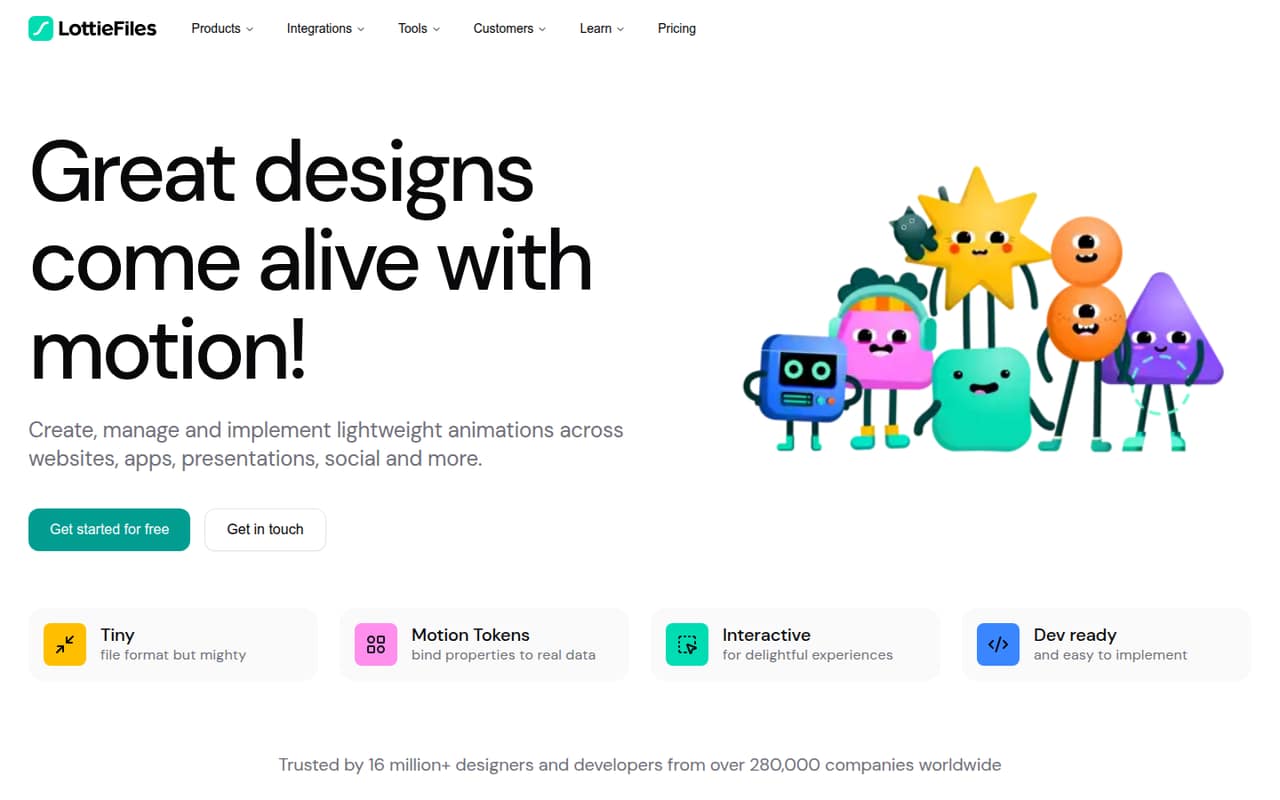
LottieFiles is for designers and small product teams making lightweight animations for websites, apps, or social content. It brings an animation creator and library together with a workspace for managing, sharing, and reviewing assets. Developer handoff features include a CDN, runtimes, and VS Code integration.
For a team of one, the Individual plan is the lowest-priced paid option at $19.99 per user per month when billed annually. A team with several editors will likely look at Team, listed at $24.99 per user per month on annual billing. If you only need to preview, test, and share animations, the free plan may cover the job. We would not pay for the platform just to export an occasional animation; its value is in keeping creation, review, asset handling, and implementation together.
02LottieFiles free plan and trial
The Free plan includes unlimited preview, testing, and sharing, plus free ready-to-use animations and basic edits and personalization. That makes it a reasonable starting point for a solo designer or a small team that mainly needs to show an animation and pass it along.
The listed inclusions do not give a storage allowance, AI credits, or a number of editors for Free. They also do not list unlimited uploads or the paid plans’ CDN and DAM allowances. So check whether your exact workflow is covered before standardizing on it. The pricing information lists no free trial; the vendor does not publish trial terms. If you need unlimited uploads, 300 monthly AI credits, 10 GB CDN, or 2 GB DAM storage, the listed entry paid plan is Individual at $19.99 per user per month billed annually.
03What a small team pays for LottieFiles
The Individual plan is $19.99 per user per month when billed annually, or $239.88 for one seat over a year. Its listed inclusions are unlimited file uploads, 300 AI credits per month, 10 GB CDN, 2 GB DAM storage, and one editor.
For multiple editors, Team is listed at $24.99 per user per month with annual billing. Three seats work out to $74.97 per month equivalent, or $899.64 for the year. Five seats work out to $124.95 per month equivalent, or $1,499.40 for the year. Team includes unlimited team files, 600 AI credits per month, 50 GB CDN, 5 GB DAM storage, and 2+ editors.
The vendor does not publish monthly-billing prices. Team+ and Enterprise are quote-based, so ask for a complete quote before budgeting. Team+ lists SSO (SAML + SCIM) and invoice and vendor onboarding as add-ons; the vendor does not publish their prices. Seat counts matter: each additional paid user adds another per-user charge.
04Getting started with LottieFiles
The basic job is clear from the feature list: create or find an animation, manage and share the asset, then preview and hand it off for implementation. A team that only needs sharing can start with the Free plan’s preview, testing, and sharing features. Teams using the creator, workspace, optimization, and developer tools will have more parts to coordinate.
We would call setup moderate for a small team, rather than assume it is a one-click change: people need to settle on where assets live and how developers will receive them. LottieFiles lists a CDN, runtimes, and VS Code integration for handoff, along with optimization and download for dotLottie animations. The vendor does not publish a setup-time estimate in the pricing information. Reddit users discussing the After Effects plugin raise preview-window and rendering workflow complaints, so teams relying on that plugin should check whether its workflow fits their needs before committing.
05When small teams outgrow LottieFiles
The first pressure point is seats. Individual is designed around one editor, while Team is priced per user and Team+ is custom-priced. A growing group should compare the cost of each additional Team seat with a quote for Team+ rather than assume a fixed upgrade price. Team+ is aimed at teams with 5–50 editors and developers and lists 10+ developers, Motion System, and templates; Enterprise adds governance and support features for larger organizations.
The second pressure point is workflow fit. Reddit users report frustration with the After Effects plugin’s preview and rendering experience, while another discussion includes complaints about paying to host a few files. Other commenters point to using Bodymovin and Lottie’s open-source runtime without paying for LottieFiles. These are user opinions, not product guarantees, but they show why teams should separate a need for Lottie animation from a need for LottieFiles’ hosted workspace and services. If you only need file export or occasional previews, Free or a separate export workflow may be enough.
From the threadsWhat users say
Reddit sentiment is mixed: users praise aspects of the animation workflow but some criticize plugin usability and hosting costs. Comments also distinguish LottieFiles’ paid services from workflows using open-source tools.
Don't care for the plugin but editing of the video is cool
I use bodymovin exported to json and have never paid anything
the fundamental problem with lottie is that it doesnt render the same across platforms
They have recently been getting desperate and trying charge me for hosting just a few files
Questions people ask
Is LottieFiles free for a small team?
The Free plan includes unlimited preview, testing, and sharing, plus ready-to-use animations and basic edits and personalization. The vendor does not list a storage allowance, AI credits, or editor count for Free in the plan inclusions. Check with the vendor if your team needs to confirm usage rights or a particular collaboration limit.
How much does LottieFiles cost for three people?
Team is listed at $24.99 per user per month when billed annually. Three seats equal $74.97 per month as an annual-billing equivalent, or $899.64 for the year. The vendor does not publish a monthly-billing price, so ask for that figure if you do not want annual billing.
Does LottieFiles offer a free trial?
The listed pricing information does not specify a free trial. The Free plan is available and covers unlimited preview, testing, and sharing, along with ready-to-use animations and basic edits. Ask the vendor whether a trial is available for paid features such as CDN or DAM storage.
What is the difference between Individual and Team?
Individual is listed at $19.99 per user per month with annual billing and includes one editor, 300 monthly AI credits, 10 GB CDN, and 2 GB DAM storage. Team costs $24.99 per user per month billed annually and lists 2+ editors, 600 AI credits, 50 GB CDN, 5 GB DAM storage, and unlimited team files.
Can developers use LottieFiles to implement animations?
Yes. LottieFiles lists developer handoff features including a CDN, runtimes, and VS Code integration. Its feature list also includes previewing, testing, optimizing, and downloading dotLottie animations. Check the plan details and confirm the specific integrations and storage you need before choosing a paid tier.