
We may earn a commission if you buy through links on this page. It never changes a score or a ranking. How we make money
The bottom line
Good free POS basics; budget for employee management if staff need individual permissions.
Loyverse bundles checkout, basic inventory, sales reporting, and customer loyalty in a free plan. For a small shop or food business watching its software budget, that is a strong starting point.
The trade-off is that employee management, reports beyond 31 days, and advanced inventory are paid add-ons. Reddit feedback ranges from praise for an easy setup to concerns about staff training and getting inventory data ready.
Good fit if
- Small shops starting with a POS
- Budget-conscious cafes and delis
- Teams needing basic loyalty tools
Skip it if
- Teams needing staff controls for free
- Shops needing deep stock tools included
- Teams expecting effortless data migration
ScoresHow it rates
What works
- Free plan includes checkout and basic inventory
- Sales reports cover revenue, profit, and trends
- Offline sales sync when connectivity returns
- Built-in loyalty program and customer display
- Paid add-ons have 14-day free trials
What doesn't
- Free sales reports cover only 31 days
- Employee management is charged per employee
- Advanced inventory costs extra per store
- Inventory imports may need spreadsheet preparation
- Reddit users report mixed training experiences
01Who Loyverse POS is for
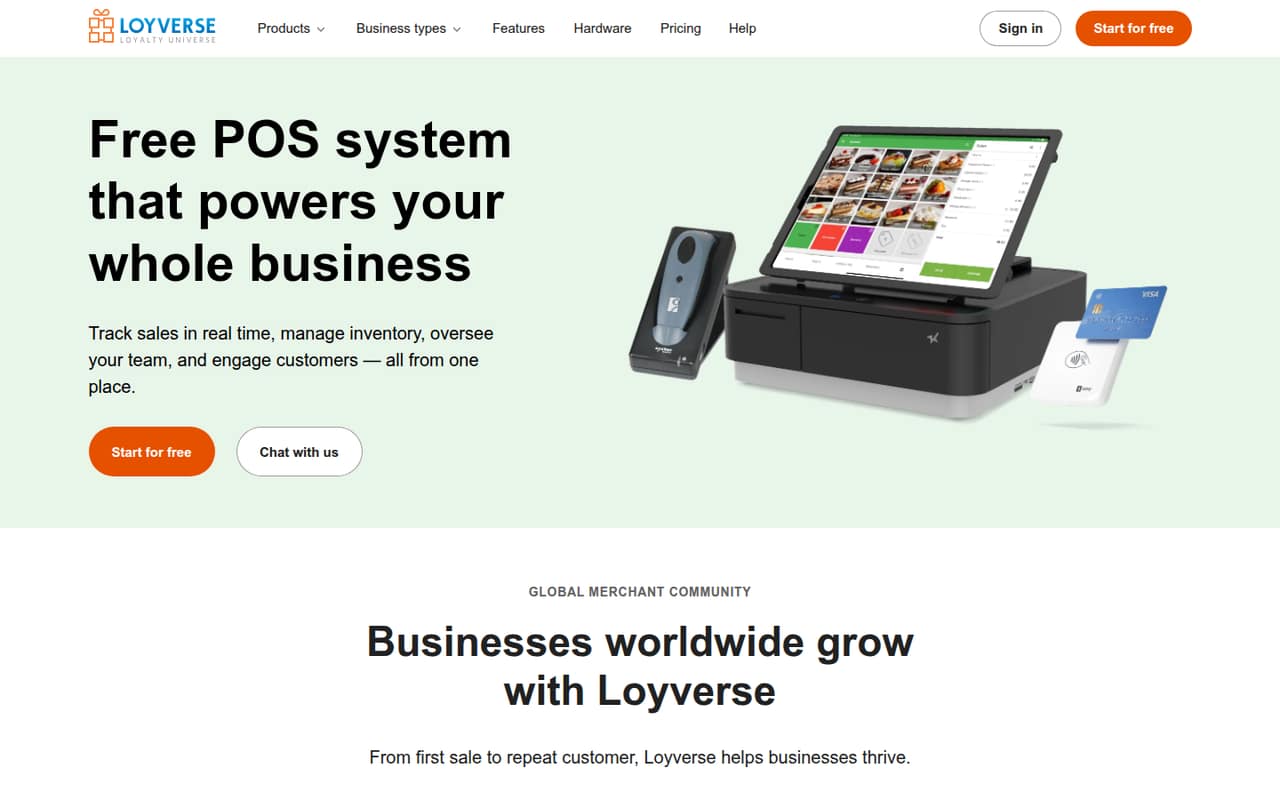
Loyverse suits a solo owner or a small team of roughly 1–10 people that needs checkout, stock tracking, and customer loyalty without a large starting subscription. The free plan covers core POS work, including recording sales, issuing receipts, applying discounts, and processing refunds. It also includes sales reports, essential inventory, low-stock alerts, and a loyalty program.
The POS app runs on iOS and Android, while Back Office runs in a web browser. That gives a small shop a way to handle sales at the counter and review business information separately. The feature set also covers offline sales, employee sales and hours, and stock transfers, though some employee and inventory tools are paid add-ons. A deli, cafe, or small retailer could start with the free plan and pay for extras only when a specific need arises. If staff need separate permissions, or the owner needs older reports, budget for those add-ons from the outset.
02Loyverse POS free plan and trial
The Free plan includes sales reports for the last 31 days, essential inventory and low-stock alerts, a loyalty program, and customer and kitchen displays. The POS also supports recording sales, receipts, discounts, refunds, and offline sales; recorded sales sync to Back Office when the connection returns.
The boundary is in the paid add-ons. Unlimited sales history adds reports beyond 31 days and report exports. Employee management adds permissions, hours tracking, and team performance information. Advanced inventory adds purchase orders, stock transfers, and deeper inventory insights. Each paid add-on has a 14-day free trial. So a one-person shop with basic reporting and stock needs may be able to stay on Free, while a team that needs individual permissions or older reports should plan for a recurring charge.
03What a small team pays for Loyverse POS
The Free plan costs $0. Employee management costs $5 per employee per month, or $50 per employee per year. If all team members need the add-on, one person costs $5 monthly or $50 annually; three cost $15 monthly or $150 annually; five cost $25 monthly or $250 annually. Annual billing is labeled as saving two months.
Unlimited sales history is $5 per store monthly or $50 annually. Advanced inventory is $25 per store monthly or $250 annually. Those are separate add-ons, so a three-person team that also needs both store-level tools pays $45 monthly, or $450 annually, on top of no base-plan charge. Each add-on has a 14-day trial. The practical budget question is whether your team needs employee controls, reports older than 31 days, or purchase orders and stock transfers. If not, Free may cover the basics; if so, price the relevant add-on rather than assuming all features come in one paid tier.
04Getting started with Loyverse POS
The basic setup involves installing the POS app on an iOS or Android device and using Back Office in a browser. Per the product description, sales can be recorded offline and sync to Back Office once connectivity returns. A small team should decide how it will enter products, set up its stock list, and handle receipts before using the system at the counter.
Inventory preparation may take more work than installing the app. In one Reddit thread, a mini-mart owner was entering thousands of items into a spreadsheet. A commenter recommended arranging existing spreadsheet data to match Loyverse’s format and uploading it, rather than typing each item. Another commenter described the system as intuitive and easy to set up, while other Reddit users said they found it confusing or expected staff training to take time. Before launch, confirm device and payment-processor compatibility with Loyverse and your provider; a Reddit user says they use their own processor.
05When small teams outgrow Loyverse POS
The first pressure point is usually staff access. Employee management costs $5 per employee monthly or $50 per employee annually, so the add-on grows with the number of employees you manage. A shop that wants reports older than 31 days will also need Unlimited sales history, charged per store. Purchase orders, stock transfers, and deeper inventory insights require Advanced inventory, also charged per store.
Those costs can still make sense if the free plan is saving the team money elsewhere, but add-ons can stack: a store needing all three pays for employee management plus both store-level tools. Setup can become another strain as the product list grows. A Reddit mini-mart thread describes the work of preparing a large inventory spreadsheet, while commenters suggest formatting and uploading existing data. Reddit feedback on learning the system is mixed, so a growing team should allow time to train staff and check whether its inventory workflow fits before relying on it.
From the threadsWhat users say
Reddit feedback is mixed but leans positive on value and basic use. Some users praise setup and service speed; others describe a confusing interface, staff training concerns, or inventory data-entry work.
surprisingly good. Intuitive to use, easy to set up, fast during service
very confusing to use
Don't think it be an easy training for staff
you just need to re-arrange the data as Loyverse requires and then upload that to the new system
Questions people ask
Is Loyverse POS really free?
Yes. The Free plan costs $0 and includes sales reports for the last 31 days, essential inventory and low-stock alerts, a loyalty program, and customer and kitchen displays. Employee management, older sales reports, and advanced inventory are paid add-ons, each with a 14-day free trial.
What does Loyverse’s free plan include?
The Free plan includes sales reports for the last 31 days, essential inventory and low-stock alerts, a loyalty program, and customer and kitchen displays. Loyverse POS also supports recording sales, receipts, discounts, refunds, and offline sales that sync to Back Office when connectivity returns.
Does Loyverse POS work offline?
Yes. Loyverse can continue recording sales without an internet connection. Per the product description, those sales sync to Back Office when connectivity returns. If offline use is important to your shop, confirm any device-specific requirements with Loyverse before choosing hardware.
How much does Loyverse employee management cost?
The pricing page lists Employee management at $5 per employee per month, or $50 per employee per year. That means three employees cost $15 monthly or $150 annually, and five cost $25 monthly or $250 annually. The add-on includes permissions, hours tracking, and team performance.
Can I use my own payment processor with Loyverse?
A commenter on r/restaurateur says they use their own payment processor and value not being locked into one. That is user-reported, not a complete compatibility list. Ask Loyverse and your payment provider which processors and devices are supported, and confirm the transaction fees directly with the provider.