
We may earn a commission if you buy through links on this page. It never changes a score or a ranking. How we make money
The bottom line
LucidLink streams shared files on demand, but small teams need to budget by seat and storage.
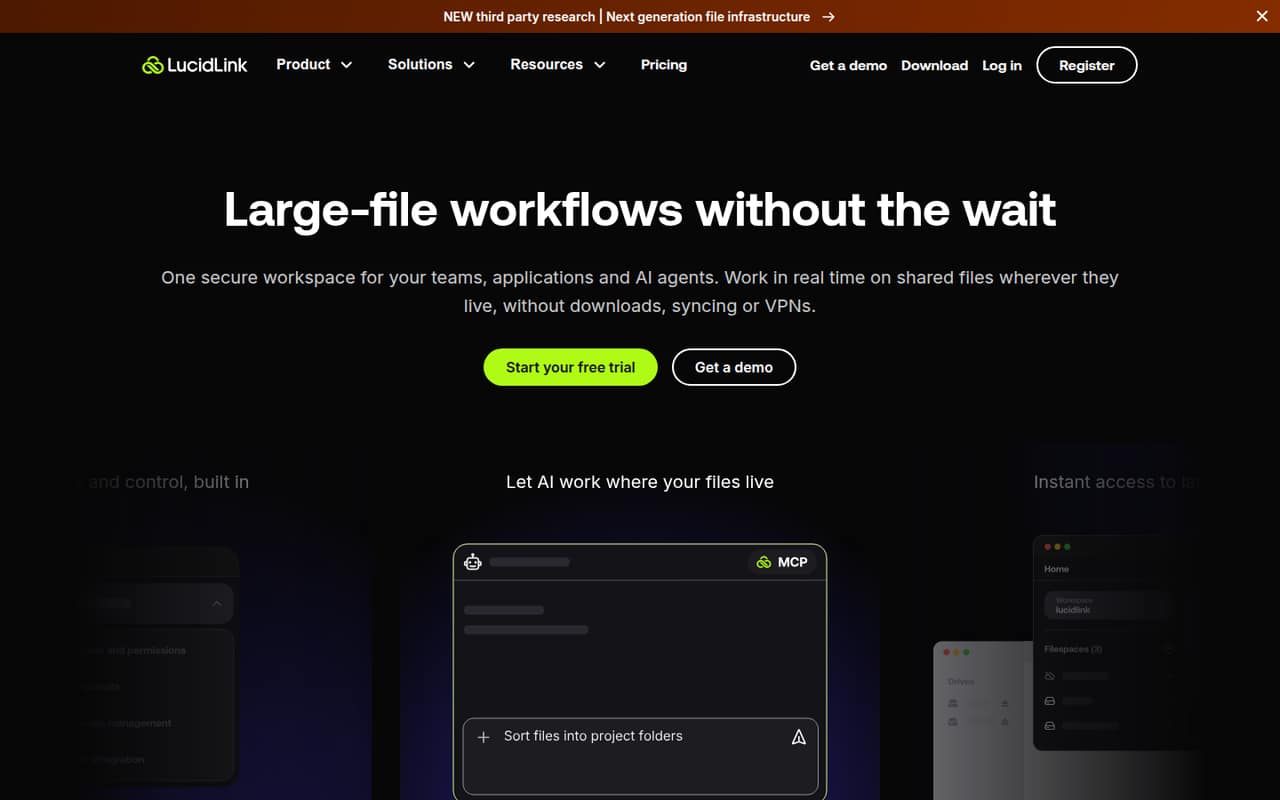
LucidLink gives teams a shared cloud filespace that streams file data as applications need it. That makes it a strong fit for video, CAD and 3D work where syncing large files is a pain.
There’s no free plan. Starter costs $7 per member monthly, or $5.95 per member monthly with an annual commitment, and caps storage at 1 TB. It’s worth considering if your team needs file streaming; it’s harder to justify for ordinary file sharing.
Good fit if
- Small video-editing teams
- Teams sharing large project files
- Remote work with proxy workflows
Skip it if
- Teams looking for a free plan
- Projects needing over 1 TB on Starter
- Teams with unreliable upload connections
ScoresHow it rates
What works
- Streams file data when applications need it
- Shared filespace supports real-time team work
- Starter allows up to 10 members
- Supports Claude, Codex and Cursor through MCP Server
- Business includes unlimited storage capacity
What doesn't
- No free plan
- Starter storage is capped at 1 TB
- Business costs $27 per member monthly annually
- Extra storage costs more
- Users say upload time and internet speed matter
01Who LucidLink is for
LucidLink is for small teams that work on large files together, especially video, CAD and 3D projects. Instead of downloading or syncing a whole file library, applications stream the data they need from a shared cloud filespace. That can suit a team of three to five editors or designers who need shared access and can budget for a paid workspace.
Starter is the entry point for up to 10 members, with 100 GB of shared storage per member and a 1 TB storage limit. A team can pay $21 per month for three members or $35 for five on monthly billing. That’s a real subscription, not a free file-sharing replacement. Reddit users describe proxy workflows as helpful for video work and warn that upload speed affects the experience. If your team mostly shares documents or wants unlimited storage on its cheapest plan, LucidLink may be more than you need.
02LucidLink free plan and trial
LucidLink doesn’t offer a free plan. The pricing information lists a 30-day free trial, but doesn’t publish trial-specific storage, member limits or feature restrictions. Confirm those details with LucidLink before you start, particularly if you need to test a real project with several people.
The cheapest paid option is Starter, listed at $7 per member per month on monthly billing or $5.95 per member per month with annual billing. Starter includes 100 GB of shared storage per member, up to 10 members, a 1 TB storage limit, one filespace and 10 active guest links per filespace. Annual billing requires a 12-month commitment. For a small team, the trial is the way to evaluate the workflow before paying; there’s no ongoing free tier to keep afterward.
03What a small team pays for LucidLink
Starter is $7 per member monthly, or $5.95 per member monthly when billed annually with a 12-month commitment. That makes one seat $7 monthly or $5.95 monthly on annual billing. Three seats cost $21 monthly or $17.85 per month on annual billing; five cost $35 or $29.75 per month, respectively. Annual billing is listed as saving 15%.
Starter includes 100 GB per member but has a 1 TB storage limit. Additional Starter storage is listed at $7 per 100 GB per month. If your team needs more storage capacity or filespaces, Business is $32 per member monthly or $27 with annual billing: three seats cost $96 monthly or $81 monthly annually billed; five cost $160 or $135. Business includes 400 GB per member and unlimited storage capacity. LucidLink Connect and TeamCache are add-ons, but their prices aren’t published. Ask the vendor for their costs and whether any add-on is needed for your workflow.
04Getting started with LucidLink
LucidLink’s central idea is straightforward: put team files in a shared filespace and let applications access them in place. The product supports large-file editing and lists Claude, Codex and Cursor access through its MCP Server. Teams using those AI tools may want to check the setup requirements with LucidLink before choosing a plan.
There’s still some workflow planning involved. Reddit users report that files may need to finish uploading before teammates can use them, and one video editor recommends allowing time at the start of post-production. Another says proxies work better than treating LucidLink like a local external drive. That makes internet upload speed and the team’s existing editing habits relevant to setup. A Reddit commenter also mentions the desktop app as something to install and manage. LucidLink’s pricing information doesn’t list onboarding services or setup time, so ask the vendor what help is available if your team needs a guided rollout.
05When small teams outgrow LucidLink
The first pressure point is Starter’s 1 TB storage limit. Its per-member storage allowance doesn’t remove that overall cap, and extra storage is listed at $7 per 100 GB per month. Business removes the storage-capacity limit and adds unlimited filespaces, but the price jumps to $27 per member monthly on annual billing or $32 monthly. For five seats, that’s $135 or $160 per month before add-ons.
Starter also tops out at 10 members, while Business allows up to 25. Teams beyond that need Enterprise, whose pricing is custom. Reddit users have raised concerns about the cost of moving to Business when projects exceed 1 TB, and one editor says large projects can be troublesome when people insist on storing all media locally. Other users say upload speed and planning for uploads matter. If your work depends on local copies, higher storage capacity or more than 10 seats, compare the total cost and workflow with alternatives before expanding.
From the threadsWhat users say
Reddit sentiment is mostly positive among users who understand the streaming and proxy workflow. Cost, upload time, connection speed and setup questions are recurring concerns.
Not fast but it is convenient
You just gotta build a bit of time into the front end of post to allow your files to fully upload/download
If you have large projects with tens of TBs of media and people that insist on having all of that locally stored then you’ll 100% run into problems
we just cannot seem to get answers to our questions and get going in implementing the product
Questions people ask
What does LucidLink do?
LucidLink provides a shared cloud filespace that streams file data as applications need it. Teams can work on shared files without downloading or syncing the full library. It’s aimed at work with large files, including video, CAD models and 3D assets.
Is LucidLink secure?
LucidLink lists zero-knowledge security, built-in encryption and access controls. Enterprise access features include SSO, SCIM, service accounts, and folder and link permissions. Teams with specific security requirements should confirm the configuration and controls they need directly with the vendor.
How do I clear the LucidLink cache?
The available product details don’t specify the steps for clearing the cache. Check LucidLink’s current documentation for instructions for your operating system and app version, or ask support before removing cached data. Don’t assume clearing a cache deletes or preserves files in the shared filespace.
Why is my LucidLink connection poor?
File streaming depends on the connection and on files being uploaded before teammates can use them. Reddit users report that upload speed can affect the experience and recommend allowing time for uploads; one says proxy workflows help with video editing. Check your connection and upload status, then ask LucidLink support to investigate persistent problems.
How do I cancel LucidLink?
The pricing information doesn’t publish cancellation steps or terms. Check your account or contract details and contact LucidLink to confirm how to cancel, when cancellation takes effect and whether an annual commitment affects the end date. Back up any files you need before ending access.