
We may earn a commission if you buy through links on this page. It never changes a score or a ranking. How we make money
The bottom line
A capable free streaming hub, with Premium at $5.99 monthly and seat rules to confirm.
Small streaming teams that want chat, alerts, overlays and viewer-triggered device actions in one place have a good reason to consider Lumia Stream. The Free plan covers core overlays and chat features, but limits you to one YouTube stream and limited commands.
Premium costs $5.99 monthly or $59.99 annually. That is reasonable for one creator, but the vendor does not publish seat pricing, so ask how subscriptions work for a team before budgeting for several people.
Good fit if
- Creators combining chat and alerts
- Streams with viewer-triggered lights
- Budget-conscious solo streamers
Skip it if
- Teams needing published seat pricing
- Creators needing multiple YouTube streams free
- Teams requiring confirmed audio routing
ScoresHow it rates
What works
- Free plan includes overlays and a chat bot
- Brings chat, alerts and actions together
- Control Room works in a browser
- Premium has unlimited chat commands
- Supports viewer-triggered device actions
What doesn't
- Free plan allows one YouTube stream
- Free chat commands are limited
- Seat-based pricing is not published
- No free-trial offer is listed
- Users report some device and audio issues
01Who Lumia Stream is for
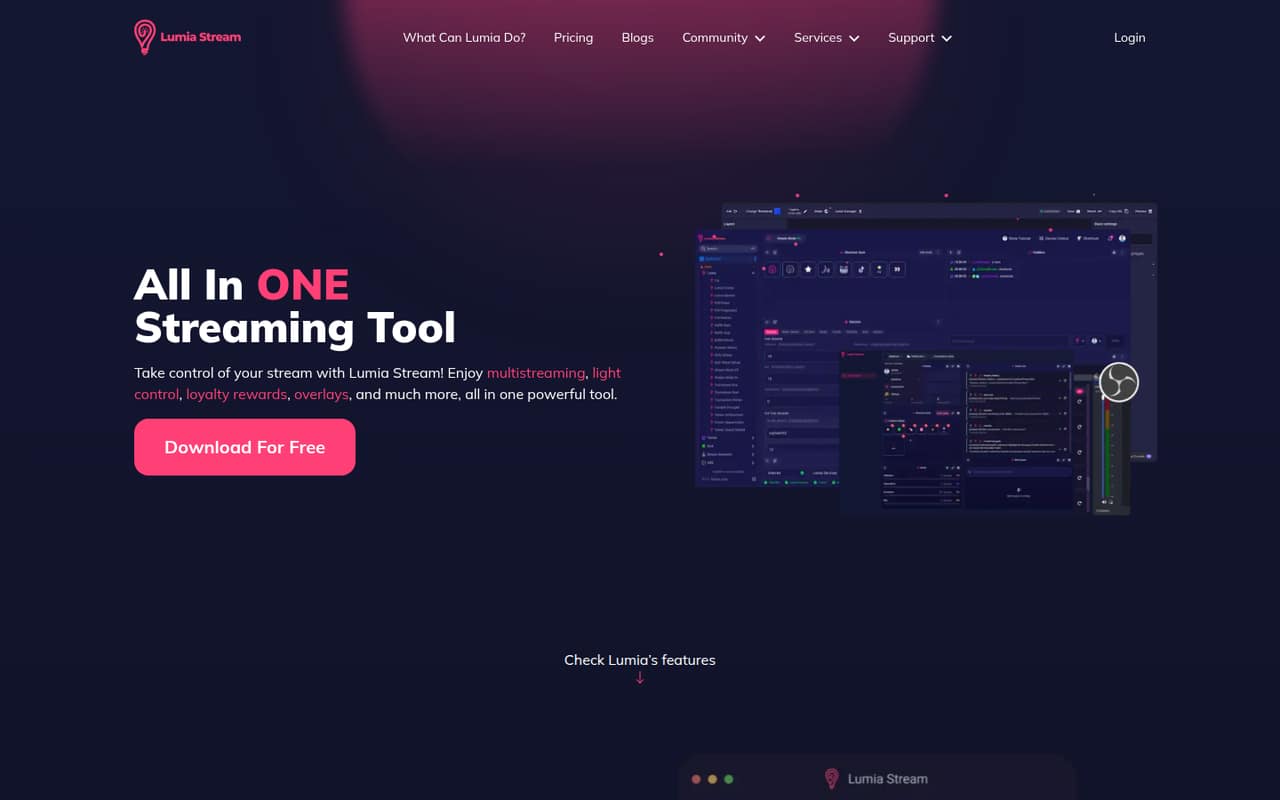
Lumia Stream suits a solo creator or a small streaming crew that wants chat, alerts, overlays and viewer interactions managed together. It brings multistream chat, event alerts, loyalty points, games and viewer-triggered actions into one tool. Its browser-based Control Room handles chat, goals, actions and moderation, while OBS overlays can display alerts and interactive elements.
For a team of one to ten, the main question is whether everyone needs their own account or subscription. Lumia’s pricing page does not publish seat rules, so a small crew should ask before treating the listed price as a per-person cost. The Free plan makes it easy to start without a subscription, especially if one YouTube stream is enough. If viewers controlling lights or other devices is central to the show, Lumia may be worth considering; if you only need basic chat, it may be more tool than you need.
02Lumia Stream free plan and trial
The Free plan costs $0 and includes Lumia Stream overlays, a default chat bot, limited chat commands and one YouTube stream. That gives a new creator a way to try the core chat-and-overlay setup without paying for Premium. The pricing page lists no free-trial offer.
The limits are important if you stream across multiple YouTube channels or need more command flexibility. The free plan is listed for one YouTube stream, and its chat commands are limited; the pricing page does not specify the exact command allowance. Premium is the cheapest paid option, at $5.99 monthly or $59.99 annually. It adds a custom chat bot, unlimited chat commands, Studio Animations, Studio Fuze and alert variations.
03What a small team pays for Lumia Stream
The pricing page lists Premium at $5.99 per month, $32.99 every six months, or $59.99 per year, equivalent to $5 per month when billed annually. One person pays $5.99 monthly or $59.99 annually. If each person needs a separate subscription, three people would total $17.97 monthly or $179.97 annually; five would total $29.95 monthly or $299.95 annually.
Those team totals are multiplication, not published team rates: Lumia does not list whether Premium is per seat or how shared access works. Confirm that before committing. The Free plan is available at no cost, and the pricing page lists no add-ons. For a small budget, annual Premium saves against paying month to month, but only makes sense if the plan’s extra commands and customization are useful to your stream.
04Getting started with Lumia Stream
Lumia lists a browser-based Control Room for chat, goals, actions and moderation, plus downloadable software for Windows, Mac and Linux. Its listed features include OBS overlays, alerts, loyalty points and viewer-triggered device actions. A creator can start with the Free plan’s default bot and overlays, then add a connected platform or device as needed.
Setup effort will depend on what you connect and how your stream is routed. One Reddit poster said a smart-plug setup was working in 10 minutes, but that is one person’s experience, not a general setup promise. Another Reddit user described Lumia overlay sounds failing during live streams through Elgato Wave Link 3 even though test sounds worked. If audio routing or device control is crucial, allow time to check those connections before relying on them live.
05When small teams outgrow Lumia Stream
The first ceiling is the Free plan’s one-YouTube-stream limit and limited chat commands. A creator who needs a custom bot, unlimited commands, Studio Animations, Studio Fuze or alert variations will need Premium. That is $5.99 monthly or $59.99 annually per subscription if each person needs one, but Lumia does not publish seat rules or team pricing.
A growing crew should confirm account access and billing before several people build their workflows around the tool. Device reliability can also vary: one Reddit commenter cautioned that some budget lights can behave unpredictably, while another reported a live-stream audio issue with Wave Link 3. Those are individual reports, not proof of a widespread fault. If dependable device behavior or team administration is essential, test the specific setup and ask Lumia about support and account options before expanding.
From the threadsWhat users say
The Reddit comments lean positive about creative device control and an easy smart-plug setup. There are also individual reports of inconsistent lights and an audio-routing problem, so experiences are not uniformly smooth.
in 10 minutes and a smart plug later, everything was working
It was so easy
Cheap lights are a great opportunity budget-wise but unfortunately, they do sometimes what they want to
The visual alerts still appear,
Questions people ask
What does Lumia Stream do?
Lumia Stream brings streaming chat, alerts, overlays, loyalty points and viewer interactions into one tool. Its browser-based Control Room lets creators manage chat, goals, actions and moderation. Viewers can also trigger connected lights or devices, and OBS overlays can show alerts, chat and interactive elements.
Is Lumia Stream free?
Yes. The Free plan costs $0 and includes overlays, a default chat bot, limited chat commands and one YouTube stream. The pricing page does not list a free trial. Premium is the paid plan, adding a custom bot, unlimited commands, Studio Animations, Studio Fuze and alert variations.
How much does Lumia Stream Premium cost?
The pricing page lists Premium at $5.99 monthly, $32.99 every six months, or $59.99 annually, which works out to $5 per month. Lumia does not publish seat-based team pricing or clarify whether multiple team members need separate subscriptions, so ask the vendor before calculating a shared account budget.
Does Lumia Stream use AI?
Lumia Stream’s listed features focus on chat, alerts, overlays, loyalty points, games and device control. The pricing information does not list AI as a feature. If you need to know whether a specific function uses AI or processes viewer data that way, ask Lumia directly before adopting it.
Is Lumia Stream safe to use?
We can’t verify security or privacy practices from the listed features and prices. Lumia Stream connects streaming platforms and can control connected devices, so review the permissions it requests and its privacy and security information before connecting accounts or hardware. Ask the vendor about data handling and account protections if those details affect your decision.