We may earn a commission if you buy through links on this page. It never changes a score or a ranking. How we make money
A small team may not need a creator platform at all: if you mainly publish on one channel, its built-in tools may be enough. Pay for a dedicated tool when it solves a regular job, such as clipping streams, testing thumbnails, or selling memberships. For a tight budget, Buy Me a Coffee is a practical starting point, while several streaming and YouTube tools offer free plans. Check the fine print before adding seats: many listed prices don’t explain team access, and some costs depend on sales or collaboration needs.
Quick picksThe shortlist
 Buy Me a CoffeeBuy Me a CoffeeBest for small teams · Free
 StreamLadderStreamLadderBest for stream clips · $15/mo
 Lumia StreamLumia StreamBest for stream alerts · $5/mo
 TubeBuddyTubeBuddyBest for YouTube workflows · $2.67/mo
 TikFinityTikFinityBest for TikTok LIVE · $5/mo
 StreamElementsStreamElementsBest free streamer toolkit · Free
 OWN3D ProOWN3D ProBest free overlays · $9.80/mo
 PatreonPatreonBest for memberships · Free
 SpreakerSpreakerBest for podcast teams · $20/mo
 vidIQvidIQBest for YouTube research · $16.58/mo
 LocalsLocalsBest for paid communities · Free
- InStoriesInStoriesBest for social visuals · $10/mo
 TaplioTaplioBest for LinkedIn content · $39/mo
01Compared at a glance
| Tool | Score | From | Free plan | Trial |
|---|---|---|---|---|
| Buy Me a CoffeeBuy Me a Coffee | 6.8 | Free | Yes | — |
| StreamLadderStreamLadder | 7.2 | $15/mo | Yes | 7 days |
| Lumia StreamLumia Stream | 7.3 | $5/mo | Yes | — |
| TubeBuddyTubeBuddy | 7.0 | $2.67/mo | Yes | — |
| TikFinityTikFinity | 6.8 | $5/mo | Yes | — |
| StreamElementsStreamElements | 6.4 | Free | Yes | — |
| OWN3D ProOWN3D Pro | 6.7 | $9.80/mo | Yes | — |
| PatreonPatreon | 6.5 | Free | Yes | — |
| SpreakerSpreaker | 6.5 | $20/mo | Yes | — |
| vidIQvidIQ | 6.3 | $16.58/mo | Yes | — |
| LocalsLocals | 5.8 | Free | Yes | — |
| InStoriesInStories | 6.4 | $10/mo | No | 3 days |
| TaplioTaplio | 5.8 | $39/mo | No | 7 days |
02The picks, in detail
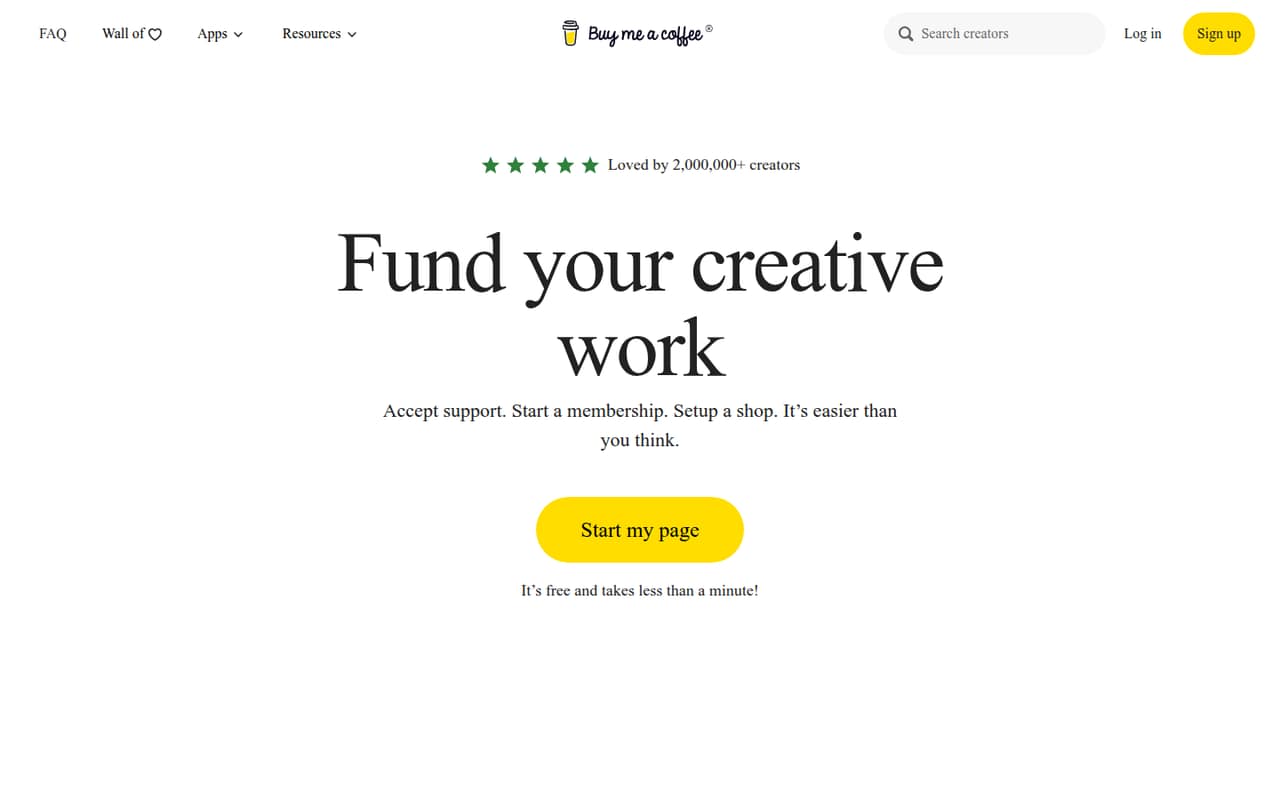
- Best for small teamsBuy Me a CoffeeBuy Me a Coffee
Buy Me a Coffee combines free publishing with one-time support, member content, and digital goods or services. The listed starting price is $0, but the tool charges a 5% fee. That can suit a small team validating paid content without a subscription; check whether its publishing and team access fit your workflow before moving more sales there.
What works
- No monthly fee on the Free plan
- One-time support, memberships, and shop sales
- Free publishing and unlimited email sending
What doesn't
- The pricing page lists a 5% transaction fee
- Annual billing and an annual price are not published
- Team seat and role details are not published
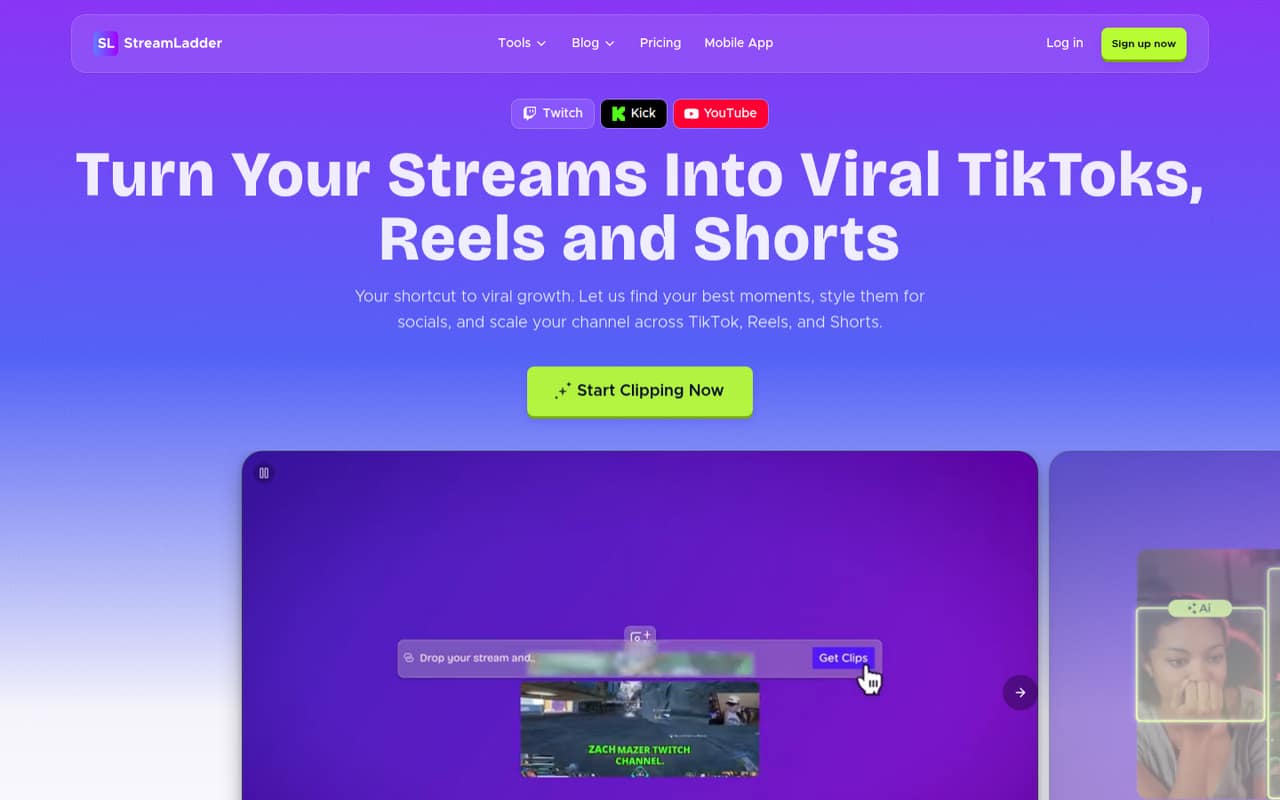
- Best for stream clipsStreamLadderStreamLadder
StreamLadder is aimed at teams turning stream footage into social clips and posting across platforms. It has a free plan and a listed starting price of $15; budget more if you want AI clipping. That makes the free tier a sensible place to check the editing workflow, but confirm what the paid plan includes and whether more than one person can work in it.
What works
- Free plan exports without watermarks
- Free plan includes facecam and gameplay layouts
- Starter supports 1080p / 60 fps exports
What doesn't
- Free uploads are capped at 200 MB
- Starter does not include ClipGPT AI clipping
- Creator costs $27/month before annual billing
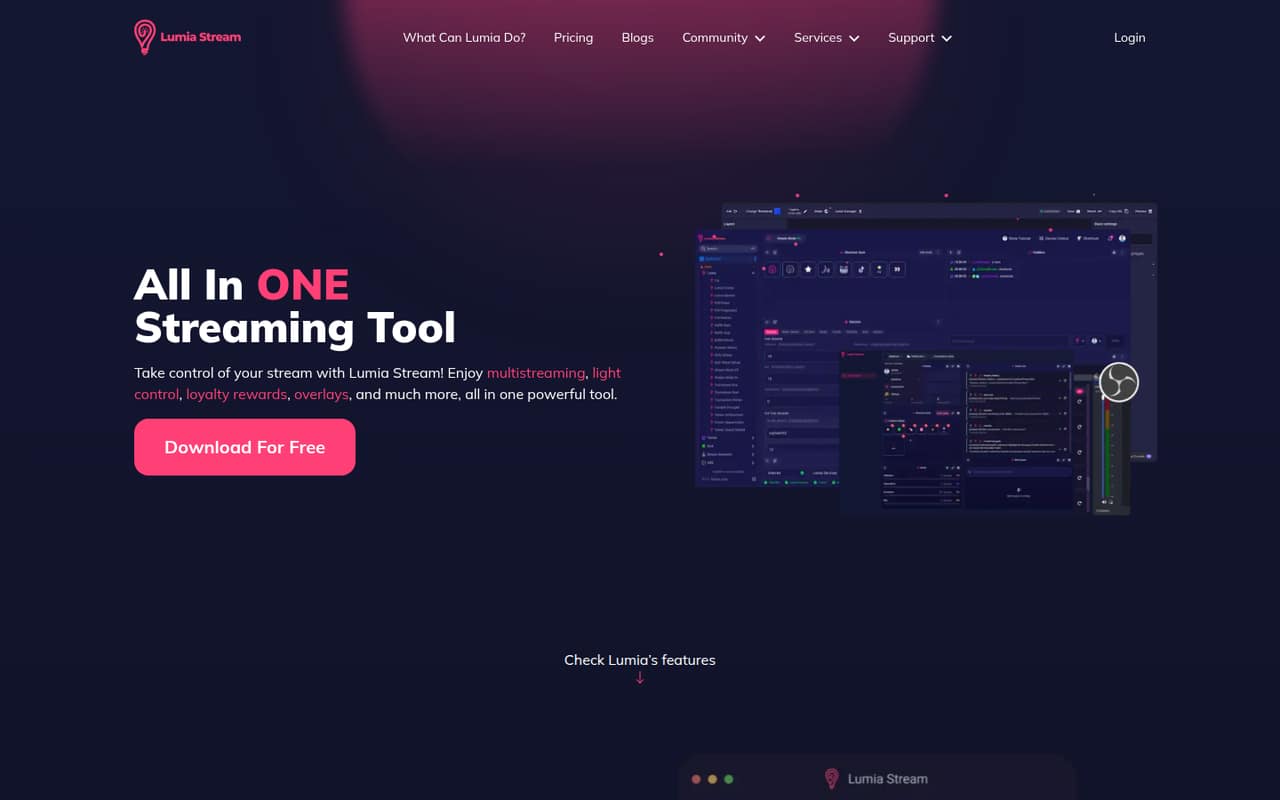
- Best for stream alertsLumia StreamLumia Stream
Lumia Stream brings chat, alerts, and viewer-triggered lights together, with a free plan for budget-conscious creators. The listed starting price is $5, and Premium is $5.99 per month. It could replace a pile of small streaming tools, but confirm which features are free and how Premium handles seats before sharing the setup across a team.
What works
- Free plan includes overlays and a chat bot
- Brings chat, alerts and actions together
- Control Room works in a browser
What doesn't
- Free plan allows one YouTube stream
- Free chat commands are limited
- Seat-based pricing is not published
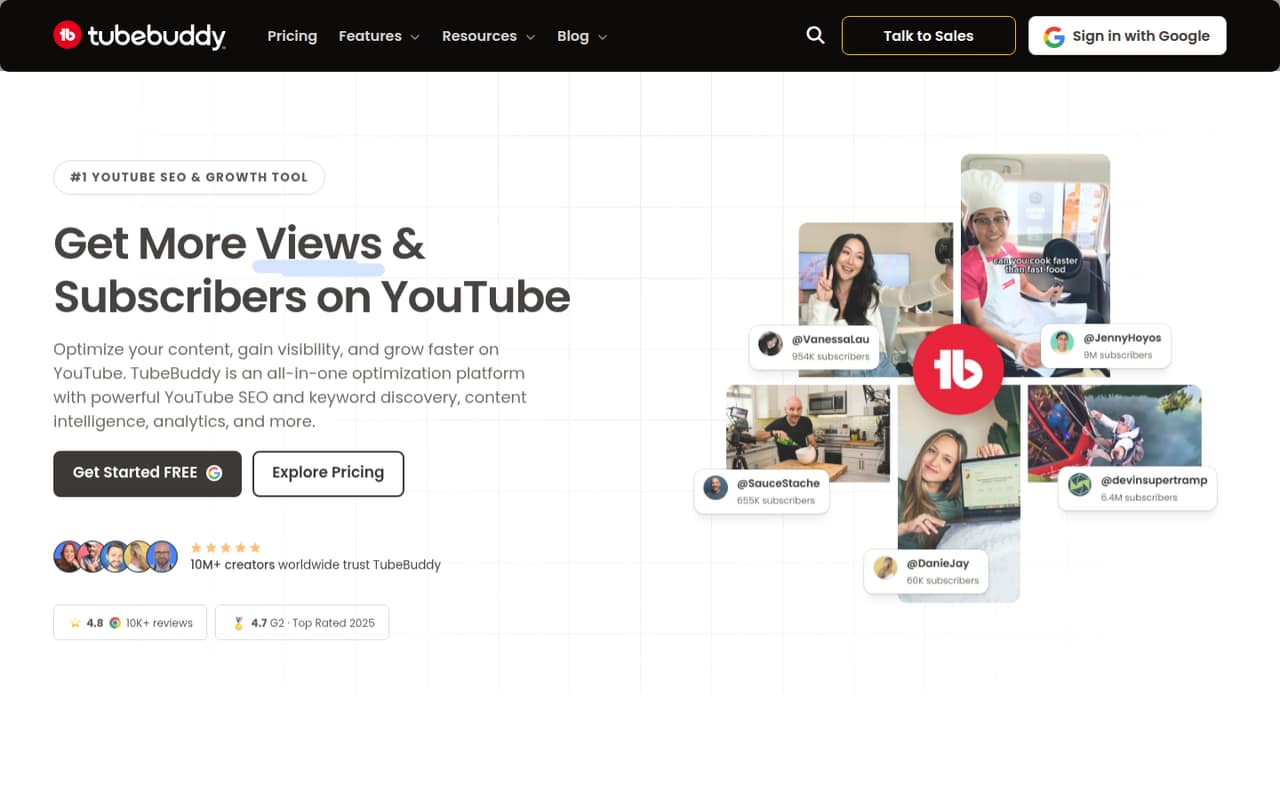
- Best for YouTube workflowsTubeBuddyTubeBuddy
TubeBuddy focuses on YouTube SEO workflows, thumbnail testing, and bulk edits, which can help a small team maintaining many videos. It has a free plan and a listed starting price of $2.67. Free-plan limits are unclear, so check them against your channel’s needs, along with the number of people who can access the account.
What works
- A/B testing can compare thumbnail and title variants
- Bulk processing can save repetitive editing time
- Pro starts at $3 monthly
What doesn't
- Free-plan inclusions are not listed
- Enterprise pricing is custom
- Per-seat team billing is not published
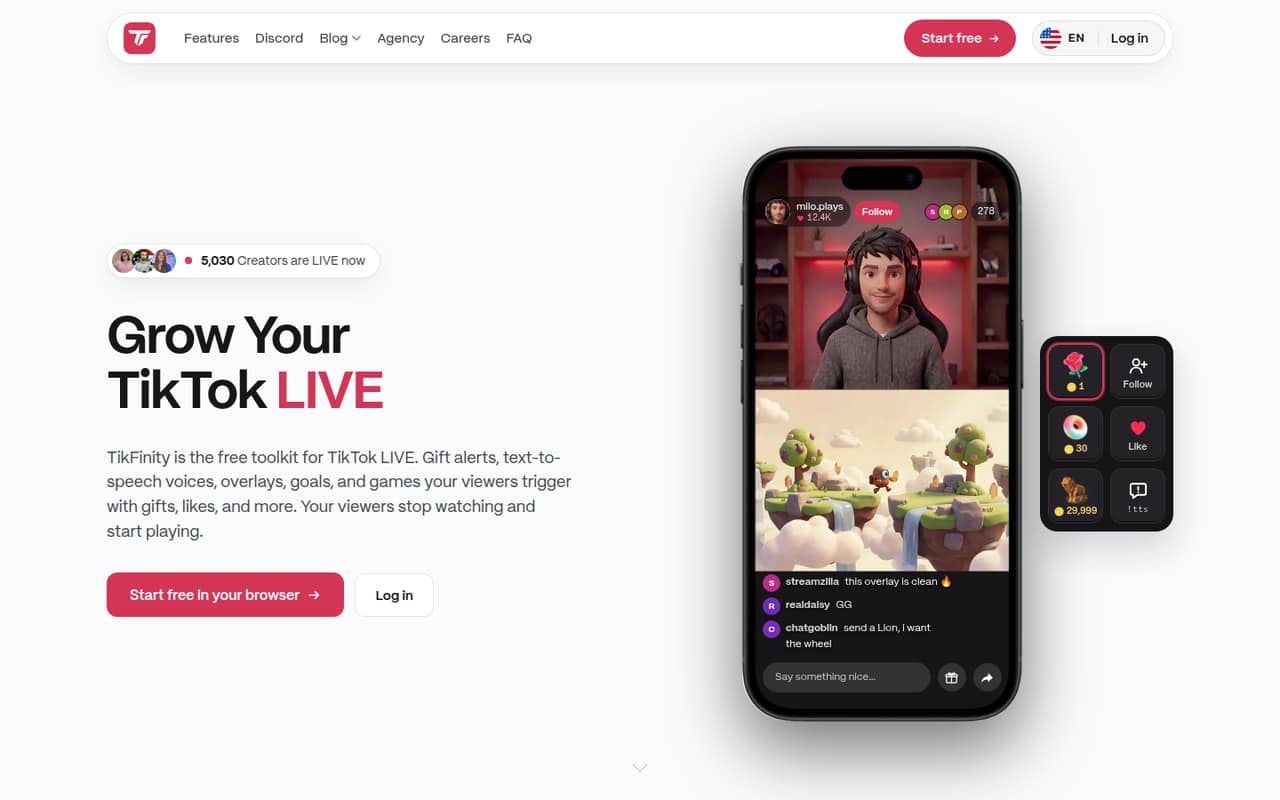
- Best for TikTok LIVETikFinityTikFinity
TikFinity offers a free starting point for TikTok LIVE creators, including viewer-triggered actions. Its listed starting price is $5, making it a low-cost option to investigate before paying for more streaming features. The available summary flags unclear team access and mixed reliability reports, so ask how shared access works and test the core actions before relying on them live.
What works
- Free plan covers basic streaming features
- Alerts and actions respond to viewer activity
- Includes text-to-speech and AI voices
What doesn't
- Free plan has daily limits
- Team and per-seat pricing isn't published
- Reddit users report alert and goal delays
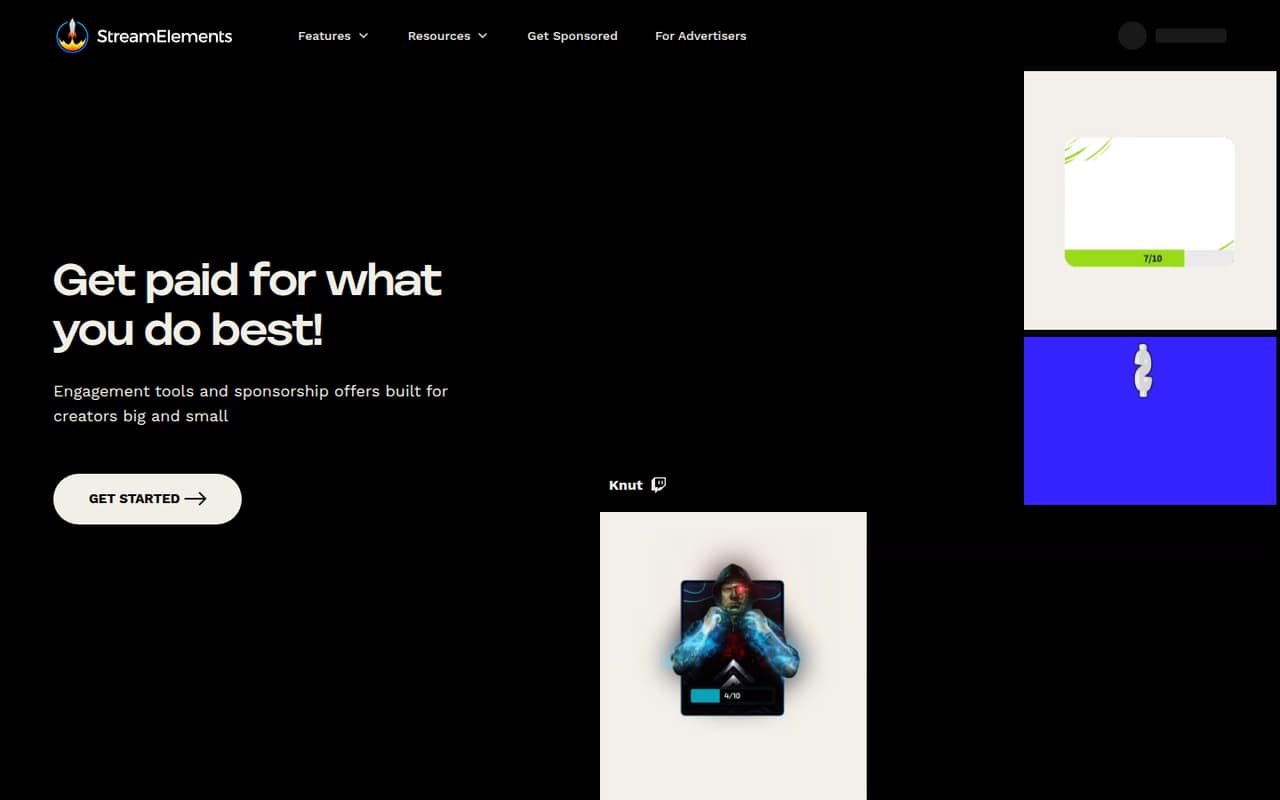
- Best free streamer toolkitStreamElementsStreamElements
StreamElements is a $0 toolkit for streamers, with overlays and live engagement features aimed at solo creators and small teams. It stands out if your budget is the main constraint. The listed concerns are sponsorship payouts and continuity, so treat those as reasons to check the terms and have a backup plan rather than assuming every part of the toolkit is equally dependable.
What works
- Core platform tools are listed at $0 per month
- Homepage promotes customizable animated alerts
- Free overlays and widgets for streams
What doesn't
- No seat limits or annual terms published
- Setup time and integrations aren't specified
- Reddit users report disputed sponsor payouts
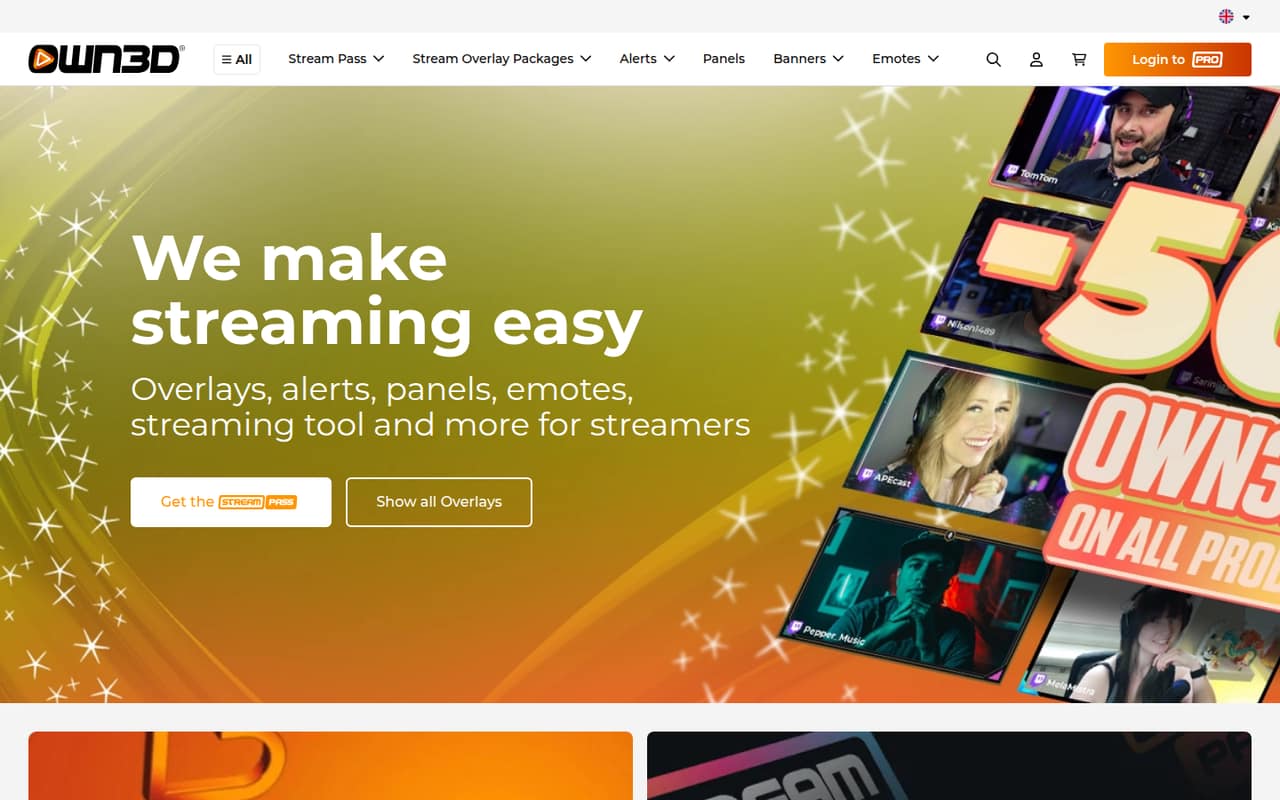
- Best free overlaysOWN3D ProOWN3D Pro
OWN3D Pro offers a free toolkit for one creator, including ready-made design assets and overlays. That makes it a straightforward option for a team supporting a single channel on a tight budget. Paid plans make more sense if you need the larger asset library; compare the paid price and account access with your team’s needs before committing.
What works
- Free plan includes six scene creations
- Seven free alert sets
- Chat, labels and chatbot tools
What doesn't
- Widget Pass price is listed in euros
- No published multi-seat pricing
- Widget Pass USD price is not published
- Best for membershipsPatreonPatreon
Patreon suits creators who already have fans ready to support exclusive work, memberships, or one-off content sales. The listed entry point is a free plan, with costs tied to income rather than seats. That can be easier to budget than a subscription when revenue is still small, but check the applicable fees and how your team will manage publishing and supporter communication.
What works
- Free to start with no upfront cost
- Memberships and individual online shop sales
- Group chats, comments, and direct messages
What doesn't
- The platform fee is 10% of Patreon income
- Processing and payout fees also apply
- Currency conversion fees may apply

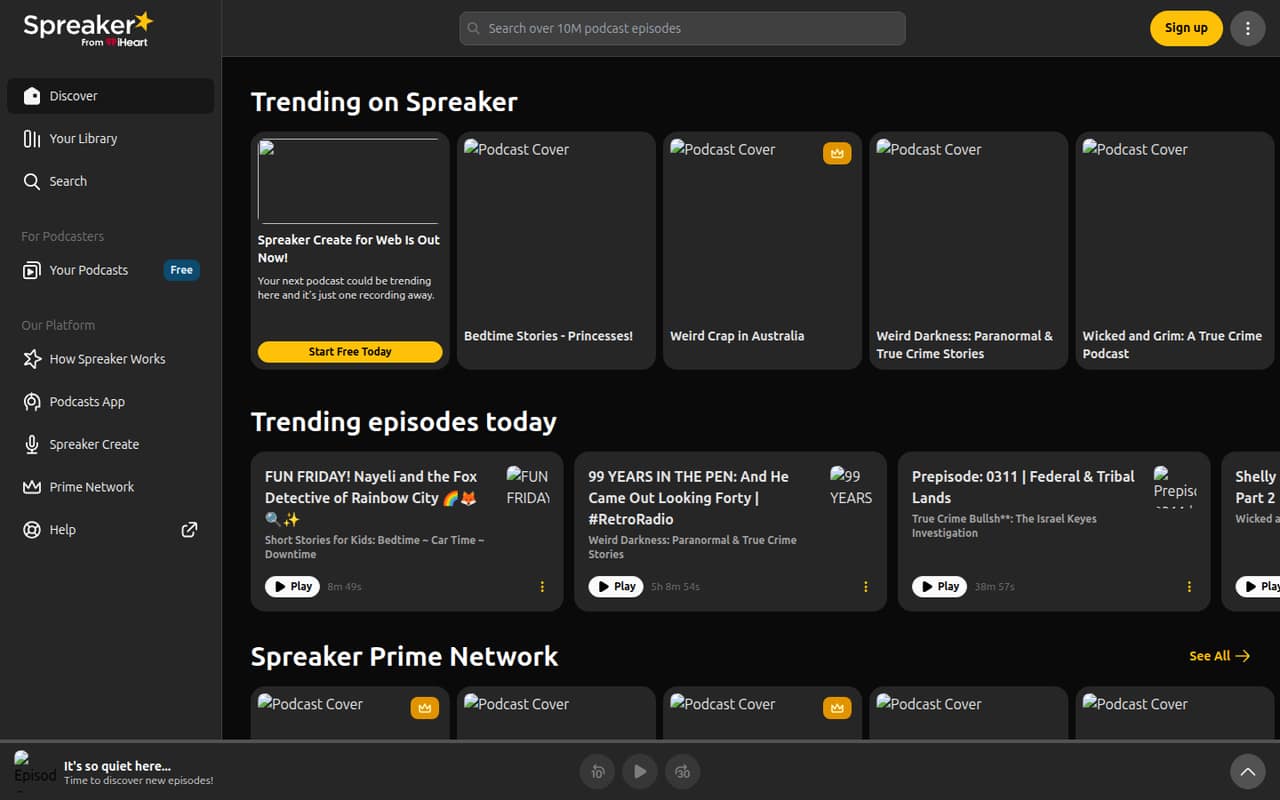
- Best for podcast teamsSpreakerSpreaker
Spreaker is built around starting a podcast and giving listeners a saved library. Its listed starting price is $20, while team collaboration costs $50 per month. For a team of a few people, that collaboration price matters more than the entry point. Confirm what the collaboration plan includes and whether it covers the number of people involved.
What works
- Free Speech includes unlimited episodes
- Free plan supports one podcast
- Podcast search, categories, and featured shows
What doesn't
- Free plan limits statistics to six months
- Free Supporters Club fee is 20%
- Broadcaster collaborator allowance is not published
- Best for YouTube researchvidIQvidIQ
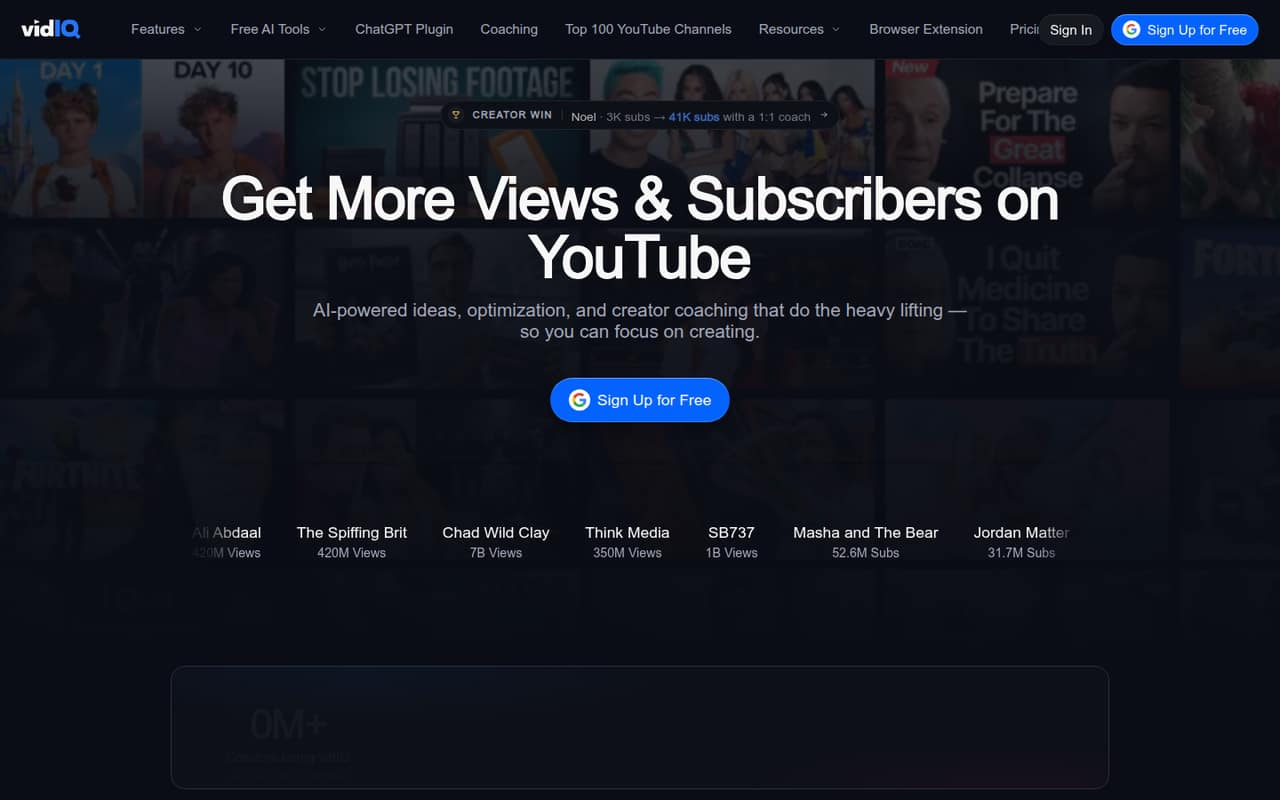
vidIQ helps creators research YouTube topics, refine titles, and compare niche trends. It has a free plan and a listed starting price of $16.58. The product summary is less positive about expecting AI to grow an audience, so buy it for research and channel checks rather than a promise of growth. Check plan limits and shared access before choosing a tier.
What works
- Free plan includes 150 AI Credits monthly
- Boost includes unlimited trends research
- Combines keyword and competitor insights
What doesn't
- Boost monthly-billing price is not shown
- Team seat pricing is not published
- AI suggestions draw mixed Reddit feedback
- Best for paid communitiesLocalsLocals
Locals bundles creator publishing across several formats with paid communities, and is aimed at independent creators starting with under 50 supporters. A free plan is listed, but plan prices aren’t published, which makes a small team’s budget harder to predict. Ask the vendor for the current cost, transaction terms, and whether the plan supports everyone who needs to publish.
What works
- Free community creation and maintenance
- Supports video, live streams, podcasts and articles
- Creators can access user data and content
What doesn't
- Monthly and annual plan prices aren't published
- Basic charges 10% on several transaction types
- Content+ carries a 20% fee on Basic
- Best for social visuals
InStoriesInStories
InStories provides AI design and video tools for creators and small businesses making social content or marketing visuals. The listed starting price is $10, and there is no free plan. Team pricing is unclear, so a small group should ask about shared projects and seats before choosing it. It is a better fit when those creative tools solve a recurring need.
What works
- More than 3,000 customizable templates
- AI tools generate images, videos, and scripts
- Timeline editing includes keyframes and transitions
What doesn't
- No permanent free plan
- Trial converts to annual billing unless cancelled
- Seat and usage limits aren’t published
- Best for LinkedIn contentTaplioTaplio
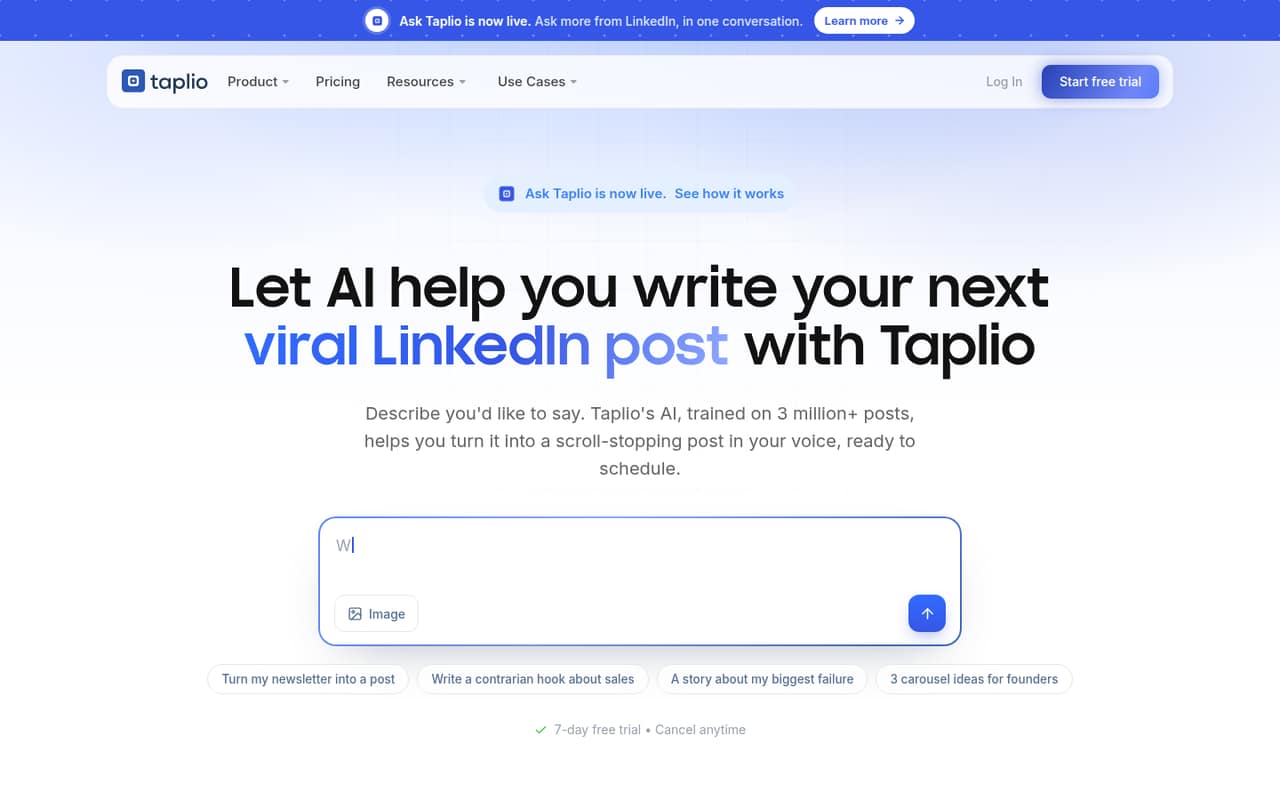
Taplio covers LinkedIn content ideas and scheduling for founders and small teams building personal brands. Its listed starting price is $39, a relatively steep starting point for a team watching subscriptions. Mixed account-safety reports are another reason for caution. Confirm account permissions, plan limits, and the current price before making it part of your publishing routine.
What works
- Searches more than 5 million viral posts
- Combines ideas, writing and scheduling
- Includes core analytics on Starter
What doesn't
- No free plan
- Starter costs $39 per month
- Annual plan prices aren’t published
03How we chose
We ranked these tools for teams of 1–10, weighing useful free plans, the listed cost for a small team, setup effort, plan limits, documentation, and Reddit sentiment. A low starting price only helps if the plan covers the work and the people who need access. We favored clear, low-cost starting points, while treating unclear prices, seat rules, and reports about reliability, payouts, or account safety as reasons to verify details first. We did not assign setup-hour estimates: ask vendors what onboarding and account sharing require for your workflow.
04Work out the real cost for your team
Start with the job you need done, then price the plan that covers it. A free plan can be enough for one channel or a first paid offering, but check limits on publishing, assets, and access before inviting teammates. Compare recurring subscription costs with fees taken from sales: Buy Me a Coffee lists a $0 starting price and a 5% fee, while Patreon’s costs are tied to income rather than seats. For Spreaker, the listed starting price is $20, but team collaboration costs $50 per month. Ask each vendor for the total price for your number of contributors, including any fees and required upgrades. If seat pricing or plan limits aren’t published, get the answer in writing before you build your workflow around the tool.
05Check setup and the point where you’ll outgrow it
Before signing up, list the accounts, channels, and content formats the tool needs to support. Ask whether teammates can share access safely, what permissions each person gets, and whether your existing content or audience data can move with you later. Setup time isn’t published in the available plan details, so ask the vendor what connecting accounts and inviting collaborators involves. Then name the trigger for upgrading: needing more seats, hitting a plan limit, wanting AI clipping, or adding a second channel. Try the free plan against one real task if one is available, and note what it won’t let you do. For stream tools, verify the core live actions; for publishing tools, check how your team handles drafts and approvals.
Questions people ask
What are the best free creator tools for a small team?
Buy Me a Coffee lists a $0 starting price with a 5% fee. StreamElements and OWN3D Pro offer free streamer toolkits, while TubeBuddy, vidIQ, TikFinity, and Lumia Stream also list free plans. Check limits and team access: a free plan may not cover every person or feature you need.
Which creator tool is cheapest for a small team?
Several tools list a free plan or a $0 starting price, but those aren’t directly comparable: Buy Me a Coffee charges a 5% fee, and some tools have unclear seat rules or plan limits. For a paid option, TubeBuddy lists a $2.67 starting price and Lumia Stream lists $5.
How much does creator software cost for a few people?
It depends on the product and whether pricing is per seat, tied to income, or linked to collaboration features. Spreaker lists team collaboration at $50 per month. For other tools, ask the vendor for a quote covering your number of contributors, any fees, and the features your team needs.
When should a creator team upgrade from a free plan?
Upgrade when the free plan blocks a regular task: adding collaborators, publishing more content, using needed assets, or handling another channel. Before paying, confirm the exact limit and the price of the plan that removes it. If your workflow depends on live features, check those before switching your main setup.