
We may earn a commission if you buy through links on this page. It never changes a score or a ranking. How we make money
The bottom line
Useful for quick graphics and code-ready backgrounds; free-plan limits and seat pricing need clarification.
Small teams that need patterns, gradients, or branded backgrounds may not need a full design suite. MagicPattern offers 30+ tools, image exports, and CSS snippets, with annual plans starting at $10 per person per month if each person needs a subscription.
The free option is appealing, but its included tools and limits aren't spelled out on the pricing page. Basic includes 100 saved graphics; Pro doubles the annual price for unlimited saved graphics. Ask about seat rules before buying for a team.
Good fit if
- Small teams making branded graphics
- Founders who need CSS backgrounds
- Design-light marketing workflows
Skip it if
- Teams needing clear free-plan limits
- Collaborators needing shared-seat pricing
- Companies needing published monthly rates
ScoresHow it rates
What works
- 30+ tools for patterns, gradients, grids, and backgrounds
- Unlimited exports on both paid plans
- JPG, PNG, WebP, SVG, and CSS export options
- Brand guidelines include palettes and uploaded brand assets
- Basic includes commercial use
What doesn't
- Free-plan limits and included tools aren't published
- Monthly billing prices aren't published
- Seat pricing and team sharing rules aren't published
- Basic caps saved graphics at 100
- A Reddit commenter called the app expensive
01Who MagicPattern is for
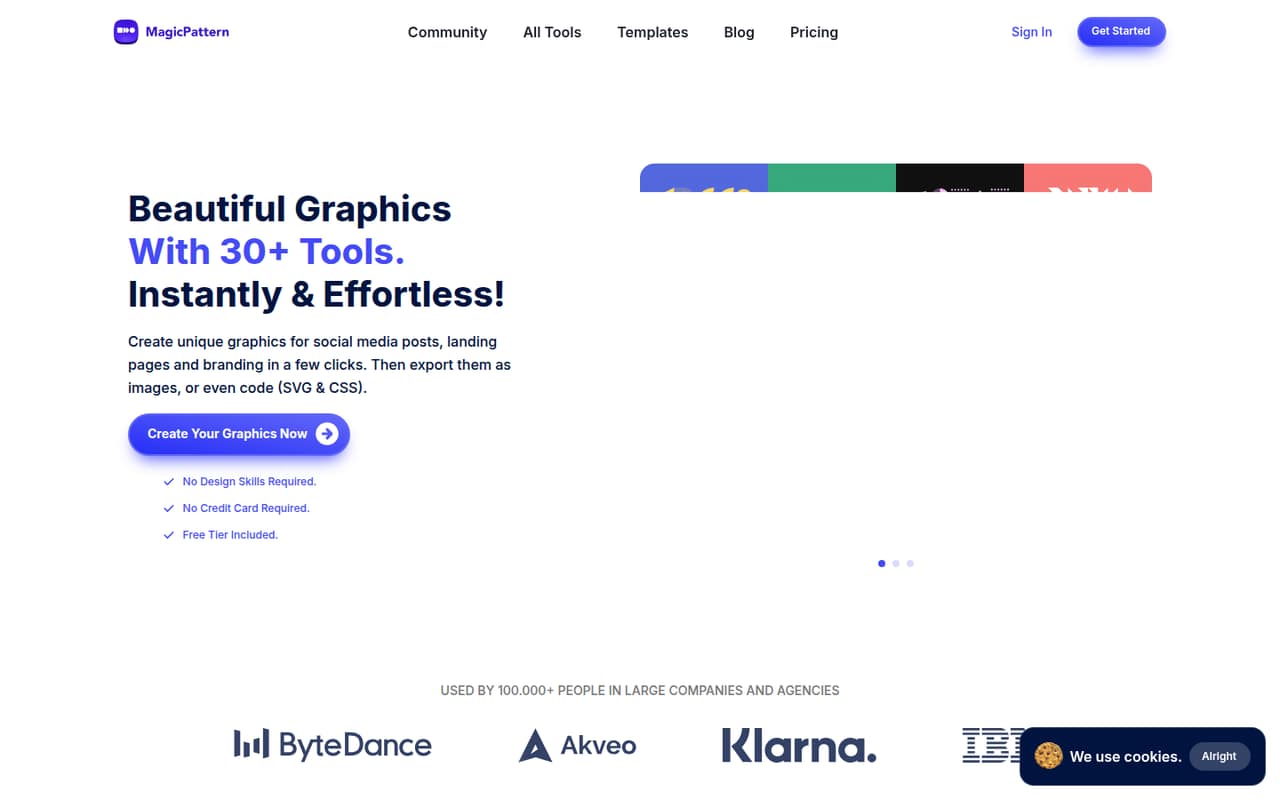
MagicPattern is for a small team that needs custom visuals but doesn't have a designer on every task. Its 30+ tools generate patterns, gradients, grids, and other backgrounds. You can adjust colors, dimensions, density, spacing, and rotation, then export a graphic or copy CSS.
For a 1–10-person company, that can cover social posts, landing-page backgrounds, and basic brand assets without buying a larger design platform just for decorative graphics. Brand guidelines let you keep color palettes and uploaded images or SVG elements together. The pricing page lists commercial use on both paid plans.
It's less compelling if your main need is a shared design workspace or a broad marketing suite. The listed features focus on making and exporting graphics, not on a published team collaboration workflow. Before treating it as a shared tool, ask the vendor how seats and shared asset access work.
02MagicPattern free plan and trial
MagicPattern has a free option, but the vendor doesn't publish its exact limits or which tools it includes on the pricing page. That makes it hard to tell whether the free access will cover a team's regular workload. A Reddit discussion describes the CSS background patterns as free to copy and paste, while distinguishing them from the paid MagicPattern app.
The pricing page lists no free-trial terms. If the free option doesn't cover the graphics you need, the cheapest listed subscription is Basic at $120 per year, equivalent to $10 per month with annual billing. Basic includes 30+ tools, unlimited exports, 100 saved graphics, brand guidelines, and commercial use. Monthly billing isn't published, so confirm the available payment terms before signing up.
03What a small team pays for MagicPattern
The pricing page lists Basic at $120 per year and Pro at $240 per year, with four months off. That's an annual-billing equivalent of $10 or $20 per month for one person. Monthly prices aren't published. Basic includes 100 saved graphics; Pro includes unlimited saved graphics. Both list 30+ tools, unlimited exports, brand guidelines, and commercial use.
If each person needs a separate plan, three people would cost $30 per month equivalent on Basic ($360 annually) or $60 per month equivalent on Pro ($720 annually). For five people, that's $50 per month equivalent on Basic ($600 annually) or $100 per month equivalent on Pro ($1,200 annually). The vendor doesn't publish seat-sharing rules, so confirm whether those per-person estimates fit your setup.
The listed one-time options are three months of Basic for $49 or six months for $79. Enterprise pricing is custom and lists API or widget integration. The vendor doesn't say whether the Basic add-ons cover multiple people.
04Getting started with MagicPattern
The basic workflow looks straightforward: choose a generator, adjust its settings, then export an image or copy CSS. The listed controls include dimensions, colors, density, spacing, and rotation. Image formats include JPG, PNG, WebP, and SVG, so a team can use files in visual work or copy code into a project.
For a small team, setup can start without an integration: make a graphic and export it where you need it. Brand guidelines can hold palettes and uploaded brand images or SVG elements. The pricing page lists API or widget integration under Enterprise, which is the option to ask about if you need to build MagicPattern into a product or workflow.
The Reddit feedback includes one report of a mobile control-panel problem; the creator replied that it was fixed. That is a useful reminder to check the mobile workflow if teammates create graphics on phones. The published plan details don't specify onboarding or support response times.
05When small teams outgrow MagicPattern
The clearest reason to upgrade is saved-asset volume: Basic stops at 100 saved graphics, while Pro lists unlimited saved graphics. Pro costs twice as much as Basic on annual billing, so a team should compare that extra capacity with its actual library needs. Unlimited exports are already listed on both paid plans.
A team may also need to move up or ask for Enterprise if it wants API or widget integration, since that's the only integration option named in the listed plans. Seat rules and shared asset permissions aren't published, so growing teams should confirm whether one subscription can serve multiple people before multiplying the price by headcount.
Reddit feedback is mixed. One commenter said the app was too expensive, and another described the main app as a paid product. That discussion also mentions a mobile issue that the creator said was fixed. Its quoted $15 monthly price is from that thread; the current pricing page lists lower annual-billing equivalents, while monthly prices aren't published.
From the threadsWhat users say
The Reddit discussion is mixed: commenters liked the free CSS patterns, but one objected to the app's cost. A reported mobile problem drew a creator reply saying it was fixed.
These CSS patterns are completely free. Just copy/paste them into your web project
The app is way too expensive
Site seems to be broken on my phone though
I've just shown your message and fixed the issue
Questions people ask
Does MagicPattern have a free plan?
Yes, MagicPattern has a free option, but the vendor doesn't publish its exact limits or the tools it includes on the pricing page. A Reddit discussion says the CSS background patterns are free to copy and paste. If you need the full app, check which generators and exports the free option actually covers before relying on it.
How much does MagicPattern cost?
The pricing page lists Basic at $120 per year and Pro at $240 per year, equivalent to $10 and $20 per month with annual billing. Monthly billing prices aren't published. Basic includes 100 saved graphics, while Pro includes unlimited saved graphics. Confirm seat rules with the vendor before estimating a team's total.
Can I export MagicPattern graphics as SVG or CSS?
The listed image export formats are JPG, PNG, WebP, and SVG. MagicPattern also lets users copy CSS snippets to embed graphics in code. That gives a team both file-based options for visual work and a code option for a website or product, though the vendor lists API or widget integration under Enterprise.
Can my whole team use one MagicPattern account?
The vendor doesn't publish seat-sharing rules in the listed plan details. For budgeting, you can estimate one subscription per person, but treat that as an assumption rather than a confirmed billing rule. Ask MagicPattern whether several teammates can share access, saved graphics, and brand guidelines under one subscription.
What happens when I reach Basic's saved-graphic limit?
Basic includes 100 saved graphics, while Pro lists unlimited saved graphics. The pricing page doesn't describe what happens when a Basic account reaches its limit, such as whether users can delete assets or must upgrade. If your team expects a large library, ask the vendor before choosing a plan.