We may earn a commission if you buy through links on this page. It never changes a score or a ranking. How we make money
The bottom line
Good for organizing separate inboxes; less compelling when a whole team needs Pro.
Mailspring is worth considering if your small team juggles several email accounts and wants one desktop inbox. The free plan covers unlimited accounts, but weekly caps apply to snoozing, scheduled sends, and translation.
Pro is $8 per person monthly, or $85 per person annually. That’s reasonable for one person who needs the extra tools, but a team can pay more than $200 a year even with only three Pro seats.
Good fit if
- People juggling several email accounts
- Small teams with separate inboxes
- Linux, Mac, and Windows users
Skip it if
- Teams needing a shared support inbox
- People who need unlimited free sending
- Teams seeking one central team license
ScoresHow it rates
What works
- Free plan supports unlimited email accounts
- Search works across connected accounts
- Runs on Mac, Windows, and Linux
- Pro includes unlimited scheduled sending
- Calendar invitations can be handled in the inbox
What doesn't
- Free snoozing is capped at 15 conversations weekly
- Free scheduled sending is capped at five messages weekly
- Pro costs add up across multiple seats
- Pro translation and grammar checks have a weekly cap
- Reddit users report crashes and high memory use
01Who Mailspring is for
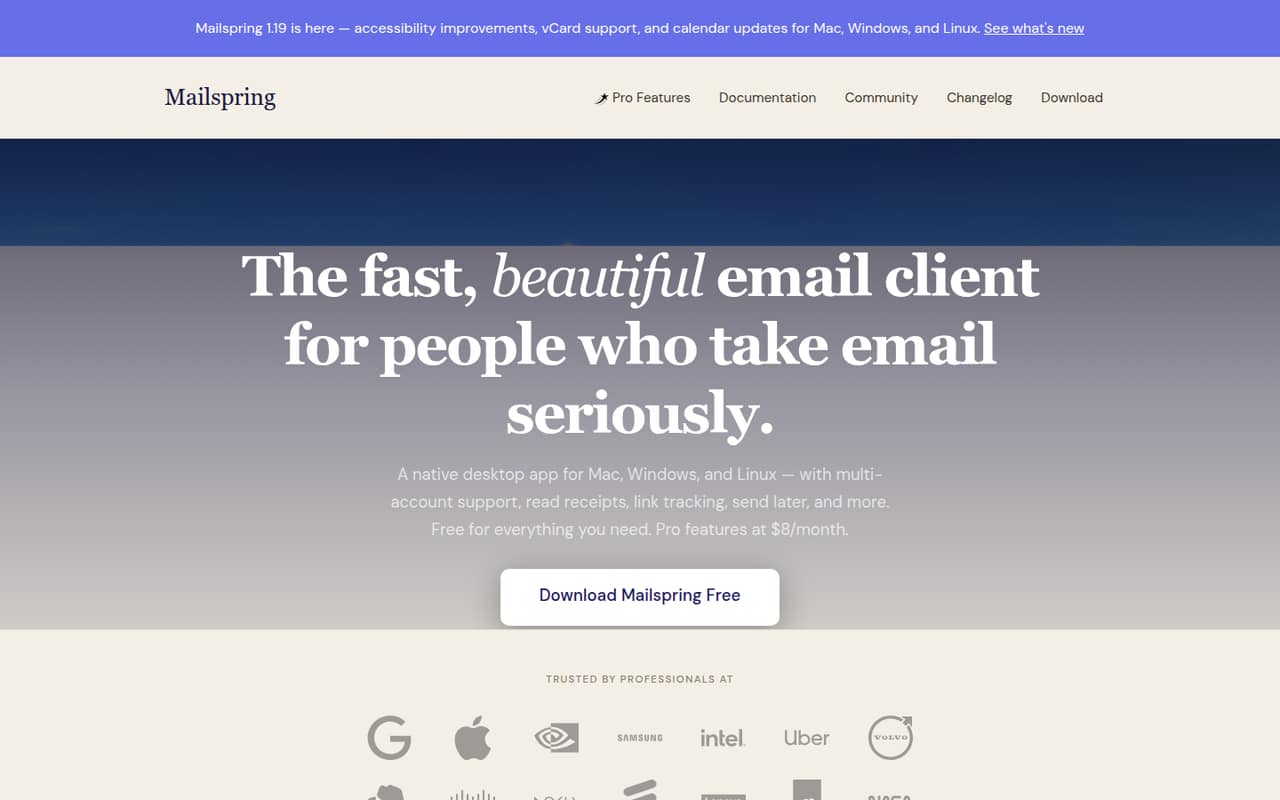
Mailspring makes sense for a small team of one to 10 people when each person handles their own inboxes. It brings multiple email accounts into one desktop client, with search, snoozing, translation, and calendar invitations in the same workflow. It runs on Mac, Windows, and Linux.
That’s useful for a founder balancing work and personal accounts, or a team member who checks several provider accounts throughout the day. One commenter on r/linux said Mailspring was the most painless option for managing multiple accounts, including Office 365.
It’s not a shared team inbox or project-management tool. The feature list focuses on personal email workflows, so teams that need shared ownership of customer messages should check whether Mailspring supports their process before moving everyone over. The free plan is a sensible starting point; Pro is easiest to justify for the individuals who rely on its tracking, reminders, or unlimited scheduled sending.
02Mailspring free plan and trial
The Free (Basic) plan costs $0 per month and includes unlimited email accounts. Its limits are on productivity features: snooze 15 conversations per week, schedule five messages per week, and translate 50 messages per week.
That should cover basic multi-account email for a person who rarely schedules messages or translates mail. It may feel tight if snoozing and send-later are part of your daily routine. The free plan doesn’t include the unlimited Pro allowances for snooze, send later, reminders, read receipts, or link tracking.
The pricing details list no free trial. You can start with the free plan, then move to Pro if the weekly caps get in the way. Pro also raises translation and grammar checking to 800 uses per week, rather than making those unlimited.
03What a small team pays for Mailspring
The pricing page lists Pro at $8 per month, or $85 per year, which works out to about $7.08 per month when billed annually. If each person needs a separate Pro subscription, one person pays $8 monthly or $85 annually. Three people would pay $24 per month or $255 per year; five would pay $40 per month or $425 per year. The annual totals average about $21.25 monthly for three and $35.42 for five.
Those calculations assume an individual subscription for each teammate; confirm the billing setup with Mailspring before buying for a team. The listed plans don’t include add-ons. Pro’s unlimited snooze, send later, reminders, read receipts, and link tracking are included, while translation and grammar checking are capped at 800 uses per week. Contact and company profiles have a separate cap of 20 lookups per week.
For a budget-conscious team, keep most people on Free if its limits work for them and pay for Pro only where its extra tools matter. The plan details don’t list a team bundle or volume discount.
04Getting started with Mailspring
Mailspring is a desktop client for Mac, Windows, and Linux. You’ll need to connect the email accounts you want to use; the product description says it supports multiple accounts and major providers. It doesn’t publish a setup-time estimate, so allow time to connect accounts and check that each one works as expected.
The basic workflow is easy to understand: review messages in a unified inbox, search across accounts, and handle calendar invitations without leaving the inbox. Writing help includes spell checking and grammar checking powered by LanguageTool. A commenter on r/linux described managing multiple accounts, including Office 365, as painless, while another r/linux post praised the built-in functionality.
We’d start with the accounts each person actually checks, then test search and invitation handling before making Mailspring the default. The vendor doesn’t publish a specific setup checklist in the pricing details; check its docs for provider-specific connection steps.
05When small teams outgrow Mailspring
The first pressure point is usage. Free limits snooze to 15 conversations a week, scheduled sending to five messages a week, and translation to 50 messages a week. Pro removes the snooze and send-later caps, but each seat adds $8 monthly or $85 annually if everyone needs a subscription. Translation and grammar checking still stop at 800 uses a week, and contact and company profiles at 20 lookups a week.
A team may also outgrow Mailspring if it needs shared inbox ownership or central team administration. Those controls aren’t listed in the plan details, so ask Mailspring directly before treating it as a team email system.
Reddit feedback is mixed. One r/linux commenter said it was painless for multiple accounts, while a commenter on r/privacytoolsIO reported bugs, crashes, and high memory use. Those are individual reports, not a guarantee of your experience, but they’re a reason to check reliability on your team’s devices before moving everyone over.
From the threadsWhat users say
Reddit comments are mixed: some users appreciate Mailspring’s built-in tools and multiple-account handling, while others report reliability and memory concerns. That makes it a reasonable shortlist option, but not an unquestioned pick for every team.
I do use Mailspring because it has been the most painless for managing my multiple accounts, including my forced use of Office365 for work
Mailspring is buggier, crashes more, and uses about 4x the memory
I've used Mailspring as my main email client for years and I'm happy with it
it has a lot of functionality built-in and seems to just work
Questions people ask
Is Mailspring free?
Yes. Mailspring’s Free (Basic) plan is listed at $0 per month and supports unlimited email accounts. It limits snoozing to 15 conversations a week, scheduled sending to five messages a week, and translation to 50 messages a week. Pro is the paid option for higher or unlimited feature allowances.
How much does Mailspring Pro cost?
The pricing details list Pro at $8 per month or $85 per year, equivalent to about $7.08 monthly on annual billing. If three people each need a separate Pro subscription, that comes to $24 monthly or $255 annually. Confirm the billing arrangement with Mailspring before purchasing seats for a team.
Can Mailspring manage multiple email accounts?
Yes. The Free plan includes unlimited email accounts, and Mailspring combines connected accounts in a unified inbox. It also offers search across connected accounts. One Reddit commenter described using it with multiple accounts, including Office 365, but check Mailspring’s docs for connection steps for your specific provider.
Which computers support Mailspring?
Mailspring is a desktop email client for Mac, Windows, and Linux. The product description identifies those operating systems but doesn’t specify version requirements here. Before installing it across a team, check the vendor’s current system requirements and confirm they match each person’s computer.
Does Mailspring include email tracking and scheduled sending?
Pro includes read receipts, link tracking, and unlimited scheduled sending. The Free plan allows five scheduled messages per week. The listed feature details don’t include tracking on Free, so treat read receipts and link tracking as Pro features unless Mailspring confirms otherwise.