
We may earn a commission if you buy through links on this page. It never changes a score or a ranking. How we make money
The bottom line
A feature-rich Web Stories editor, but small teams should budget carefully for annual per-seat pricing.
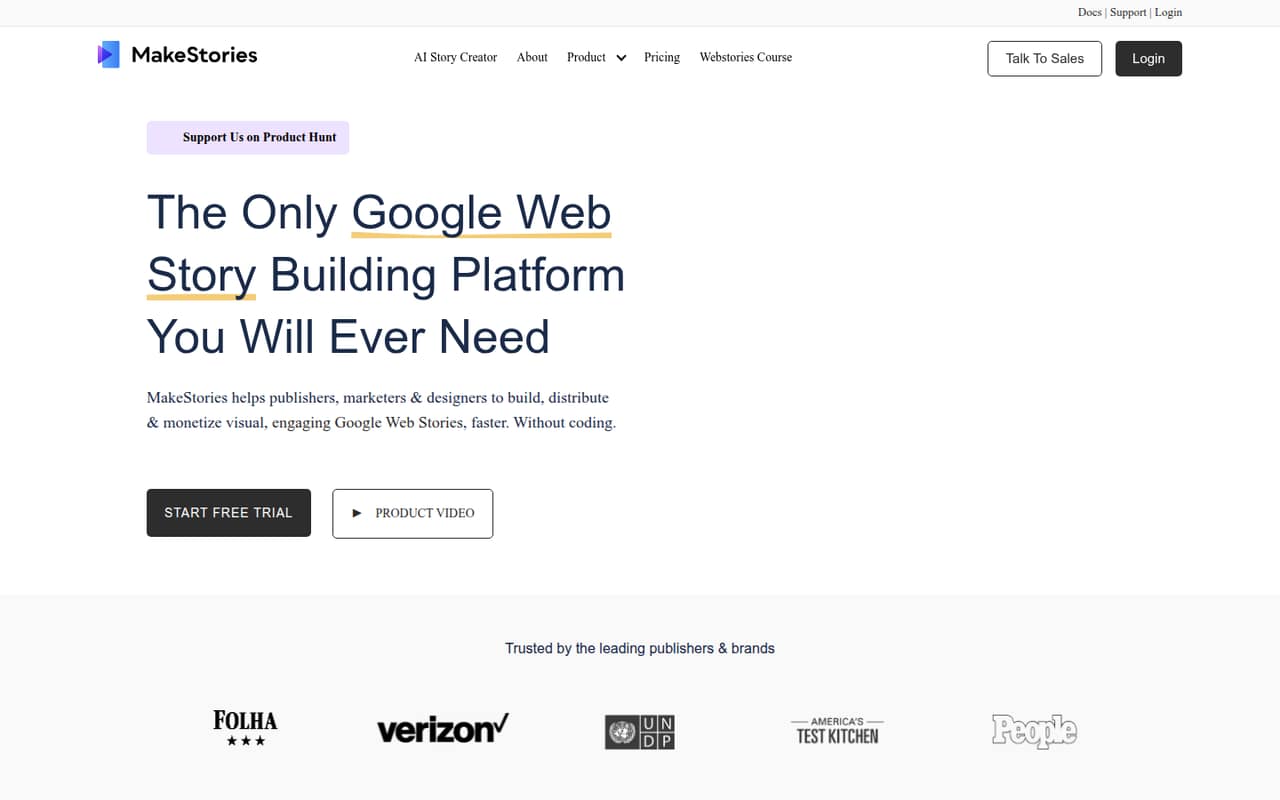
MakeStories is worth considering if your team regularly creates Google Web Stories and wants editing, publishing, and analytics tools in one platform. Its no-code editor, team workspaces, templates, and AI story builder cover a useful range of work.
There’s no free plan, and Pro starts at $57 per user per month with annual billing. A three-person team comes to $161 per month equivalent, billed annually. That’s a meaningful subscription for a small team, so the tool makes most sense when Web Stories are a regular part of your publishing work.
Good fit if
- Publishers producing Web Stories regularly
- Small teams sharing story assets
- Marketers who need GA4 integration
Skip it if
- Teams looking for a free plan
- Occasional story creators on tight budgets
- Teams that require monthly billing
ScoresHow it rates
What works
- No-code drag-and-drop story editor
- Unlimited stories and workspaces on Pro
- Live co-editing in team workspaces
- Templates, animations, and AI story builder
- GA4 integration and WordPress support
What doesn't
- No free plan
- Seven-day trial feature limits are not published
- Pro requires annual billing
- Monthly-billing prices are not published
- Enterprise requires at least 10 users
01Who MakeStories is for
MakeStories is aimed at publishers, marketers, and designers creating Google Web Stories. It fits a solo creator or a small team that wants to build stories without coding, then organize work in shared workspaces. The drag-and-drop editor, templates, animations, and AI story builder cover creation; publishing tools, analytics, polls, and quizzes extend the workflow beyond the editor.
For a team of one to five, the main budget question is how often you’ll publish. Pro lists unlimited stories and workspaces, but its annual per-seat price adds up quickly when several people need access. A three-person team pays $1,932 per year by the listed pricing and add-on rates. We’d consider it when Web Stories are an ongoing channel and shared editing or publishing tools have real value, rather than for occasional projects.
02MakeStories free plan and trial
MakeStories does not list a free plan. The pricing page lists a seven-day free trial, but the trial’s included features and any usage limits are not published. Confirm those details with MakeStories before relying on the trial to test a specific workflow, such as publishing or analytics.
The cheapest listed paid option is Pro for one user at $57 per user per month with annual billing. That is $684 for a year. Pro includes unlimited stories, unlimited workspaces, no MakeStories branding, AI-generated images, and Google Analytics GA4 integration. Because a trial is short and there’s no free tier to fall back on, budget for the annual plan if you decide to keep using the platform.
03What a small team pays for MakeStories
For one person, Pro costs $57 per user per month with annual billing: $684 for a year. MakeStories lists up to nine additional Pro users at $52 per user per month, also billed annually. That makes three seats $161 per month equivalent, or $1,932 annually; five seats are $265 per month equivalent, or $3,180 annually. These are annual commitments, not month-to-month rates.
Enterprise is for at least 10 users and costs $47 per user per month with annual billing. Its 10-seat minimum works out to $470 per month equivalent, or $5,640 annually. Enterprise includes everything in Pro and publishing video and Web Stories to your own server with yearly payment. At 10 seats, Pro’s listed add-on math would be $525 per month equivalent, but Enterprise has a 10-user minimum and a lower listed per-seat rate. Monthly-billing prices are not published, so check the terms with MakeStories before setting your budget.
04Getting started with MakeStories
MakeStories describes its editor as no-code and drag-and-drop, so teams can build stories visually rather than write code. You can start from a template or a blank story, then add animations. Team workspaces are designed for organizing content and brand assets, with live co-editing for shared work.
For day-one connections, the listed features include Google Analytics GA4 integration, and the product supports WordPress. MakeStories also describes tools for validating stories against Google guidelines and optimizing performance when publishing. The setup steps, training requirements, and time to connect these services are not published. If your workflow depends on WordPress publishing or a particular analytics setup, confirm the exact configuration with MakeStories before committing. The no-code approach should reduce the technical barrier, but teams still need to learn the editor and establish their shared content workflow.
05When small teams outgrow MakeStories
The clearest growth point is team size and cost. Pro lists unlimited stories and workspaces, but its included-user count is not specified in the pricing details; it lists up to nine additional users at $52 per user per month, billed annually. A five-person team is already $3,180 per year by the listed rates. If your team needs more seats, confirm the available Pro setup and price with MakeStories.
At 10 users, Enterprise becomes the listed option, with a 10-seat minimum and a $47 per-user monthly rate billed annually. That can lower the per-seat price, but it also means a larger annual commitment. Enterprise adds publishing video and Web Stories to your own server with yearly payment. If your team needs a different publishing arrangement, monthly billing, or plan limits beyond the listed features, ask MakeStories what’s available before upgrading; those details are not published.
Questions people ask
Does MakeStories have a free plan?
No free plan is listed. MakeStories lists a seven-day free trial, but the trial’s feature inclusions and usage limits are not published. The cheapest listed paid option is Pro for one user at $57 per user per month with annual billing, or $684 for a year.
How much does MakeStories cost for three users?
Three Pro seats cost $161 per month equivalent: $57 for the first user and $52 for each of two additional users. That totals $1,932 for a year with annual billing. MakeStories does not publish monthly-billing prices.
Can I pay for MakeStories monthly?
The pricing page lists per-user monthly rates with annual billing. It does not publish month-to-month prices. If you need a monthly payment option, ask MakeStories whether one is available and what it would cost before signing up.
What does MakeStories Enterprise include?
Enterprise requires at least 10 users and lists a price of $47 per user per month with annual billing. It includes everything in Pro, plus publishing video and Web Stories to your own server with yearly payment. A 10-seat minimum totals $5,640 per year.
Does MakeStories work with WordPress and Google Analytics?
MakeStories supports WordPress, and its Pro plan includes Google Analytics GA4 integration. The exact WordPress setup steps and analytics configuration are not published. Confirm compatibility with your site and reporting setup with MakeStories before you buy.