
We may earn a commission if you buy through links on this page. It never changes a score or a ranking. How we make money
The bottom line
Strong garment tools for production work, with a real cost once more than one person needs a seat.
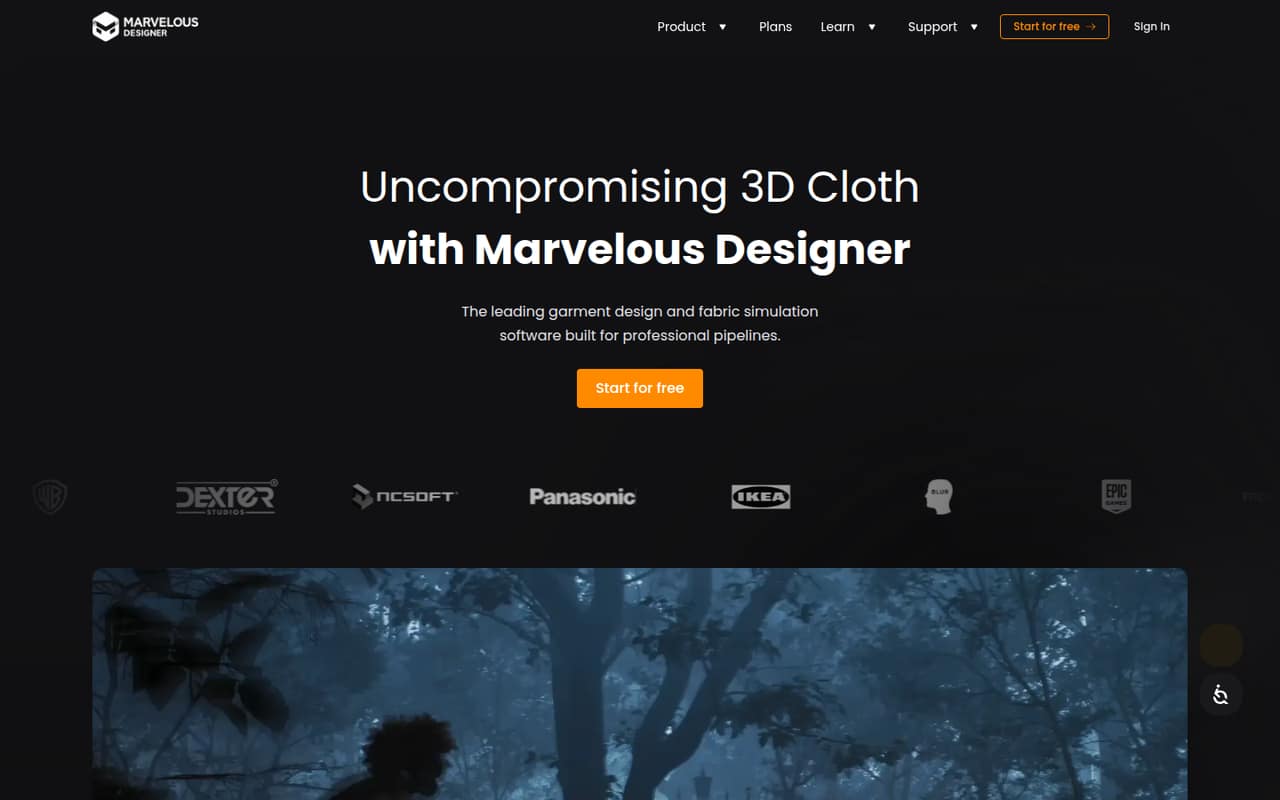
Marvelous Designer is built for teams creating 3D garments for games, film and TV VFX, animation, and motion graphics. Pattern editing, sewing tools, fabric simulation, and animation recording make it a focused part of a professional pipeline.
There’s no free plan. The pricing page lists Personal at $39 monthly or $23.30 per month when prepaid annually. For a small team, check whether a quote-based Indie Team plan fits before buying several individual seats.
Good fit if
- 3D garment and costume artists
- Game and VFX production teams
- Pattern-led clothing workflows
Skip it if
- Teams that need free software
- General-purpose 3D modeling
- Teams watching every seat cost
ScoresHow it rates
What works
- Pattern drafting and editing tools
- Segment sewing and seam tools
- Fabric simulation for drape and folds
- Records animation and avatar blend shapes
- Mac and Windows Personal licenses
What doesn't
- No free plan
- Personal trial lasts two weeks
- Personal seats cost $39 monthly
- Team plan prices can require a sales quote
- CONNECT and CLO-SET asset fees vary
01Who Marvelous Designer is for
Marvelous Designer suits a small production team whose work depends on making believable garments in 3D. The homepage presents it for game development, film and TV VFX, animation, and motion graphics. It is not a general-purpose modeling package; its job is clothing, from drafting 2D patterns and sewing pieces together to simulating fabric and recording animation.
For a one-person studio, Personal is the straightforward route, but the recurring cost is meaningful on a tight budget. A team of two to five should compare separate Personal seats with Indie Team: the latter covers up to five concurrent users, but eligibility requires at least two employees and annual gross revenue of $500,000 or less. Its price is not published. The product makes most sense when garment work is a regular production need, rather than an occasional task that a broader 3D tool might cover adequately.
02Marvelous Designer free plan and trial
Marvelous Designer does not have a free plan. The Personal plan includes a two-week trial, one concurrent user or seat, Mac and Windows access, and access to free and paid CONNECT Library and CLO-SET assets. The pricing page does not list a free period for Student; Enterprise, Indie Team, and Academics trials require contacting sales.
After the Personal trial, the cheapest listed route is Student at $8.25 per month, but it is only for verified students and eligibility lasts up to four years. For other individual designers, Personal costs $39 month to month or $280 prepaid annually, listed as $23.30 per month. That annual price requires paying the full year upfront. If you are evaluating it for a studio, use the Personal trial to check the garment workflow, then ask sales about the team plan before purchasing multiple seats.
03What a small team pays for Marvelous Designer
For one person, Personal is $39 monthly or $280 prepaid annually ($23.30 per month). At the same Personal rate, three separate seats cost $117 monthly or $840 for the year; five cost $195 monthly or $1,400 annually. Those seats are for one concurrent user each.
Enterprise Team is the floating-license option. The pricing page lists $166.67 per seat per month, billed annually: three seats work out to about $500.01 per month equivalent, or $6,000.12 for a year; five are about $833.35 per month equivalent, or $10,000.20 annually. Ask sales about trial access and the right seat count. Indie Team may suit a small studio with at least two employees and revenue of $500,000 or less, but its price is quote-based and it covers up to five concurrent users. CONNECT Library and CLO-SET have free and paid assets; specific add-on fees and overages are not published.
04Getting started with Marvelous Designer
Setup is more than installing an app: the team needs to understand how 2D patterns, seams, and fabric simulation work together. If your artists already know garment construction, that knowledge should help them make sense of pattern editing and sewing tools; otherwise, expect to learn a specialized workflow. The pricing page lists Mac and Windows for Personal, Student, Enterprise Team, Enterprise Single, Indie Team, and Academics. Enterprise Team Linux is the listed Linux option.
For a game pipeline, a Reddit user describes using Marvelous Designer for clothing and transferring weights in Unreal Engine. Another says they cannot sew patterns together without simulating physics in Marvelous Designer. Those comments point to a practical integration need, but they are not a substitute for checking current export formats and pipeline requirements in the docs. The vendor does not publish setup time in the pricing details, so plan time for workflow onboarding rather than assuming a quick install is the whole job.
05When small teams outgrow Marvelous Designer
The first pressure point is seats. Personal is limited to one concurrent user, so a team sharing work across several artists needs separate licenses or a different plan. Enterprise Team adds floating access, but its listed annual price is much higher per seat than Personal. Indie Team covers up to five concurrent users, although eligibility rules apply and the price requires a quote. Teams beyond that should ask sales about the right arrangement rather than extrapolating a published rate.
A second limit is budget: there is no free plan, and paid CONNECT Library or CLO-SET assets can add costs that are not published in advance. One Reddit commenter calls the subscription expensive for their budget, while another says Blender can handle sewing and cloth simulation, though with fewer specialized conveniences. A Reddit user also raised resale-license concerns; check the current license terms with the vendor before selling garment assets. If clothing is occasional work, a broader tool may be easier to justify.
From the threadsWhat users say
Reddit discussions show genuine interest in Marvelous Designer’s clothing workflow, especially for character pipelines, alongside concerns about subscription cost. Some users describe Blender as a lower-cost option, while noting that MD is more purpose-built for garment work.
MD is sub based though, I always wanted to use it but it's more than the electric bill which is pretty intense
Blender supports sewing springs and cloth simulation pretty much exactly how Marvelous designer does it
it isn't quite as friendly as MD though
I can't sew patterns together without simulating physics in Marvelous
Questions people ask
Does Marvelous Designer have a free plan?
No. The pricing page lists no free plan. Personal includes a two-week trial, then costs $39 monthly or $280 prepaid annually. Verified students can get the Student plan for $8.25 per month, subject to eligibility. Enterprise, Indie Team, and Academics trial access requires contacting sales.
How much does Marvelous Designer cost for a small team?
Personal costs $39 monthly or $280 prepaid annually per seat. Three Personal seats cost $117 monthly or $840 for a year; five cost $195 monthly or $1,400 annually. Enterprise Team is listed at $166.67 per seat per month, billed annually. Indie Team pricing requires a quote.
What does Marvelous Designer do?
It is 3D garment design and fabric simulation software for professional pipelines. Its listed tools include 2D pattern editing, sewing pattern pieces, fabric simulation, animation recording, and cloth detailing. The homepage presents it for game development, film and TV VFX, animation, and motion graphics.
Can I use Marvelous Designer on Mac or Windows?
The pricing details list Mac and Windows for Personal, Student, Enterprise Team, Enterprise Single, Indie Team, and Academics. Enterprise Team Linux is the listed option for Linux production environments. Check with the vendor about your specific operating system and license before purchasing.
How do I cancel a Marvelous Designer subscription?
The vendor does not publish cancellation steps in the pricing details. Before subscribing, check the account billing area or ask the vendor where to cancel and whether any notice period or renewal terms apply. Keep a record of the subscription’s renewal date and the vendor’s response.
Sources
- Marvelous Designer homepage
- Marvelous Designer pricing, compiled via web search from marvelousdesigner.com
- Reddit: Alternative to Marvelous Designer in Blender! Developed by an ex-Disney engineer, HiPhyEngine is an All-in-one high fidelity simulation Engine!
- Reddit: Is there an indy-friendly alternative to Marvelous Designer?
- Reddit: From Marvelous Designer to Unreal Engine
- Reddit: Can you make a career out of Marvelous Designer?