
We may earn a commission if you buy through links on this page. It never changes a score or a ranking. How we make money
The bottom line
A broad set of AI creative tools, with unclear team pricing and a trial worth checking closely.
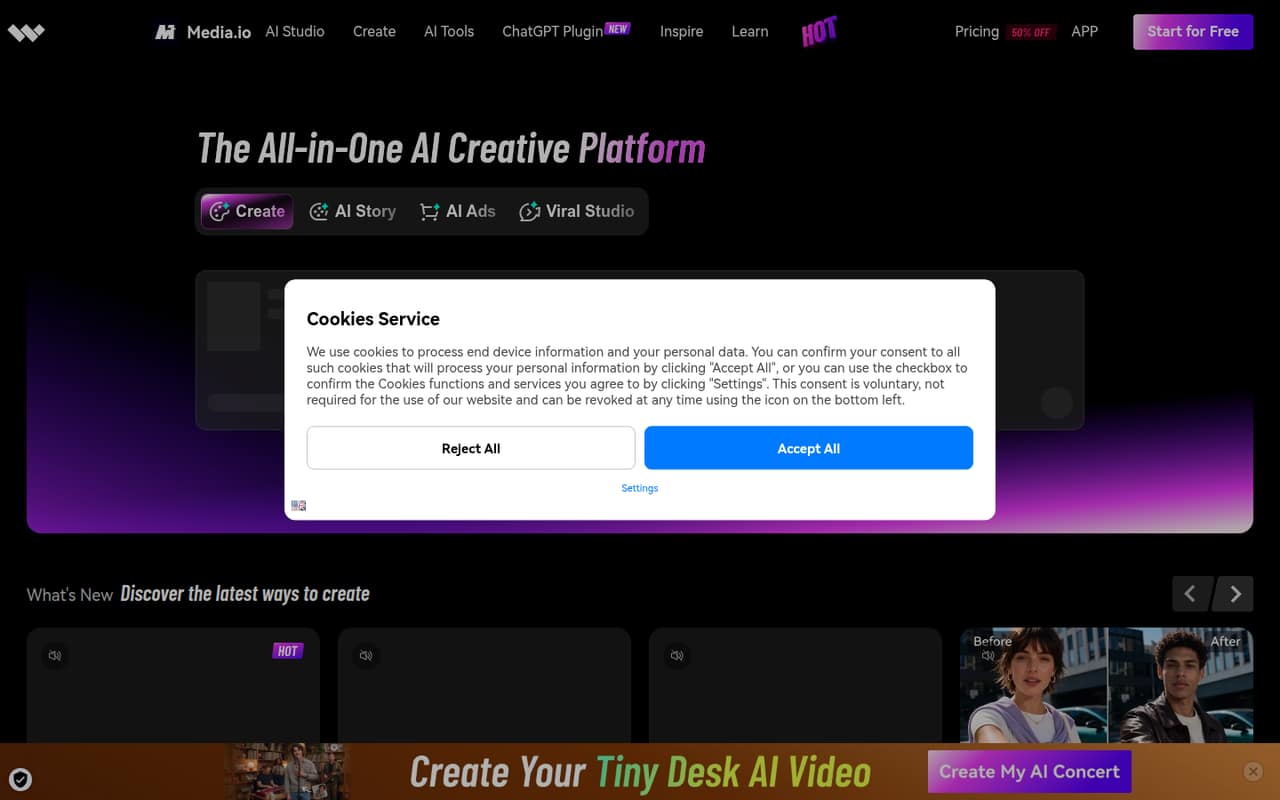
Media.io brings AI video, image, ad, story and music creation into one platform. Its free image generator has no login requirement or daily cap, while the Free plan is limited to watermarked 720p exports and modest monthly allowances.
For regular editing, Standard starts at $6.99 per month with annual billing, or $9.99 month to month. That price is listed per plan, not per seat; Media.io doesn’t publish seat limits. One Reddit poster also reports a problem with the three-day trial billing, so read the checkout terms and cancellation steps before entering payment details.
Good fit if
- Creators making occasional AI visuals
- Small teams producing short social videos
- Teams wanting several AI tools together
Skip it if
- Teams needing published seat pricing
- High-volume editors needing more than 1080p
- Buyers wanting clearly documented trial terms
ScoresHow it rates
What works
- Free image generator requires no login
- No daily cap on the free image generator
- Text-to-video and image-to-video tools
- Standard removes export watermarks
- Annual Standard pricing starts at $6.99 monthly
What doesn't
- Free exports have a watermark
- Free exports are limited to 720p
- Seat limits and overage costs aren’t published
- Pay As You Go pack prices aren’t published
- A Reddit poster reports a trial billing concern
01Who Media.io is for
Media.io is worth considering if a small team needs a mix of AI-made videos, images, ads, stories and music, rather than a dedicated tool for just one job. The platform describes text- and image-to-video generation, AI story creation, short-form content from social inspiration and TikTok links, and video enhancement tools. Its AI ad generator can build ads from a product image or URL.
For a one-to-ten-person team watching its software budget, the Free plan and no-login image generator make it possible to explore the tools before committing to a paid plan. The free plan is more of a starting point than a shared team workspace: the vendor doesn’t publish seat limits or team-specific pricing. Standard is the entry paid plan for regular editing, with 1080p exports without watermarks. We’d treat Media.io as a fit for occasional creative production, not assume it replaces a specialist editor or offers team collaboration features that aren’t listed.
02Media.io free plan and trial
The Free plan costs $0 and lists 1GB of storage, watermarked 720p exports up to 30 minutes, 10 minutes of subtitles and transcription, 2,000 text-to-speech characters, and three daily check-in credits. Separately, Media.io’s homepage offers an AI image generator with no login and no daily cap. Those are useful ways to try image creation, but don’t confuse the homepage tool’s claim with unlimited access to every paid feature.
The pricing lists also show a three-day free trial for paid plans. Paid-plan trials auto-renew unless canceled, so check the checkout terms and cancellation instructions before signing up. One Reddit poster says they expected billing after the trial and describes a problem with the charge; that is an individual report, not proof of a general billing issue. If you only need occasional image generation, start with the free option rather than entering payment details.
03What a small team pays for Media.io
Standard is the cheapest listed plan for regular video editing: $9.99 per month with monthly billing, or $6.99 per month equivalent when billed annually. That is $9.99 or $6.99 for one plan. If three people each need a plan, the illustrative total is $29.97 monthly or $20.97 per month equivalent annually. For five, it is $49.95 monthly or $34.95 per month equivalent annually. These totals assume one plan per person; Media.io doesn’t publish seat limits or confirm team-seat pricing.
Standard includes 20GB storage, 1080p exports without watermarks, 60 subtitle minutes and 10,000 text-to-speech characters per month, plus 200 monthly credits. Premium costs $17.99 monthly or $12.99 per month equivalent annually. Separate monthly credit plans start at $4.99 for 100 credits; the 200-, 300- and 500-credit plans cost $13.99, $17.99 and $26.99 monthly. Pay As You Go pack prices and overage costs aren’t published, so ask the vendor about likely credit use before budgeting for several people.
04Getting started with Media.io
The product is organized around creative tasks: make a video from text or an image, build a story from a prompt, create an ad from a product image or URL, generate an image, or enhance footage. That range gives a small team several obvious starting points, and the free image generator doesn’t require a login. The published plan details also give you a way to check storage, export and credit allowances before paying.
Media.io doesn’t publish a clear setup checklist, learning-time estimate or list of integrations in its pricing information. For a small team, that means checking whether it fits your existing file-sharing and publishing process before making it a regular workflow. The vendor’s product description names TikTok links as an input for Viral Studio, but it doesn’t establish broader platform integrations. We’d start with one low-risk task, then ask the vendor about collaboration, account setup and any integrations your team needs.
05When small teams outgrow Media.io
You may need to upgrade when the Free plan’s watermarked 720p exports, 1GB storage or listed allowances stop covering your work. Standard removes the watermark and raises storage to 20GB, with 1080p exports and 200 monthly credits. Premium adds 50GB, 600 monthly credits and more subtitle and text-to-speech capacity. The published plan details list 1080p exports for both paid plans, so teams that need higher resolution should ask the vendor what’s available.
A growing team can also run into a budgeting question before a feature limit: Media.io doesn’t publish seat limits, overage costs or a team rate. The per-person totals above are only an estimate if each person needs a separate plan. One Reddit poster reports a concern about being charged during a three-day trial, and another commenter says they had a similar experience. These posts don’t establish how common the issue is, but they make it sensible to confirm trial billing and cancellation terms before adding payment details.
From the threadsWhat users say
The available Reddit comments raise a concern about trial billing and include a report of a browser freeze. The discussion is too limited to establish how common either experience is, so we’d treat it as a reason to check terms and use caution, not a verdict on the service.
clearly stating during checkout that billing would start after the trial period
Same happended with me bro, what did you do ? Did you get the refund ?
my google chrome froze and when i clicked on it it made the windows 10 error noise
yes
Questions people ask
Is Media.io free?
Yes. The Free plan costs $0 and lists 1GB storage, watermarked 720p exports up to 30 minutes, 10 minutes of subtitles and transcription, 2,000 text-to-speech characters and three daily check-in credits. The homepage also offers an AI image generator with no login or daily cap.
How much does Media.io cost?
Standard is $9.99 monthly or $6.99 per month equivalent with annual billing. Premium is $17.99 monthly or $12.99 per month equivalent annually. Monthly credit plans start at $4.99 for 100 credits. Media.io doesn’t publish seat limits, so ask whether the listed plan price covers your team.
Does Media.io add a watermark to exports?
The Free plan lists 720p exports with a watermark. Standard and Premium list 1080p exports without watermarks. If you need a different resolution or export condition, check with Media.io; the published plan details list 1080p for the paid plans.
Does Media.io offer a free trial?
The pricing information lists a three-day free trial for paid plans and says trials auto-renew unless canceled. A Reddit poster reports a concern about trial billing. Check the checkout terms and cancellation instructions before entering payment details, and confirm when any charge would occur.
Does Media.io have team or seat pricing?
Media.io doesn’t publish seat limits or team-specific pricing in the listed plan details. The prices are for plans, so multiplying them by the number of people is only an estimate if each person needs a separate plan. Ask the vendor about shared access, seats and any team rate.