
We may earn a commission if you buy through links on this page. It never changes a score or a ranking. How we make money
The bottom line
Good for straightforward file sharing; less clear-cut when a small team needs shared storage.
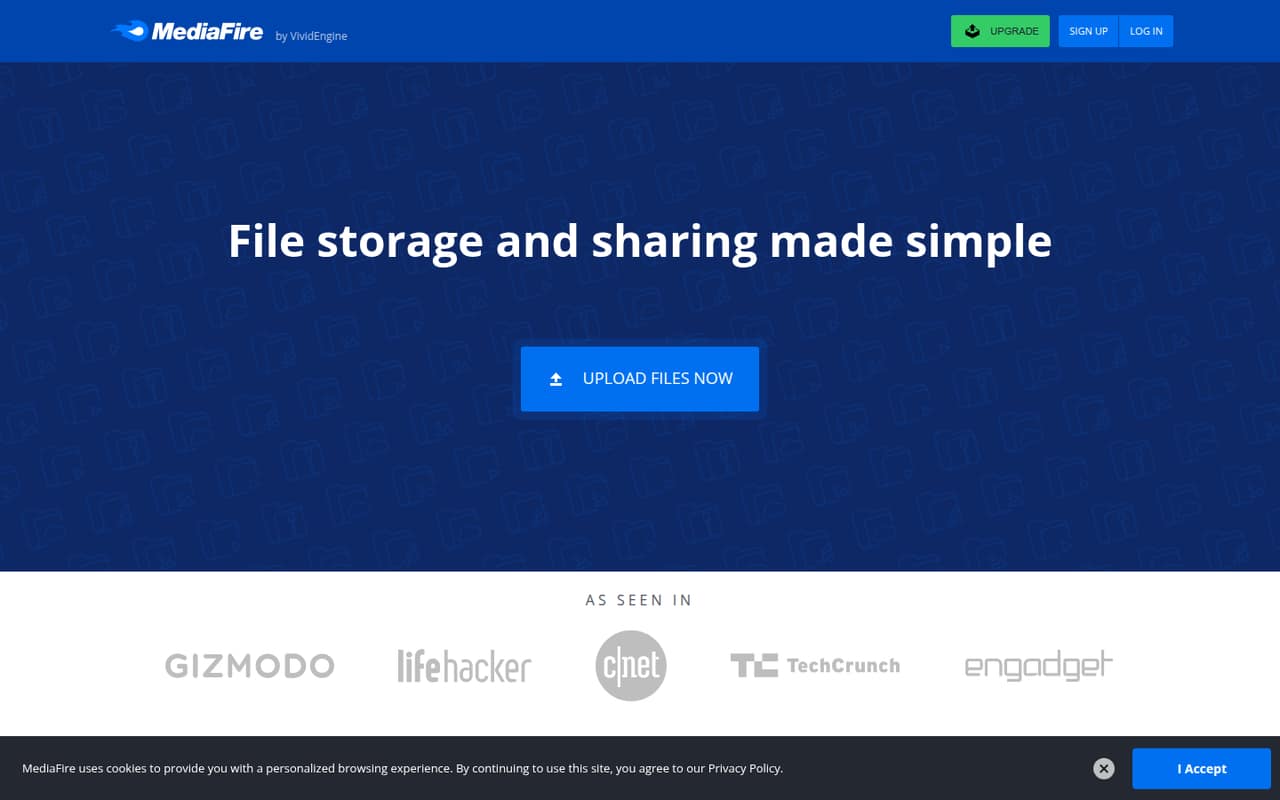
A team that mainly needs to store and send files can start with MediaFire’s free 10GB plan. The homepage lists uploads up to 4GB per file, file and folder sharing, and apps for multiple devices.
Pro costs $5 per month or $3.75 per month billed annually for one user and 1TB. Business lists 100 users and starts at $50 per month, so it’s a steep step up if only a few people need access.
Good fit if
- Teams sharing large files
- Budget-conscious individual users
- Simple file storage and links
Skip it if
- Teams needing a low-cost shared plan
- Workflows built around integrations
- Teams needing published support terms
ScoresHow it rates
What works
- Free plan lists 10GB of storage
- Free file size limit is 4GB
- Can share files and folders in several ways
- Pro lists 1TB of storage
- One-Time Links prevent recipients from resharing
What doesn't
- Free downloads are ad-supported
- Basic is listed for one user
- Pro is also a one-user plan
- Business costs $50 monthly for small teams
- Bulk downloads are a Pro feature
01Who MediaFire is for
MediaFire fits a solo user or a small team that mainly needs somewhere to store files and send them to other people. It handles photos, videos, audio, documents, and other files. The homepage lists file and folder sharing by email, link, social network, messenger, or website, so it can cover basic handoffs without a complicated workflow.
For a team of one to five watching its budget, the 10GB free plan is a sensible place to start if that storage is enough and ad-supported downloads are acceptable. Pro is aimed at individual users who need more room: it lists 1TB and a 20GB maximum file size. The Business plan lists 100 users, which may suit a larger group but is a costly jump for just a few seats. MediaFire is less clearly suited to teams that need integrations or a small-team collaboration workspace.
02MediaFire free plan and trial
Basic is free and lists one user, 10GB of storage, a 4GB maximum file size, and ad-supported downloads. The homepage says bonuses can raise free storage to as much as 50GB, though it does not specify the bonus requirements. Free users can upload multiple files at once and share files and folders. One-Time Links are also listed as a way to stop recipients from sharing a link with others.
The main trade-offs are the 10GB starting allowance, ads on downloads, and the 4GB file-size ceiling. MediaFire does not list a free trial in the published pricing details. If one person needs more storage or larger uploads, Pro is the cheapest paid option at $5 month-to-month or $3.75 per month billed annually.
03What a small team pays for MediaFire
Pro lists one user, 1TB of storage, and a 20GB maximum file size. It costs $5 per month month-to-month or $3.75 per month billed annually. If each person buys an individual Pro account, three people would pay $15 monthly or $11.25 per month on annual billing; five would pay $25 monthly or $18.75 per month on annual billing. Those totals assume separate accounts, not shared storage.
Business lists 100 users, 1–100TB of storage, and a 20GB maximum file size. The pricing lists $50 month-to-month; the billing note also lists $40 per month when billed quarterly. If that plan is used by only three people, the effective cost is about $16.67 or $13.33 per person monthly. For five, it is $10 or $8 per person. The page does not clarify whether the plan can be bought for fewer seats. No add-ons are listed. Ask MediaFire about seat requirements and shared access before choosing.
04Getting started with MediaFire
The listed workflow is straightforward: upload files through the file manager, then share files or folders by email, link, social network, messenger, or website. The file manager can also copy and move items and control access. MediaFire lists apps for multiple devices, which may help people reach their files away from a computer.
For basic file sharing, setup looks light: choose where files go and how recipients should get them. A team should still agree on folder ownership and access settings before relying on shared folders. The vendor's site does not identify third-party integrations, setup services, or a published step-by-step onboarding process. That leaves a practical day-one question for buyers: ask MediaFire whether the apps and sharing controls support the team’s existing tools and workflow. Users discussing bulk downloads on Reddit describe having trouble retrieving every file in a folder when they lack full access.
05When small teams outgrow MediaFire
The first pressure point is storage or file size. Basic starts at 10GB and caps files at 4GB; Pro raises that to 1TB and 20GB per file. The next is team access: Basic and Pro each list one user, while Business lists 100 users and costs $50 monthly or $40 per month billed quarterly. That makes the jump to a team plan hard to justify for a group of three or five unless it needs the listed Business storage and access.
Bulk downloads may also matter as shared folders grow. Pro lists bulk downloads, while a Reddit thread asking how to download folders in bulk includes a user who says they had difficulty when they lacked full access or a file list. Other Reddit commenters praise the service’s simplicity and long-lived links, but that does not answer whether it fits a team’s collaboration needs. Ask about seat flexibility, folder permissions, and support before moving a growing workflow onto it.
From the threadsWhat users say
Reddit comments are mixed but lean positive about MediaFire’s simplicity and staying power, especially for downloading shared files. Some users point to bulk-download difficulties and concerns about copyright enforcement.
i think some1 forgot to turnof the server and forgot about it
I saw +10 years old Mediafire links still working, incredible
I've experienced difficulties in the past where I wanted all files from a folder, but I didn't have full access and didn't have a file list
They've been doing this for years, that's why people always upload material with random titles or serial codes
Questions people ask
How much free storage does MediaFire offer?
MediaFire’s homepage lists 10GB of free storage, with up to 50GB available through bonuses. The pricing details list the Basic plan at 10GB. The bonus amount and requirements are not specified, so check the current offer before counting on extra space.
What is the maximum file size on MediaFire?
The Basic plan lists a 4GB maximum file size. Pro and Business list a 20GB maximum. If your team regularly sends files larger than 4GB, Pro or Business is needed based on the published plan limits.
Does MediaFire have a free trial?
A free trial is not listed in the pricing information. MediaFire does offer a free Basic plan with one user, 10GB of storage, and a 4GB maximum file size. Downloads on Basic are ad-supported.
How much does MediaFire Pro cost?
Pro is listed at $5 per month when billed month-to-month, or $3.75 per month when billed annually. It includes one user, 1TB of storage, and a 20GB maximum file size. The annual price is a monthly equivalent.
Can a small team share one MediaFire account?
Basic and Pro each list one user, while Business lists 100 users. The pricing does not explain whether Business is available with fewer seats or how shared access works for a small group. Ask MediaFire about account and seat requirements before purchasing for a team.
Sources
- MediaFire homepage
- MediaFire pricing, compiled via web search from i-smartcloud.com, neocities.org, techradar.com, softwaresuggest.com
- Reddit: So apparently MediaFire is banning downloading copyrighted music. Well, that sucks.
- Reddit: Bulk Download MediaFire Files/Folders For Free?
- Reddit: Damn, how is Mediafire still alive today?
- Reddit: Mediafire 🔥