
We may earn a commission if you buy through links on this page. It never changes a score or a ranking. How we make money
The bottom line
Good channel coverage and automation, but no free plan and a tight SMS allowance at the entry price.
Small teams only need MessageMedia if SMS, WhatsApp, or RCS conversations and automated messages are part of their day-to-day work. It combines campaigns, notifications, and a shared inbox, but there’s no free plan.
The Basics plan starts at $119 monthly, or $99 per month with annual billing, for one user and 3,000 SMS. Extra seats cost about $20 each, and channel add-ons and carrier fees can raise the bill.
Good fit if
- Small teams sending business SMS
- Teams automating customer notifications
- Businesses handling multiple messaging channels
Skip it if
- Teams that need a free plan
- Very low-volume, budget-first senders
- Teams needing predictable all-in costs
ScoresHow it rates
What works
- SMS, MMS, RCS, and WhatsApp support
- Campaigns and automated notifications
- Shared inbox for two-way conversations
- Basics includes three automation workflows
- First dedicated number is free
What doesn't
- No free plan
- Basics includes one user
- Only 3,000 SMS on Basics
- Extra seats cost about $20 each
- Carrier fees and overage rates can add costs
01Who MessageMedia is for
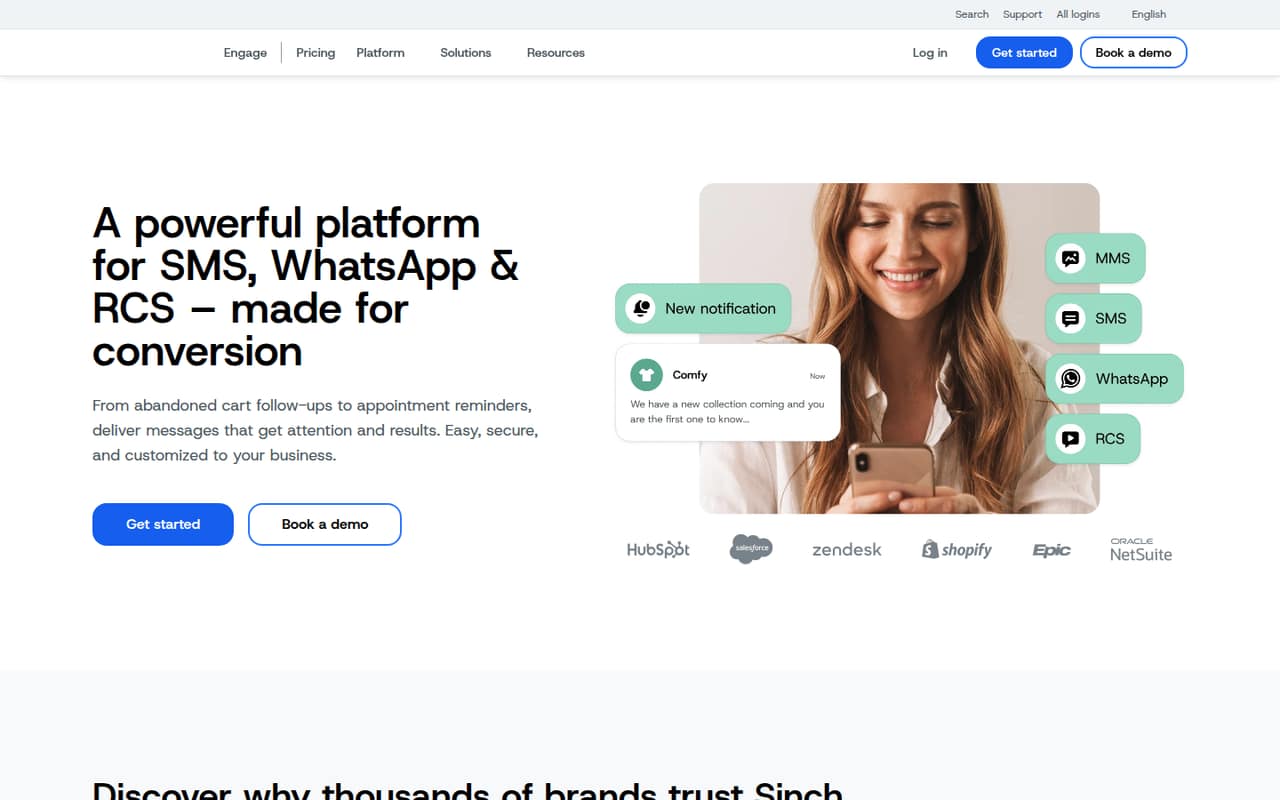
MessageMedia, now called Sinch Engage, is for small teams that need to send business messages and manage replies without stitching together separate tools. It supports SMS, MMS, WhatsApp, and RCS, with campaigns, automated notifications, a shared inbox, and team permissions.
For a one-to-five-person team, it makes sense when messaging customers is a regular job: sending reminders, following up on orders, or running welcome and abandoned-cart campaigns. It can connect with CRM, ecommerce, and business tools, though the specific integrations a team needs should be confirmed with the vendor.
Budget matters. The entry plan is $119 monthly, or $99 per month with annual billing, and includes just one user and 3,000 SMS. Small teams needing only occasional texts may find that hard to justify. Teams that need several channels, shared replies, and automation may get more from the subscription.
02MessageMedia free plan and trial
MessageMedia has no free plan. The pricing page lists a 14-day free trial, but the trial’s message allowance, included channels, and seat count are not published. Ask the vendor what the trial covers before building a campaign around it, especially if you need WhatsApp, RCS, or integrations.
The cheapest listed paid option is Basics: $119 per month, or $99 per month with annual billing. It includes one user, 3,000 SMS per month, and three automation workflows. That is a low-friction starting point only if one person can manage the account and your monthly volume stays within the allowance. Extra users cost about $20 each, and carrier charges may apply. There is no free tier to keep using after the trial.
03What a small team pays for MessageMedia
For one person, Basics costs $119 monthly or $99 per month with annual billing. The annual rate is the only exact annual plan price listed; the pricing page advertises 16% annual savings. Basics includes 3,000 SMS and three automation workflows.
Using Basics plus approximately $20 per extra user, three people would cost about $159 monthly or $139 per month at the listed annual base rate. Five people would be about $199 monthly or $179 per month at that base rate. Those estimates assume the seat add-on applies at the same rate; the vendor doesn’t publish annual seat pricing. The allowance stays at 3,000 SMS.
Conversations lists two users and 10,000 SMS for $249 monthly. A third seat would bring it to about $269 if the additional-seat rate applies. The first dedicated number is free; additional numbers start at $25 monthly. WhatsApp and other listed messaging add-ons start at $10 monthly. Carrier fees apply, and overage rates are not listed on the plan cards.
04Getting started with MessageMedia
The core setup is choosing the channels you’ll use, deciding who can send and reply, and configuring campaigns or notification workflows. MessageMedia describes a team inbox, permissions, automated notifications, and integrations with common CRM, ecommerce, and business tools. The specific integration names and setup time aren’t published in the pricing details, so confirm that your systems are supported before signing up.
A small team can start with one user on Basics, but shared customer conversations call for more seats. The platform’s three included Basics workflows provide room for a few automated paths, such as reminders or follow-ups. The vendor doesn’t publish a setup-time estimate. Before committing, ask about number verification, channel approval, message templates, and any technical work needed to connect your CRM or ecommerce platform.
05When small teams outgrow MessageMedia
The first pressure point is volume. Basics stops at 3,000 SMS per month, while Conversations lists 10,000 for $249 monthly. Pro starts at $799 monthly for 40,000 SMS and three users; Pro Plus is $1,799 for 100,000 SMS. Those jumps can be steep for a small team whose needs grow gradually.
Seats can become a second constraint. Basics starts with one user, and extra seats cost about $20 each. Higher plans include two or three users, but more seats still add to the bill. Subaccounts appear on Pro and above, with one included on Pro, two on Pro Plus, and three on Advanced.
Before upgrading, compare the plan’s SMS allowance with your real usage and ask for overage and carrier charges. Regional documentation lists extra SMS at about $0.02–$0.033, depending on plan, while carrier fees vary. If your team needs far more than 150,000 messages monthly, the listed option is custom pricing.
Questions people ask
Does MessageMedia have a free plan?
No. MessageMedia lists a 14-day trial, but it does not list a free plan. The cheapest paid plan is Basics at $119 monthly or $99 per month with annual billing. Confirm the trial’s message limits, seats, and channel access with the vendor before relying on it.
How much does MessageMedia cost for one user?
Basics costs $119 per month, or $99 per month with annual billing. It includes one user, 3,000 SMS per month, and three automation workflows. Carrier fees may apply, and the vendor does not list overage rates on the plan cards.
How much is MessageMedia for a team of three?
Basics plus two additional seats works out to about $159 monthly, using the listed approximate $20-per-seat add-on. At the annual Basics rate, that is about $139 per month if the seat add-on remains the same; annual seat pricing is not published. Conversations lists two users for $249 monthly.
Which messaging channels does MessageMedia support?
MessageMedia supports SMS, MMS, RCS, and WhatsApp. The platform also offers a team inbox for two-way conversations. WhatsApp and other listed messaging add-ons start at $10 per month; confirm which channels are included in the plan or trial you’re considering.
What happens if I exceed my MessageMedia SMS allowance?
The plan cards do not publish overage rates. Regional documentation lists about $0.02–$0.033 per extra SMS, depending on plan, and carrier pass-through fees can also apply. Ask the vendor for your plan’s exact overage rate and carrier charges before estimating a monthly bill.