
We may earn a commission if you buy through links on this page. It never changes a score or a ranking. How we make money
The bottom line
A capable native Gmail app for Mac, if your team is happy paying per seat.
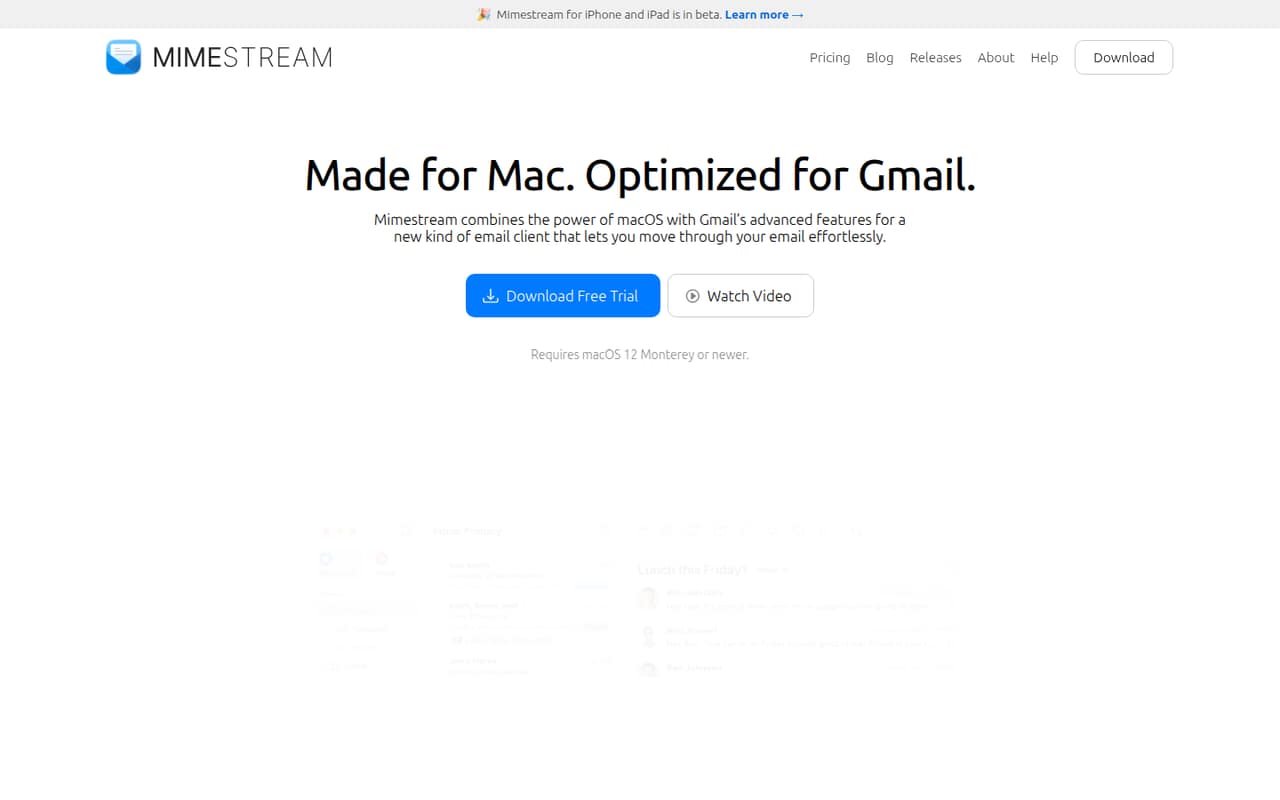
Mimestream is worth considering if your small team uses Gmail and wants a Mac app that supports Gmail labels, categories, filters, and multiple accounts. It also adds Mac notifications, keyboard shortcuts, and tracker blocking.
There’s no free plan: the pricing page lists a 14-day trial, then $4.99 per month or $49.99 per year for each seat. That’s a recurring cost for a tool focused on macOS and Gmail, so teams using other email providers should look elsewhere.
Good fit if
- Gmail-first Mac teams
- Teams with several Gmail accounts
- People who value Gmail labels
Skip it if
- Teams needing a free email client
- Mixed Gmail and non-Google inboxes
- Teams needing Windows support
ScoresHow it rates
What works
- Works with Gmail labels, filters, and categories
- Combines multiple Gmail accounts in one inbox
- Blocks trackers from 75+ common services
- Supports templates, Markdown, and code blocks
- Offers centralized billing on the Group plan
What doesn't
- No free plan after the 14-day trial
- Costs $4.99 per seat monthly
- Requires macOS 12 Monterey or newer
- Designed for Gmail, not general IMAP or POP accounts
- Reddit users report frustrations with some interactions
01Who Mimestream is for
Mimestream fits a one-to-ten-person team that runs on Gmail and uses Macs. It’s a native macOS email client: you can add multiple Gmail accounts, sort mail with Gmail categories and labels, and view accounts together or separately. That makes it a better fit for a small team juggling personal and work Gmail than for a business that needs one shared mailbox system.
The job it does is bringing Gmail’s features into a Mac app, with system notifications, keyboard shortcuts, and calendar invitations alongside email. The Group plan adds centralized billing and seat management, but the per-seat subscription means the cost grows with the team. Reddit users praise its Gmail label handling and Mac feel, while some say they prefer Gmail in a browser or dislike particular interactions. If your team needs non-Google email support, Mimestream is not a fit.
02Mimestream free plan and trial
Mimestream has no free plan. The pricing page lists a 14-day free trial, but does not publish whether the trial has feature restrictions or what happens to access when it ends. Check those terms before moving your team’s daily email workflow into the app.
After the trial, the cheapest listed option is Individual at $4.99 per month, or $49.99 per year. That plan includes all Google accounts, up to five devices, and immediate family sharing. For a team, the Group plan is also $4.99 per seat monthly or $49.99 per seat annually, with centralized billing and seat management. There are no listed add-ons. A team that only needs basic email and wants to avoid a recurring bill should consider whether Gmail in a browser is enough.
03What a small team pays for Mimestream
The pricing page lists both Individual and Group at $4.99 per month or $49.99 per year per seat. Paying monthly, three Group seats cost $14.97 a month; five cost $24.95. With annual billing, three seats total $149.97 a year, about $12.50 per month, and five total $249.95 a year, about $20.83 per month.
Group is the plan for teams and organizations. It includes all Google accounts, up to five devices, immediate family sharing, centralized billing, and easy seat management. Individual has the same listed price and includes all Google accounts, up to five devices, and immediate family sharing, but is described for individuals and immediate families.
The pricing page lists no add-ons. It also does not publish a seat minimum, so ask Mimestream before budgeting for a larger team or assuming you can add seats in any quantity. The listed pricing is per seat, so adding people increases the subscription cost.
04Getting started with Mimestream
Your team needs Macs running macOS 12 Monterey or newer and Gmail accounts. Add the accounts you want to use, then choose whether to view them together in a unified inbox or separately. Mimestream supports multiple Gmail accounts and works with Gmail categories, labels, and filters.
The product also lists Google and Apple Calendar viewing alongside email, plus system notifications, keyboard shortcuts, and dark mode reformatting. Those are useful Mac conveniences, but the vendor does not publish a setup-time estimate or a step-by-step onboarding checklist here. Reddit users describe using Mimestream with multiple Google Workspace addresses, while another commenter says Gmail labels are a key reason they prefer it. Allow time to confirm that your team’s account setup and calendar habits fit before switching everyone over.
05When small teams outgrow Mimestream
Mimestream’s first ceiling is its focus: it is built for Gmail, not teams that need one client for Gmail plus non-Google IMAP or POP accounts. A Reddit discussion about domain mail describes a workaround using forwarding to Gmail, while another commenter clarifies that Google Workspace addresses work as Gmail accounts. Check how your domain email is hosted before relying on that approach.
The second limit is cost. Group is $4.99 per seat monthly or $49.99 per seat annually, so more staff means a larger bill; the pricing page lists no volume discount or add-on pricing. It also does not publish a seat minimum. Reddit feedback is mixed: users praise the Mac app and Gmail integration, while one thread mentions needing multiple clicks to expand a thread and another subscriber says the subscription stopped making sense. Consider another option when your team needs non-Gmail support, wants to avoid per-seat fees, or needs capabilities Mimestream does not list.
From the threadsWhat users say
Reddit sentiment is positive about Mimestream’s Mac feel and Gmail label support, but some users question the subscription cost or report small usability annoyances. Overall, it appears to suit Gmail-first Mac users more than teams seeking a general-purpose email client.
Look and behave like Mac app but have a Google service on the back end
For me, it's label handling. Mimestream is just about the only one I've found that handles them the actual way gmail handles them
Cause I was using mimestream and it was so good but am not paying a subscription for a mail app
Example it takes multiple clicks to successfully click on a thread “number” that expands the email thread
Questions people ask
Does Mimestream have a free plan?
No. The pricing page lists a 14-day trial, but no ongoing free plan. After the trial, Individual and Group are each listed at $4.99 monthly or $49.99 annually per seat. The vendor does not publish the trial’s feature restrictions in the listed pricing details.
Does Mimestream work with non-Gmail email accounts?
Mimestream is described as a Gmail-focused client and supports Gmail accounts. It is not listed as supporting general IMAP or POP accounts. If your business address is hosted outside Google, ask Mimestream whether your account setup works before making it your team’s email client.
How much does Mimestream cost for a team of five?
Five Group seats cost $24.95 per month when billed monthly. Annual billing costs $249.95 for the year, equivalent to about $20.83 per month. The pricing page lists no add-ons, but does not publish a seat minimum or volume discount.
What macOS version does Mimestream require?
Mimestream requires macOS 12 Monterey or newer. The pricing page lists up to five devices per seat. Check that each team member’s Mac meets the operating-system requirement before starting a trial.
Can I use Mimestream with multiple Gmail accounts?
Yes. The product supports multiple Gmail accounts, which you can view together in a unified inbox or separately. The listed plans include all Google accounts. The vendor does not publish a specific maximum number of accounts in the published plan details.
Sources
- Mimestream homepage
- Mimestream pricing page
- Reddit: What is your favorite email client as of now? Cause I was using mimestream and it was so good but am not paying a subscription for a mail app.
- Reddit: Leaving Mimestream after years as a paying subscriber: it just stopped making sense
- Reddit: What does Mimestream do that Mail does not?
- Reddit: Gmail no longer supports domain mail fetching. Where to go after Mimestream?