
We may earn a commission if you buy through links on this page. It never changes a score or a ranking. How we make money
The bottom line
A flexible visual workspace; free is good for trying it, but team-seat costs need checking.
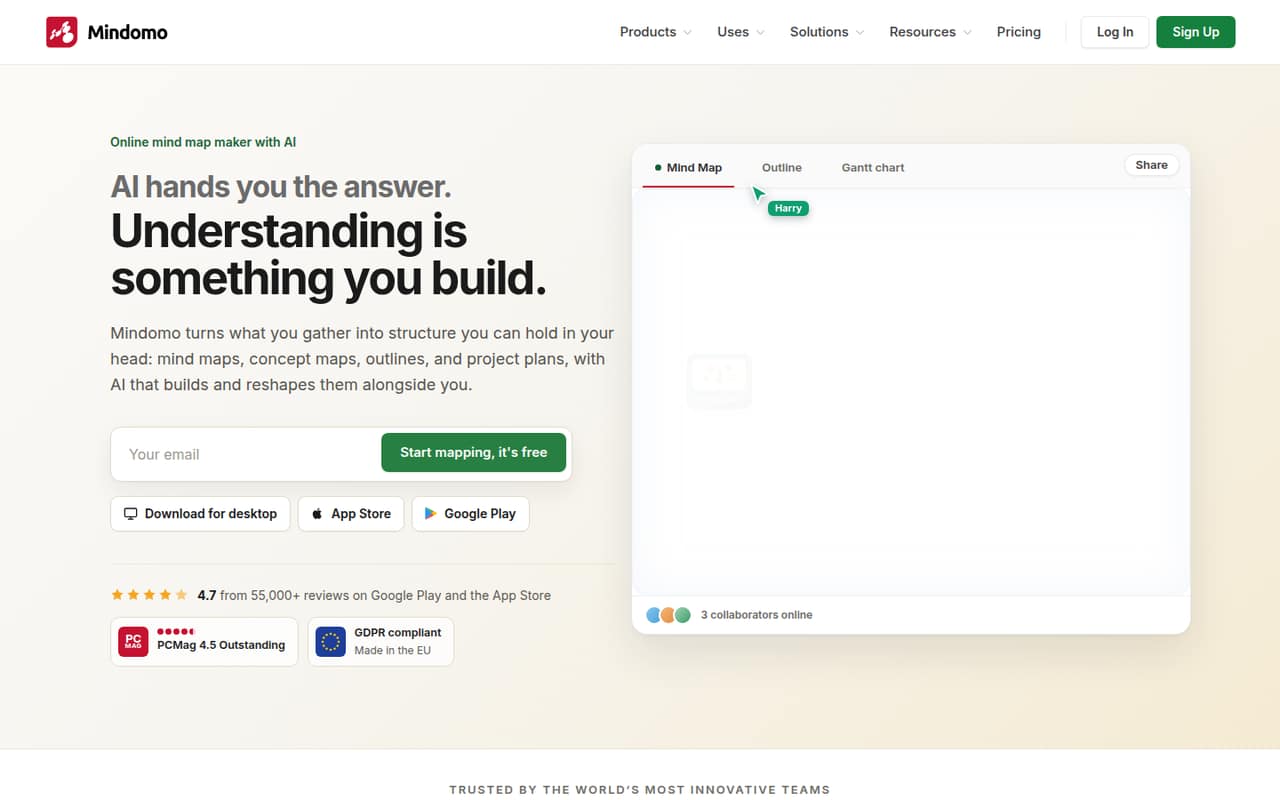
Mindomo is more than a mind map maker: it can turn topics into outlines, project plans, Gantt charts, and presentations. The free plan gives beginners three diagrams and unlimited collaborators, while Premium starts at $7/month with annual billing.
For small teams, the key pricing detail is Professional: one user account includes five guests, but extra-seat pricing isn’t listed. Reddit users describe useful study and presentation workflows, alongside a concern about connecting ideas across branches.
Good fit if
- Teams planning visually
- Students organizing research
- Small projects with guest editors
Skip it if
- Teams needing published seat costs
- People who need many free maps
- Complex cross-branch knowledge graphs
ScoresHow it rates
What works
- Free plan includes unlimited collaborators
- Seven diagram and planning views
- AI can draft and reshape maps
- Imports include XMind and Excel
- Offline apps sync maps when reconnected
What doesn't
- Free plan stops at three diagrams
- Free storage is listed as 0 GB
- Professional extra-seat pricing isn’t listed
- Free plan includes just one AI credit
- One commenter flags parent-to-child-only links
01Who Mindomo is for
Mindomo fits a small team that needs to turn scattered ideas into something people can discuss, present, or schedule. It supports mind maps, concept maps, outlines, Gantt charts, org charts, timelines, and fishbone diagrams. Topics can carry across views, so a brainstorm can also become an outline or project plan.
That range is useful for a founder planning a launch, a team mapping a process, or students collecting research. A Reddit user described using it for course notes, attaching PDFs to keep sources together, and preparing a presentation. AI can generate a map from a prompt or text, then help add questions, ideas, pros and cons, or a SWOT analysis.
For a 1–10-person team, the free tier is a low-cost way to see if visual planning suits the work. But check how the five Professional guests fit your team before assuming everyone gets the same access. Mindomo’s published prices don’t list extra-seat costs.
02Mindomo free plan and trial
Mindomo’s Free plan costs $0 and includes three diagrams, unlimited collaborators, one AI credit, three export formats, and 0 GB of storage. That’s enough to try mapping a few ideas with other people, but it’s a tight allowance for a team that wants to keep several projects in one place. The plan lists three diagrams, not unlimited maps.
The pricing lists don’t give a paid free-trial period. If three diagrams aren’t enough, Premium is the cheapest listed paid plan: $8.50 per month with monthly billing, or an annual-billing equivalent of $7 per month. Premium includes unlimited diagrams, 50 AI credits per month, 1 GB of storage, 10 export formats and printing, and 14 import formats. Check the current checkout terms before paying; the pricing page advertises up to 20% off yearly.
03What a small team pays for Mindomo
For one person, Premium costs $8.50 monthly or $7 per month on annual billing. It’s the lowest paid plan listed and includes unlimited diagrams. Professional costs $17.50 per user per month, or $16 per user per month with annual billing. Its listing includes one user plus five guests, 60 AI credits per month, 5 GB of storage, 21 export formats and printing, and Gantt charts.
For three billable Professional users, the listed per-user price works out to $52.50 monthly or $48 per month on annual billing. For five, it works out to $87.50 monthly or $80 per month annually. Those are per-seat calculations, not a quoted team package. The plan also lists five guests with one user; the vendor doesn’t publish extra-seat pricing, so ask how additional users and guest editing are billed before budgeting. If your team can work within the included guest access, the bill may differ from the full-seat math. Premium is priced per month, not per user, and the listing doesn’t describe team sharing for that plan.
04Getting started with Mindomo
The vendor doesn’t publish a setup-time estimate, so we wouldn’t promise a particular rollout time. A small team can start by creating a map, then use the other views as needed. AI can draft a map from a prompt or text, and collaborators can edit together, chat, comment, and review version history.
If your team already has maps, Mindomo lists imports from formats and tools including XMind, MindManager, MindMeister, Excel, and Markdown. That gives you a route to bring existing material over rather than rebuilding everything by hand. Desktop and mobile apps can work offline and sync maps again when they’re back online.
A Reddit user said Mindomo was useful for courses, attaching PDFs to research, and making presentations. That’s one person’s account, not a guarantee that every team’s workflow will feel intuitive. Start with one real project and check your import, collaboration, and export needs before moving more work into it.
05When small teams outgrow Mindomo
The first limit is the Free plan’s three diagrams, one AI credit, and 0 GB of storage. A team that wants unlimited diagrams or more AI use needs Premium or Professional. Teams that need Gantt charts have a clearer reason to consider Professional: its plan listing includes them, while Premium’s listed features don’t.
The next pressure point is billing. Professional’s price is per user, and the vendor doesn’t list extra-seat pricing. Its one-user-plus-five-guests allowance may fit a small group, but ask what guest editing includes and what happens when you need more paid users. The pricing page lists up to 20% off yearly, but annual billing still means committing to that billing period.
Some Reddit feedback points to limits in how mind maps connect ideas: one commenter said links were limited to parent-to-child branches. Another user reported hitting a 40-entry limit while studying, but that is an individual report, not a confirmed plan limit. If your team needs more complex connections or has firm scale requirements, verify those workflows and limits with the vendor before committing.
From the threadsWhat users say
The Reddit comments we found lean positive about using Mindomo for study notes, research organization, and presentations. A commenter raises a concern about linking across branches, and one user reports an entry limit, so the feedback is useful but mixed and limited.
Seeing everything visually connected made it much easier to understand how the topics relate instead of just memorizing isolated points
I use Mindomo for courses - I find it is easier to attach pdfs, so I can keep research sources together
mindmap has a limit that you can not connect notes between different branch, only from parent to child note
Im using it now during review tapos may limit na up to 40 entries lang
Questions people ask
What does Mindomo’s free plan include?
The Free plan costs $0 and lists three diagrams, unlimited collaborators, one AI credit, three export formats, and 0 GB of storage. It can help a person or small group try mind mapping, but the three-diagram allowance is a constraint if you want to keep multiple projects there.
How much does Mindomo cost for one person?
Premium costs $8.50 per month with monthly billing, or an annual-billing equivalent of $7 per month. Professional is listed at $17.50 per user per month, or $16 per user per month annually, and includes one user plus five guests. Check the vendor’s pricing page for current checkout terms.
Can a team collaborate on Mindomo?
The Free plan lists unlimited collaborators. Mindomo also lists real-time editing, chat, comments, and version history. Professional includes one user plus five guests, but the vendor doesn’t publish extra-seat pricing, so ask how guest access and additional users work for your team.
Can Mindomo create project plans and Gantt charts?
Mindomo can turn topics into scheduled tasks with dependencies, milestones, and recurring tasks. Its Professional plan specifically lists Gantt charts. The tool also supports outlines, timelines, org charts, and other diagram views, so teams can shape ideas into different planning formats.
Can I use Mindomo offline?
Mindomo’s desktop and mobile apps can be used offline, then sync maps when you’re back online. If offline work matters to your team, check that the app and device setup you plan to use fit your workflow before moving shared projects into it.