
We may earn a commission if you buy through links on this page. It never changes a score or a ranking. How we make money
The bottom line
A capable cross-device PDF toolkit, but check the free-plan limits and team costs first.
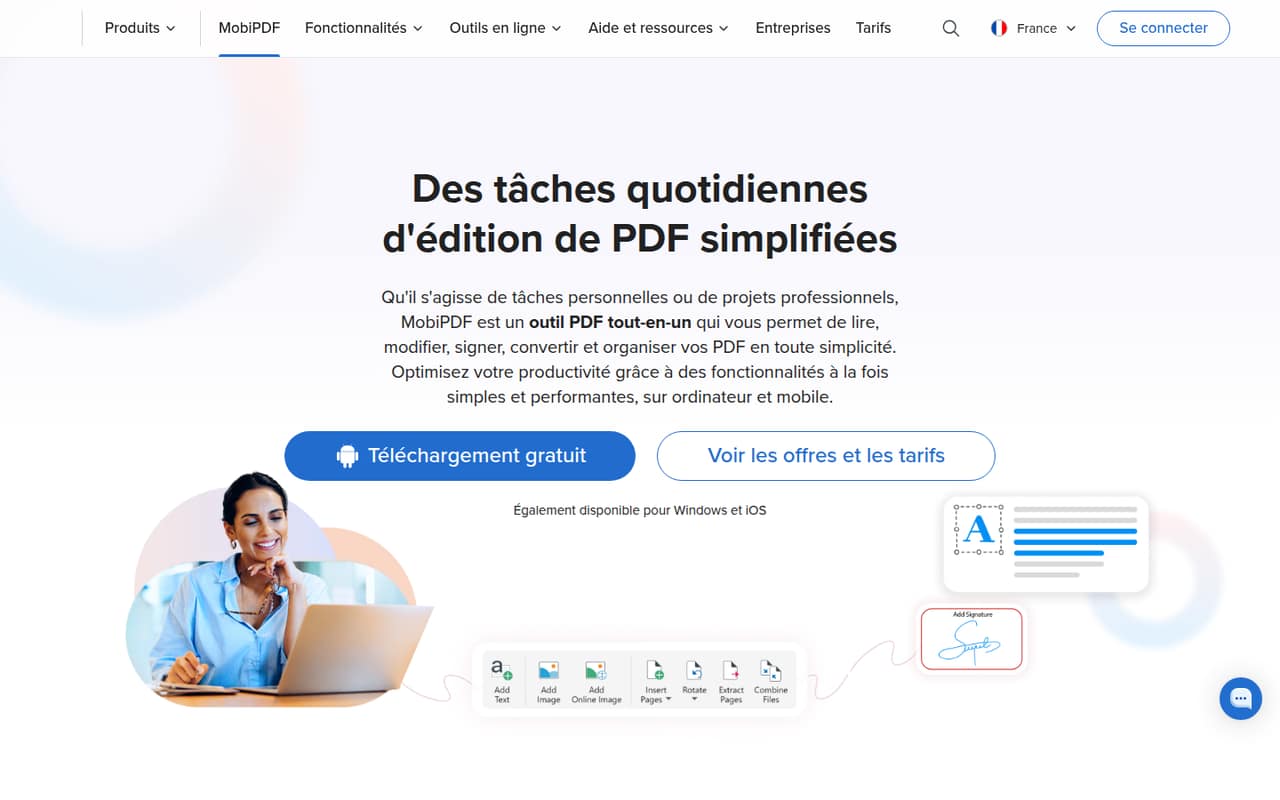
MobiPDF brings PDF editing, conversion, signing, scanning, and file organization to Windows, Android, and iOS. That covers common document jobs for a small team without buying a full document-management system.
The free plan’s limits aren’t published, so we wouldn’t build a team workflow around it without checking first. Pro starts at $6.67 per month when billed yearly; the team plan costs $7.50 per user per month on annual billing.
Good fit if
- Small teams with routine PDF work
- Teams sharing work across devices
- Windows users who prefer a one-time purchase
Skip it if
- Teams needing published free-plan limits
- Buyers who need named integrations
- Teams wanting monthly team billing
ScoresHow it rates
What works
- Edits text, paragraphs, fonts, styles, and images
- Merges, splits, and rearranges PDFs
- Converts PDFs to Office formats and images
- Mobile apps scan, fill, and sign documents
- Team Pro includes 500 GB cloud storage
What doesn't
- Free-plan features and limits aren’t published
- Standard Pro costs $15.99 month to month
- Team Pro is listed with annual billing
- Team Lifetime is locked to one non-transferable device
- The vendor doesn’t publish named integrations
01Who MobiPDF is for
MobiPDF is for a small team that regularly edits, signs, converts, or organizes PDFs but doesn’t need a larger document-management platform. It covers everyday jobs: changing text and images, combining or splitting files, converting PDFs to Office formats or images, scanning on mobile, and filling and signing forms.
For a team of one to ten, the key choice is whether everyone needs a license. Pro for Teams is $7.50 per user per month when billed yearly, with one desktop and up to two mobile devices per user. That makes the annual-billed monthly equivalent $22.50 for three seats or $37.50 for five. A Windows user with basic needs can instead buy a $99.99 Lifetime license, but it is locked to one device. We’d start by matching the plan to the team’s devices and document tasks, then confirm the free plan’s limits before adopting it for shared work.
02MobiPDF free plan and trial
MobiPDF has a free plan, but the vendor doesn’t publish its feature list or usage limits in the pricing details. We can’t tell from that listing whether free users can edit, convert, sign, or use cloud storage, so treat it as a way to check the app rather than a confirmed fit for a team workflow.
Pro includes a 7-day free trial and supports 30+ file formats, 20 GB of cloud storage, and use on PCs, phones, and tablets. After the trial, individual Pro is listed at $15.99 per month or $6.67 per month when billed yearly. Students and teachers with an academic email have a separate plan at $6.67 monthly or $3.33 monthly with annual billing. Ask the vendor to confirm what happens to files and features when a trial ends.
03What a small team pays for MobiPDF
For one person, Pro is $15.99 month to month, or $6.67 per month when billed yearly. The annual rate is shown as a monthly equivalent; the pricing page doesn’t list a separate monthly-billed option for teams. Pro for Teams is $89.99 per user per year, equivalent to $7.50 per user per month. That works out to $270 a year for three seats or $450 for five, billed yearly.
Team Pro includes 30+ file formats, 500 GB cloud storage, one desktop and up to two mobile devices per user, web-based administration, and priority support. The $99.99 Team Lifetime option is a one-time purchase for one non-transferable device, so it isn’t a substitute for team-wide per-user licensing. Added team licenses are billed for the remaining subscription period. Volume discounts are available from 20 licenses, but the discount isn’t published. Custom business pricing includes a 14-day trial for 10 seats.
04Getting started with MobiPDF
The product is available on Windows, Android, and iOS, and its listed jobs are familiar PDF tasks: edit, convert, organize, scan, fill, and sign. That suggests a modest learning curve for people who already work with PDFs, but the vendor doesn’t publish a setup checklist or a detailed onboarding estimate. We wouldn’t promise a specific rollout time.
The vendor also doesn’t publish named integrations in the pricing details, so check whether MobiPDF fits your current file-sharing and account setup before you buy team seats. Team Pro does list web-based user administration and priority support; those are the clearest published team setup aids. For day one, confirm device coverage, account administration, and how your team will store and share files.
05When small teams outgrow MobiPDF
The first pressure point is usually cost: team licenses are per user, so three seats are $270 a year and five are $450, billed yearly. If staff need only occasional PDF work, a team subscription may be more than the job requires; if everyone needs editing and managed access, the free plan’s unpublished limits make it hard to plan around. Team Lifetime is tied to one non-transferable device, which can also be a poor fit as device assignments change.
A growing team may need named integrations, clearer onboarding details, or a custom deployment plan. The vendor lists custom business pricing for volume purchases of 20 or more seats, with MSIX deployment options and a dedicated customer success manager. Reddit discussion offers little evidence about long-term team use: the available thread is a product announcement with zero comments. We’d ask the vendor about integrations, data handling, and licensing changes before a larger rollout.
From the threadsWhat users say
The Reddit material is a promotional announcement, not a set of independent customer reviews.
Available on Android, iOS, and Windows
edit, organize, convert, sign, and secure high-quality PDFs on any device
With built-in scanning
two-way conversion support for 20+ file formats
Questions people ask
Is MobiPDF free?
MobiPDF has a free plan, but the vendor doesn’t publish its included features or limits in the pricing details. Pro has a 7-day free trial. Before relying on the free plan for a team, ask which editing, conversion, signing, and storage features it includes.
How much does MobiPDF Pro cost?
Individual Pro is listed at $15.99 per month, or $6.67 per month when billed yearly. Students and teachers with an academic email can get a separate plan at $6.67 per month or $3.33 per month with annual billing. The yearly prices are monthly equivalents.
How much does MobiPDF cost for a team?
MobiPDF Pro for Teams costs $89.99 per user per year, billed yearly. That equals $270 annually for three users or $450 for five. The plan includes 500 GB cloud storage, web-based user administration, and one desktop plus up to two mobile devices per user.
Can I buy MobiPDF once instead of paying monthly?
Yes. MobiPDF Lifetime is listed at $99.99 as a one-time purchase and is locked to one desktop device. There is also a $99.99 Lifetime for Teams option, locked to one non-transferable device. Check which features each version includes before choosing it over Pro.
Which devices can I use MobiPDF on?
MobiPDF is available on Windows, Android, and iOS. Individual Pro is listed for use on PCs, phones, and tablets. Pro for Teams includes one desktop and up to two mobile devices per user. The vendor’s pricing details don’t specify compatibility with other platforms.