
We may earn a commission if you buy through links on this page. It never changes a score or a ranking. How we make money
The bottom line
Mount remote storage in your file manager, but budget for licenses and check your sync needs first.
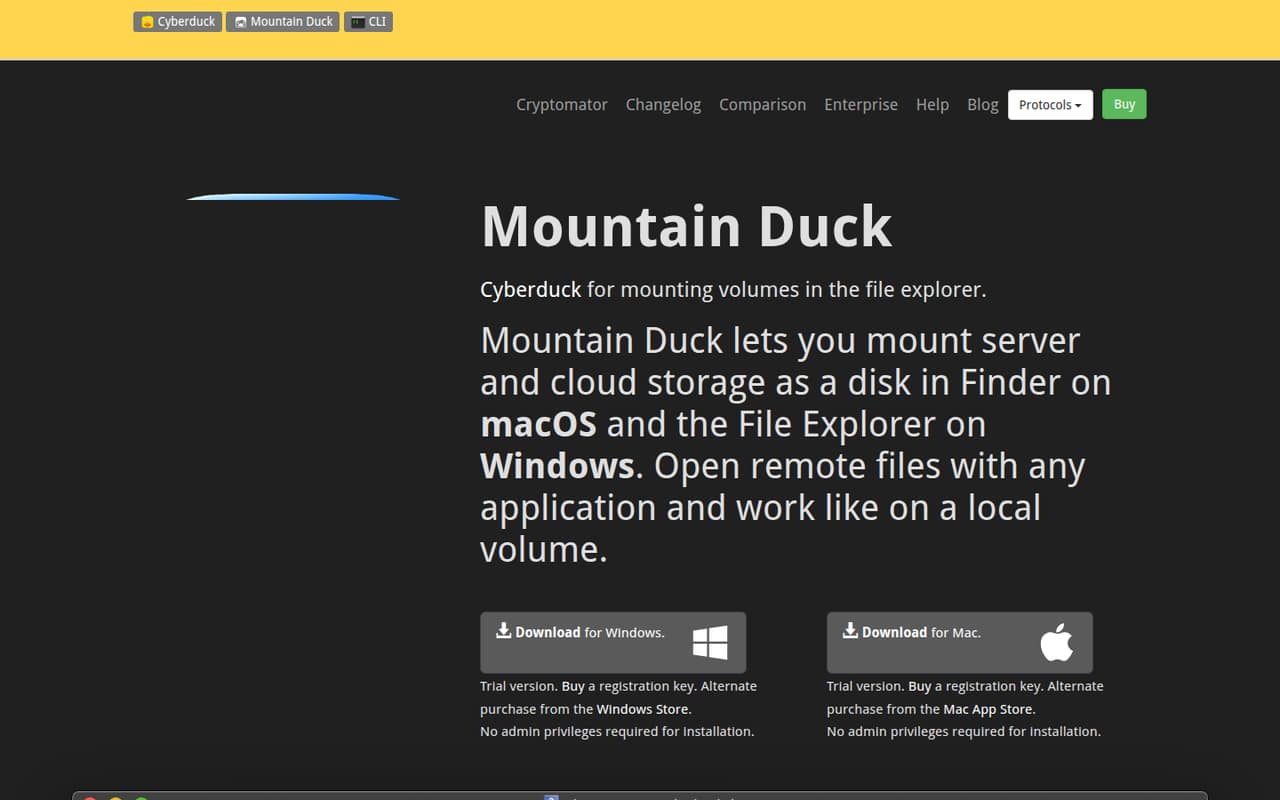
Mountain Duck mounts supported remote and cloud storage in Finder on macOS or File Explorer on Windows. Smart synchronization can keep files remote until you open them, while selected files and folders can be kept offline.
There’s no free plan or published trial. The pricing page lists a $49 one-time license for one user and $193 for five users, each valid for one major version. Reddit users report both useful offline access and frustrations with lag, caching, and sync.
Good fit if
- Teams working with remote storage
- Mac and Windows file-manager workflows
- People who need offline files
Skip it if
- Teams looking for a free plan
- Users needing guaranteed fast sync
- Teams wanting a subscription license
ScoresHow it rates
What works
- Mounts storage in Finder and File Explorer
- Supports smart synchronization for remote files
- Lets users keep selected files offline
- Can upload changes in the background
- Offers Cryptomator-compatible client-side encryption
What doesn't
- No free plan or published trial
- Five-seat pricing starts at $193 once
- Each license covers one major version
- Custom-seat pricing is not published
- Reddit users report lag and sync problems
01Who Mountain Duck is for
Mountain Duck is for a solo user or a small team of up to five people that needs files from remote or cloud storage to appear in the computer’s regular file manager. It mounts supported storage in Finder on macOS and File Explorer on Windows, so files can be opened in desktop applications. Smart synchronization can leave files remote until they’re opened, and users can choose files or folders to keep offline.
The fit is strongest when your work depends on a server or cloud drive and you want a desktop-file workflow rather than a separate transfer app. It may also suit teams that need background uploads or Cryptomator-compatible encryption. At $49 for one user or $193 for five, it isn’t a free way to add cloud storage. Small teams should check that their storage service and protocol are supported before buying; the pricing page lists no free plan or trial.
02Mountain Duck free plan and trial
Mountain Duck has no free plan, and the vendor does not publish a free trial. That means there’s no free tier to use for a small team’s everyday remote drives or to check whether its sync workflow fits. The cheapest listed way in is Mountain Duck 5 - 1 User for $49 as a one-time purchase.
The license is valid for one major version. The pricing page says the same user can use that license on any number of computers, so one person doesn’t need another license just to use a second computer. For a team, licenses are sold in seat bundles as well as individually. If you’re unsure whether your storage setup or workflow is a match, ask the vendor about evaluation options before purchasing; a published trial price or duration isn’t listed.
03What a small team pays for Mountain Duck
Mountain Duck 5 - 1 User costs $49 once and covers one user. For three people, buying three individual licenses totals $147. The listed five-user bundle costs $193, or $38.60 per seat, and leaves two seats unused for a three-person team. A five-person team pays $193 total, also $38.60 per seat.
These are one-time perpetual purchases, not monthly or annual subscriptions; monthly and annual prices are not published. Each listed license is valid for one major version, so check with the vendor about upgrade costs before budgeting for future major releases. The pricing page lists no add-ons. Custom seat requirements have custom pricing that the vendor does not publish. The 10-user bundle is $348 if your team grows to that size. For a three-person team, compare the $147 individual-license total with the $193 five-seat bundle and decide whether the extra seats are worth paying for.
04Getting started with Mountain Duck
Mountain Duck’s main workflow is straightforward to picture: mount a supported remote or cloud storage connection, then browse it through Finder or File Explorer. It can show remote files and download them when opened, keep selected files and folders on the computer, and upload changes in the background when a connection is available. Setup steps and the time required are not published, so teams should ask the vendor what configuration their storage needs.
A Reddit post about Mountain Duck 5 lists SMB, FTP, WebDAV, Amazon S3, Microsoft Azure, Google Drive, Dropbox, and OneDrive among supported options. The product also lists client-side encryption with Cryptomator-compatible vaults. One commenter describes using offline saving while traveling; other commenters raise concerns about lag and caching. Before buying, confirm your specific service, protocol, and offline requirements with the vendor.
05When small teams outgrow Mountain Duck
The first cost step is from individual licenses to a seat bundle: a three-person team pays $147 for three individual licenses or $193 for the five-user plan. The listed 10-user bundle is $348. Custom pricing is not published, and every listed license is valid for one major version, so teams should ask about future upgrades before committing to a wider rollout.
Workflow limits may matter before seat count does. A commenter on r/macapps reports that Mountain Duck was too laggy with thousands of files and had sync interruptions; another reports slow sync and problems with the cache. These are individual reports, not a guarantee of how it will perform for your setup. If your team needs consistently fast access to large libraries, dependable caching, or a free tier, validate those needs before purchase. Consider another approach if your work cannot tolerate sync interruptions.
From the threadsWhat users say
Reddit sentiment is mixed. Some commenters value offline access and the no-subscription purchase model, while others report lag, cache problems, or prefer a simpler alternative.
Both apps do their job, but over time, I’ve realized that simplicity and minimalism are what truly matter
I like it can do the offline saving so when I'm on the move the files are always there
too laggy, it can't handle thousands of files, and using a huge RAM
Great when you have very fast network
Questions people ask
What is Mountain Duck used for?
Mountain Duck mounts remote and cloud storage as a disk in Finder on macOS or File Explorer on Windows. That lets users browse remote files and open them in desktop applications. It also supports smart synchronization, offline access for selected files and folders, background uploads, file sharing, and Cryptomator-compatible vaults.
Does Mountain Duck have a free plan or trial?
Mountain Duck has no free plan, and the vendor does not publish a free trial. The cheapest listed license is Mountain Duck 5 - 1 User at $49 as a one-time purchase. If you need to try your storage workflow before paying, ask the vendor whether an evaluation option is available.
Can Mountain Duck files be used offline?
Yes. Mountain Duck lets users choose files and folders to keep on their computer for offline access. Its smart synchronization can also show remote files and download them when opened. Reddit users report different experiences with caching and sync, so confirm that the available options fit your workflow before buying.
Which operating systems does Mountain Duck support?
Mountain Duck mounts storage in Finder on macOS and File Explorer on Windows. The pricing page says one user can use a one-user license on any number of computers. It does not publish a device limit for other license types, so ask the vendor if your team needs clarification.
Does a Mountain Duck license include future major versions?
The listed Mountain Duck 5 licenses are valid for one major version. The pricing page does not publish the cost of future major-version upgrades. Before purchasing, ask the vendor whether your license includes any upgrade entitlement or what a later upgrade would cost.
Sources
- Mountain Duck homepage
- Mountain Duck pricing, compiled via web search from mountainduck.io, storj.dev
- Reddit: Mountain Duck 5 is out.
- Reddit: Mountain Duck Version 5 Has New Features
- Reddit: Cloudmounter vs Mountain Duck
- Reddit: Question for professionals: working off remote server using software such as Mountain Duck, CloudMounter or FileZilla RemoteDrive?