
We may earn a commission if you buy through links on this page. It never changes a score or a ranking. How we make money
The bottom line
Start free; expect to pay per seat when you need more than three editable murals.
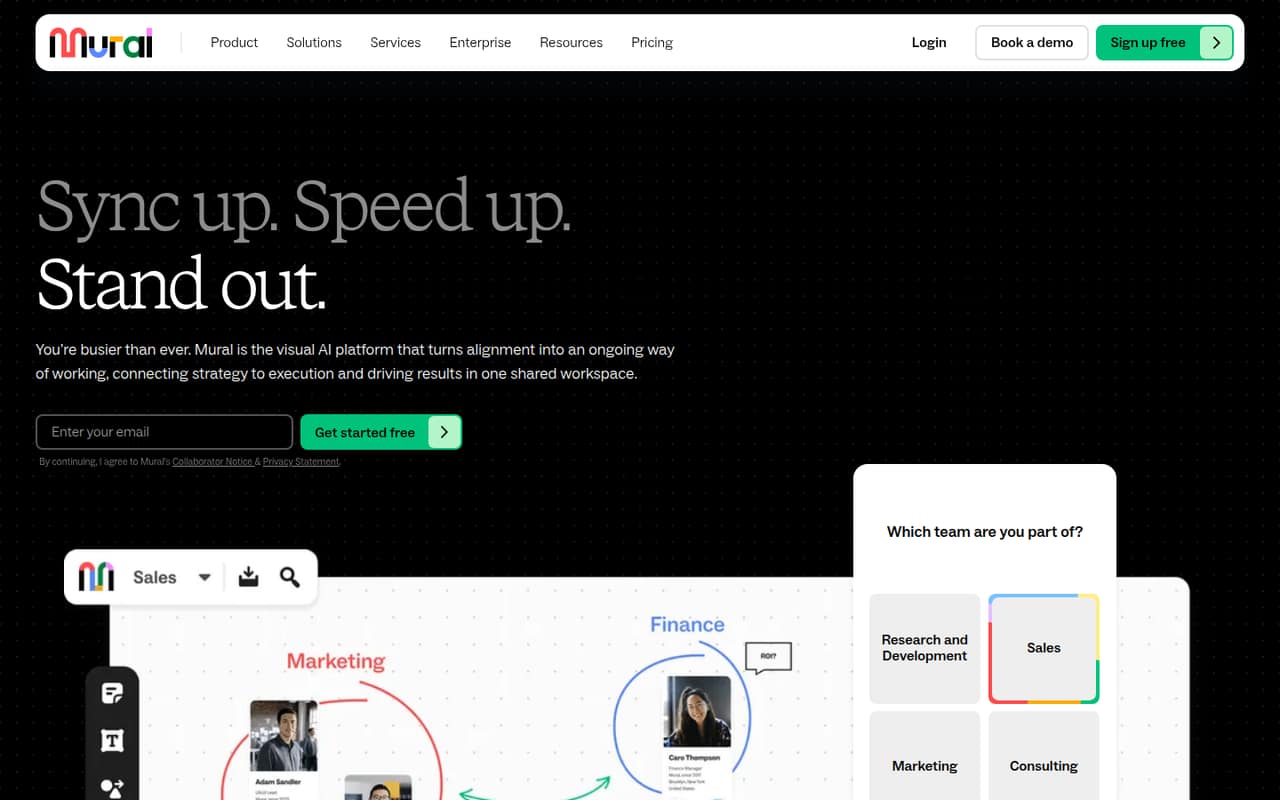
Mural gives teams a shared canvas for brainstorming, planning and mapping ideas into next steps. Templates, facilitation tools and AI workflows add structure, while the Free plan lets unlimited members collaborate on three editable murals at a time.
For frequent work, Team+ costs $9.99 per member monthly with annual billing, or $12 with monthly billing. That’s $29.97 or $36 a month for three seats. The main trade-off: costs scale with seats, and private rooms and Mural AI require a paid plan.
Good fit if
- Teams running visual planning sessions
- Small groups sharing one workspace
- Facilitators who need voting and timers
Skip it if
- Teams needing unlimited free murals
- Groups avoiding per-seat subscriptions
- Organizations needing free SSO
ScoresHow it rates
What works
- Free plan includes unlimited members
- Three editable murals on Free
- Templates give sessions structure
- Team+ includes Mural AI
- Voting, timers and facilitator lock
What doesn't
- Free plan caps editable murals at three
- Paid plans charge per member
- Private rooms require Team+
- Business monthly price is not published
- Premier Support price is not published
01Who Mural is for
Mural is for small teams that think and plan visually: a group can put ideas, sticky notes, diagrams and maps on a shared canvas, then use templates and facilitation tools to move a session toward decisions. It can suit a team of one to ten people that runs workshops, plans projects or gathers feedback together.
The Free plan may be enough for a small group that can work within three editable murals. Unlimited members can join, but only three murals can be editable at once. Teams that collaborate frequently and need more room can consider Team+, which lists unlimited editable murals for $9.99 per member monthly with annual billing, or $12 monthly. Mural is less appealing if the team mainly needs a simple document or wants paid collaboration without per-seat costs. Business is aimed at cross-department work, while Enterprise adds organization-level controls.
02Mural free plan and trial
Mural’s Free plan costs $0 and includes three editable murals at a time, unlimited members, unlimited view-only visitors and open rooms. That gives a small team a way to share a visual workspace without buying a seat for every participant, as long as it can manage the three-mural cap.
The plan list puts unlimited editable murals, visitors with editing rights, private rooms and Mural AI on Team+, not Free. Basic integrations are also listed for Team+. Mural does not publish a free-trial offer in its pricing details; the free plan is the no-cost way in. If the team needs more than three active editable murals or private rooms, the cheapest paid option is Team+ at $9.99 per member monthly when billed annually, or $12 per member monthly.
03What a small team pays for Mural
The pricing page lists Team+ at $9.99 per member per month with annual billing, or $12 per member per month when billed monthly. One seat works out to $9.99 monthly on annual billing, or $12 monthly. Three seats cost $29.97 monthly on annual billing ($359.64 for a year) or $36 month to month. Five seats cost $49.95 monthly on annual billing ($599.40 for a year) or $60 month to month. The annual-plan figures are per-seat calculations from Mural’s listed rates.
Business is $17.99 per member monthly when billed annually; a monthly billing rate is not published. For comparison, that is $53.97 monthly for three seats or $89.95 for five, billed annually. Team+ includes Mural AI, private rooms and basic integrations; Business adds SSO with SAML 2.0, advanced integrations, priority support and LUMA frameworks. Premier Support is an add-on, but its price is not published. Mural does not list a minimum seat count.
04Getting started with Mural
Mural describes a shared canvas with templates, sticky notes, drawing, reactions, mapping and diagramming. Teams can also use timers, voting and facilitator lock to guide sessions. These features suggest that a team can build a working session around a canvas and a template, but Mural does not publish a setup-time estimate or a required onboarding process. We would budget time to choose a template and agree how the team will organize its murals rather than assume setup is instant.
The plan details list basic integrations on Team+ and advanced integrations on Business, but do not name the integrations in the pricing information. If a specific app is essential on day one, check its availability with Mural before choosing a plan. Free includes open rooms; private rooms are listed on Team+. Mural does not publish enough setup detail to promise a particular learning curve, so a team should confirm any training or migration needs with the vendor.
05When small teams outgrow Mural
The first limit to watch is Free’s three editable murals. If a team needs more active canvases, Team+ removes that cap, but it also introduces a per-member subscription: three seats cost $29.97 monthly with annual billing or $36 month to month. A growing group should include those added seats in its budget, not just the price of its first user.
Team+ may also be necessary when outside collaborators need editing rights or the team wants private rooms and Mural AI. Business is the next step for teams that need SSO with SAML 2.0, advanced integrations, priority support or LUMA frameworks; its listed annual-billing price is $17.99 per member monthly. Enterprise adds controls such as SCIM user and group management, audit logs, data residency and BYOK, but pricing is custom. If those features or seat costs no longer fit, compare the cost and controls with other workspace options before expanding.
Mural in the news
Questions people ask
What does Mural’s free plan include?
Mural Free includes three editable murals at a time, unlimited members, unlimited view-only visitors and open rooms. It can work for a team that shares a few active canvases. The plan does not list private rooms, Mural AI or unlimited editable murals; those are included in Team+.
Does Mural have a free trial?
Mural’s pricing details list a Free plan but do not publish a separate free trial. The no-cost plan includes three editable murals at a time, unlimited members, unlimited view-only visitors and open rooms. Check with Mural if you need a trial of paid features such as Mural AI or private rooms.
How much does Mural cost for a small team?
Team+ costs $9.99 per member monthly when billed annually, or $12 per member monthly. Three seats cost $29.97 monthly on annual billing or $36 month to month. Five seats cost $49.95 monthly on annual billing or $60 month to month.
Does Mural include AI?
Mural AI is listed with Team+, which costs $9.99 per member monthly with annual billing or $12 with monthly billing. The feature list describes AI workflows for brainstorming, analyzing feedback and identifying next steps. The Free plan does not list Mural AI.
Which Mural plan includes SSO?
Business lists SSO with SAML 2.0, alongside advanced integrations, priority support and LUMA frameworks. It costs $17.99 per member monthly with annual billing; Mural does not publish a Business monthly billing rate. Enterprise pricing is custom and includes other organization controls.