
We may earn a commission if you buy through links on this page. It never changes a score or a ranking. How we make money
The bottom line
A versatile voice platform for small teams, if one editor seat and the generation limits fit.
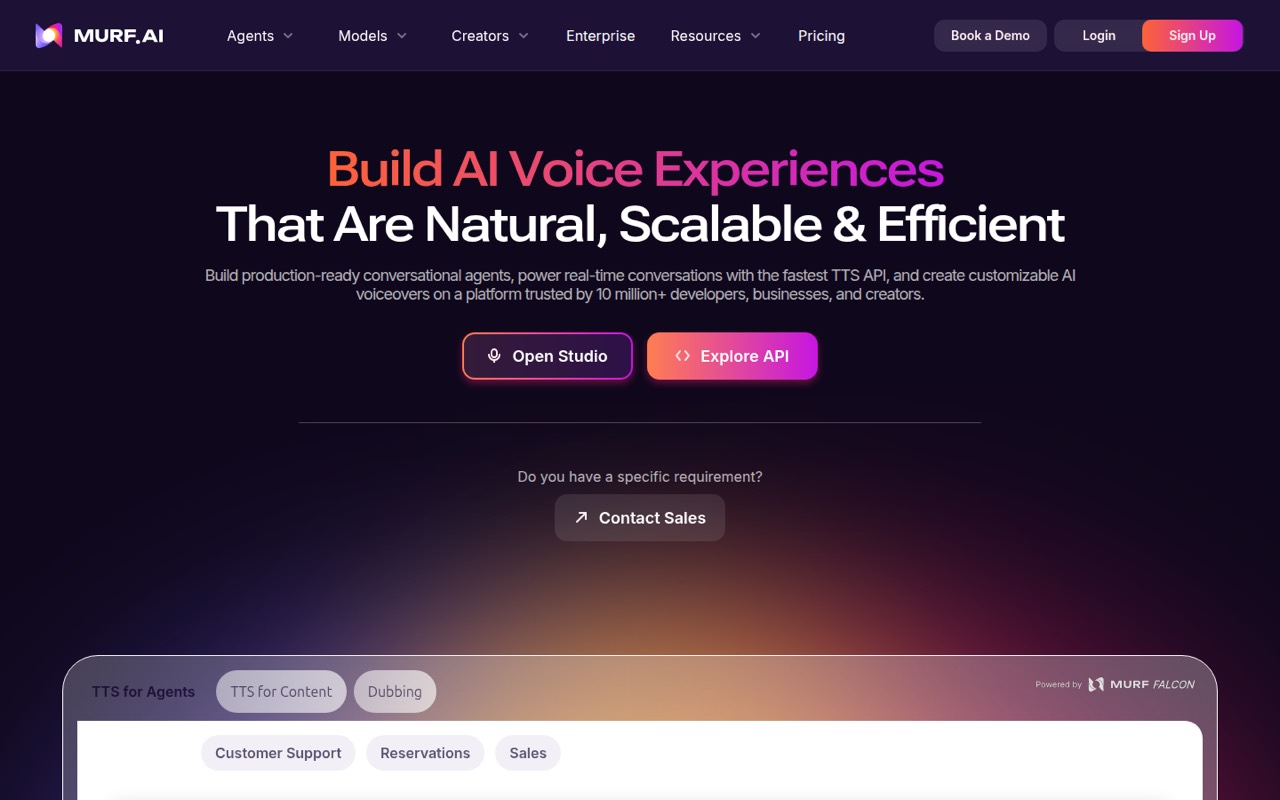
Murf AI brings text-to-speech, video dubbing, voice cloning and conversational voice agents under one roof. For a small team, the free plan is a no-cost way to generate a little audio, but it does not allow downloads or commercial use.
The listed Creator and Business plans each include one editor seat; Business lets viewers join free. That can work when one person handles production, but the price for extra editor seats is not published. Teams that need several editors should ask Murf for a quote before budgeting.
Good fit if
- Creators who need commercial voiceovers
- Teams with one primary audio editor
- Developers building voice-enabled products
Skip it if
- Teams needing several editor seats
- Commercial users on a free plan
- Teams needing predictable multi-seat pricing
ScoresHow it rates
What works
- Free plan includes 10 minutes of voice generation
- Creator includes commercial usage rights
- Business includes free viewer seats
- API and dubbing offer usage-based options
- Tools cover voiceovers, dubbing and voice agents
What doesn't
- Free plan does not allow audio downloads
- Free plan excludes commercial usage rights
- Creator and Business list one editor seat
- Extra editor-seat prices are not published
- Creator and Business limit monthly generation hours
01Who Murf AI is for
Murf AI is for small teams that make spoken audio part of their work: a solo creator producing videos, a three-person marketing team sharing voiceover projects, or a developer adding speech to an app. The platform combines text-to-speech, video dubbing, voice cloning and conversational agents, so it can serve more than one audio job.
For creators, Murf lists more than 200 voices across 35+ languages, with controls for pitch, speed, intonation and pronunciation. Its dubbing tool translates videos into 40+ languages. Developers can use the TTS API, while businesses can explore multilingual voice agents for calls and chat escalation.
The budget fit depends on who needs to edit. Creator is listed at $29 monthly or $19 per month with annual billing, for one editor seat. Business is $99 monthly or $66 per month annually, also for one editor, with free viewers. If several teammates need to edit, get the seat price from Murf before committing.
02Murf AI free plan and trial
Murf’s Free plan costs $0 and includes 10 minutes of voice generation and up to 10 projects. It is useful for getting a feel for the voice-generation workflow or making a small noncommercial sample. The pricing lists no audio downloads and no commercial usage rights, so it is not a free route to publishable client or business audio.
For a solo creator who needs downloads and commercial rights, Creator is the first listed fit: $29 per month, or $19 per month with annual billing. It includes two hours of voice generation per month on monthly billing, up to 100 projects and unlimited downloads. Murf also lists a $10 free API credit with no credit card required for developers; that is separate from the Studio plan’s 10-minute allowance.
03What a small team pays for Murf AI
For one editor, Creator costs $29 month to month or $19 per month on annual billing, charged as a $228 yearly invoice. Business costs $99 monthly or $66 per month annually, a $792 yearly invoice. Creator includes two hours of generation per month; Business includes eight. Both listed plans have one editor seat.
For a team of three or five, the total depends on how many people need to edit. Business says viewers are free, so one editor plus view-only colleagues can use the listed $99 monthly or $66-per-month annual rate. If all three or five people need editor access, Murf does not publish a per-seat price for Creator or Business; do not assume the single-seat price multiplies cleanly. Ask Murf for a quote.
Developers pay by API usage: the pricing lists $0.01 per 1,000 characters for Falcon 2.1 and $0.03 for Gen 2. Murf Dub costs $0.25 per credit, with two credits per minute per language. Those usage charges are separate from Studio subscriptions.
04Getting started with Murf AI
The simplest starting point is voiceover production: choose a voice, generate audio and adjust controls such as pitch, speed and intonation. Murf also lists a custom pronunciation library, which can help teams keep names or specialized terms consistent. That should be a manageable first task for a creator or marketer, though Murf does not publish a setup-time estimate.
The learning curve is likely higher if your project involves an API, voice cloning, dubbing or a conversational agent rather than a single voiceover. The API is aimed at developers, and a business agent may need to fit your calling and chat workflows. Murf lists those product capabilities but does not name specific third-party integrations in its product overview.
Before rollout, confirm which integrations your team needs and how agent setup works for your phone or chat channels. Start with one editor and a representative project; then check whether the available voices, pronunciation controls and usage allowance meet your needs.
05When small teams outgrow Murf AI
The first pinch point is usually editor access. Creator and Business each list one editor seat; Business makes viewers free, but Murf does not publish the price for adding editors to either plan. A team moving from one producer to several hands-on editors should get a quote before the workflow depends on it.
The next limit is volume. Creator includes two hours of generation per month and Business includes eight. Teams that regularly exceed those allowances may need a custom Enterprise arrangement, which lists custom or unlimited generation hours and multiple editor seats but has no published price. Developers and dubbing teams also need to track usage-based fees separately.
A Reddit user comparing voice tools said Murf’s latency consistency stood out in their own testing, while the original poster advised readers to test on their own traffic. That is useful context, not a guarantee for your setup. As usage grows, try your own scripts and workloads and confirm both seat pricing and any agent requirements with Murf.
From the threadsWhat users say
The Reddit discussion is limited but leans positive about Murf’s potential for voice agents, with a caveat that teams should validate performance on their own use case. One commenter praised latency consistency; others stressed that results can vary.
the latency consistency is the real story
Honestly just test all three on your own traffic, my results won't be yours
its the closest I've gotten to Eleven Labs for controllability and latency
when i looked for TTS solutions ii felt like Elevenlabs was waaaay out of financial reach for this project
Questions people ask
What is Murf AI used for?
Murf AI is a voice platform for text-to-speech, video dubbing and conversational voice agents. Creators can generate voiceovers and adjust pitch, speed, intonation and pronunciation. Developers can use its TTS API, while businesses can explore multilingual agents for inbound or outbound calls and chat escalation.
Can I use Murf AI for free?
Yes. The Free plan includes 10 minutes of voice generation and up to 10 projects. It does not include audio downloads or commercial usage rights, so it is for trying the service rather than publishing commercial audio. Developers can also start with $10 in free API credit, with no credit card required.
Does Murf AI include commercial rights?
The Free plan does not include commercial usage rights. Creator lists commercial usage rights and unlimited downloads, while Business includes a business license and unlimited downloads. If your project has specific licensing needs, confirm the terms with Murf before publishing or distributing the audio.
How many people can edit on a Murf AI plan?
The listed Creator and Business plans each include one editor seat. Business says viewers are free, which may suit a team where one person edits and colleagues review. Murf does not publish the price for additional editor seats, so ask for a quote if several people need to edit.
Can Murf AI clone a voice?
Murf lists voice cloning as a capability for creating custom voiceovers. The pricing page lists voice cloning as an Enterprise add-on, but does not publish its price. Ask Murf about availability, cost and any requirements for your intended use before planning a project around it.
Sources
- Murf AI homepage
- Murf AI pricing, compiled via web search from ampifire.com, powerfulai.tools, youraisoft.com, layer3labs.io, toolcolumn.com, murf.ai
- Reddit: ElevenLabs and Murf.ai are making millions with open source groundwork... here's the code
- Reddit: Tested ElevenLabs vs Cartesia vs Murf Ai for a voice agent. Honest notes before you waste a week like I did
- Reddit: ElevenLabs and Murf.ai are making millions with open source groundwork... here's the code
- Reddit: Murf AI promo code?