We may earn a commission if you buy through links on this page. It never changes a score or a ranking. How we make money
A small team may not need a paid AI voice tool at all: start with a free plan if your scripts are occasional and its limits suit the job. For regular commercial voiceovers, TTSMaker and Narakeet are budget-minded starting points; Murf AI is worth considering when one person does most of the editing. The listed starting prices range from $2 for Uberduck to $280 for Resemble AI, but a few seats can change the math. Vendors’ exact character limits, seat pricing, and commercial terms are questions to settle before you commit.
Quick picksThe shortlist
 TTSMakerTTSMakerBest for tight budgets · $9.99/mo
 NarakeetNarakeetBest for occasional videos · $6/mo
 Murf AIMurf AIBest for one editor · $19/mo
 ElevenLabsElevenLabsBest for voiceovers · $6/mo
 Google Cloud Text-to-SpeechGoogle Cloud Text-to-SpeechBest for developers · Free
 NaturalReaderNaturalReaderBest for personal reading · $6.58/mo
 WellSaid LabsWellSaid LabsBest for regular voiceovers · $10/mo
 LOVOLOVOBest for narrated videos · $24/mo
 ListnrListnrBest for recurring audio · $15.83/mo
 ACE StudioACE StudioBest for AI vocals · $16.58/mo
 Kits AIKits AIBest for vocal tools · $10/mo
 SpeechifySpeechifyBest for listening · $29/mo
 UberduckUberduckBest for audio experiments · $2/mo
 Hume AIHume AIBest for voice evaluation · Free
 Resemble AIResemble AIBest for authenticity checks · $280/mo
 ReadSpeakerReadSpeakerBest for product speech · $9/mo
 SpeecheloSpeecheloBest for short scripts · Custom
01Compared at a glance
| Tool | Score | From | Free plan | Trial |
|---|---|---|---|---|
| TTSMakerTTSMaker | 7.5 | $9.99/mo | Yes | — |
| NarakeetNarakeet | 6.8 | $6/mo | Yes | — |
| Murf AIMurf AI | 7.4 | $19/mo | Yes | Yes |
| ElevenLabsElevenLabs | 6.7 | $6/mo | Yes | — |
| Google Cloud Text-to-SpeechGoogle Cloud Text-to-Speech | 7.0 | Free | Yes | Yes |
| NaturalReaderNaturalReader | 6.8 | $6.58/mo | Yes | — |
| WellSaid LabsWellSaid Labs | 6.9 | $10/mo | Yes | — |
| LOVOLOVO | 6.8 | $24/mo | Yes | 14 days |
| ListnrListnr | 6.8 | $15.83/mo | Yes | — |
| ACE StudioACE Studio | 7.2 | $16.58/mo | Yes | — |
| Kits AIKits AI | 6.5 | $10/mo | Yes | — |
| SpeechifySpeechify | 6.1 | $29/mo | Yes | — |
| UberduckUberduck | 5.8 | $2/mo | Yes | — |
| Hume AIHume AI | 6.5 | Free | Yes | Yes |
| Resemble AIResemble AI | 7.0 | $280/mo | Yes | — |
| ReadSpeakerReadSpeaker | 6.3 | $9/mo | No | — |
| SpeecheloSpeechelo | 4.8 | Custom | No | — |
02The picks, in detail
- Best for tight budgetsTTSMakerTTSMaker
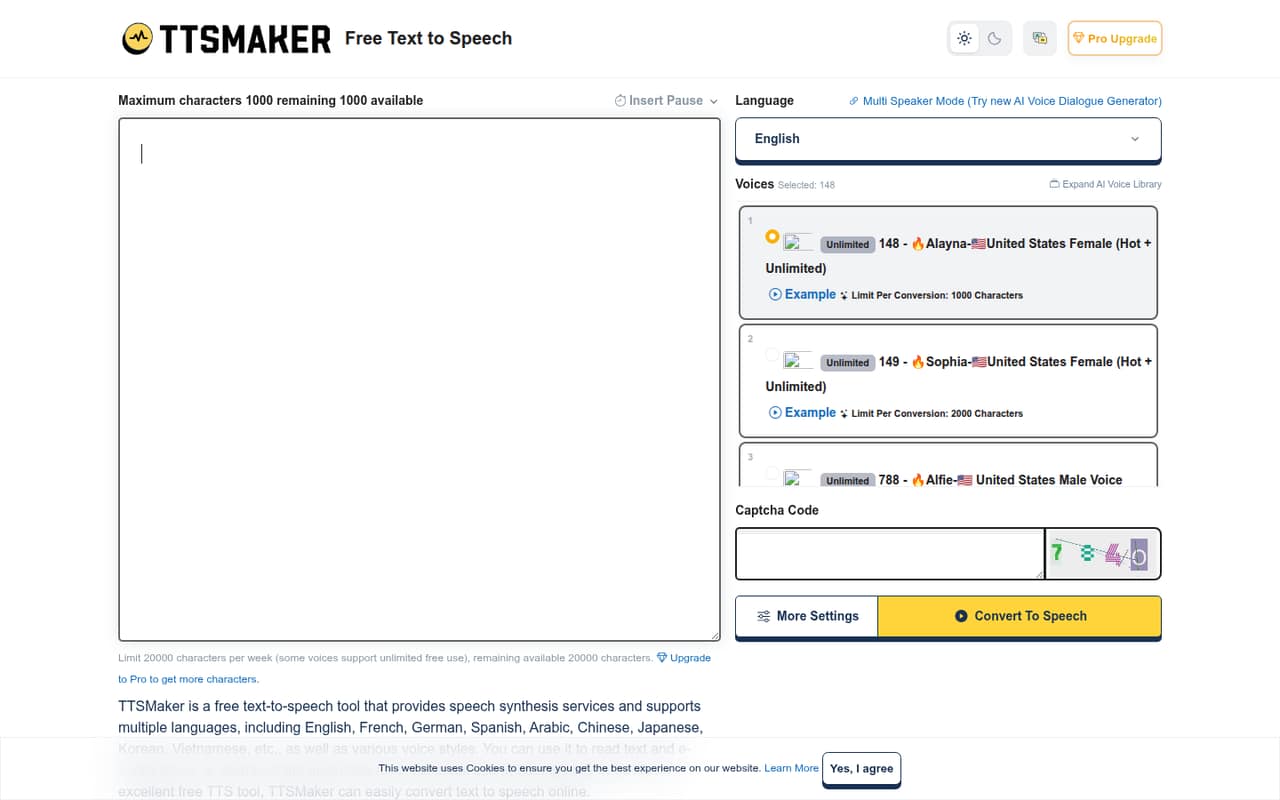
TTSMaker is a strong first stop for a small team making occasional voiceovers: its listed starting price is $9.99, and it has a free plan. The tool summary highlights multilingual audio and downloadable files, while warning that character caps and team pricing need checking. Confirm the free allowance, commercial rights, and whether a shared team workflow is supported before relying on it.
What works
- Free plan includes 20,000 characters weekly
- 20+ free voices are listed as unlimited
- Download MP3, OGG, AAC, OPUS, or WAV
What doesn't
- Free conversions cap at 500 characters
- LITE costs $13.99 month to month
- Shared team pricing is not published
- Best for occasional videosNarakeetNarakeet
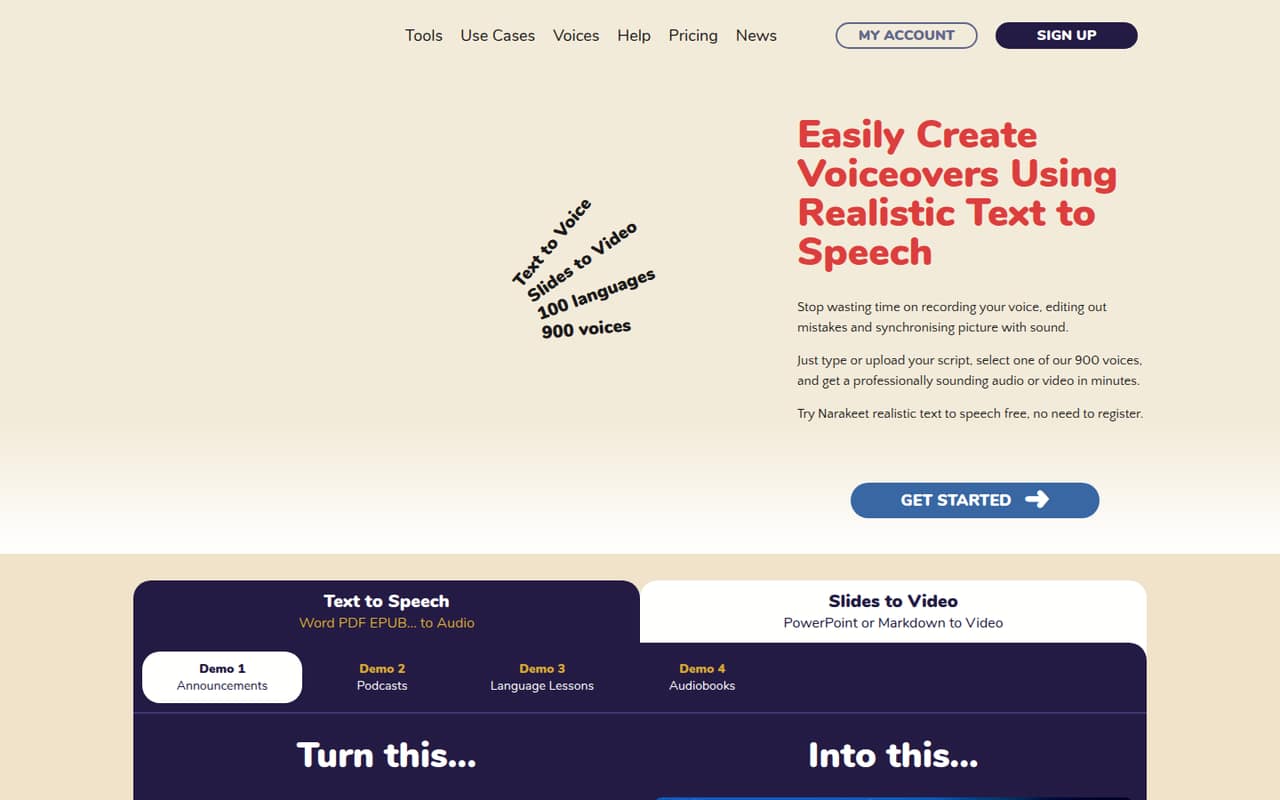
Narakeet fits teams that need narration or subtitle dubbing for occasional videos. Its listed starting price is $6, with a free plan. The summary also points to video-production automation, but says to check team access before buying. Ask how many people can work in one account, what the free plan allows, and whether your planned video use is covered commercially.
What works
- Free account includes 20 conversions
- Lists 100 languages and 900 voices
- Dubs SRT and WebVTT subtitles to timestamps
What doesn't
- Free scripts and uploads have small limits
- Monthly and annual prices are not listed
- Team and per-seat costs are not published
- Best for one editorMurf AIMurf AI
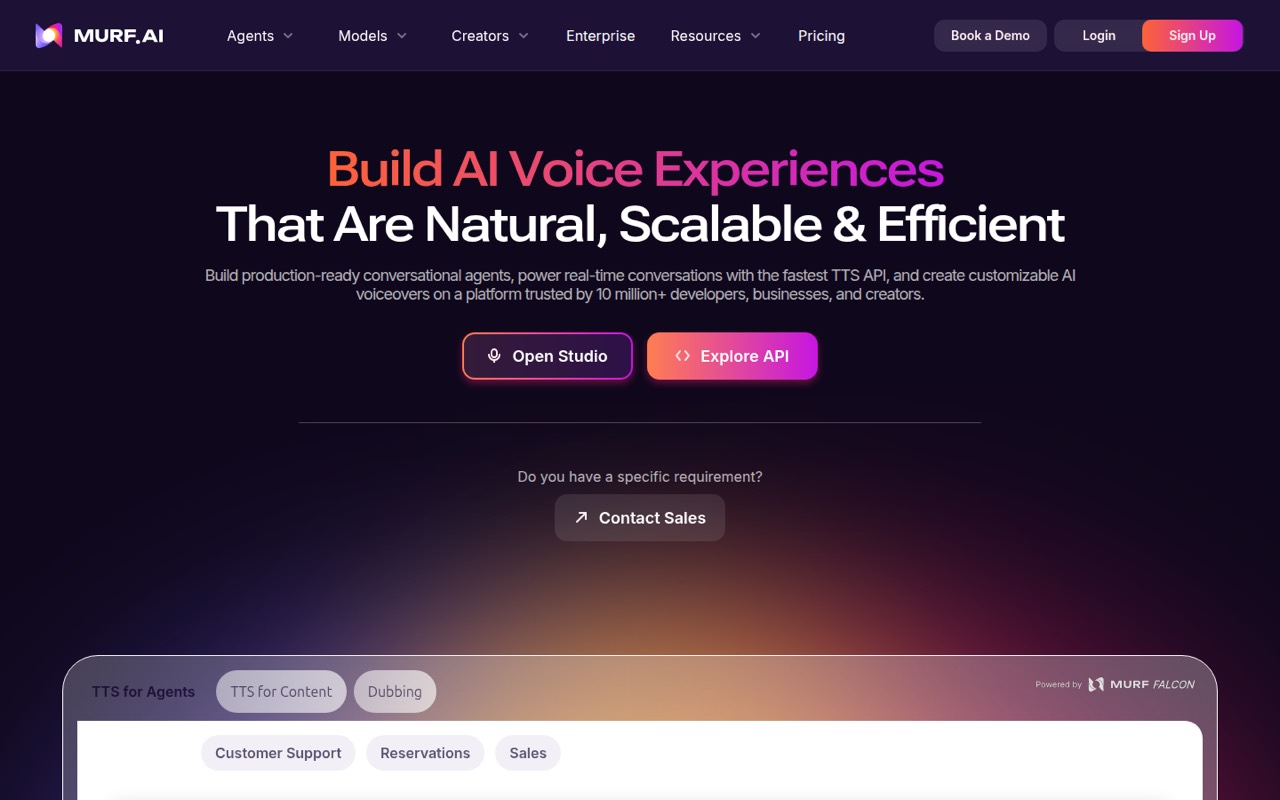
Murf AI is a practical candidate when one person handles most of a team’s audio work. Its listed starting price is $19, and it has a free plan. The tool summary describes it as versatile for commercial voiceovers, but says to check generation limits. Confirm what the free tier permits, the paid plan’s production allowance, and the cost of adding more editors.
What works
- Free plan includes 10 minutes of voice generation
- Creator includes commercial usage rights
- Business includes free viewer seats
What doesn't
- Free plan does not allow audio downloads
- Free plan excludes commercial usage rights
- Creator and Business list one editor seat
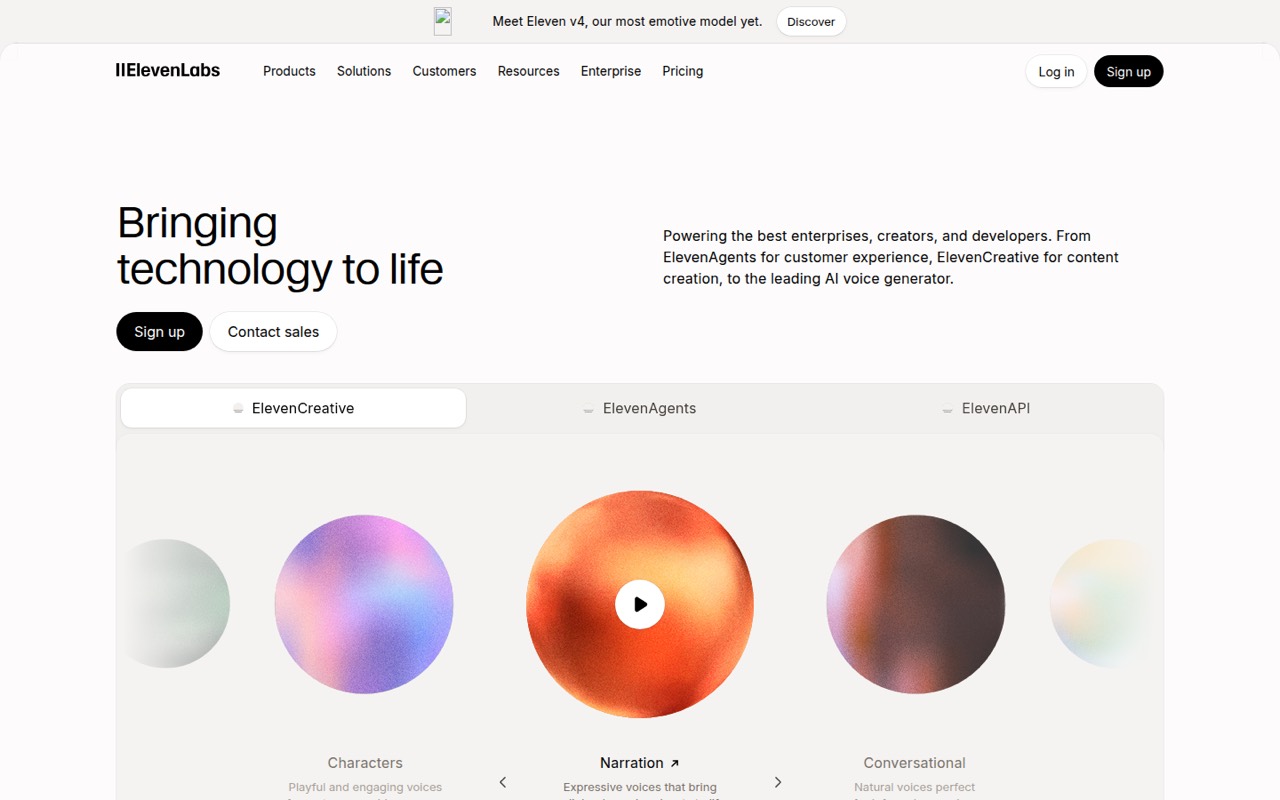
- Best for voiceoversElevenLabsElevenLabs
ElevenLabs suits teams making commercial voiceovers, exploring AI voice agents, or adding speech features to a product. Its listed starting price is $6, with a free plan. The summary flags seat and usage costs as budget items, so the starting price alone is not a team estimate. Check the character allowance, commercial terms, and how usage changes the bill.
What works
- Text-to-speech supports 90+ languages
- Includes speech-to-text and sound effects
- Voice cloning and voice design included
What doesn't
- Free plan has no commercial license
- Starter includes no listed Workspace seats
- Extra seat pricing is not published
- Best for developersGoogle Cloud Text-to-SpeechGoogle Cloud Text-to-Speech
Google Cloud Text-to-Speech is aimed at developer-led teams and small projects that can stay within free allowances. The listed starting price is not available, and a free plan is listed. The summary cites broad voice and format options, while flagging setup effort and pricing details to verify. Ask a developer to estimate integration work and projected usage before choosing it.
What works
- Free allowances cover up to four million characters for some voices
- Offers more than 380 voices across 75 or more languages
- Supports SSML and controls for pitch, rate, volume and pronunciation
What doesn't
- Setup effort and learning curve are not published
- Pricing is based on character usage, not a predictable seat fee
- Studio voice overage pricing is not published
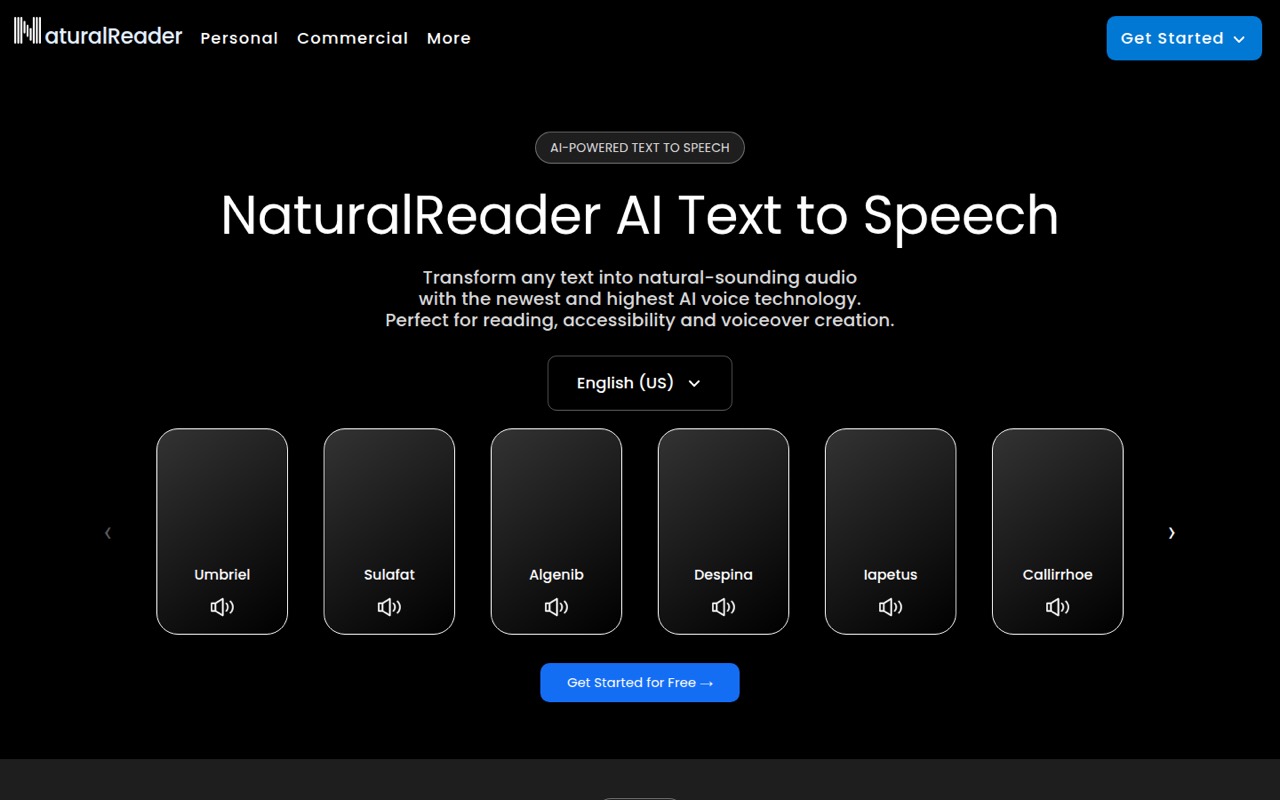
- Best for personal readingNaturalReaderNaturalReader
NaturalReader is a better fit for personal reading than an obvious shared commercial voiceover workflow. Its listed starting price is $6.58, and it has a free plan. The summary mentions MP3 downloads and individual voice cloning, but says shared and commercial team use is less clear. Confirm commercial rights, the terms for cloned voices, and whether seats can be shared.
What works
- Reads PDFs, images, webpages, and physical books
- Free plan includes unlimited Free Voice listening
- Offers speech in over 90 languages
What doesn't
- Free plan has no MP3 downloads
- Paid plans are labeled personal use only
- No team or commercial plan price is listed
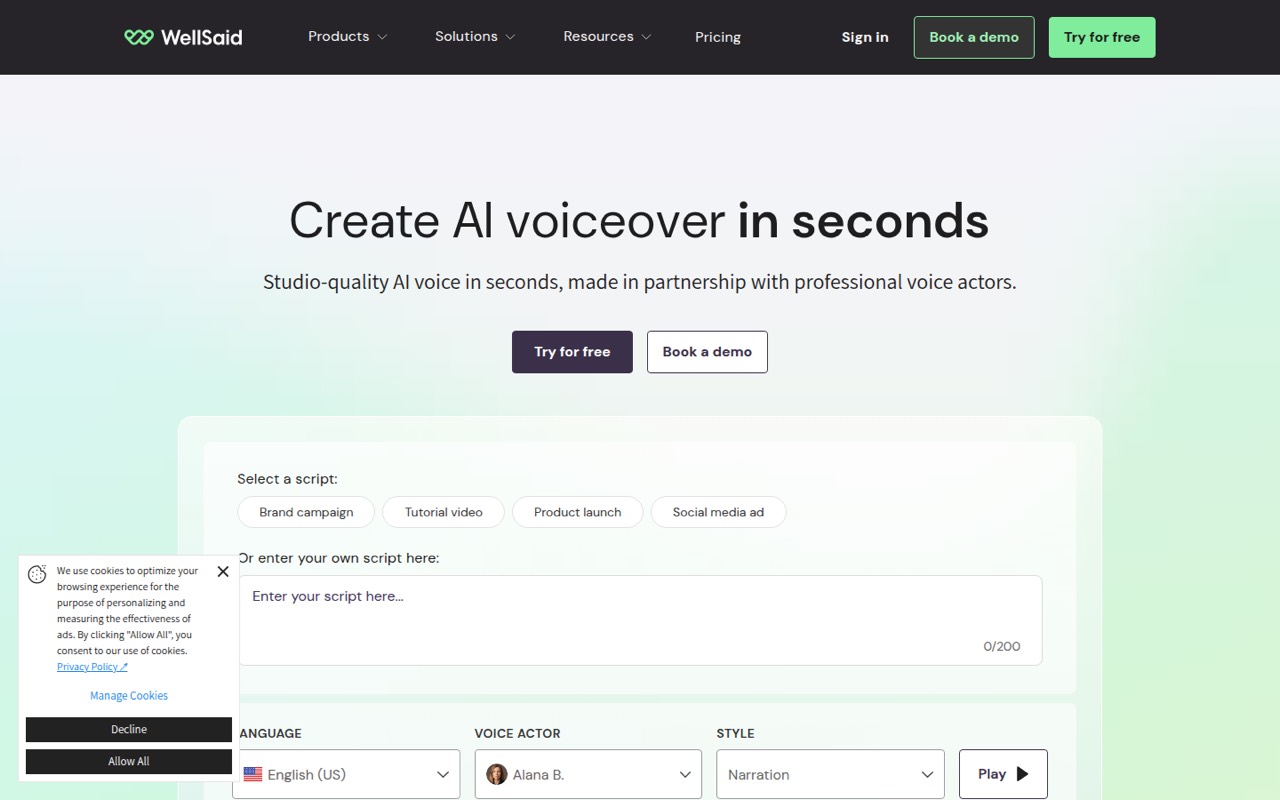
- Best for regular voiceoversWellSaid LabsWellSaid Labs
WellSaid Labs is worth considering when a small team produces voiceovers regularly and needs commercial rights or shared voice projects. Its listed starting price is $10, and it has a free plan. The summary cautions that its per-seat cost needs justification. Ask what a few seats cost, whether collaboration is included, and what project or generation limits apply.
What works
- More than 280 voice actors in the library
- 50+ languages and accents listed
- Controls for tone, pitch, and emotion
What doesn't
- Free plan has no commercial rights
- Free downloads stop at three minutes monthly
- Business costs $160 per user monthly, billed annually
- Best for narrated videosLOVOLOVO
LOVO combines voice and video tools for creators making narrated videos or multilingual voiceovers. Its listed starting price is $24, with a free plan. The summary specifically warns small teams to watch the per-seat bill. Before buying, confirm the price for every person who needs access, the free plan’s limits, and whether commercial rights cover your intended content.
What works
- More than 500 voices across 100-plus languages and accents
- Voice controls include pace, pitch, pauses, and emphasis
- Genny combines narration with video and image editing
What doesn't
- Free exports are watermarked and cannot be downloaded
- Paid plans charge per user
- Basic limits generation to two hours monthly
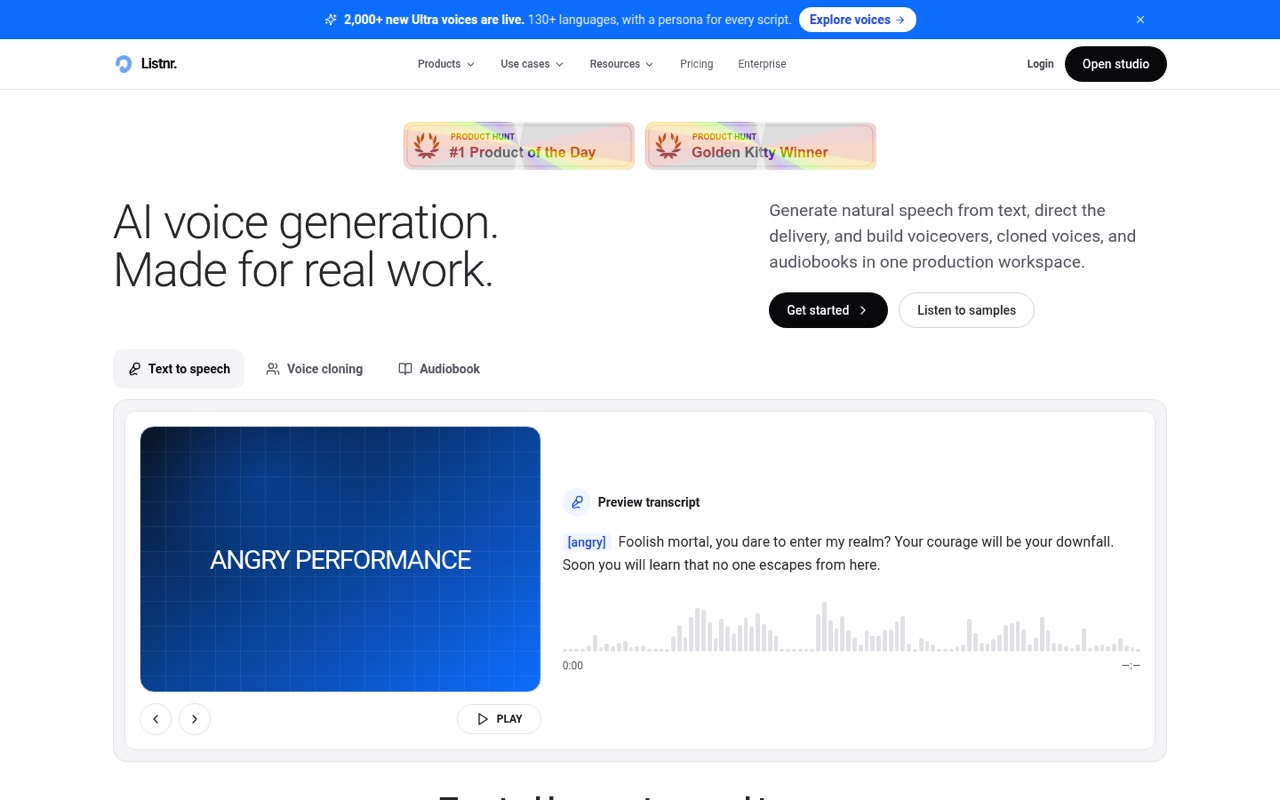
- Best for recurring audioListnrListnr
Listnr may suit teams producing recurring voiceovers, as well as solo video and podcast creators. Its listed starting price is $15.83, and it has a free plan. The summary says it bundles voice generation and audio production, but team seat costs need confirmation. Ask for the total price for your team size and check the generation limits before moving recurring work into it.
What works
- Free plan includes 1,000 starting credits
- Preview more than 1,000 voices
- Supports 142+ languages and accents
What doesn't
- Free plan's generation allowance is limited
- Seat counts aren't listed on pricing
- Extra-credit prices aren't published
- Best for AI vocalsACE StudioACE Studio
ACE Studio is aimed at producers shaping AI vocal performances, including small teams working with MIDI or voice cloning. Its listed starting price is $16.58, and it has a useful free tier. The summary warns that paid plans require a two-year commitment. Check the commitment terms, commercial rights, and how many people can use a plan before treating the starting price as affordable.
What works
- 160+ royalty-free voices across multiple languages
- Edit pitch, breath, dynamics, vibrato, and vocal tension
- VoiceMix blends existing profiles without training
What doesn't
- Unused free credits clear monthly
- Monthly individual prices are unpublished
- Paid individual rates use a two-year rent-to-own arrangement

- Best for vocal toolsKits AIKits AI
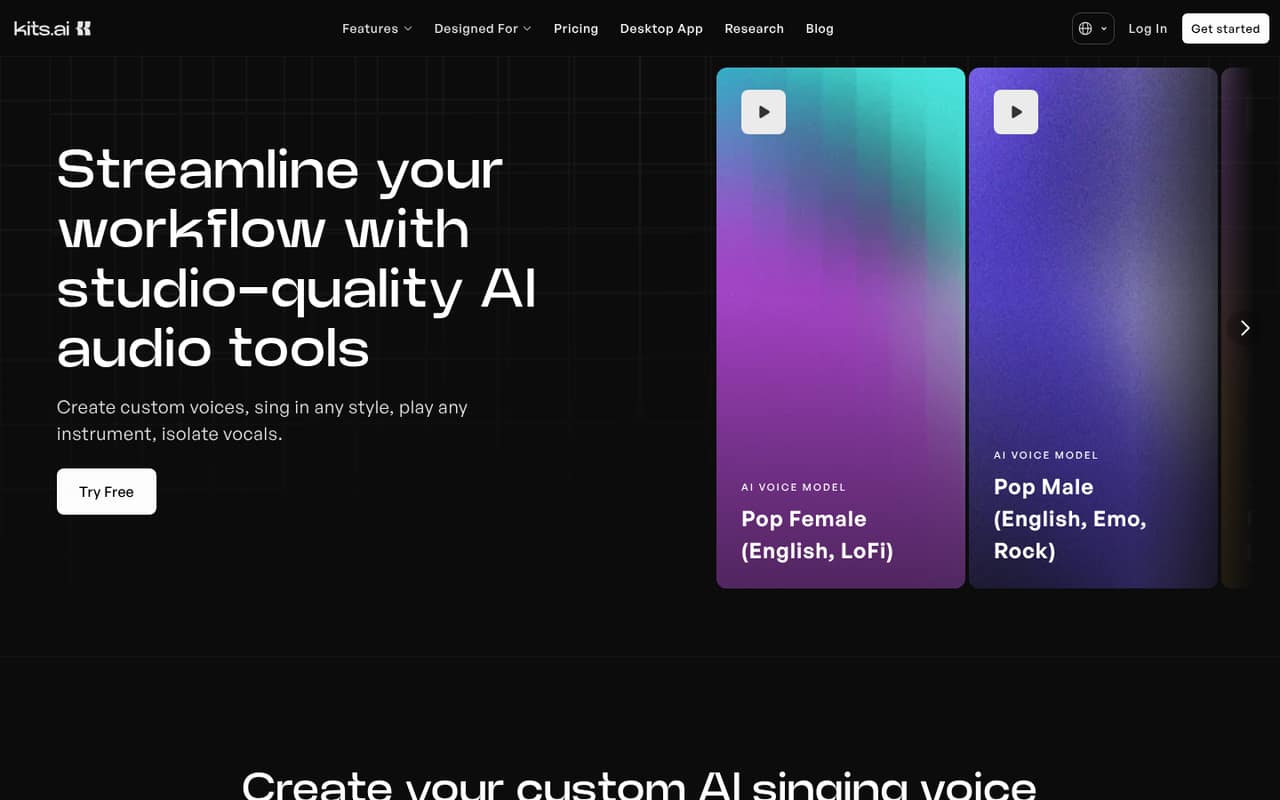
Kits AI targets musicians testing AI vocals, swapping vocal styles, or using stem tools. Its listed starting price is $10, with a free plan. The summary flags exporting and team costs for a closer look. Confirm what the free tier lets you export, whether the paid plan covers commercial releases, and what it costs for every teammate who needs access.
What works
- Free plan includes 15 conversion minutes
- Tools cover vocals, stems, mastering, and instruments
- Starter adds professional voice cloning
What doesn't
- Free plan has zero download minutes
- Starter has only 15 download minutes
- Annual billing prices aren’t published
- Best for listeningSpeechifySpeechify
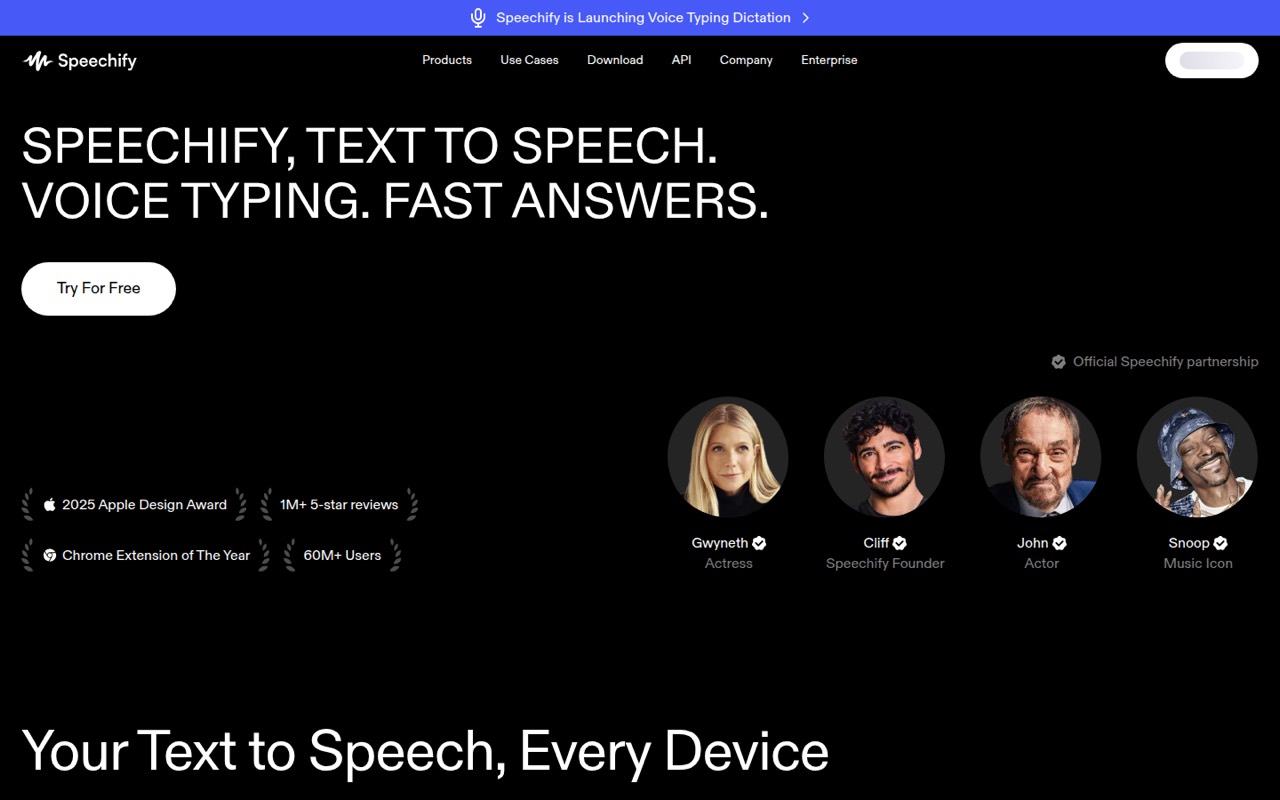
Speechify is strongest for people who listen to documents daily or want voice-based AI tools, rather than teams focused only on voiceover production. Its listed starting price is $29, and a free plan is listed. The summary warns that Premium on every seat can be costly. Check which features are free and price the plan for each person who needs Premium.
What works
- Free plan includes text-to-speech and listening anywhere
- Premium lists more than 1,000 natural voices
- Premium supports more than 60 languages
What doesn't
- Premium costs $29 monthly per person
- Free voices are described as robotic
- Team discounts and seat minimums are not published
- Best for audio experimentsUberduckUberduck
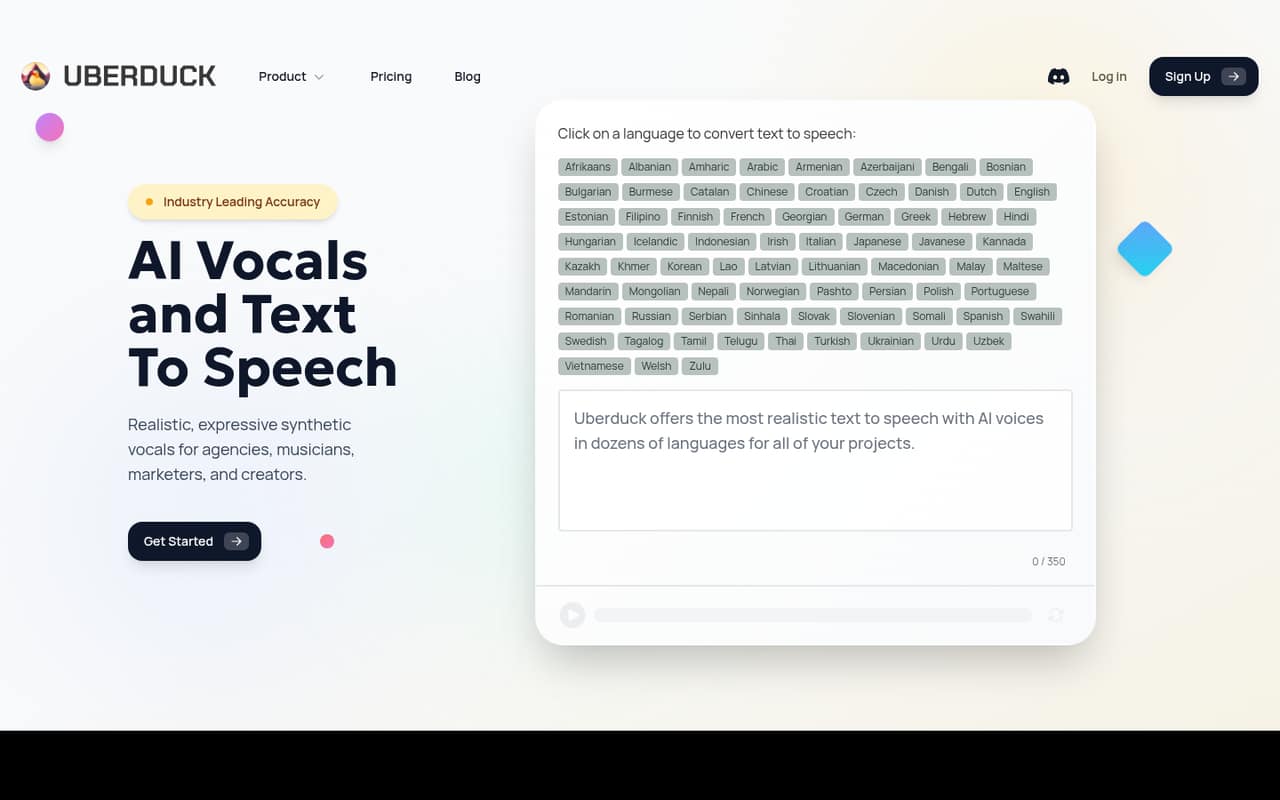
Uberduck has the lowest listed starting price in this group at $2 and a free plan, making it a low-cost way to explore synthetic audio. The summary flags licensing, credits, and voice-cloning costs as things to check. Before using generated audio commercially, ask what rights apply, how credits are charged, and whether cloning adds a separate cost.
What works
- Free plan is available
- Generates speech, singing, and rapping from text
- Creator plan includes a commercial license
What doesn't
- Free-plan limits aren't published
- Monthly billing prices aren't listed
- Seat and credit-sharing terms aren't published
- Best for voice evaluationHume AIHume AI
Hume AI is aimed at teams evaluating voice agents or measuring speech quality, and small teams exploring voice AI. A free plan is listed, but the starting price is not available. That makes a reliable team budget difficult to set from the listed price alone. Ask the vendor for commercial pricing, usage limits, and the setup work needed for your use case.
What works
- Audio Decisions API returns structured, probabilistic judgments
- Expression APIs assess vocal tone and timing
- Human Feedback API uses trained human raters
What doesn't
- Free plan is limited to non-commercial use
- Only one concurrent connection on the free plan
- Paid prices and annual billing aren’t published
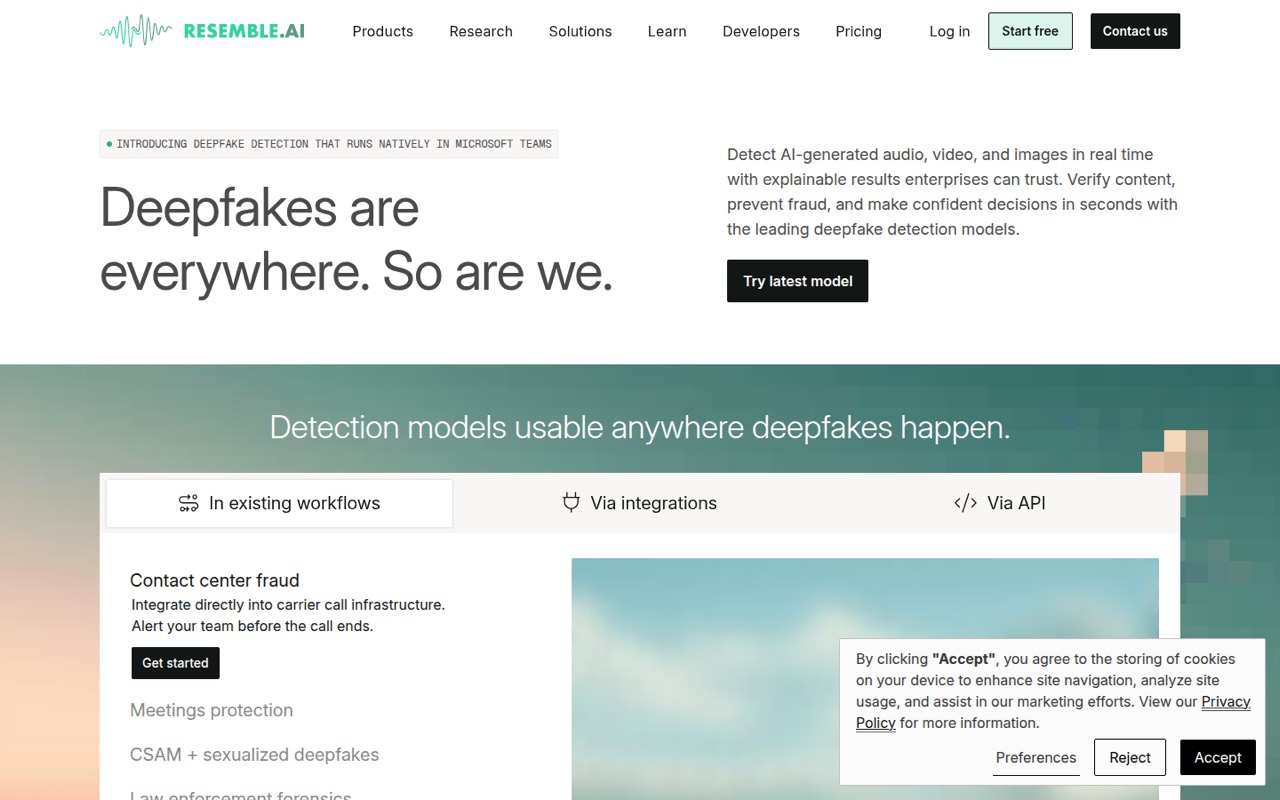
- Best for authenticity checksResemble AIResemble AI
Resemble AI is positioned for teams checking media authenticity, developers integrating detection by API, and organizations needing private deployment. Its listed starting price is $280, with a free plan. The summary advises tracking usage costs, so small teams should establish expected usage and total cost first. Ask what the starting price includes and whether private deployment changes the quote.
What works
- Detects AI-generated audio, images, and video
- Flex has no subscription fee
- One Flex seat is included
What doesn't
- Flex detection is charged by usage
- Team starts at $350 monthly
- Team includes five seats even for smaller teams
- Best for product speechReadSpeakerReadSpeaker
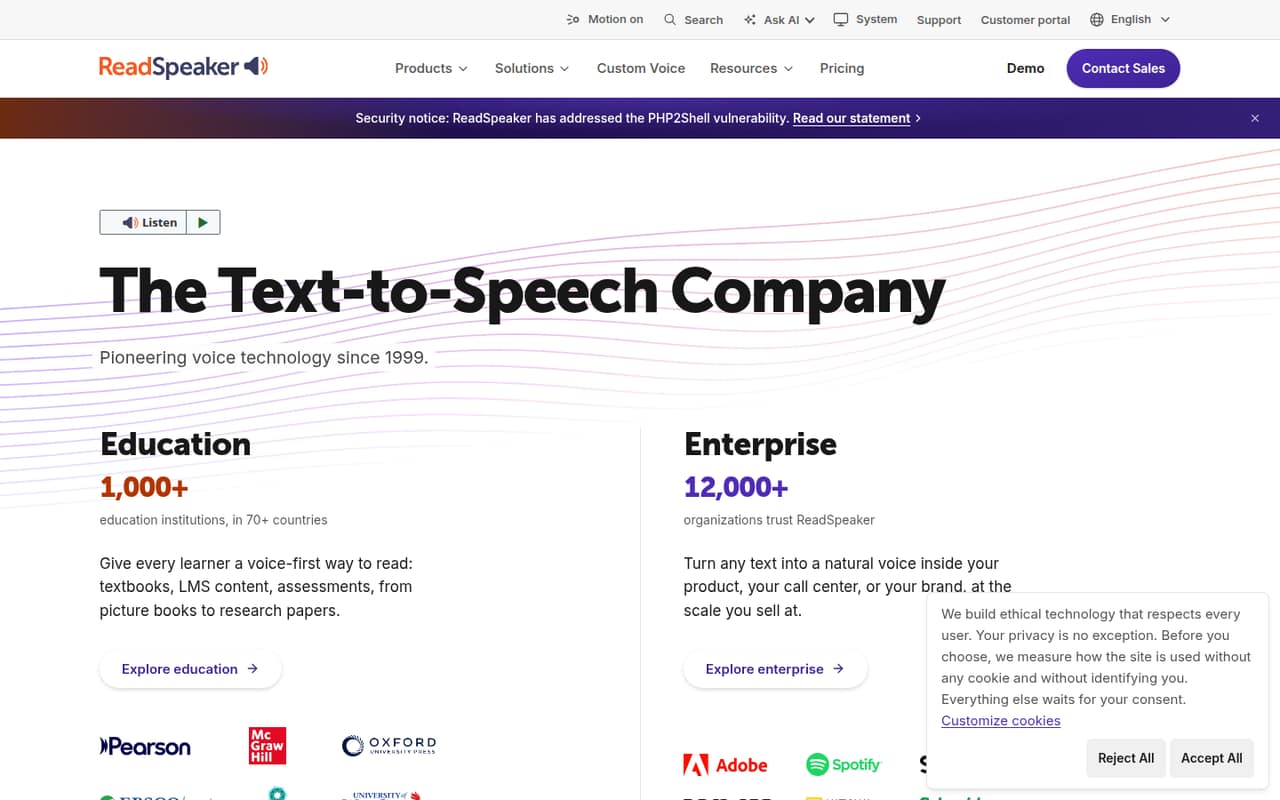
ReadSpeaker is aimed at schools adding speech to an LMS, teams putting speech into products, and organizations needing custom voices. Its listed starting price is $9, but most small teams must request a custom quote. The summary highlights voice and deployment options. Ask for a quote covering your team size, product use, setup, and any custom-voice requirements.
What works
- 300+ voices across 90+ languages
- Cloud, on-premise, and on-device deployment
- Education tools support LMS content and SCORM packages
What doesn't
- No free plan is listed
- Most organization pricing is custom
- No public starting price for team plans
- Best for short scriptsSpeecheloSpeechelo
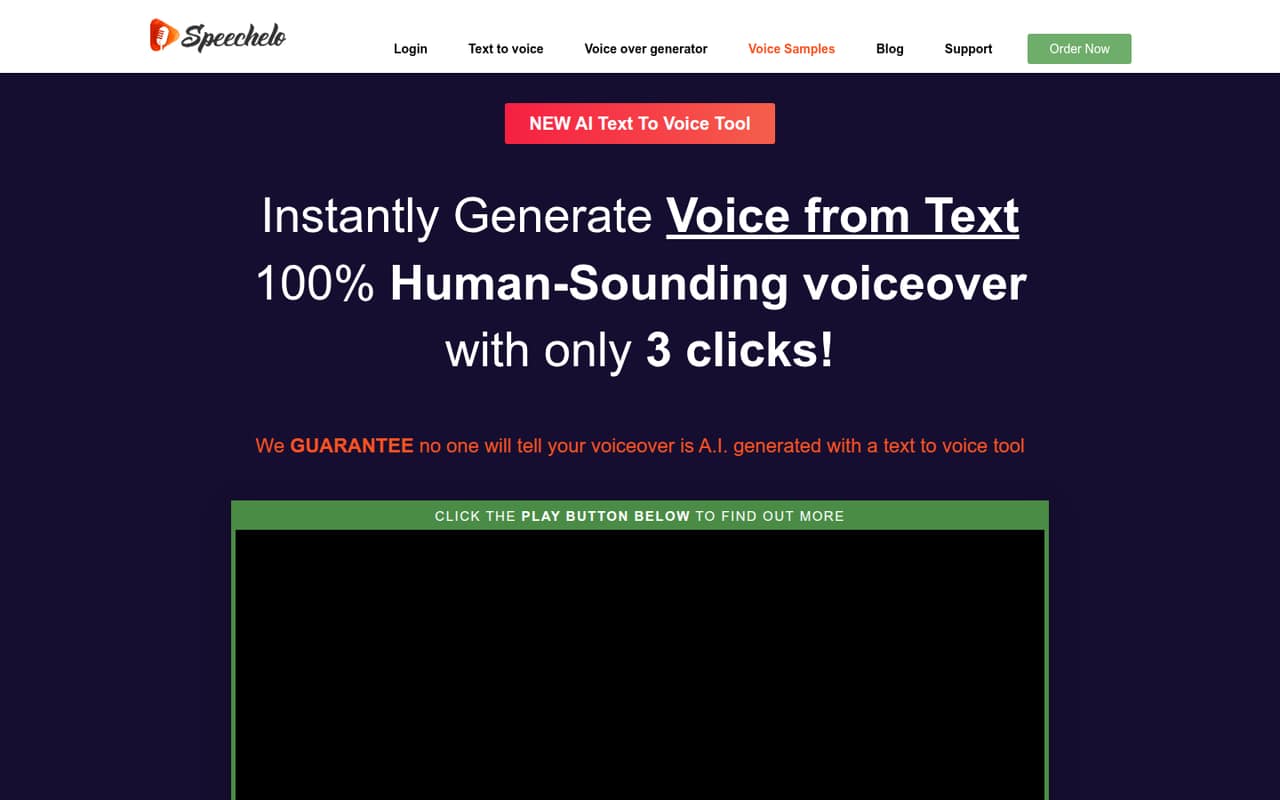
Speechelo may suit solo creators or small teams making occasional, short voiceovers and wanting downloadable MP3s. Its listed starting price is not available, and no free plan is listed. The summary flags pricing terms and concerns about synthetic-sounding voices. Ask for the full payment terms, commercial rights, and a sample that fits your intended style before buying.
What works
- Downloads voiceovers as MP3 files
- Offers male and female voice options
- Provides normal, joyful and serious tones
What doesn't
- No free plan or trial is listed
- Each voiceover is limited to 700 words
- A $67 recurring monthly charge is also listed
03How we chose
We ranked these tools for a team of one to ten, weighing listed starting prices, whether a free plan is listed, and the stated fit for voiceovers, audio, or developer work. We also considered the practical cost of multiple seats and whether the tool’s stated limits or usage costs might affect a small budget. Setup effort, character allowances, voices, and commercial rights matter, but teams should verify their exact requirements with vendors. We did not run product tests. Treat pricing and plan details as items to confirm, not a guarantee of your final bill.
04Check the real cost for your team
A listed starting price is not the same as the cost for everyone who needs access. Before buying, ask for a quote or use the vendor’s pricing page to confirm the total for your number of seats. That matters especially for WellSaid Labs, which is described as having a per-seat cost, and Speechify, where Premium on every seat may be costly. Check whether the plan charges by characters, credits, generation time, or another usage measure, and ask what happens when you reach the limit. The tools here have free plans listed, but that does not tell you whether a free tier allows commercial work or collaboration. Get clear answers on character limits, included voices, downloads, and rights to use the audio in paid work.
05Match the tool to the work
Start with the job, not the longest feature list. For occasional video narration, compare TTSMaker and Narakeet; for recurring commercial voiceovers, consider Murf AI or WellSaid Labs. If developers are building speech into a product, Google Cloud Text-to-Speech, ElevenLabs, or ReadSpeaker may be relevant, but confirm integration effort and price before assigning a small team member to setup. Music-focused teams should look at ACE Studio or Kits AI and check commitments, export rules, and commercial terms. Ask for the voices and languages your scripts need, the monthly character allowance, and how cloning works. If those details are not published, ask the vendor directly. A free plan is useful for checking fit, but do not assume its terms carry over to commercial use.
Questions people ask
Can a small team start with a free AI voice generator?
Yes, if the free plan’s limits and terms match the job. The tools here list free plans, but you should confirm character allowances, downloads, collaboration, and commercial rights before using generated audio in paid work. If the needed limits are not clear, ask the vendor.
What does an AI voice generator cost for a few seats?
The listed starting prices range from $2 for Uberduck to $280 for Resemble AI, but those figures do not establish the cost for a few seats. Check per-seat charges, usage limits, and any credits or commitments with the vendor before setting a team budget.
Can we use AI-generated voices commercially?
That depends on the vendor’s plan and terms. Some tools here are described as suited to commercial voiceovers, but that does not establish that every free or paid tier grants the same rights. Confirm commercial use, cloning permissions, and any restrictions for your specific project.
How many characters per month should we look for?
Estimate how much text your team expects to turn into audio, then compare that with each plan’s monthly character allowance. Ask how unused characters are handled and what happens at the limit. If the vendor does not publish an allowance, request it before committing.