
We may earn a commission if you buy through links on this page. It never changes a score or a ranking. How we make money
The bottom line
Useful for secure client uploads, but limited free access and storage make costs worth checking.
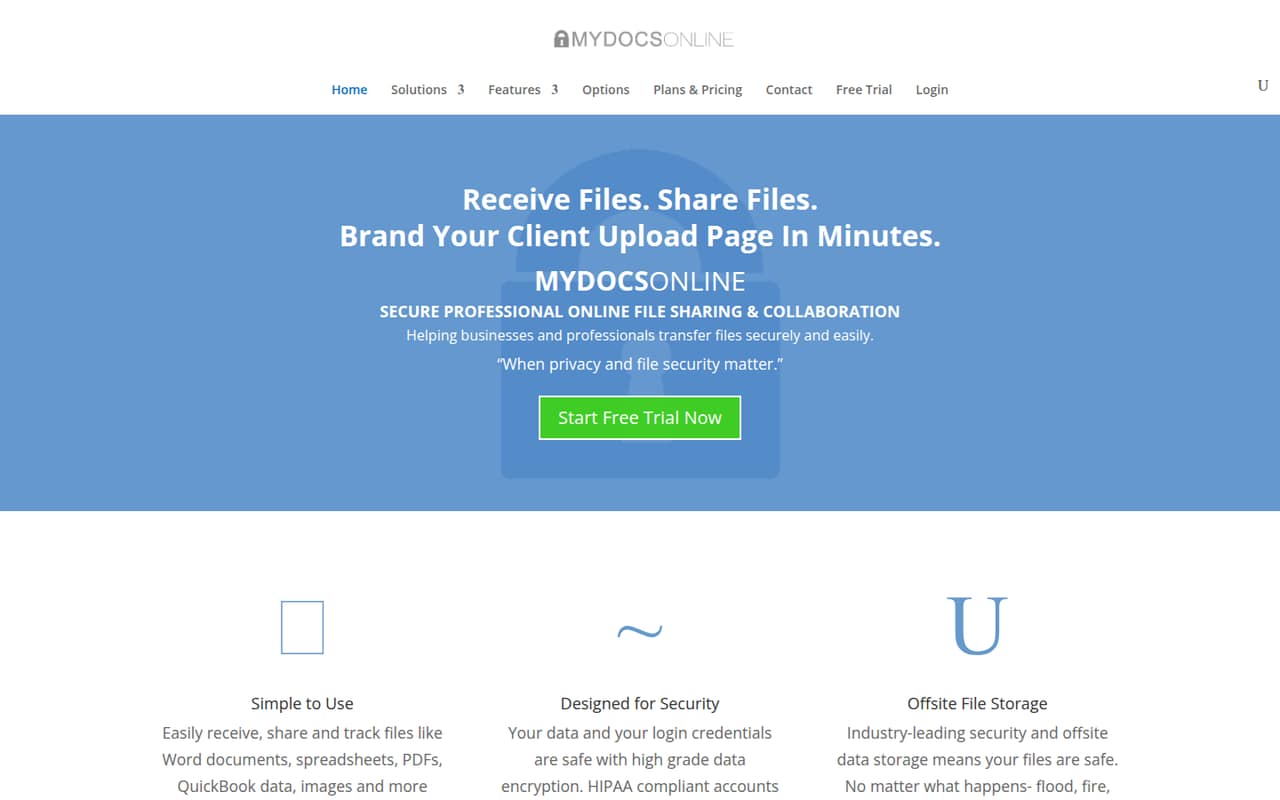
My Docs Online is for businesses that need to receive and share files through secure links and branded client upload pages. The homepage describes encryption, HIPAA-compliant accounts, administrative controls, offsite storage, and file recovery tools.
There’s no free plan. The pricing page lists Solo at $9.95/month for one user, Pro at $29.95/month for up to three, and Team at $59.95/month for up to ten. All listed plans include a 15-day trial; annual rates aren’t published.
Good fit if
- Businesses receiving client files
- Small teams needing branded upload pages
- Teams with up to ten users
Skip it if
- Teams looking for a free plan
- Groups needing published annual rates
- Teams needing more than ten seats
ScoresHow it rates
What works
- Branded client upload pages
- Email or text arrival alerts
- Secure email links for file sharing
- Offsite storage and file recovery tools
- Plans listed for up to 20 users
What doesn't
- No free plan
- Solo includes just 1 GB of storage
- Team includes 10 GB for up to 10 users
- Annual billing rates aren’t published
- Integration details aren’t published
01Who My Docs Online is for
My Docs Online suits a solo professional or a small business that regularly needs clients, suppliers, or colleagues to send files. Its main draw is a secure HTTPS upload page connected to your account, with branding options so clients see a business-ready page rather than a generic request. You can also share files from your account or send a secure email link, and the service offers email or text arrival alerts.
The pricing page lists plans for one, three, ten, and twenty users. For a team of one, Solo costs $9.95/month; three people fit Pro at $29.95/month. A five-person group needs the Team tier, listed at $59.95/month. That makes the service a better fit for file intake and sharing than for teams simply looking for inexpensive general-purpose storage. The homepage also describes encryption, administrative controls, HIPAA-compliant accounts, offsite storage, and file recovery tools.
02My Docs Online free plan and trial
My Docs Online doesn’t list a free plan. Instead, the pricing page lists a 15-day free trial for each plan: Solo, Pro, Team, and Enterprise. The page doesn’t specify a storage allowance or seat limit for a separate trial tier, so check the plan you intend to try before inviting clients or teammates.
The cheapest listed way in is Solo at $9.95/month. It includes one user and 1 GB of secure storage. If you need multiple logins, Pro starts at $29.95/month for up to three users and 5 GB. The trial gives you a short window to assess whether its upload pages and file-sharing workflow fit; ongoing use requires a paid plan. The vendor doesn’t publish annual billing rates.
03What a small team pays for My Docs Online
The pricing page lists monthly prices in US dollars. One person can use Solo for $9.95/month, including 1 GB of storage. That works out to $9.95 per user. For three people, Pro costs $29.95/month and includes up to three users and 5 GB, or about $9.98 per user when all three seats are filled.
For five people, the lowest listed tier that covers the group is Team at $59.95/month. It allows up to ten users and includes 10 GB of storage; at five users, that’s $11.99 per seat. You’re paying for the tier’s capacity, not a published five-seat package. The page lists a 15-day free trial for each plan, but doesn’t publish annual billing rates, so we can’t compare monthly and annual pricing. No add-ons are listed on the pricing information. If you expect to exceed a plan’s user or storage allowance, ask the vendor about options before committing.
04Getting started with My Docs Online
The core workflow appears focused: set up an account, share files or create a client upload page, add branding, then receive files and arrival alerts. Those steps follow the features the service describes, but the vendor doesn’t publish a setup-time estimate or detailed learning curve. We can’t say how much configuration is required for a particular team.
The homepage describes administrative controls, encryption, and offsite storage, which may matter when deciding who can manage access and file recovery. It also describes email and text alerts for incoming files. The vendor doesn’t publish an integrations list in its pricing details, so check whether your team’s existing tools connect before signing up. A practical first step is to test the client upload and notification flow during the 15-day trial, then confirm storage and user limits for your intended plan.
05When small teams outgrow My Docs Online
The clearest point to reconsider the service is when your team exceeds its listed user or storage allowance. Solo covers one user and 1 GB; Pro covers up to three users and 5 GB; Team covers up to ten users and 10 GB. The next listed tier is Enterprise at $99.95/month for up to 20 users and 100 GB. A group growing beyond ten seats would therefore move from Team to Enterprise if that tier fits its needs.
The vendor doesn’t publish a price or capacity for more than 20 users, annual rates, or an add-on list. Ask about those costs before planning a larger rollout. Also check whether the service supports your other workflow needs: the vendor doesn’t publish integration details in its pricing information. If your team mainly needs broader file storage or connections to specific business tools, confirm those requirements rather than assuming they’re included.
Questions people ask
Does My Docs Online have a free plan?
No free plan is listed. The pricing page lists a 15-day free trial for all four plans. After the trial, the cheapest listed option is Solo at $9.95/month for one user and 1 GB of secure storage. Annual billing rates aren’t published.
How much does My Docs Online cost for three people?
The Pro plan costs $29.95/month and covers up to three users with 5 GB of secure storage. With all three seats in use, that’s about $9.98 per person each month. The pricing page lists monthly prices; annual rates aren’t published.
Which My Docs Online plan covers five users?
The Team plan is the lowest listed tier that covers five users. It costs $59.95/month, allows up to ten users, and includes 10 GB of secure storage. At five users, that works out to $11.99 per person per month.
Can clients upload files to My Docs Online?
Yes. My Docs Online describes secure HTTPS upload pages linked to your account, with professional branding options. It also offers email or text notifications when files arrive. The listed plans differ by user and storage limits, so choose one that fits your team.
What happens when my team needs more storage or users?
The listed tiers range from Solo at one user and 1 GB to Enterprise at up to 20 users and 100 GB. The pricing page doesn’t list a plan above Enterprise or storage add-ons. Ask the vendor about capacity and pricing if you expect to exceed those limits.