
We may earn a commission if you buy through links on this page. It never changes a score or a ranking. How we make money
The bottom line
Netchex has wide payroll and HR coverage, but no free plan or published price for a few seats.
Netchex is worth considering if your small team needs payroll alongside time tracking, scheduling, hiring, onboarding, or benefits. Its features also cover performance, learning, and AI assistants for several HR tasks.
There’s no free plan, and the pricing page lists custom quotes rather than rates. We can’t calculate a monthly or annual cost for one, three, or five people, so ask for an itemized quote before comparing it with a per-seat budget.
Good fit if
- Teams combining payroll and HR
- Field and frontline workforces
- Businesses needing scheduling and benefits
Skip it if
- Teams requiring a free plan
- Buyers who need upfront pricing
- Teams wanting a simple payroll-only tool
ScoresHow it rates
What works
- Unlimited payroll runs listed for Core
- Pay cards included in Core
- Mobile punching and geofencing
- Online onboarding for new hires
- Benefits, performance, and learning options
What doesn't
- No free plan
- Starting price is not published
- No public monthly or annual rates
- Several capabilities are optional add-ons
- Setup effort and timeline are not published
01Who Netchex is for
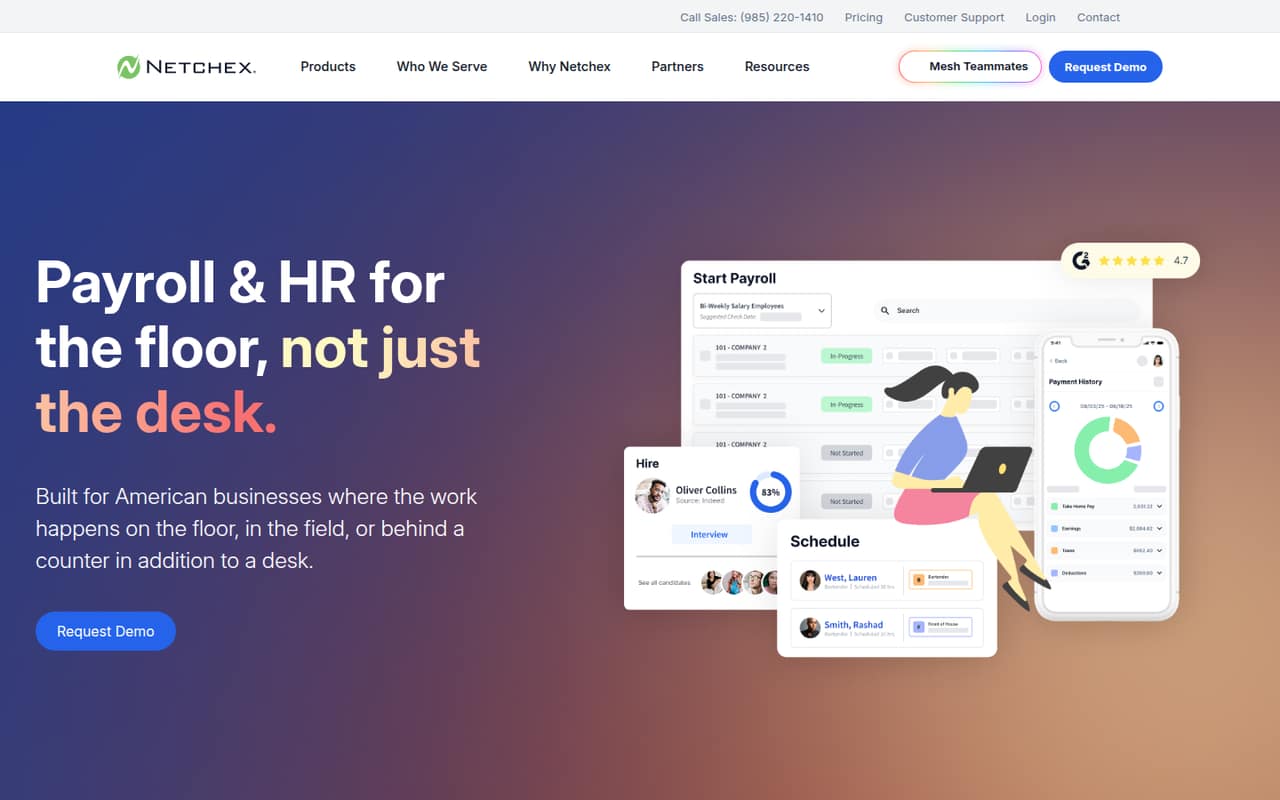
Netchex is for small teams that want payroll and HR functions in one platform, especially if people work at desks, in the field, or on the frontline. It handles payroll, tax compliance, overtime, direct deposit, and pay cards, while time and scheduling features include mobile punching, geofencing, shift swaps, attendance tools, and wage-and-hour tracking.
It may fit a team of one to ten if you need several of those jobs covered and are willing to request a quote rather than pick a published per-person plan. Hiring, online onboarding, benefits administration, performance reviews, goals, and training are also part of its broader offering. That breadth may be more than a small team needs if the only job is running payroll. The vendor’s pricing page lists Core for businesses needing payroll, but doesn’t publish a minimum team size or price. Ask Netchex to quote your headcount and required features separately.
02Netchex free plan and trial
Netchex doesn’t offer a free plan, and a free trial isn’t listed. That means a small team can’t use a free tier to check whether payroll, scheduling, or HR features suit its workflow before budgeting for the service.
The pricing page lists Core as the plan for businesses needing payroll, with unlimited payroll runs and pay cards, but its price is a custom quote. The vendor doesn’t publish a starting price or monthly or annual billing terms. Core is the most direct place to start a payroll conversation, but ask Netchex whether it is the lowest-cost option for your team and what it includes at your headcount. Request any implementation charges and add-on prices in writing too.
03What a small team pays for Netchex
Netchex doesn’t publish a per-person price, so we can’t give a sourced cost for one employee or calculate totals for three or five people. The pricing page lists custom quotes for Core, All-In, and Flex, with no monthly or annual billing terms. The starting price is not published.
Core is listed for businesses needing payroll and includes unlimited payroll runs and pay cards. All-In is described as an all-in-one plan, while Flex is for businesses choosing optional add-ons. The listed add-ons include hiring, Time + (Scheduler), benefits, performance management, learning management, Netchex AI, expense management, and several other options. The vendor doesn’t publish their prices either.
For a small-team budget, request quotes for one, three, and five employees, then compare the same payroll and HR requirements across each. Ask which features are included in the base quote, whether pricing changes with headcount, and whether there are separate implementation or service fees. Without those answers, a meaningful monthly-versus-annual comparison isn’t possible.
04Getting started with Netchex
The vendor doesn’t publish a setup timeline or describe how much work a small team should expect before going live. That makes it hard to judge whether setup is a quick self-service task or a more involved process. Netchex covers payroll, time, scheduling, hiring, onboarding, and benefits, so the work will depend on which parts you choose and how your current processes are set up; the vendor doesn’t publish a standard effort estimate.
Before signing, ask who handles payroll and employee-data migration, what information your team must prepare, and whether training or implementation support is included in the quote. For day one, confirm how staff will clock in, manage schedules, and complete onboarding tasks. The listed benefits options include Netchex Benefits or an Employee Navigator integration. The vendor doesn’t publish a complete integration list or setup instructions in the pricing details, so confirm compatibility with your existing tools directly. We don’t have user reports to establish a typical learning curve.
05When small teams outgrow Netchex
Netchex’s listed capabilities don’t show a published employee cap, payroll-run limit, or feature ceiling that would tell a small team exactly when it must upgrade. Core lists unlimited payroll runs, but the vendor doesn’t publish a seat price or the thresholds that change a quote. That makes growth costs something to clarify before committing, not a figure we can estimate from a public rate card.
A team may need to revisit its plan as it adds hiring, scheduling, benefits, performance management, learning, or AI features. Those appear among the listed add-ons, while All-In is described as an all-in-one option. The pricing page doesn’t say which add-ons are included in each quote or when moving plans becomes necessary. Ask Netchex for written pricing at your current and expected headcount, including the cost of each feature you expect to add. If your needs are limited to basic payroll and you need predictable per-seat costs, the quote-only structure may be a reason to compare other options.
Questions people ask
Does Netchex have a free plan?
No. Netchex doesn’t list a free plan, and a free trial isn’t listed either. Its pricing page describes Core as a payroll plan with unlimited payroll runs and pay cards, but the price is a custom quote. Ask the vendor whether it offers a guided demo or another way to evaluate the service before buying.
How much does Netchex cost for a small team?
Netchex doesn’t publish a starting price or per-employee rate. The pricing page lists custom quotes for Core, All-In, and Flex, without monthly or annual billing terms. Ask for itemized quotes at your current headcount and any expected growth, including the cost of the features you need.
What does Netchex Core include?
The pricing information lists Core for businesses needing payroll and names unlimited payroll runs and pay cards as inclusions. It doesn’t publish the plan’s price or a complete feature breakdown. Confirm with Netchex whether the payroll, tax, time, or HR features your team needs are included in your specific quote.
Does Netchex include time tracking and scheduling?
Netchex describes time and scheduling features including mobile punching, geofencing, shift swaps, attendance tools, and wage-and-hour tracking. Time + (Scheduler) is also listed as an add-on. Ask the vendor which time features are included in your proposed plan and what they cost.
What should a small team ask before buying Netchex?
Ask for the total price at your headcount, a breakdown of included features and add-ons, and any implementation or service fees. Confirm the setup process, migration responsibilities, training, and compatibility with your current tools. The vendor doesn’t publish standard setup effort or public monthly and annual rates.