
We may earn a commission if you buy through links on this page. It never changes a score or a ranking. How we make money
The bottom line
Useful fashion-specific creation tools; unclear pricing keeps the small-team value case open.
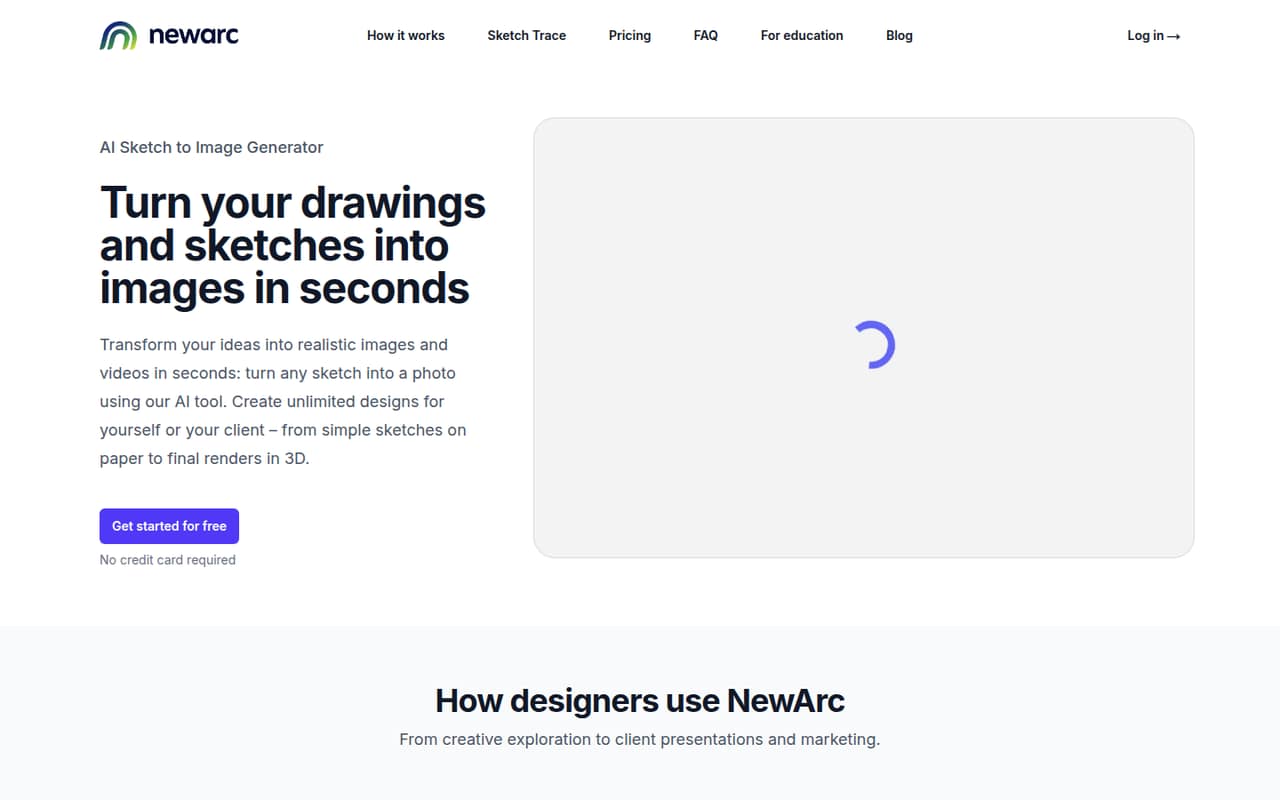
NewArc.ai turns fashion sketches, technical drawings, collages and product photos into images, videos and editable artwork. Its feature set also includes virtual try-on and design changes for materials, patterns and colors.
For a small team, the main snag is budgeting: the vendor does not publish plan prices or billing terms. There is no free plan listed, and trial terms aren't published, so ask about access and total costs before building it into your workflow.
Good fit if
- Fashion teams creating concept visuals
- Designers turning sketches into vectors
- Teams making virtual try-on imagery
Skip it if
- Teams requiring a known monthly cost
- People seeking a general drawing app
- Buyers who need a free plan
ScoresHow it rates
What works
- Turns sketches and collages into photo-style images
- Includes virtual try-on with described settings
- Creates animations from uploaded images
- Converts raster sketches into editable SVG artwork
- Supports material, pattern and color changes
What doesn't
- No free plan is listed
- Trial terms aren't published
- Starting price isn't published
- Monthly and annual billing terms aren't published
- Setup requirements and integrations aren't published
01Who NewArc.ai is for
For a 1–10-person fashion team, NewArc.ai is worth considering when designers need to turn early concepts into visuals without splitting the work across several specialized tools. It can transform hand-drawn sketches, technical drawings and collages into photo-style images, then help show designs on AI-generated or real models in described settings.
The platform also covers related production tasks: image-to-video animations, technical sketches from product photos, editable SVG output from raster sketches, and edits to materials, patterns and colors. That makes it relevant to small labels, independent designers and product teams preparing concepts or visual material. It is less clearly suited to teams looking for a general-purpose art app or a low-cost tool with a published entry price. Before committing, a small team should confirm which workflows are included in its plan and whether the cost works for its number of users.
02NewArc.ai free plan and trial
The available pricing information marks NewArc.ai as having no free plan. Trial availability and terms aren't published, so don't count on free access to test the workflow before paying. The cheapest way in appears to be a paid subscription or other paid access, but the vendor does not publish its starting price or billing terms.
That leaves a practical gap for a budget-conscious team: you can't estimate the cost of evaluating the sketch-to-image, video, vector or try-on tools. Ask the vendor whether it offers a trial, demo or limited evaluation access, and whether access includes all the features your team needs. Also confirm any usage limits, export restrictions or credit requirements before you upload real project work.
03What a small team pays for NewArc.ai
We can't give a reliable one-person, three-person or five-person total: the vendor does not publish plan prices or billing terms, and there are no plan prices to use for per-seat maths. Monthly versus annual billing and any discount for paying annually are also not published. The pricing information available lists no starting price, so the cost for a single seat is unknown—not zero.
Add-on prices and whether plans charge by seat, generation or another measure aren't published either. That matters for a small team because image, video and vector work may not all be covered under the same access terms. Before buying, ask for a written quote for one, three and five users, and confirm what features, usage and exports are included. Without those details, we can't say which paid option is the cheapest plan that works for a small team or whether it fits a tight software budget.
04Getting started with NewArc.ai
The listed workflows start with published material such as a hand-drawn sketch, technical drawing, collage or product photo. From there, a designer can choose a relevant task: generate a photo-style image, create a video from an uploaded image, produce a technical sketch or trace a raster sketch into editable SVG artwork. Virtual try-on can show a design on an AI-generated or real model in a described setting.
Those steps sound centered on design inputs and outputs, but the vendor does not publish a setup-time estimate, onboarding steps or a list of integrations. A small team should ask what file types and export options are supported, whether team members share projects, and whether any design or storage tools connect directly. Until those details are clear, treat setup effort as unknown rather than assuming it will slot into your current workflow without extra steps.
05When small teams outgrow NewArc.ai
The first pressure point may be the bill, not a published usage cap: NewArc.ai's seat prices, plan limits and add-on costs aren't published. As a team adds designers, it can't forecast the change from one user to three or five using public per-seat maths. Ask the vendor how pricing changes with more users and heavier image or video production.
A growing team should also check whether its working needs are covered beyond the listed creation tools. The available feature list doesn't establish details such as approval workflows, shared asset management, administrative controls or integrations, so confirm those directly if several people need to review and reuse designs. If the quote is hard to predict or the team needs collaboration features that aren't included, it may be time to compare other tools. The current information doesn't establish a specific user count or output limit at which NewArc.ai becomes a poor fit.
Questions people ask
What does NewArc.ai do?
NewArc.ai is an AI fashion design platform. It turns sketches, technical drawings, collages and product photos into visuals such as photo-style images, videos, technical sketches and editable SVG artwork. It also offers virtual try-on and tools to change materials, patterns and colors.
Does NewArc.ai have a free plan or trial?
No free plan is listed. Trial availability and terms aren't published, so ask the vendor whether it offers a demo or evaluation access before budgeting for a subscription. Don't assume you can test the tools for free without confirming that directly.
How much does NewArc.ai cost?
The vendor does not publish a starting price, plan prices or billing terms. That means the cost for one person or a small team cannot be calculated from published pricing. Ask for a quote that covers your seat count, the features you need and any usage or add-on charges.
Can NewArc.ai turn a sketch into an editable file?
Yes. NewArc.ai's Sketch Trace feature converts raster sketches into editable SVG artwork. Its Sketch to Image tool also turns hand-drawn sketches, technical drawings and collages into photo-style images. Confirm supported input and export details with the vendor if your workflow depends on a specific file format.
Can NewArc.ai create virtual try-on images and videos?
NewArc.ai lists virtual try-on for showing designs on AI-generated or real models in described settings. Its Image to Video tool creates animations from uploaded images, including spin videos. The published feature descriptions don't specify plan access or usage limits, so confirm those before purchasing.