
We may earn a commission if you buy through links on this page. It never changes a score or a ranking. How we make money
The bottom line
A capable daily planner for Apple users, but not a free or clearly team-priced workspace.
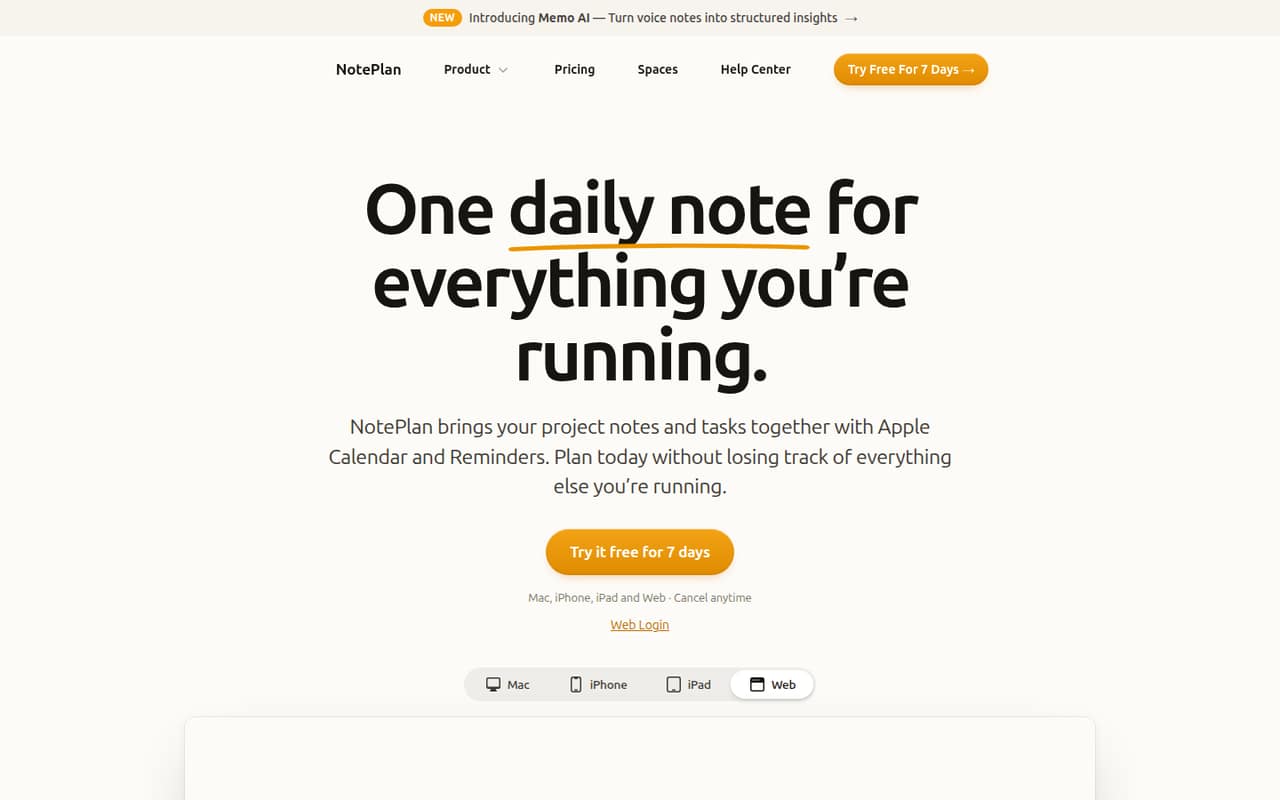
NotePlan brings daily notes, tasks, project notes and Apple Calendar and Reminders into one planning workflow. Markdown files work offline, and the app syncs across Apple devices through iCloud.
There’s no free plan: subscriptions start at $8.33 per month when paid annually, or $12 month to month. It’s a better fit for Apple-first people who value daily planning than for teams seeking a shared project workspace or a no-cost note app.
Good fit if
- Apple-first teams of one to five
- Daily notes beside calendar events
- Markdown-based project planning
Skip it if
- Teams that need a free plan
- Windows-first or Android-first teams
- Shared task-management workspaces
ScoresHow it rates
What works
- Daily notes keep plans and meeting details together
- Apple Calendar events and Reminders appear alongside notes
- Checking off a reminder syncs it back
- Markdown files work offline and stay portable
- Annual billing costs $99 per person
What doesn't
- No free plan, only short trials
- Annual plan requires $99 upfront
- Monthly billing costs $12 per person
- Team pricing and seat minimums are not published
- A Reddit user says repeating-task management felt lacking
01Who NotePlan is for
NotePlan is for Apple-first people who want their daily plan, notes and calendar in one place. A solo founder or a small team of one to five can use daily notes for priorities, tasks and meeting notes, then keep project briefs and decisions close by. Calendar events and Apple Reminders sit beside the notes, while time blocking and Kanban boards offer ways to plan and track work.
The budget fit depends on how many people need their own subscription. Annual billing works out to $8.33 per person per month, paid as $99 upfront; monthly billing is $12 per person. That makes the annual option cheaper month to month, but it is still a recurring cost with no free tier. NotePlan is less compelling if the team needs a shared work hub, uses mostly non-Apple devices, or wants a deep task-management system. One Reddit commenter described using NotePlan for planning and another app for knowledge management, rather than expecting one tool to do everything.
02NotePlan free plan and trial
NotePlan has no free plan. The pricing page lists a 7-day trial with the Annual plan and a 3-day trial with the Monthly plan. Both plans include access across Mac, iPad, iPhone and Web, plus 24/7 email and Discord support. The Monthly plan also lists cancel-anytime billing; the pricing page says both billing options can be canceled anytime.
After the trial, the cheapest way in is Annual: $99 paid upfront, equivalent to $8.33 per month. Monthly costs $12 per month. The trial gives a small team a short window to see whether daily notes, Apple Calendar and Reminders fit its routine, but it is not a lasting free option. If your team wants to keep using NotePlan without a subscription, the listed plans do not offer that route.
03What a small team pays for NotePlan
The pricing page lists two plans, Annual and Monthly, with no add-ons listed. Annual is $99 per person paid upfront, or $8.33 per month when averaged across the year. At that rate, three people cost $297 upfront ($24.99 per month equivalent), and five cost $495 upfront ($41.65 per month equivalent). Monthly billing is $12 per person: $36 per month for three people or $60 for five.
Those totals assume every person needs a subscription; the vendor does not publish separate team pricing, seat minimums or shared-workspace terms. Ask the vendor how subscriptions work for a group before buying. The Annual plan has the lower monthly equivalent but asks for more cash upfront. Monthly costs more over a full year, but it avoids that upfront payment. The pricing page lists trials of seven days for Annual and three days for Monthly, and says both options can be canceled anytime. There are no published add-on charges to budget for.
04Getting started with NotePlan
Setup should be most straightforward for a team already using Apple Calendar, Reminders and iCloud. NotePlan brings calendar events and reminders into the planning view, and completed reminders sync back. Daily notes give people a place for priorities, tasks and meeting notes; project notes can hold briefs and decisions. Markdown files are stored on the device, work offline and sync across Apple devices through iCloud.
The main learning curve is building a routine around daily notes, project links, time blocking and boards, rather than learning a separate task system. The product details describe these workflows, but don’t publish a setup-time estimate or a team onboarding guide. Reddit users’ accounts suggest people can keep their system simple, though one commenter noted keyboard shortcuts took effort to remember. Start by checking that the team’s devices and calendar workflow match NotePlan’s Apple-focused setup, then use the trial to decide how much structure your team needs.
05When small teams outgrow NotePlan
A team may outgrow NotePlan when it needs more than personal planning: for example, published team-seat pricing, a shared workspace, or task-management features suited to more complex recurring work. The vendor does not publish team pricing or seat minimums, so a growing group should confirm how subscriptions and collaboration work before standardizing on it. With individual-price maths, five annual subscribers cost $495 upfront, while five Monthly subscribers cost $60 each month.
Reddit users report different limits. One NotePlan user said repeating-task management felt lacking and moved tasks to OmniFocus while keeping daily notes elsewhere. Another said NotePlan worked well for their planning and knowledge-management routine, while a different commenter wanted an outline view for navigating note headers. These are individual experiences, not a complete feature assessment, but they point to the trade-off: NotePlan can bring daily planning together, yet some teams may want a dedicated task manager or separate knowledge base as their workflows grow.
From the threadsWhat users say
Reddit comments are mostly positive about NotePlan’s daily planning and local Markdown approach, though users describe trade-offs around task management and note navigation. Several commenters prefer combining it with another tool rather than expecting one app to cover every workflow.
I use Noteplan all day. The app has greatly improved over the years
The fact that it keeps all data in local markdown files is very important for future proofing
In the end I felt like task management was lacking especially for repeating tasks
I’m using NotePlan (+Reminders) for planning, tasks, goals, etc and Logseq for PKM
Questions people ask
Does NotePlan have a free plan?
No. The pricing page lists a 7-day trial with Annual and a 3-day trial with Monthly, but no free plan. After the trial, Annual costs $99 upfront, equivalent to $8.33 per month, or Monthly costs $12 per month.
Does NotePlan work on Windows or Android?
The listed access is across Mac, iPad, iPhone and Web. The product details describe Apple-device syncing through iCloud and Apple Calendar and Reminders integration. If your team depends on Windows or Android apps, check with the vendor about current access before subscribing.
Can NotePlan replace a task manager?
It combines tasks with daily notes, calendar planning and project notes. One Reddit commenter said repeating-task management felt lacking and kept tasks in OmniFocus instead. Whether it replaces your task manager depends on how much you rely on recurring tasks and deeper task workflows.
Does NotePlan work offline?
The product details say Markdown files are stored on your device and work offline. NotePlan syncs across Apple devices through iCloud. The pricing page also lists Web access, but does not specify the offline behavior of the Web version.
Can a small team share one NotePlan subscription?
The pricing page lists Annual and Monthly subscriptions but does not publish team-seat terms or shared-workspace pricing. The per-person totals in this review assume each person needs a subscription. Ask the vendor how subscriptions work for your team before purchasing.