
We may earn a commission if you buy through links on this page. It never changes a score or a ranking. How we make money
The bottom line
Strong CX automation features, but no public price or free plan for a small team to try.
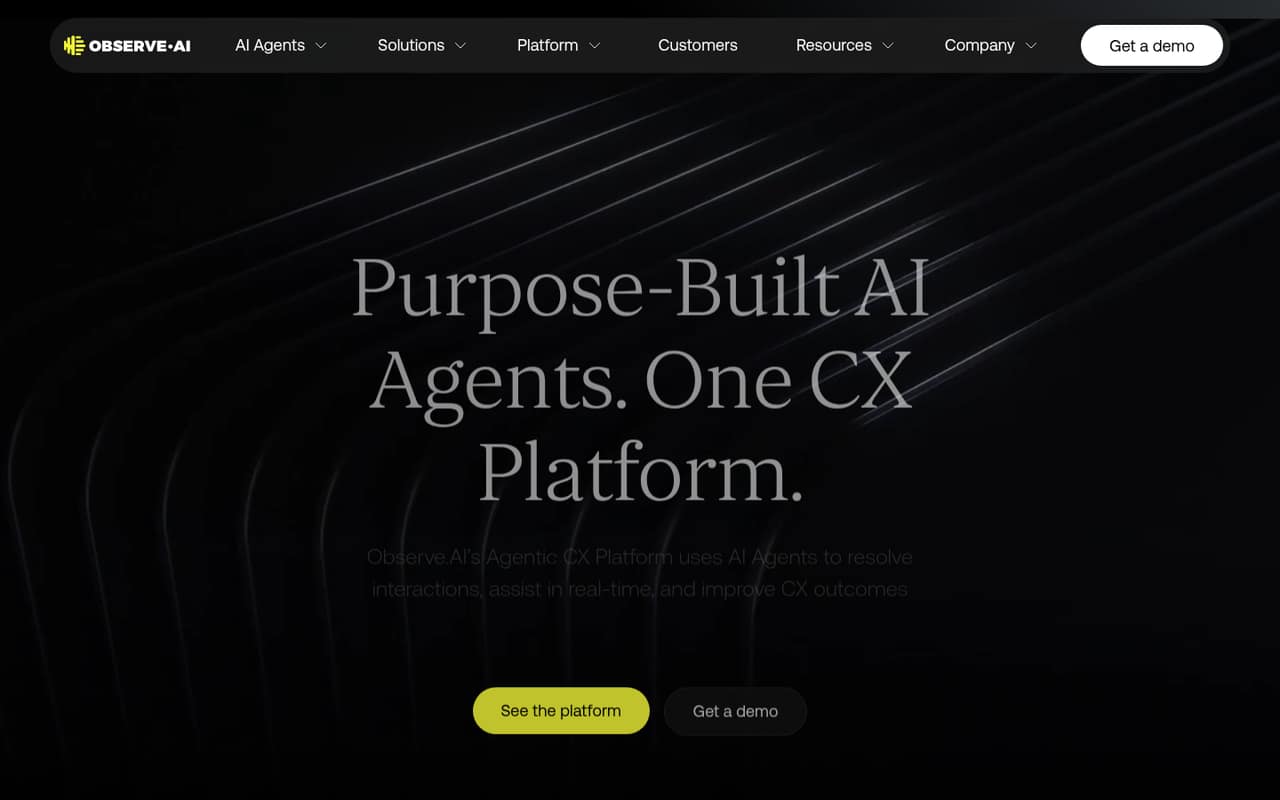
Observe.AI brings voice and chat AI agents, live assistance for frontline teams, interaction analysis, coaching, and tools to build and manage agents into one platform. That breadth may suit customer experience operations with a clear need for automation and performance insights.
For a team watching every subscription, the main drawback is the buying path: the pricing page lists custom, sales-led pricing, with no published monthly or annual rates. There’s no listed free plan, and the vendor doesn’t publish a trial. Ask for a quote and a scoped demo before deciding whether the feature set fits your budget.
Good fit if
- CX operations teams
- Teams automating voice and chat
- Leaders linking coaching to outcomes
Skip it if
- Teams needing a free starting tier
- Buyers requiring published seat prices
- Small teams without a clear CX use case
ScoresHow it rates
What works
- AI agents handle voice and chat interactions
- Live assistance guides frontline teams
- Interaction analysis surfaces CX insights
- Coaching programs tie to outcomes
- Tools cover agent building through release
What doesn't
- No free plan is listed
- A free trial is not published
- Pricing is custom and sales-led
- Monthly and annual rates are not published
- Per-seat costs for small teams are unclear
01Who Observe.AI is for
Observe.AI is for teams handling customer conversations that want to automate service and improve how their operation performs. The platform describes AI agents for voice and chat, live assistance for frontline teams, interaction analysis, coaching, and tools to build and release agents.
For a 1–10 person company, the fit depends less on headcount than on whether customer experience operations are a central job and the team can justify a custom-priced platform. A small support team with a specific need to automate calls or messages may want to assess it. A general-purpose small business looking for a simple support inbox may not need this breadth. The vendor doesn’t publish a minimum team size or public price, so we’d confirm whether a small deployment is available and what it would cost before investing time in evaluation.
02Observe.AI free plan and trial
The pricing information lists no free plan, and the vendor doesn’t publish a free trial. That leaves a small team without a listed self-serve tier to test before budgeting. Observe.AI describes a broad platform—voice and chat agents, real-time assistance, interaction analysis, coaching, and agent lifecycle tools—but the public pricing details don’t say which features come with a particular package.
The cheapest way in is a custom, sales-led offer; the vendor doesn’t publish its minimum price. Before booking a sales conversation, ask whether there’s a time-limited evaluation, which features it includes, and whether it can be scoped to a small team. Also ask what’s required to move from evaluation to a paid deployment.
03What a small team pays for Observe.AI
The pricing page lists a custom plan for enterprise buyers. It doesn’t publish a starting price, monthly rate, annual rate, or per-seat charge. So we can’t give a reliable price for one person, or calculate what three or five seats would cost monthly or annually. The vendor describes pricing as custom and sales-led; request a written quote for your intended team size and billing term.
The pricing information doesn’t list add-on prices or identify which capabilities cost extra. That matters here because the product spans voice and chat resolution, real-time assistance, interaction analysis, coaching, and agent lifecycle tools. Ask whether these are included in the quoted package, and whether costs depend on seats, usage, or selected features. Without those details, a small team can’t compare the cost with a simpler support tool on a like-for-like basis.
04Getting started with Observe.AI
Observe.AI’s product description outlines what the platform does, but the vendor doesn’t publish a setup timeline, required technical work, or a small-team onboarding path in the pricing information. It also doesn’t publish a list of integrations there. We can’t responsibly promise that setup is quick or name a specific connection your team will need on day one.
Before signing, ask for a deployment plan based on your current phone, chat, and customer systems. Confirm what your team must configure, who handles agent building and testing, and what training is included for frontline staff and operations leaders. The platform includes tools to build, test, version, and release AI agents, so ask how much work those steps require from your team. Get the integration list and any setup fees in writing.
05When small teams outgrow Observe.AI
Observe.AI is positioned as a broad CX operations platform, not just a single-purpose chat tool. A team may get more value as it takes on voice and chat automation, live agent assistance, interaction analysis, coaching, and managing AI agents through release. But the vendor doesn’t publish seat thresholds, usage limits, or plan-level feature limits, so there’s no public number that tells you when to upgrade.
The bigger question for a growing team is whether the custom quote still makes sense as its needs expand. Ask how the price changes with more people, conversations, channels, or agent capabilities, and whether any of those changes require a new package. If your team only needs a basic support workflow, the platform’s wider feature set may be more than you need. If costs or deployment requirements rise, compare the quote with narrower tools before committing.
Observe.AI in the news
Questions people ask
Does Observe.AI have a free plan?
The pricing information lists no free plan. The vendor also doesn’t publish a free trial. Ask the sales team whether it offers a time-limited evaluation, what features that evaluation includes, and whether it’s available to a small team.
How much does Observe.AI cost?
Observe.AI pricing is custom and sales-led. The vendor doesn’t publish a starting price or monthly and annual rates, so there’s no public per-seat cost. Request a quote for your team size and ask which features and usage levels it covers.
Can Observe.AI handle voice and chat?
Yes. Observe.AI describes AI agents that handle customer requests across voice and digital or messaging interactions. Its product description also includes real-time assistance for frontline teams and tools for analyzing customer interactions.
Does Observe.AI include tools to build AI agents?
The platform describes agent lifecycle tools for building, testing, versioning, and releasing AI agents. The vendor doesn’t publish which pricing package includes each capability, so confirm the details in your quote.
What should a small team ask before buying Observe.AI?
Ask for pricing at your intended headcount, whether rates change with usage, and which features the quote includes. Also request the integration list, setup requirements, onboarding details, and whether a trial or evaluation is available.