
We may earn a commission if you buy through links on this page. It never changes a score or a ranking. How we make money
The bottom line
Good for website checks on a tight budget; plan carefully before paying for journey monitoring.
A small team may need ObservePoint if it wants to check privacy, accessibility, tags, consent behavior, and analytics across a website. The Free plan includes 100 page scans and 25 journey runs per year, with no per-seat charge.
Paid Audits use volume-based scan rates, while Journeys packages are billed annually. That can suit a team that knows its monitoring needs, but the vendor doesn't publish overage costs for support requests. Setup time and onboarding effort are also not published.
Good fit if
- Teams auditing website privacy
- Small teams checking tags and consent
- Teams validating analytics and journeys
Skip it if
- Teams needing unlimited free scans
- Buyers who require monthly journey billing
- Teams needing published support overage rates
ScoresHow it rates
What works
- Free plan has no per-seat cost
- Includes 100 page scans per year
- Checks privacy, accessibility, tags, and consent
- Validates Adobe, Google, and Tealium analytics
- Audits get cheaper at higher scan volumes
What doesn't
- Free plan includes only 25 journey runs yearly
- Paid journey packages are billed annually
- Support-request overage costs aren't published
- Setup time and learning curve aren't published
- Dedicated VPN costs $2,000 per year
01Who ObservePoint is for
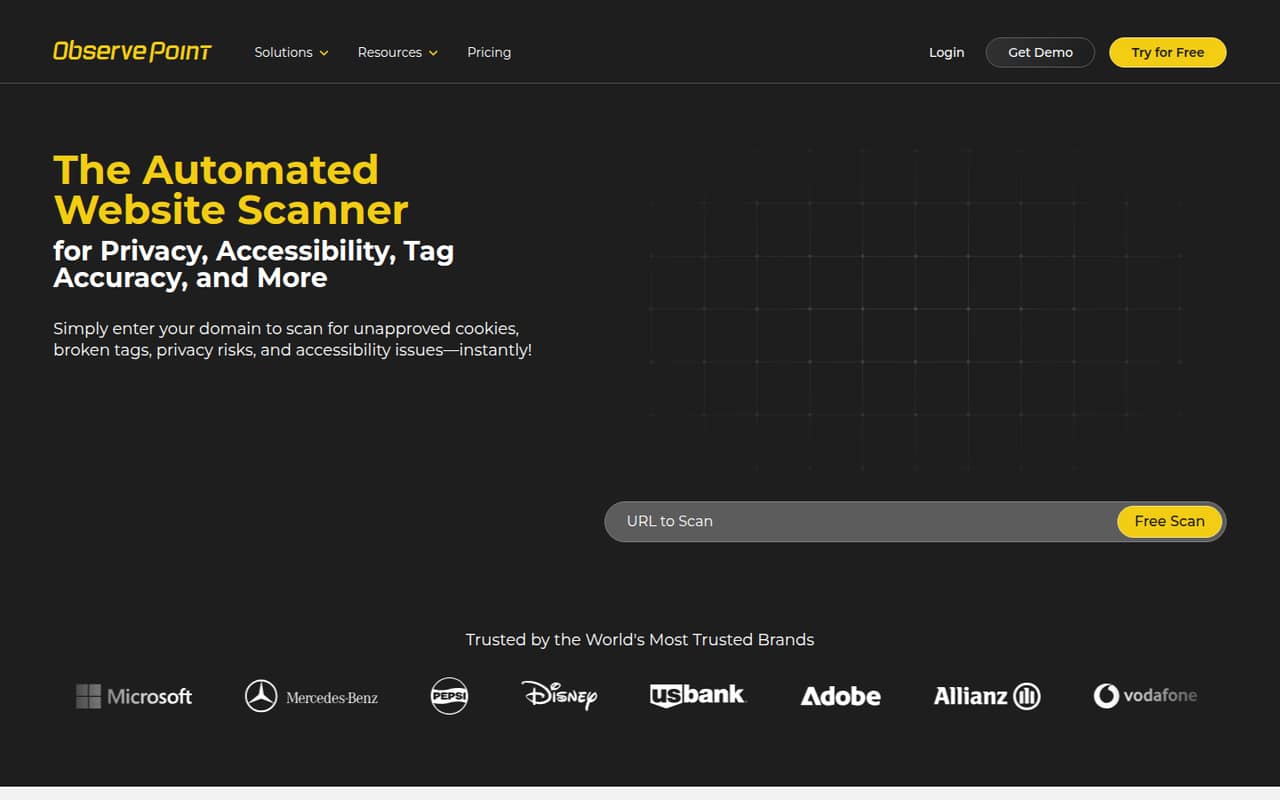
ObservePoint is for teams that need to check how a website behaves, not just how it looks. It scans for privacy risks, accessibility issues, broken or unapproved tags, and consent-banner failures. It can also validate analytics and monitor user journeys using configurable consent profiles and paths.
For a team of one to ten, the strongest fit is a marketing, analytics, or privacy group responsible for a website but short on time for repeated manual checks. It can cover tools including Adobe, Google, and Tealium analytics. The Free plan has no per-seat cost, so a few colleagues can share the same allowance. Paid costs depend on scan volume or the journey package, rather than headcount. That helps a small team budget when its monitoring needs are predictable. If the team only needs occasional checks, start with free scans before committing to a paid package.
02ObservePoint free plan and trial
The Free plan includes 100 page scans per year, 25 journey runs per year, and one support request per year. The pricing listing says there is no per-seat cost, so adding colleagues does not add a seat charge. Free scans are also available from the ObservePoint homepage.
That allowance is best for occasional checks or an initial look at a site. It is not a large monitoring budget: repeated audits can use 100 scans quickly, and 25 journey runs may not cover frequent checks across multiple user paths. The vendor does not list a free trial separately. When the scan allowance runs out, Audits (Page Scans) charges by volume; for more journey monitoring, the listed paid packages are billed annually.
03What a small team pays for ObservePoint
There is no per-seat charge, so one, three, and five people pay the same amount for the same usage. On Free, that is $0 per person or team. Audits (Page Scans) gives the first 100 scans free, then lists $0.17 per scan for the next 50,000, $0.12 for the next 500,000, and lower rates at higher volumes. That means a small team's bill depends on scan count, not team size.
For journeys, the listing gives Journeys — 1,500 runs at $208.33 per month, billed annually; the included usage is stated as 1,500 runs per year. The equivalent is about $2,500 annually, whether the team has one, three, or five people. Higher packages are listed at $416.67, $1,250, and $2,500 per month, also billed annually. The pricing page does not publish monthly billing or support-request overage costs. A dedicated VPN connection is $2,000 per year, but is included when annual spending exceeds $30,000.
04Getting started with ObservePoint
Setup effort and time to first scan are not published in the pricing details. The work will depend on what the team wants to check: a page scan, analytics tags, consent behavior, accessibility, or a complete user journey. Journey monitoring requires configurable consent profiles and user paths, so teams should decide which user flows and consent states matter before building checks.
For analytics validation, the listed platforms include Adobe, Google, and Tealium. A small team should confirm that its analytics setup and the pages it wants to scan are supported before choosing a package. The pricing information does not describe onboarding, training, or implementation assistance beyond the included support-request allowances. Ask ObservePoint how much configuration a typical site requires and whether the team can set up its key paths without paid help.
05When small teams outgrow ObservePoint
The Free plan is the first limit a growing team is likely to hit: it allows 100 page scans and 25 journey runs per year, plus one support request. Teams running frequent audits or monitoring several user paths may need paid usage well before their headcount becomes a factor.
For page scans, costs rise with volume, though the per-scan rates fall at higher tiers. For journeys, the listed bundles step up from $208.33 to $416.67, $1,250, and $2,500 per month, billed annually. That annual commitment may be a poor fit if monitoring needs change often. Support requests do not roll over, and the vendor does not publish overage costs. Before moving up, estimate annual scan and journey volume, ask about support overages, and check whether a higher bundle is cheaper than paying for the next usage level.
Questions people ask
What does ObservePoint do?
ObservePoint scans websites for privacy risks, accessibility issues, broken or unapproved tags, and consent-banner failures. It can also validate analytics across a site and monitor user journeys using configurable consent profiles and paths.
Does ObservePoint have a free plan?
Yes. The Free plan includes 100 page scans per year, 25 journey runs per year, and one support request per year. The pricing listing says there is no per-seat cost. The vendor does not list a separate free trial.
How much does ObservePoint cost for a small team?
The Free plan costs $0. Audits (Page Scans) starts with 100 scans free, then charges by scan volume. The listed Journeys — 1,500 runs package is $208.33 per month, billed annually. There is no per-seat charge, so the listed price doesn't change between one and five people.
Does ObservePoint charge per user?
The pricing listing says there is no per-seat cost. A team of one, three, or five pays the same for a given plan or usage level. For Audits, the bill depends on page-scan volume; for Journeys, it depends on the annual package.
Which analytics tools does ObservePoint validate?
The listed analytics platforms include Adobe, Google, and Tealium. Confirm with ObservePoint that your specific implementation and the checks you need are supported before choosing a paid package.