
We may earn a commission if you buy through links on this page. It never changes a score or a ranking. How we make money
The bottom line
Good breadth for booking-led teams; check transaction fees and plan limits before committing.
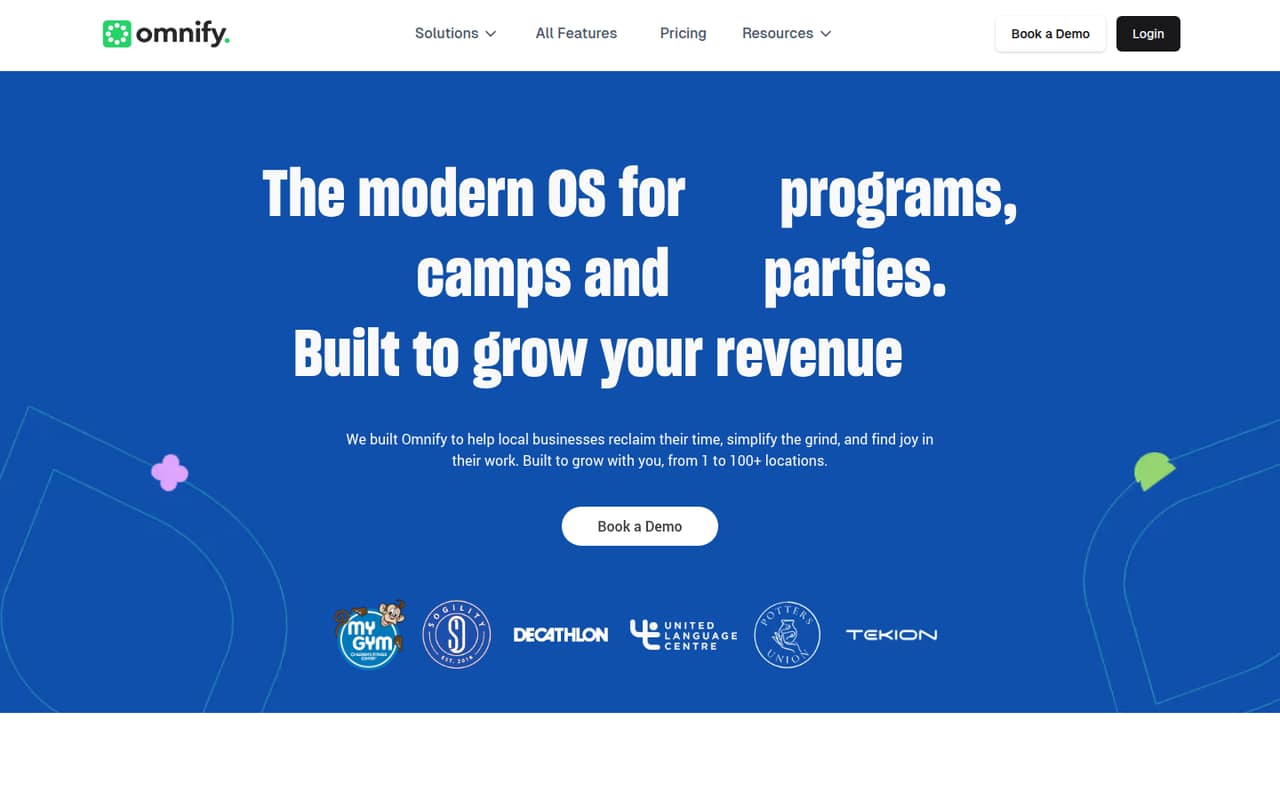
Omnify brings bookings, payments, customer management and day-to-day operations together for businesses running classes, camps, events, memberships or facility rentals. Its free plan covers up to two team members, but charges a 5% transaction fee and leaves out memberships and facilities.
For a team that needs more room, Growth costs $79 per month billed annually or $99 month to month, with up to five team members. Membership and facility features start on Accelerate at $199 per month billed annually or $249 monthly, so the right fit depends on what you sell.
Good fit if
- Classes, camps and appointment businesses
- Small teams managing bookings and customers
- Operators needing memberships or facility rentals
Skip it if
- Teams seeking a free membership plan
- Businesses needing published setup guidance
- Teams that want predictable transaction-free pricing
ScoresHow it rates
What works
- Free plan includes unlimited bookings
- Free plan supports up to two team members
- Bookings, payments and customer operations share one platform
- Growth includes up to five team members
- Accelerate covers memberships or facilities, or both
What doesn't
- Free plan charges a 5% transaction fee
- Growth charges a 2% transaction fee
- Memberships and facilities start at $199 monthly billed annually
- Extra team-member fees apply on paid plans
- Setup time and support details are not published
01Who Omnify is for
Omnify is for service businesses that sell scheduled activities or access: classes, camps, appointments, events, memberships and facility rentals. It puts booking and payment workflows alongside customer records and operational tools such as rosters, attendance, credits and invoices. That makes it relevant to a small team that would rather manage these jobs in one service-business platform than piece together separate booking and customer tools.
For a one- or two-person operation, the free plan may be enough to start if classes, class packages, appointments or events are the main offer. A team with up to five people can look at Growth, listed at $79 per month with annual billing or $99 monthly. If memberships or facilities are central to the business, the listed Accelerate plan supports up to 10 team members and costs more. Omnify is less compelling for a team that only needs simple scheduling and wants to avoid transaction fees.
02Omnify free plan and trial
Omnify’s Free plan costs $0 and includes up to two team members, unlimited bookings, and classes, classpacks, appointments and events. The trade-off is a 5% transaction fee. Memberships and facility rentals are not listed among its included features, and additional team members are unavailable on Free.
The pricing page also lists a seven-day free trial, but does not publish which plan or features the trial includes. Ask Omnify what you can access during the trial and whether it requires payment details before relying on it. For a small team testing the basics, the Free plan is the clearest no-subscription starting point. If your business needs membership or facility tools, the listed entry point is Accelerate at $199 per month billed annually, or $249 month to month.
03What a small team pays for Omnify
The cheapest paid plan is Growth: $99 monthly, or $79 per month when billed annually. That works out to $99 or $79 per person for a one-person team, before transaction fees. For three people, it is $33 per person monthly or about $26.33 per person with annual billing. At five people, it is $19.80 or $15.80 per person, respectively. Growth includes up to five team members and a 2% transaction fee.
Free is $0 for one or two team members, with a 5% transaction fee. If your three- or five-person team needs memberships or facilities, Accelerate is $249 monthly or $199 per month billed annually: about $83 or $66.33 per person for three, and $49.80 or $39.80 for five. It includes up to 10 team members and a 1% transaction fee. Additional team members cost $10 per month each on Growth or $20 on Accelerate. Growth’s additional products are custom quote; check with Omnify about any extra costs that apply to your setup.
04Getting started with Omnify
Omnify’s feature list points to a setup that involves choosing what you sell, configuring bookings and payments, and setting up customer communications. The platform lists a customer-facing storefront, roster and attendance management, credits and invoices, plus email, SMS and automated messages. Payment options include Omnify Payments, Stripe and POS terminals. Growth also lists 3,000+ Zapier integrations.
The vendor does not publish a setup-time estimate or detailed onboarding steps in the pricing material, so we would not assume a same-day launch. Before signing up, ask which steps are self-serve, whether help is available for importing customers or configuring existing services, and whether your chosen payment setup is included in your plan. For day one, identify the payment method you need and whether you rely on a Zapier connection; the listed Zapier integrations are a Growth feature. Learning-curve details are not published, so ask for a walkthrough if your team has several workflows to configure.
05When small teams outgrow Omnify
The first ceiling is team size: Free covers up to two people, and Growth up to five. Growth allows extra team members for $10 per person per month, but its listed 2% transaction fee remains a budget factor. Free does not offer additional team members. Teams should compare the added seat cost with the next plan before their headcount grows.
The bigger jump is about what you sell. Growth’s listed features do not include memberships or facilities; Accelerate adds memberships or facilities or both, supports up to 10 team members, and costs $199 per month billed annually or $249 monthly. Scale starts at 10 members, costs $499 per month billed annually or $599 monthly, and lists a 0.5% transaction fee, all services and custom reports. A business needing a branded app, API integration or a multi-location setup would need to ask about Enterprise or Multi-Location pricing, which is custom or not published as a set price.
Questions people ask
What does Omnify do?
Omnify is business software for service businesses that run classes, camps, appointments, events, memberships or facility rentals. It combines a booking storefront and payments with customer and operational tools, including rosters, attendance, credits, invoices and customer communications.
Is Omnify free?
Yes. Omnify lists a Free plan at $0 for up to two team members, with unlimited bookings and support for classes, classpacks, appointments and events. It charges a 5% transaction fee, and memberships, facilities and additional team members are not listed as available on Free.
How much does Omnify cost for a small team?
Growth costs $99 per month, or $79 per month when billed annually, and includes up to five team members. Accelerate costs $249 monthly or $199 per month billed annually for up to 10 team members and membership or facility features. Transaction fees also apply, at 2% on Growth and 1% on Accelerate.
Can Omnify manage memberships and facility rentals?
Yes. Omnify lists Accelerate for memberships, facilities or both, with up to 10 team members. It costs $199 per month billed annually or $249 monthly. The pricing also lists separate feature bundles for programs and memberships, facility rentals and programs, memberships and facilities, and memberships with check-ins at the same prices.
Is Omnify a good company for a small business?
Omnify may fit a small business that needs bookings, payments and customer operations in one platform, especially if it also sells memberships or facility access. The Free plan is a low-commitment start, but its 5% transaction fee and two-person limit matter. Check plan features and fees against your actual services before choosing.