We may earn a commission if you buy through links on this page. It never changes a score or a ranking. How we make money
A small team may not need dedicated scheduling software if bookings are occasional and a shared calendar is enough. But if customers need to choose a time themselves, or several people take appointments, a booking tool can cut the back-and-forth. Setmore is our best fit for teams that can stay within its free plan’s four-staff limit. Calendly and Cal.com are stronger when you need meeting links or team routing, but team use can mean paying per host or seat. Check the plan limits before inviting the whole team.
Quick picksThe shortlist
 SetmoreSetmoreBest for small teams · $5/mo
 CalendlyCalendlyBest for meeting hosts · $10/mo
 Cal.comCal.comBest for routing · $12/mo
 AppointletAppointletBest free team start · $9/mo
 OnceHubOnceHubBest for screening · $10/mo
 PicktimePicktimeBest low-cost option · $2.25/mo
 KoalendarKoalendarBest free booking links · Free
 SimplyBook.meSimplyBook.meBest for service bookings · $11.90/mo
 YouCanBook.meYouCanBook.meBest for reminders · $8.10/mo
 Acuity SchedulingAcuity SchedulingBest for paid appointments · $16/mo
01Compared at a glance
| Tool | Score | From | Free plan | Trial |
|---|---|---|---|---|
| SetmoreSetmore | 7.5 | $5/mo | Yes | 30 days |
| CalendlyCalendly | 7.5 | $10/mo | Yes | — |
| Cal.comCal.com | 7.2 | $12/mo | Yes | 14 days |
| AppointletAppointlet | 8.0 | $9/mo | Yes | — |
| OnceHubOnceHub | 7.6 | $10/mo | Yes | 14 days |
| PicktimePicktime | 7.2 | $2.25/mo | Yes | — |
| KoalendarKoalendar | 7.5 | Free | Yes | 7 days |
| SimplyBook.meSimplyBook.me | 7.5 | $11.90/mo | Yes | 14 days |
| YouCanBook.meYouCanBook.me | 6.8 | $8.10/mo | Yes | 2 weeks |
| Acuity SchedulingAcuity Scheduling | 7.2 | $16/mo | No | 7 days |
02The picks, in detail
- Best for small teamsSetmoreSetmore
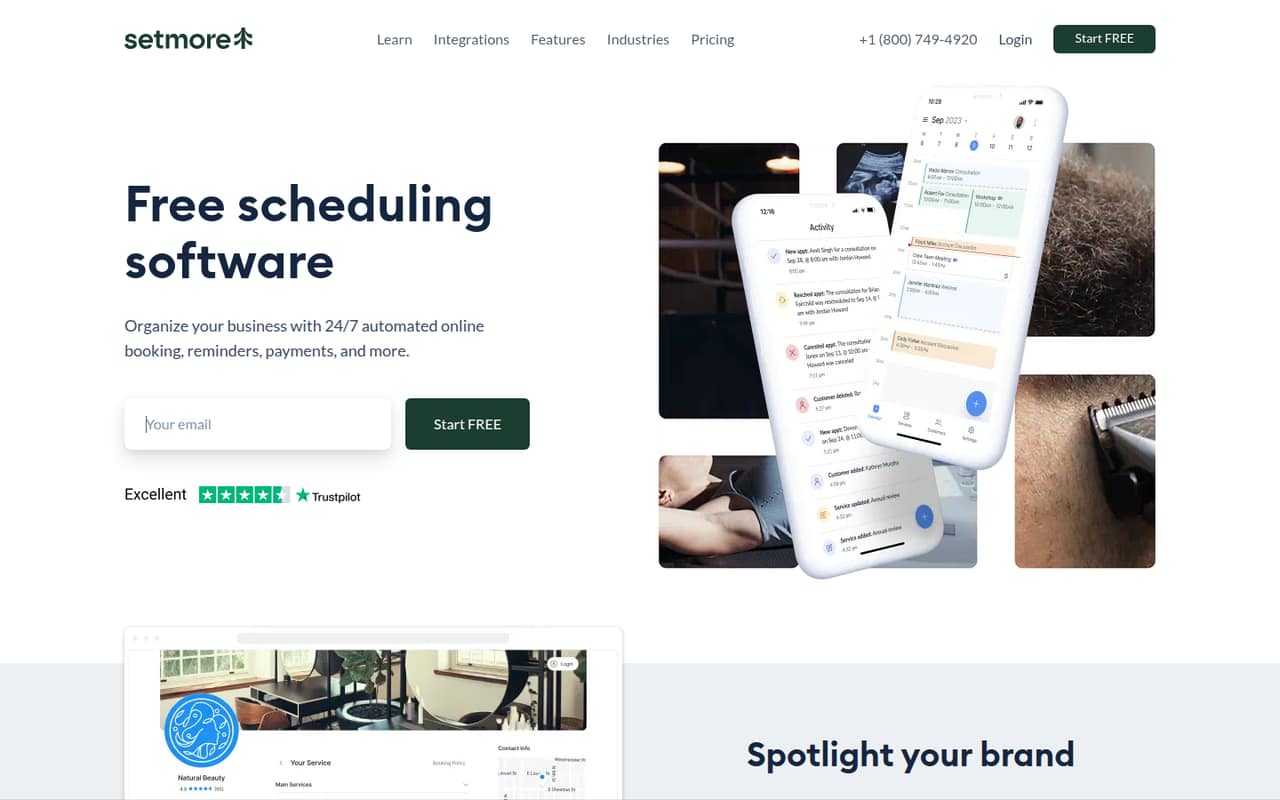
Setmore is our first pick for a small appointment-based team because its free plan can cover up to four staff, and its starting price is $5. The product is positioned around straightforward appointment booking. If your team has more than four staff or needs workflows beyond the basics, check the paid plan’s limits before moving bookings over.
What works
- Free plan covers up to four users
- Unlimited appointments on Free and Pro
- Free plan accepts payments
What doesn't
- Pro charges per user
- Five users require a paid plan
- Extra SMS credit pricing is unpublished
- Best for meeting hostsCalendlyCalendly
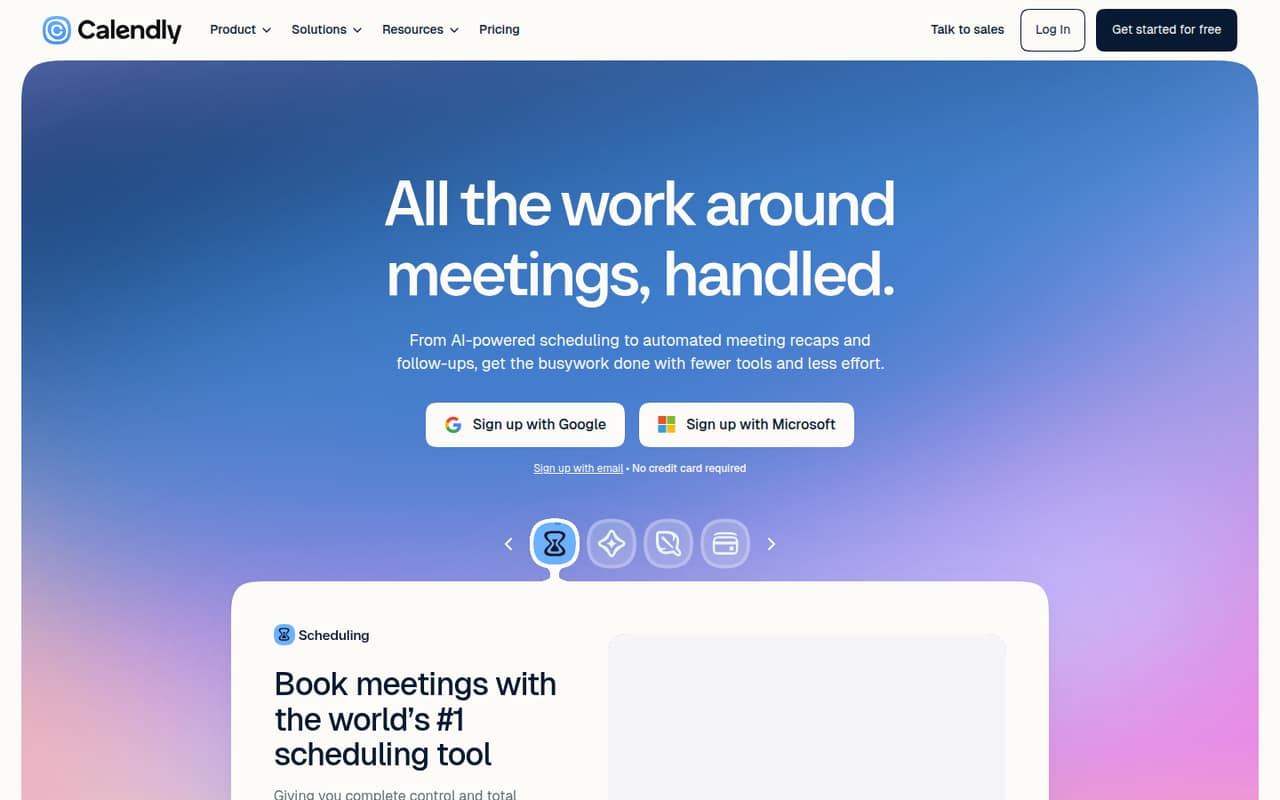
Calendly suits teams booking client calls across several hosts, with meeting routing available for teams that need it. There is a free plan, and paid pricing starts at $10. Budget for a paid seat per meeting host, rather than assuming one subscription covers everyone. It is a sensible shortlist pick if reducing scheduling back-and-forth matters more than keeping every host free.
What works
- Free plan includes one-on-one scheduling
- Booking links let invitees choose a time
- Standard includes unlimited event types
What doesn't
- Free allows one event type and calendar
- Paid prices are listed as annual equivalents
- Monthly-billed prices are not published
- Best for routingCal.comCal.com
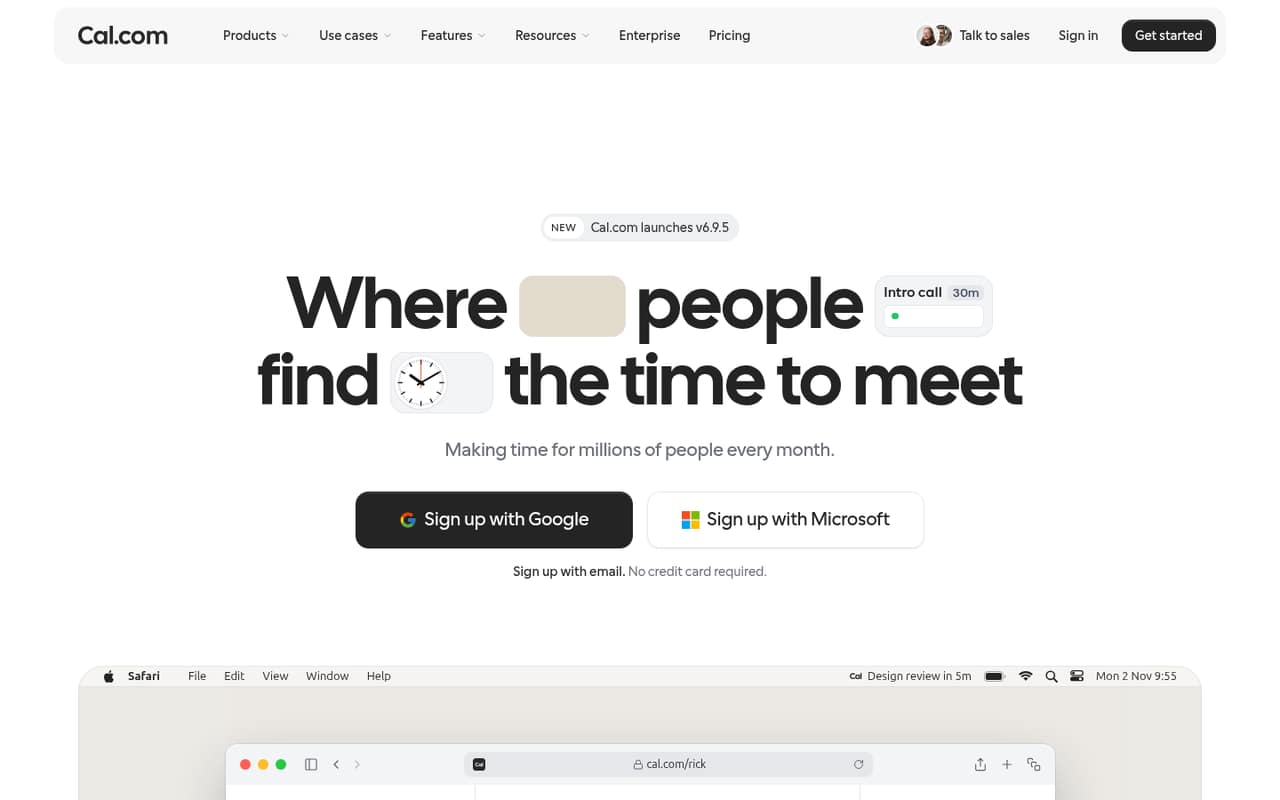
Cal.com is a strong free starting point for solo booking, and its team features include lead routing and round-robin scheduling. Pricing starts at $12, while team scheduling costs extra per seat. That makes it a better fit for a team that will use those shared workflows than for one that only needs several basic booking links.
What works
- Free plan includes unlimited links and calendars
- Free plan supports email and SMS notifications
- Teams plan includes round-robin scheduling
What doesn't
- Free Individuals plan is limited to one user
- Teams monthly-billing price is not published
- Teams and Organizations are priced per user
- Best free team startAppointletAppointlet
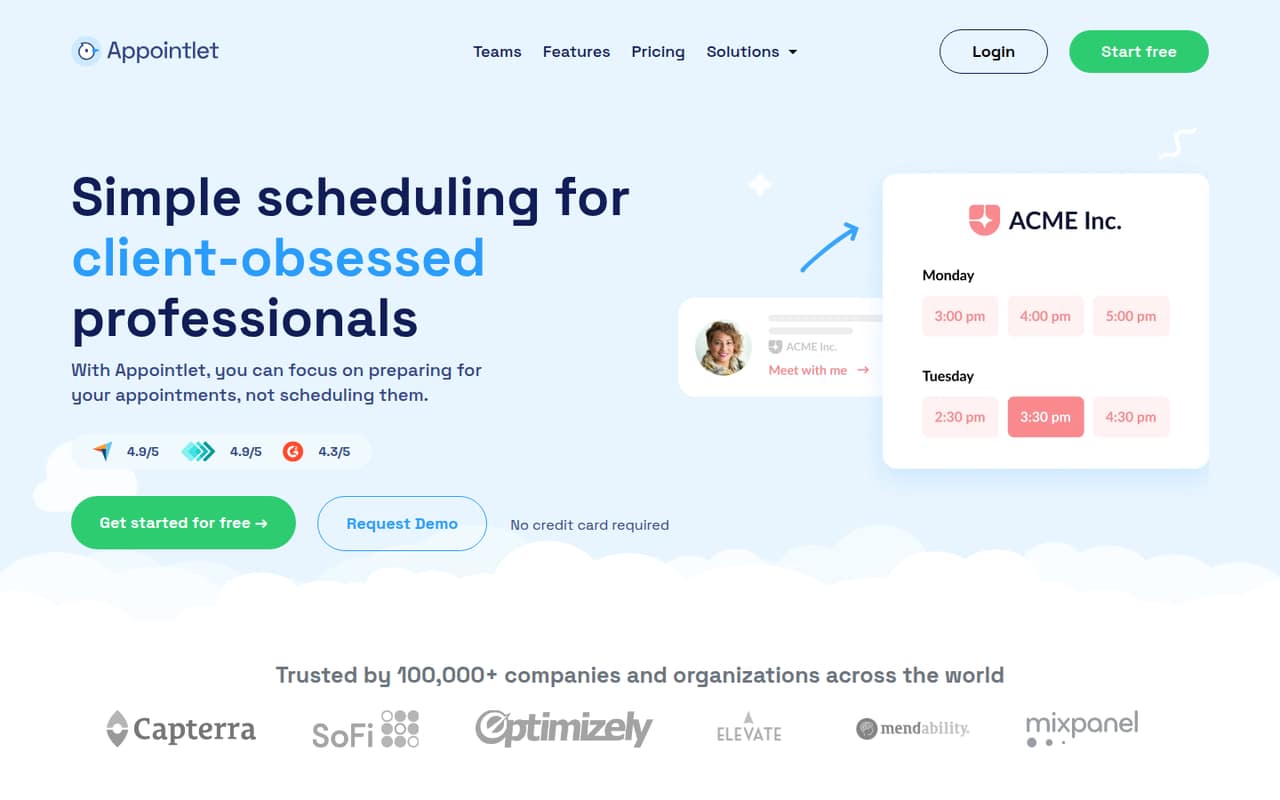
Appointlet offers a free starting point and is aimed at small teams with modest booking volume. Its starting price is $9, but paid features such as reminders carry per-seat costs. That can make it useful for getting a small booking operation started, provided you check which features your team needs and how those seats affect the bill.
What works
- Free plan allows up to five members
- Free plan includes 25 meetings monthly
- Booking links and website embeds
What doesn't
- Free plan is limited to one scheduling page
- Free plan caps meetings at 25 monthly
- Premium costs per member
- Best for screeningOnceHubOnceHub
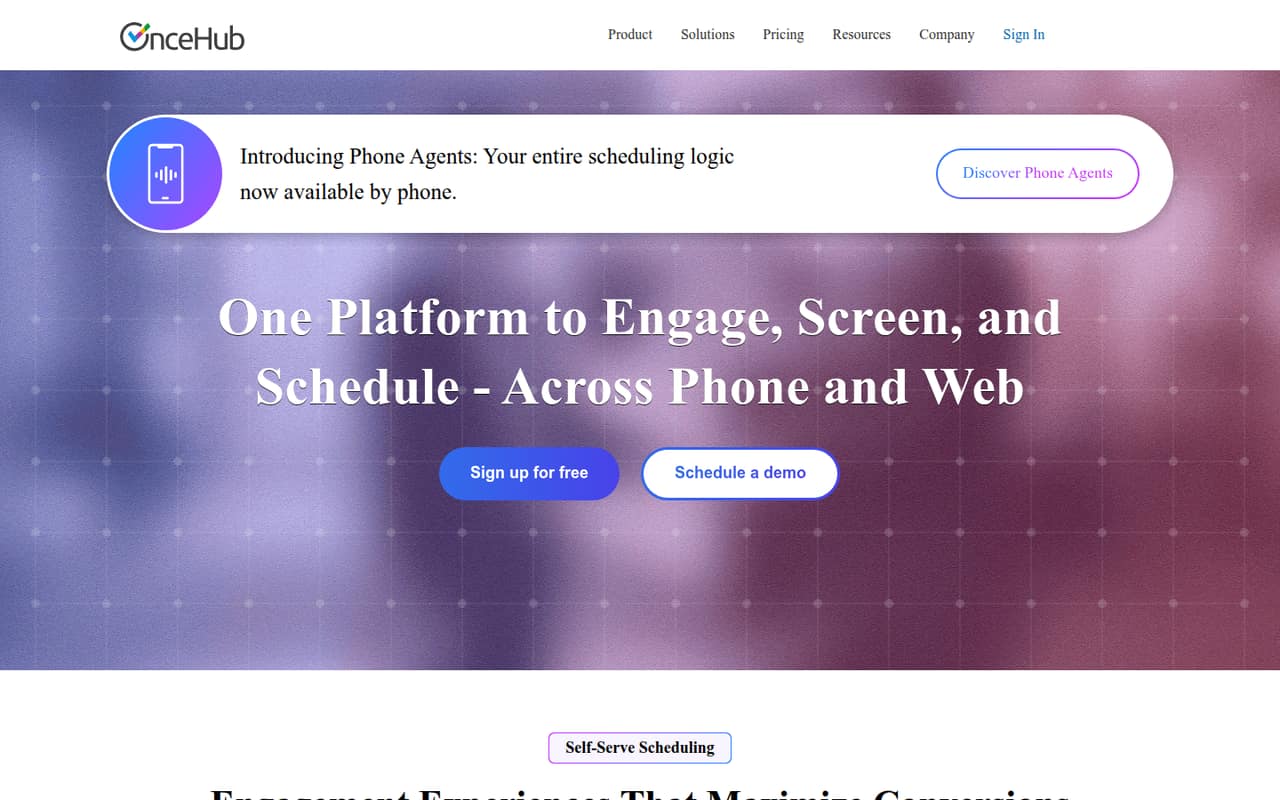
OnceHub is a fit for teams that need to screen or route bookings, as well as solo users who want one booking link. Its free tier is described as useful, and paid pricing starts at $10. If shared availability or routing is central to your process, compare its plan limits with a simpler scheduler before choosing.
What works
- Free Basic plan includes one user
- Unlimited links and calendars on Schedule
- Supports one-on-one and multi-host meetings
What doesn't
- Basic limits users, calendars, and booking links
- Paid plans charge per seat
- Higher-tier features require more expensive plans
- Best low-cost optionPicktimePicktime
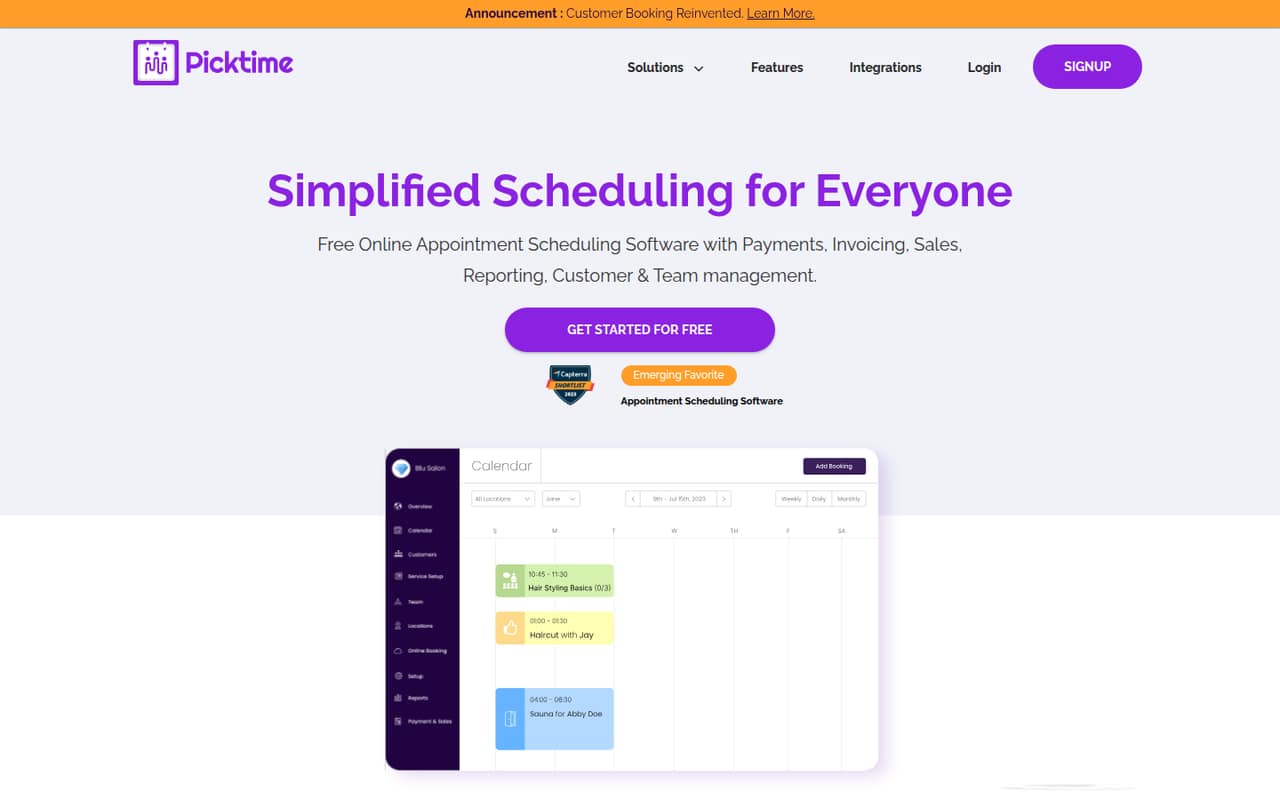
Picktime combines appointment scheduling with classes and resource management, and has a useful free tier. Its listed starting price is $2.25, with low annual prices noted. It is worth considering when budget is the main constraint, but check whether its plan supports your staff, classes, and resources before relying on it.
What works
- Free plan includes three users
- Unlimited appointments on every listed plan
- Online booking available around the clock
What doesn't
- Monthly-billed prices aren’t listed
- Free plan allows only two classes
- Starter is limited to three users
- Best free booking linksKoalendarKoalendar
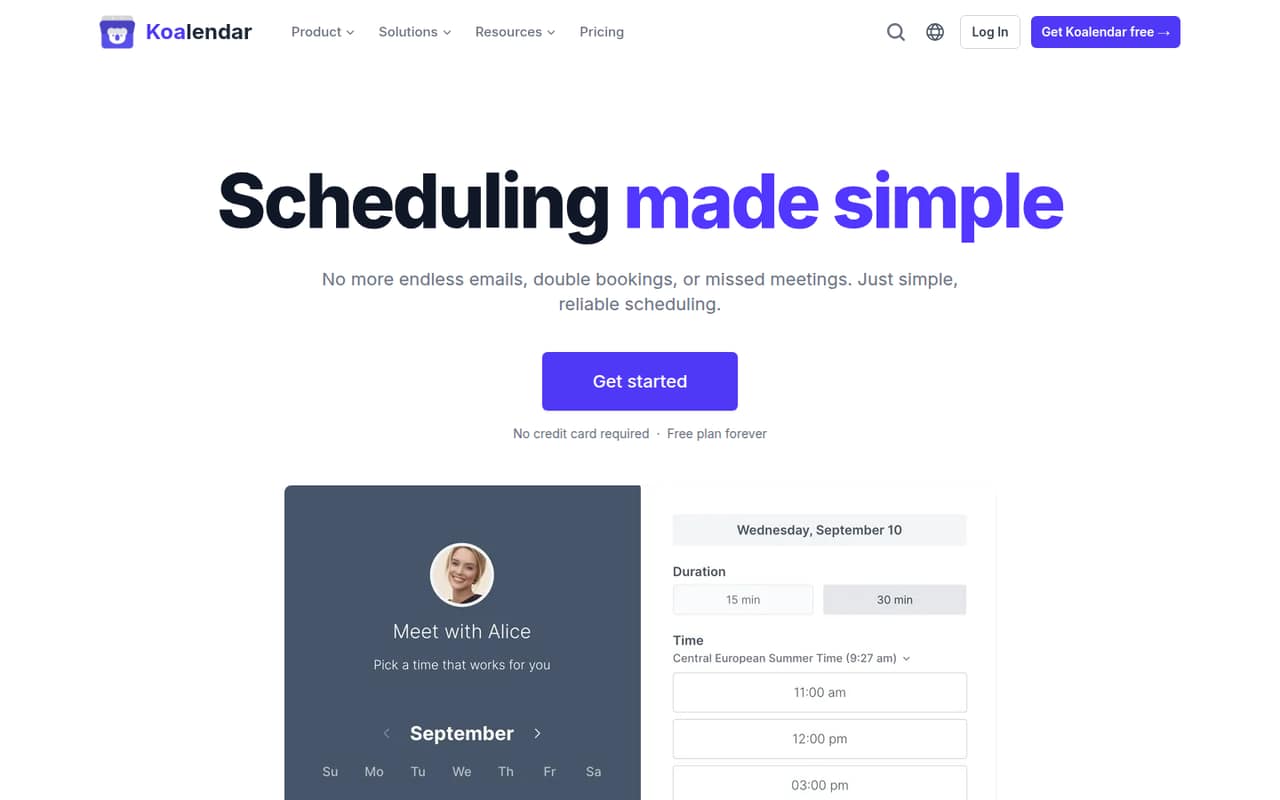
Koalendar is a good match for teams sharing simple booking links and starting with a free scheduler. The vendor’s paid-plan costs need confirming, so it is harder to compare the real cost for several users. Put it on the shortlist if a free start is the priority, then ask for the price and seat coverage before your team depends on it.
What works
- Free plan lists unlimited bookings and booking pages
- Free plan includes one-to-one meetings
- Connects Google, Outlook, and Apple calendars
What doesn't
- Paid plan prices are not reliably published
- Extra-seat prices are unclear
- Pro limits questions and services per link
- Best for service bookingsSimplyBook.meSimplyBook.me
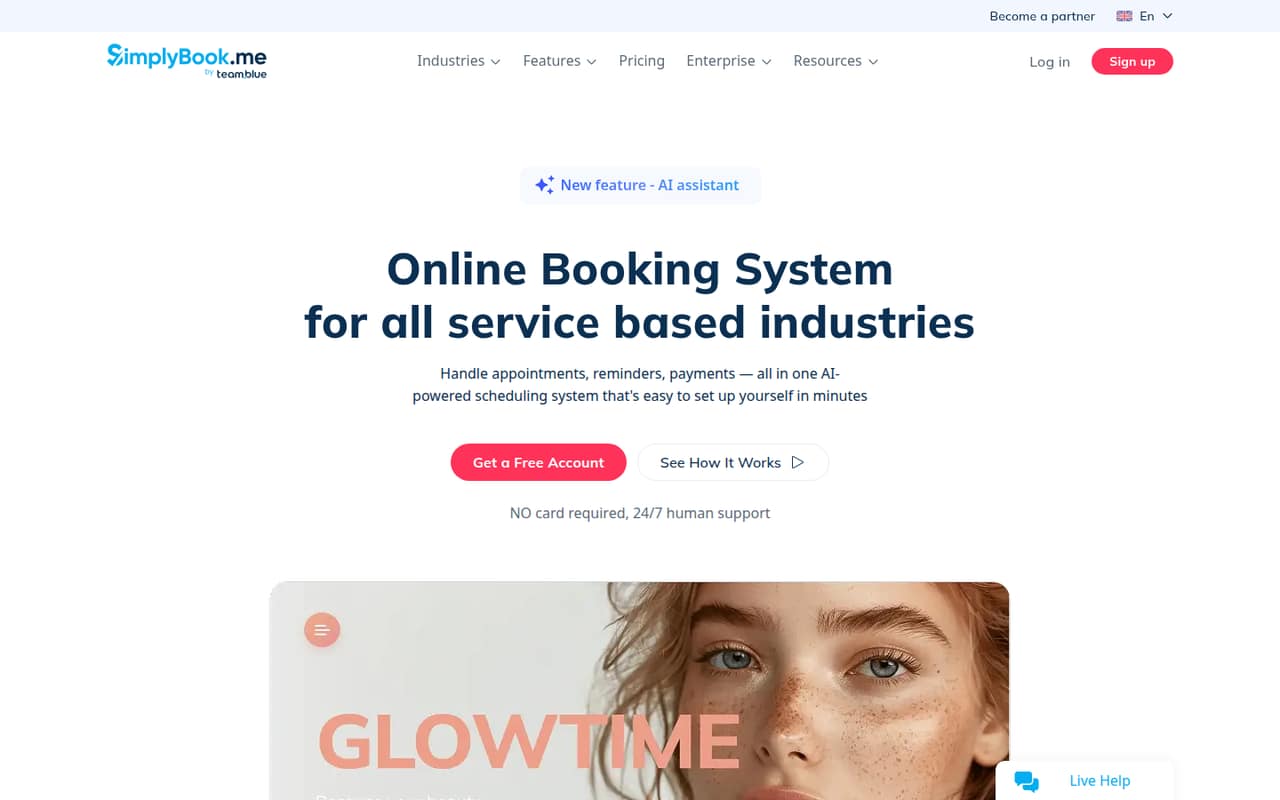
SimplyBook.me offers a free plan and starts at $11.9. It is aimed at service providers and small teams that need bookings and payments, with Google or Outlook calendar support. Its booking limits matter: check how many bookings your team can take on the plan before you use the free tier as your long-term setup.
What works
- Free plan includes a booking website and widget
- Basic supports up to five providers
- Basic includes payments, deposits, tips, and POS
What doesn't
- Free plan is limited to 50 bookings
- Free plan allows only one provider
- Basic includes only three custom features
- Best for remindersYouCanBook.meYouCanBook.me
YouCanBook.me includes a free plan and starts at $8.1. Its booking controls and reminders make it a candidate for appointment-based teams that want more than a bare booking link. Team costs climb per member, so price it with every person who needs access rather than comparing only the starting price.
What works
- Free plan includes 30 bookings monthly
- Booking pages support logos and colors
- Offers appointment types and group sessions
What doesn't
- Free plan has just one booking page
- Free plan caps bookings at 30 monthly
- Team pricing is charged per member
- Best for paid appointmentsAcuity SchedulingAcuity Scheduling
Acuity Scheduling is aimed at appointment-based businesses that need booking payments and support for up to six calendars. Pricing starts at $16, and there is no free plan. Its Starter plan has limited capacity, so confirm that its booking allowance and calendar coverage work for your business before paying.
What works
- Clients can book on a branded page
- Accepts payments through four listed providers
- Starter includes forms and email reminders
What doesn't
- No free plan
- Starter is limited to one calendar
- Text reminders require Standard
03How we chose
We ranked these tools for teams of 1–10, prioritizing a useful free plan, a clear starting price, and what happens when several people need access. We also considered plan limits and setup effort: a small team should not need to configure a complex system just to share booking times. Product documentation and Reddit sentiment can help flag confusing setup or user-reported friction, but neither replaces checking current plan details. We favor tools whose stated fit and costs make sense for a small team’s actual booking needs.
04Start with the booking job, not the feature list
First decide what people are booking. Client calls and shared meeting availability point toward tools such as Calendly, Cal.com, or OnceHub. Appointments that involve services, payments, classes, or resources call for a closer look at Setmore, SimplyBook.me, or Picktime. Avoid paying for routing or business-management features if all you need is a link to choose an open time.
Then write down who needs to host or manage bookings. Some tools charge more when you add team members: Calendly’s guidance is to budget for a paid seat per meeting host, while Cal.com charges extra per seat for team scheduling. YouCanBook.me’s pricing also climbs per member. Compare the cost for your actual host count, not just the advertised starting price. If you are the only person taking bookings, a free solo plan may be enough.
05Check free-plan limits and the next step up
A free plan is useful only if its limits match your workload. Setmore’s free plan covers up to four staff, while Appointlet is positioned for modest booking volume. SimplyBook.me has a free plan, but its booking limits should be checked before you depend on it. For Koalendar, ask the vendor to confirm paid-plan pricing; for other tools, verify what the listed starting price includes.
Before setup, confirm how many calendars, staff, bookings, and resources your plan allows, and whether the features your team needs are paid extras. Ask what happens when you outgrow the free tier and whether the paid price is per account, host, or member. Keep the first rollout small: choose one booking flow, confirm who owns it, and make sure the plan can handle the team’s expected use before sharing it widely.
Questions people ask
Does a small team need appointment scheduling software?
Not always. If bookings are occasional and one person can coordinate them, a dedicated tool may be unnecessary. It becomes more useful when customers need to choose times online, several colleagues take meetings, or your team wants to reduce scheduling back-and-forth.
What is the best free appointment scheduler for a small team?
Setmore is our pick when up to four staff can use its free plan. Appointlet and OnceHub also offer free plans, while Cal.com is a strong free choice for solo booking. Check booking and team limits before settling on a tool.
How much does appointment scheduling software cost for a few people?
Listed starting prices range from $2.25 for Picktime to $16 for Acuity Scheduling among these picks. Those starting prices do not tell you the full cost for a team: Calendly, Cal.com, and YouCanBook.me all have per-host or per-member cost considerations.
What should we confirm before paying?
Ask how many staff, calendars, bookings, and resources the plan covers, and whether reminders or team scheduling cost extra. Confirm the full price for everyone who needs access. For Koalendar, ask the vendor to confirm paid-plan pricing before depending on it.