
We may earn a commission if you buy through links on this page. It never changes a score or a ranking. How we make money
The bottom line
Strong webinar and content features, with pricing too opaque for a budget-conscious team to plan.
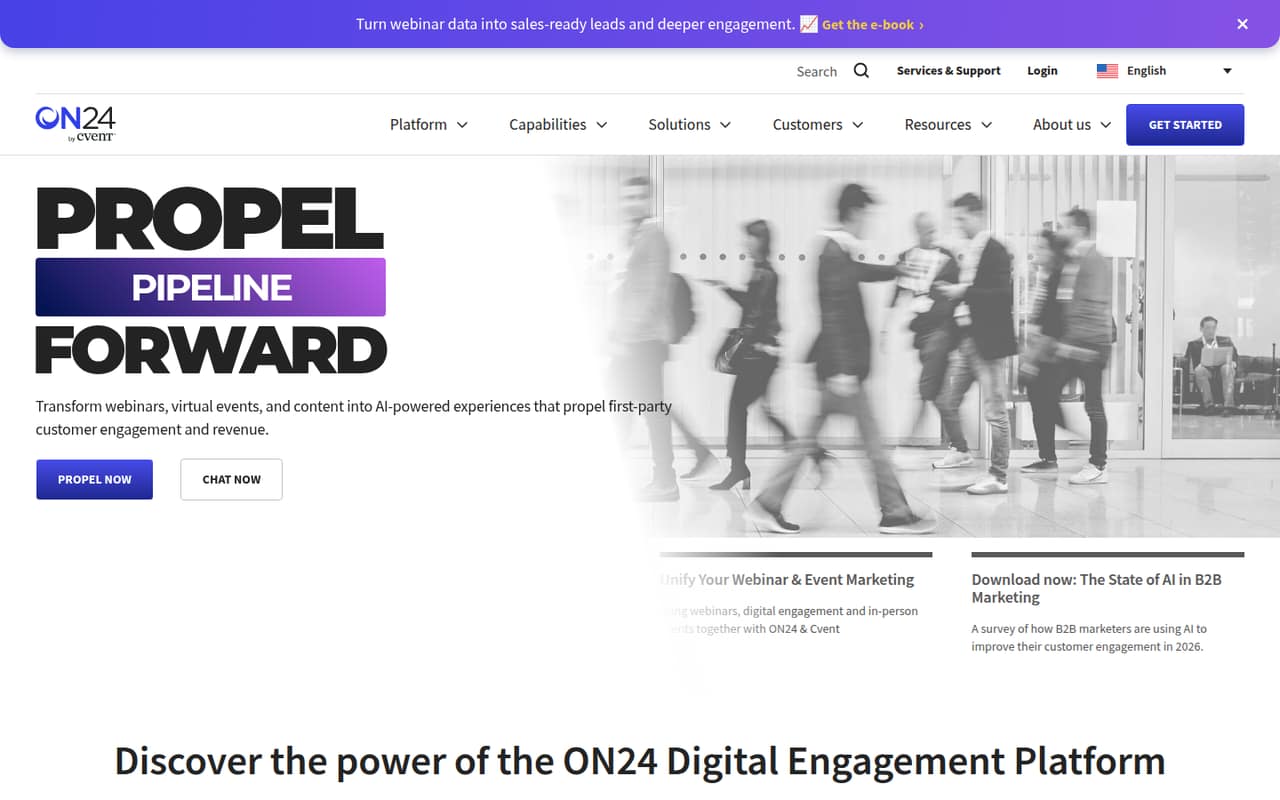
ON24 combines webinars, virtual events, personalized content, engagement analytics, and AI content repurposing. That breadth may suit a team running ongoing campaigns, not just occasional online presentations.
The catch for a small team is the buying math: the pricing page lists Essentials, Standard, and Advanced, but publishes no prices, seat limits, or usage limits. There is no listed free plan, and the virtual events add-on has no published cost.
Good fit if
- Teams running regular webinar campaigns
- Marketing teams repurposing event content
- Businesses building ongoing content nurture
Skip it if
- Teams needing a free webinar plan
- Buyers who need predictable seat pricing
- Teams hosting only occasional presentations
ScoresHow it rates
What works
- Combines webinars, virtual events, and content marketing
- Personalizes webinars, hubs, and landing pages
- Repurposes presentations into ebooks, blogs, and video highlights
- Tracks engagement across touchpoints and event heatmaps
- Supports always-on content through hubs and landing pages
What doesn't
- No free plan is listed
- Essentials, Standard, and Advanced prices are not published
- Seat and usage limits are not published
- Virtual events add-on cost is not published
- A small-team quote is needed to calculate the real cost
01Who ON24 is for
ON24 is aimed at marketing and customer-engagement teams that use webinars as part of a broader campaign. It brings webinars, virtual events, content hubs, and landing pages into one digital engagement platform. Teams can personalize those experiences for audience segments, review engagement data, and turn presentations into ebooks, blogs, or short video highlights.
For a team of 1–10, the fit depends less on headcount than on how often you will use those tools. A small team running regular webinars and follow-up content may get more from the platform than a team hosting a few presentations a year. Budget planning is harder: the pricing page lists Essentials, Standard, and Advanced but publishes no prices or seat limits. We’d ask ON24 for a quote that covers your actual team size, expected event volume, and any virtual events needs before deciding whether it fits a lean budget.
02ON24 free plan and trial
The pricing information lists no free plan. A free trial is not published, so ask ON24 whether it can provide a guided evaluation or trial access before you commit. The listed plans are Essentials, Standard, and Advanced, but their prices, seat limits, usage limits, and inclusions are not published.
That makes the first step a sales conversation rather than a self-serve signup with a known free tier. Essentials is one of the listed plans, but its price and whether it is the lowest-cost option are not published. Ask what the plan includes for webinars, users, and event volume, and whether the virtual events add-on is required for your use case.
03What a small team pays for ON24
ON24’s pricing page lists Essentials, Standard, and Advanced, but publishes no plan prices. It also does not publish per-seat rates or monthly versus annual billing terms. So we can’t give a grounded cost for one person, or calculate a total for a team of three or five. Ask for a quote that spells out the price at your team size and whether the amount changes with event or usage volume.
The pricing details also leave plan inclusions and seat and usage limits unpublished. Virtual events are an add-on, and its cost is not published. That could matter if your team needs virtual events as well as webinars. Before comparing ON24 with a per-seat tool, ask for an itemized quote for the exact number of users you need, the webinar volume you expect, and the virtual events add-on if relevant. Without those figures, a small team cannot reliably compare monthly and annual costs or identify the cheapest plan that works.
04Getting started with ON24
The listed feature set covers webinars, virtual events, personalized experiences, content repurposing, analytics, and ongoing nurture. That is a wider scope than a basic webinar room, so a team should decide which parts it actually plans to use before setup. The setup time, learning curve, and required integrations are not published in the available pricing details.
We’d ask ON24 to walk through a first webinar workflow and confirm which CRM, marketing, or registration connections your team needs on day one. Also clarify who can configure content hubs and landing pages, and whether AI content repurposing is included in your quoted plan. One Reddit thread about accessing an ON24 recording describes needing to be logged in through another website, but that is a single video-access issue, not evidence of typical setup difficulty. Get the onboarding scope and any extra fees in writing.
05When small teams outgrow ON24
ON24 may become a poor fit when your team needs predictable costs more than a broad engagement toolkit. The pricing page does not publish seat or usage limits, so it is not possible to identify a specific point where you must upgrade. Ask the vendor what happens when you add users, increase event volume, or need more virtual event capacity, and get those thresholds in the quote.
A small team may also outgrow the buying model if it wants a self-serve free tier or clear per-seat pricing. The virtual events add-on introduces another unpublished cost to check as your program expands. One Reddit thread about downloading an event recording includes a user saying access required a login through another website; commenters discuss cookies and finding the video stream. That points to access controls in that particular case, not a general limit on ON24 or a broad pattern of user dissatisfaction.
From the threadsWhat users say
The available Reddit discussion is a troubleshooting thread about accessing and downloading one ON24 recording, not a set of product reviews. It shows practical peer help alongside some access friction, so it is not enough to establish broad user satisfaction.
You need to be logged in from another website to watch it
If it's not re-creatable, it's not helpful
reload webpage, restart video, pause it, all while you have dev tools open, then look at the network requests - use the filter box even
Hope that helps anyway : cheers :
Questions people ask
What does ON24 do?
ON24 is a digital engagement platform for webinars, virtual events, and content marketing. Its listed features include personalized webinars, content hubs, landing pages, engagement analytics, and AI-assisted repurposing of presentations into ebooks, blogs, and short video highlights.
How much does ON24 cost?
The pricing page lists Essentials, Standard, and Advanced, but publishes no prices or monthly and annual billing terms. It also does not publish seat or usage limits. Ask ON24 for a quote based on your team size, event volume, and required features.
Does ON24 have a free plan or trial?
No free plan is listed. A free trial is not published, so ask ON24 whether trial access or a guided evaluation is available. Confirm what the evaluation includes and whether any virtual events features require a paid add-on.
Does ON24 charge extra for virtual events?
Virtual events are listed as an add-on, but its cost is not published. Ask whether the add-on is needed for your event format and request an itemized quote showing its price alongside your plan and user costs.
Can ON24 turn a webinar into other content?
ON24 lists AI content repurposing that can turn presentations into ebooks, blogs, and short video highlights. The pricing details do not specify which plan includes this feature, so ask the vendor to confirm availability and any usage limits in your quote.