
We may earn a commission if you buy through links on this page. It never changes a score or a ranking. How we make money
The bottom line
Useful board-history AI, but custom quotes leave small teams guessing at the real cost.
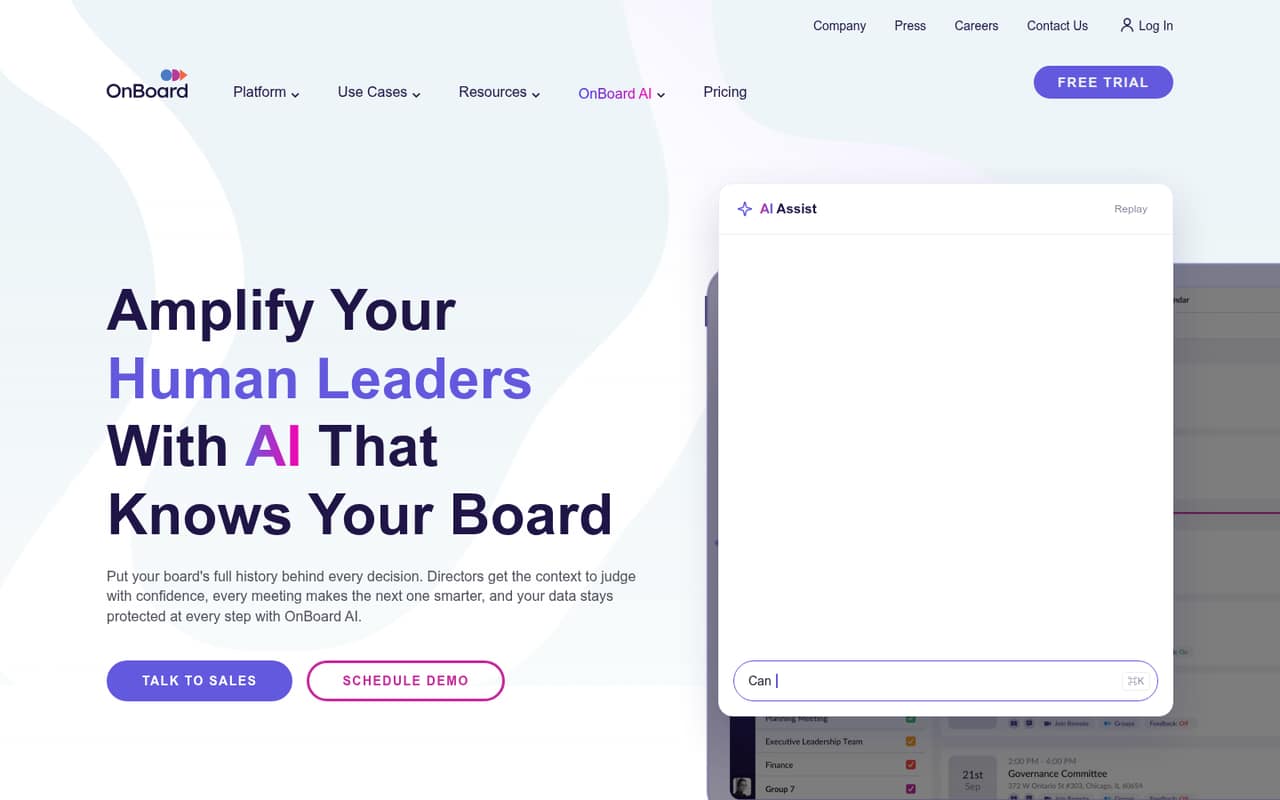
OnBoard combines board materials, meeting preparation, transcription, and a searchable governance library. Its AI can search board history, help prepare agendas, and draft minutes from transcripts.
There’s no free plan, and the pricing page lists custom per-user pricing without monthly or annual rates. Ask for a quote before deciding whether its AI and governance tools fit your budget.
Good fit if
- Boards with recurring governance work
- Teams that need searchable board history
- Organizations able to request a quote
Skip it if
- Teams needing a free board portal
- Buyers who need prices up front
- Groups with only occasional meetings
ScoresHow it rates
What works
- Searches board materials and meeting history with AI
- Supports agenda preparation and minutes drafting
- Transcribes meetings and captures motions and votes
- All listed plans include unlimited groups and committees
- Role-based access and automatic retention are listed
What doesn't
- No free plan is listed
- Monthly and annual prices are not published
- AI Assist Pro costs extra on Essentials
- AI Suite costs extra on Essentials and Premium
- Add-on prices are not published
01Who OnBoard is for
OnBoard is for organizations that need more than a shared folder for board packets. It brings meeting materials, agendas, transcription, minutes, and a searchable governance record into one board management platform. AI Assist can search board books, resources, published minutes, and meeting history; agenda tools can link sections to sources.
For a team of 1–10, it makes sense when board work is frequent, records need to be easy to find, and meeting preparation takes meaningful staff time. It is less compelling for a small group that meets rarely or mainly needs to email documents. The pricing page lists three tiers—Essentials, Premium, and Ultimate—with custom per-user pricing, so a small team cannot check the fit against a published seat price. We’d request a quote for the actual number of users and committees before comparing it with simpler options.
02OnBoard free plan and trial
The pricing page does not list a free plan. It also does not publish whether a free trial is available, so ask the vendor directly before budgeting time for an evaluation.
The cheapest listed way in is Essentials, which is custom-priced per user. It includes unlimited groups and committees, while AI Assist Pro and AI Suite are available as paid add-ons. That means the base plan may not cover the AI features a buyer has in mind. Ask for a quote that separates Essentials from each add-on, and confirm whether the vendor can provide a trial or guided evaluation. Without a public price or trial policy, there is no no-cost route we can recommend as a starting point.
03What a small team pays for OnBoard
The pricing page lists custom per-user pricing for Essentials, Premium, and Ultimate. It does not publish a starting price or monthly and annual rates, so we cannot give a dollar total for one person or a team of three or five. If the quoted per-user rate is P, one seat costs P, three seats cost 3P, and five seats cost 5P for the same billing period. Ask whether there is a minimum seat count or a different rate for annual billing.
Essentials is the lowest listed tier, but AI Assist Pro and AI Suite are add-ons, and their prices are not published. Premium includes AI Assist Pro, while AI Suite remains an add-on; Premium also lists board governance tools as an add-on. Ultimate includes AI Assist Pro, AI Suite, and board governance tools. All three tiers list unlimited groups and committees. For a fair small-team comparison, request a quote for the seats you need with the AI and governance features you plan to use.
04Getting started with OnBoard
OnBoard covers several jobs—meeting preparation, document sharing, transcription, minutes, and governance records—so setup will involve deciding how your team handles each one. The vendor describes role-based access, action logs, and automatic retention on its homepage. Those controls make it worth agreeing on permissions and retention rules before loading board materials.
The vendor does not publish a setup-time estimate in the information available here. One Reddit commenter recommends asking larger board-software vendors for an interactive tour of the admin side so you can check fit for your use case. Another says OnBoard was easy for their boards and committees, while a separate board-software user notes a learning curve from the admin perspective. Before signing, ask the vendor to walk through adding users, preparing a packet, and setting up access. Also confirm which calendar, identity, and document integrations your team needs; we can’t name supported integrations from the vendor details cited here.
05When small teams outgrow OnBoard
OnBoard’s listed plans all include unlimited groups and committees, so that feature alone does not create a published upgrade trigger. The more likely pressure points are the AI and governance tools: Essentials charges extra for AI Assist Pro and AI Suite, while Premium includes AI Assist Pro but charges extra for AI Suite and board governance tools. Ultimate includes those listed tools, but the vendor does not publish the price jump between tiers.
A growing team may also outgrow the budget predictability rather than the product. Custom per-user pricing makes it hard to forecast the cost of adding people, and unpublished add-on prices make comparisons harder still. Ask the vendor for costs at your current and expected seat counts before committing. Reddit feedback is limited but positive: one OnBoard user says their boards and committees found it easy to use. A separate commenter mentions an admin learning curve with another board platform, a reminder to check setup needs in a live walkthrough rather than assuming every team will find it simple.
From the threadsWhat users say
The available Reddit comments about OnBoard are positive on usability, though they are anecdotal. One commenter also recommends checking the admin experience with a tour, and feedback about other board tools mentions a learning curve.
I use OnBoard and love it
our Boards and committees have found OnBoard to be easy to use
It has a learning curve but fairly user friendly from the admin perspective
I’d recommend that so you can see how easy it is to set up for your specific use case
Questions people ask
What is OnBoard software?
OnBoard is board management software for preparing meetings, sharing materials, and keeping a searchable governance record. Its listed features include AI search across board materials and history, agenda assistance, meeting transcription, and drafted minutes. It also lists a governance library and access controls.
How much does OnBoard cost?
The pricing page lists Essentials, Premium, and Ultimate with custom per-user pricing. It does not publish monthly or annual rates, so the cost for one person or a small team is not available as a public figure. Request a quote for your seat count and needed add-ons.
Does OnBoard have a free plan or trial?
The pricing page does not list a free plan. The vendor also does not publish whether a free trial is available, so ask before planning an evaluation. Essentials is the lowest listed tier, but its price is custom and AI Assist Pro and AI Suite are add-ons.
What AI features does OnBoard include?
OnBoard’s AI features can search board books, resources, published minutes, and meeting history. The agenda tool can start from a prompt and link sections to sources. The platform also transcribes meeting discussion and can draft minutes from transcripts. Which AI features are included depends on the plan.
Is OnBoard suitable for a small board?
It can fit a small board that regularly prepares packets, needs searchable records, or wants meeting transcription and minutes support. But pricing is custom per user, and there is no listed free plan. Ask for a quote at your actual seat count and confirm add-on costs before comparing it with simpler tools.