
We may earn a commission if you buy through links on this page. It never changes a score or a ranking. How we make money
The bottom line
A capable scheduler for teams that need more than a booking link, with a genuinely useful free tier.
A small team only needs OnceHub if it wants more than a simple way to book meetings. Screening, routing, phone scheduling, and flexible team meetings make it a fit for more involved booking workflows.
The free Basic plan covers one user, calendar, and booking link. Paid plans start at $10 per seat monthly with annual billing, or $12 month to month; Reddit discussion raises calendar privacy concerns, so check whether its integrations suit your needs.
Good fit if
- Teams screening and routing bookings
- Small teams coordinating shared availability
- Solo users needing one booking link
Skip it if
- People needing only a basic calendar
- Teams requiring unsupported calendar providers
- Organizations unwilling to pay per seat
ScoresHow it rates
What works
- Free Basic plan includes one user
- Unlimited links and calendars on Schedule
- Supports one-on-one and multi-host meetings
- Routing and screening options for teams
- Calendar integrations include Google and iCloud
What doesn't
- Basic limits users, calendars, and booking links
- Paid plans charge per seat
- Higher-tier features require more expensive plans
- Extra phone numbers cost more
- Setup time and learning curve are not published
01Who OnceHub is for
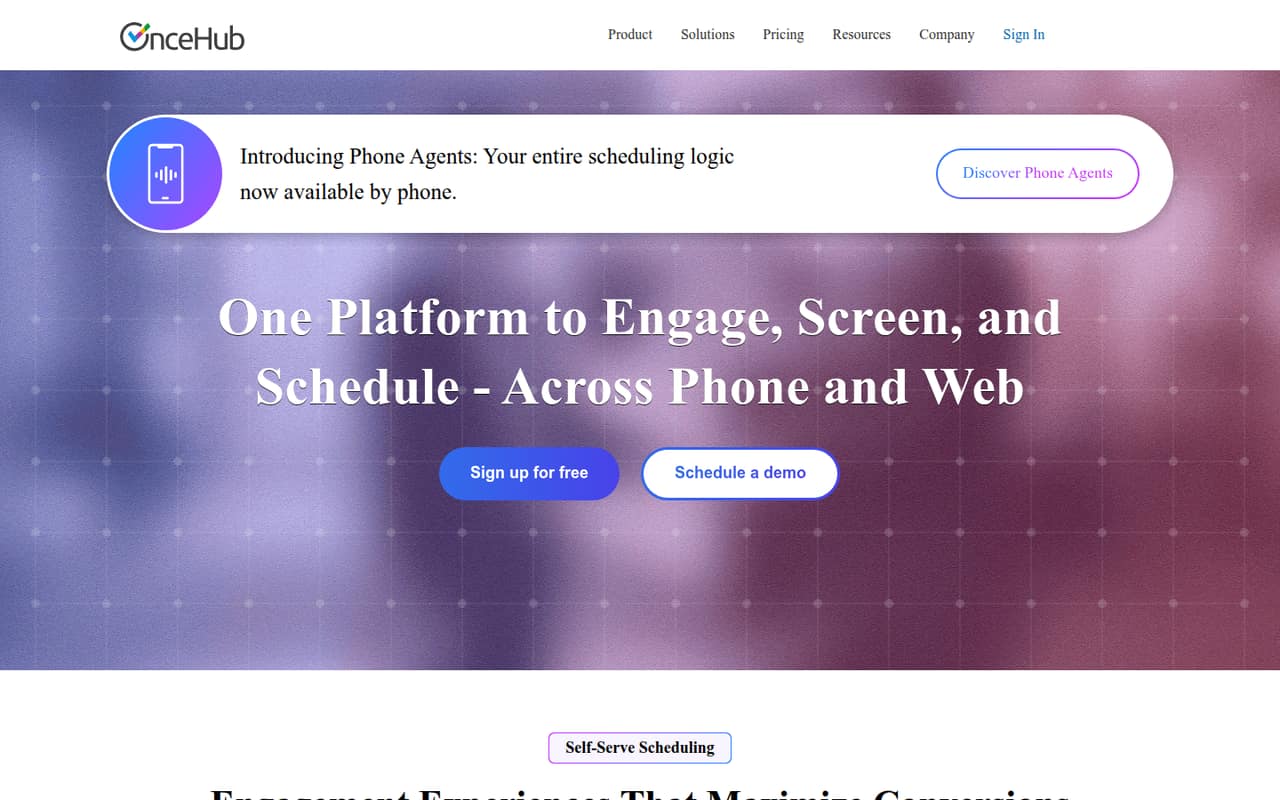
OnceHub is for individuals and small teams that need to manage more than a straightforward meeting link. It can screen visitors before they book, direct them to a suitable person or meeting, and support web and phone experiences. Teams can set up one-on-one, multi-host, group, or concurrent meetings, with hosts assigned or matched dynamically.
For a team of one, the free Basic plan may cover the essentials. For a team of three to ten, Schedule is the lowest paid tier listed and costs $10 per seat monthly with annual billing, or $12 month to month. Route is the next step for teams needing routing forms, round-robin distribution, or room scheduling. That makes OnceHub a better fit for organizations with a real intake or scheduling process than for a small team that just wants to share availability. The vendor lists integrations with Google, Microsoft 365, Exchange, and iCloud calendars.
02OnceHub free plan and trial
OnceHub’s Basic plan is free and includes one user, one connected calendar, and one booking link. It also lists Google, Microsoft 365, Exchange, and iCloud calendar integrations. That is enough for a solo user to try online scheduling, but it does not provide a second user, additional booking links, or the unlimited calendars and meetings listed on Schedule.
OnceHub also lists a 14-day free trial. The vendor does not publish the trial’s specific plan features or what happens to settings after it ends, so check those details before relying on it for a live booking flow. If you need multiple users or unlimited booking links, Schedule is the cheapest listed paid plan, starting at $10 per seat per month with annual billing.
03What a small team pays for OnceHub
Schedule is the cheapest paid plan, at $12 per seat monthly or $10 per seat per month with annual billing. That puts one seat at $12 month to month or $10 per month on the annual rate. Three seats cost $36 monthly or $30 per month on the annual rate; five seats cost $60 monthly or $50 per month on the annual rate. Annual billing therefore means $360 a year for three seats or $600 for five. The pricing page lists savings of up to 18% with annual billing.
Schedule includes unlimited booking links, connected calendars, and meetings, plus one phone number and Salesforce and HubSpot integrations. If you need routing forms, round-robin or priority distribution, or room scheduling, Route starts at $23 per seat monthly or $19 on the annual rate. Its second included phone number may not cover every team: additional phone numbers cost $4 per month. The security and compliance add-on is $6 per seat monthly or $5 per seat per month annually.
04Getting started with OnceHub
Getting started means matching your booking flow to the plan, connecting a calendar, and setting up the booking options visitors will see. The vendor lists Google, Microsoft 365, Exchange, and iCloud integrations on Basic. Schedule adds Salesforce and HubSpot integrations, which may matter if bookings need to connect to a sales workflow.
OnceHub does not publish a setup-time estimate or a detailed learning-curve rating in its pricing information, so we would not plan around a specific number of hours. The feature set suggests more configuration when you add screening, routing rules, phone agents, or multiple meeting formats than when you use one booking link. Before rolling it out, decide who should receive each type of booking and test that the connected calendar is one your team can use. A Reddit scheduling discussion raises concerns about privacy-focused calendars; check calendar compatibility with the vendor if your team relies on a provider outside the listed integrations.
05When small teams outgrow OnceHub
The first limit to watch is Basic’s one-user, one-calendar, and one-link cap. A second person or the need for multiple booking links points toward Schedule, which charges per seat. If you need forms that route visitors, round-robin distribution, or room scheduling, Route is listed at $19 per seat monthly with annual billing or $23 month to month. Real-time chat and AI-driven routing sit on Engage, at $39 annually billed or $47 month to month per seat.
Costs rise with each paid seat, and phone numbers beyond the plan’s included allowance cost $4 per month. Teams with 30 or more users can contact OnceHub about Enterprise pricing, which is custom. A Reddit thread about scheduling tools raises a practical concern for teams using privacy-focused calendars: commenters discuss a lack of public-facing booking options that work with those calendars. That is not a verdict on OnceHub itself, but it is a reason to verify your calendar setup before committing.
From the threadsWhat users say
The Reddit material is too limited to establish broad customer sentiment about OnceHub. A scheduling discussion does show concern about compatibility with privacy-focused calendars, while another post is promotional and has no comments.
They have calendars, but they don't have a public facing calendar that clients can schedule me on
I think you're basically stuck creating either a google or outlook account and using it as a calendar
The question was about privacy. Using a third party 'scheduling' service to handle your calendar of appointments is an oxymoron no?
Mailbox.org has calendar, syncs to iOS or Android
Questions people ask
What is OnceHub used for?
OnceHub is a scheduling and engagement platform for booking, screening, and routing visitors through web and phone experiences. It can manage availability and different meeting formats, then create meeting details such as video links, confirmations, and reminders.
Does OnceHub have a free plan?
Yes. Basic is free for one user and includes one connected calendar and one booking link. The listed calendar integrations are Google, Microsoft 365, Exchange, and iCloud. For unlimited booking links and connected calendars, the listed starting point is the paid Schedule plan.
Which calendars does OnceHub support?
The Basic plan lists Google, Microsoft 365, Exchange, and iCloud calendar integrations. If your organization uses another calendar provider, confirm compatibility with OnceHub before building your booking process around it.
Does OnceHub offer a free trial?
OnceHub lists a 14-day free trial. The vendor does not publish the trial’s specific plan features in the pricing details, so ask which capabilities are included and what happens after the trial ends.
Can OnceHub screen and route bookings?
Yes. OnceHub offers screening and qualification before visitors schedule, along with routing options. Route lists unlimited routing forms and responses, round-robin and priority-based distribution, and room scheduling.